 ProMapRanker
Best AI Platforms for Teaching in 2026

Key takeaways
- MagicSchool AI offers the broadest teacher toolkit, while Brisk Teaching fits teachers who live inside Google Docs and Slides.
- Khanmigo for Teachers stands out as a free, nonprofit option tied to Khan Academy content, with no upsell path for teacher tools.
- Diffit leads for leveled readings, Curipod leads for live interactive lessons, and Eduaide leads for guided, template-driven planning.
- AI output always needs human review, and student work must follow school rules on academic integrity, privacy, and age-appropriate use.
Quick comparison
| Pick | Great for | Pricing starts at | Free tier | |
|---|---|---|---|---|
 MagicSchool AI | Broad teacher toolkit | See website | Yes | Visit |
 Khanmigo for Teachers | Free teacher planning and tutoring support | Free | Yes | Visit |
 Brisk Teaching | Working inside Docs and Slides | See website | Yes | Visit |
 Diffit | Leveled readings and differentiation | $14.99 per month | Yes | Visit |
 Curipod | Live interactive lessons | See website | Yes | Visit |
 Eduaide.AI | Guided lesson and resource planning | $49.99 per year | Yes | Visit |
 SchoolAI | Teacher-designed AI spaces for students | See website | Free trial | Visit |
 Canva for Education | Visual lessons and classroom materials | Free | Yes | Visit |
 Education Copilot | Fast standards-aligned drafts | See website | Yes | Visit |
The best AI platforms for teaching
AI teaching tools should save planning time, help adapt materials for varied learners, and leave the teacher in charge of what students see. The nine tools below cover lesson planning, differentiation, feedback, interactive delivery, and visual materials, and all of them require teacher review before classroom use.
A plain note matters here. AI can draft, suggest, and summarize, but it can also make errors, invent facts, and produce work that looks polished without being correct. Teachers should check every AI draft for accuracy, bias, and fit for their class, and students should follow school rules on academic integrity. Never enter student names or sensitive student data into a tool unless your school has approved it and its privacy terms allow that use.
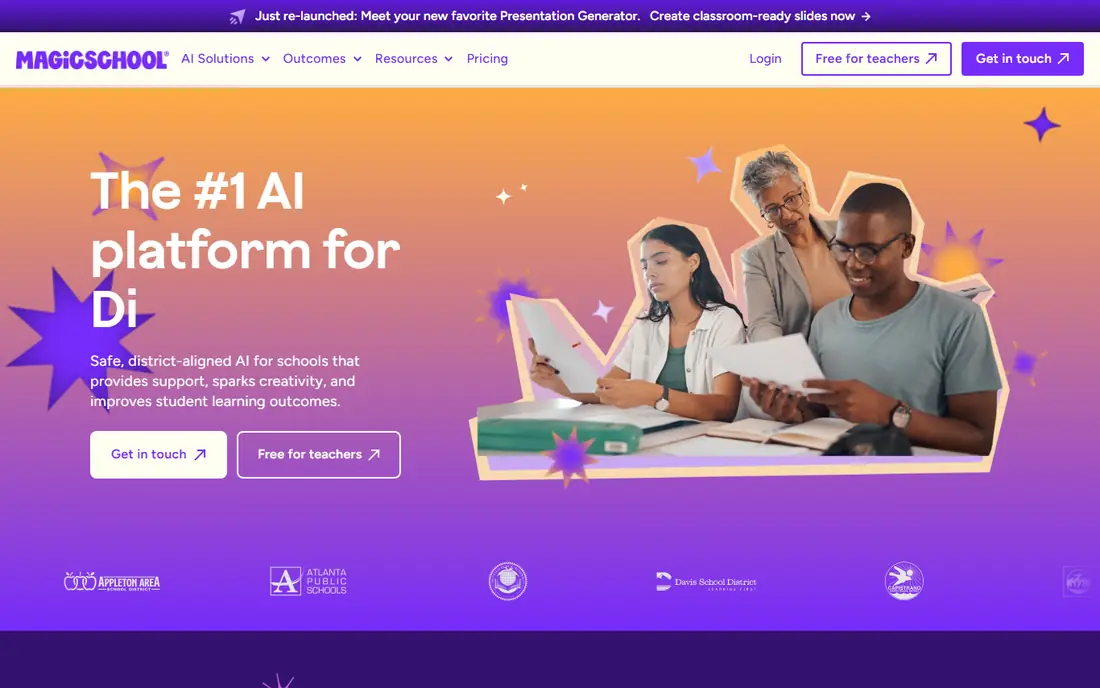
MagicSchool AI is the broadest tool in this list. Teachers can generate lesson plans, quizzes, rubrics, writing feedback, report card comments, differentiation supports, and parent communication templates from one dashboard, choosing grade, subject, topic, and standards as inputs. That breadth suits teachers who want one login for many daily tasks rather than a separate app for each job.
The size of the toolkit is also the learning curve. New users should start with two or three tools they use weekly, such as lesson plans and rubrics, before exploring the rest. The free tier covers normal planning for many teachers, with paid plans raising usage limits. As with all AI tools here, review every draft before sharing it with students.
- Many teacher tools in one dashboard, from lesson plans to rubrics and parent emails
- Student tools with teacher controls
- Education-focused privacy posture
- Breadth can feel sprawling at first
- Free tier has usage limits
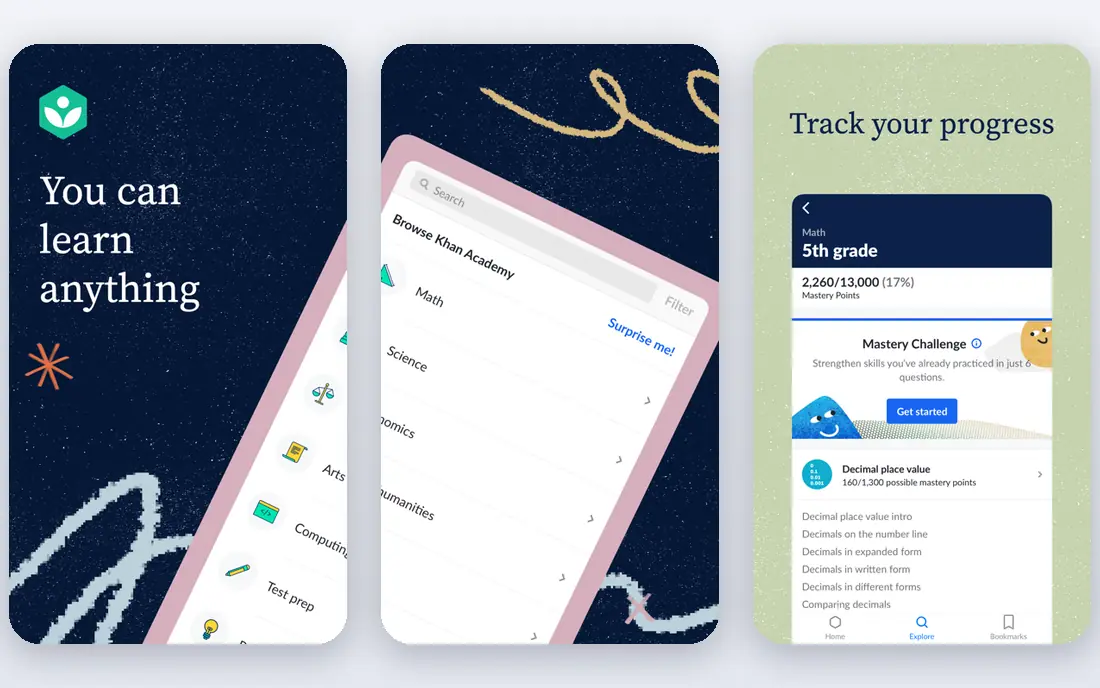
Khanmigo for Teachers stands out for price and trust. Teacher tools are free where available, and they connect to Khan Academy content that many schools already use, which reduces the need to vet a new curriculum source. Teachers can plan lessons, generate activities, and support student tutoring with a tool built for classrooms rather than adapted from a general chatbot.
The scope is narrower than a broad toolkit. Teachers who want dozens of specialized tools for IEP drafts, parent emails, and admin tasks may still need a second platform. For core planning and student support at no cost, Khanmigo is a strong first choice, especially for schools with tight budgets.
- Free teacher tools from a nonprofit with long classroom history
- Tied to Khan Academy lessons and practice
- No upsell path for teacher tools
- Toolset is narrower than MagicSchool
- Learner pricing differs from teacher access
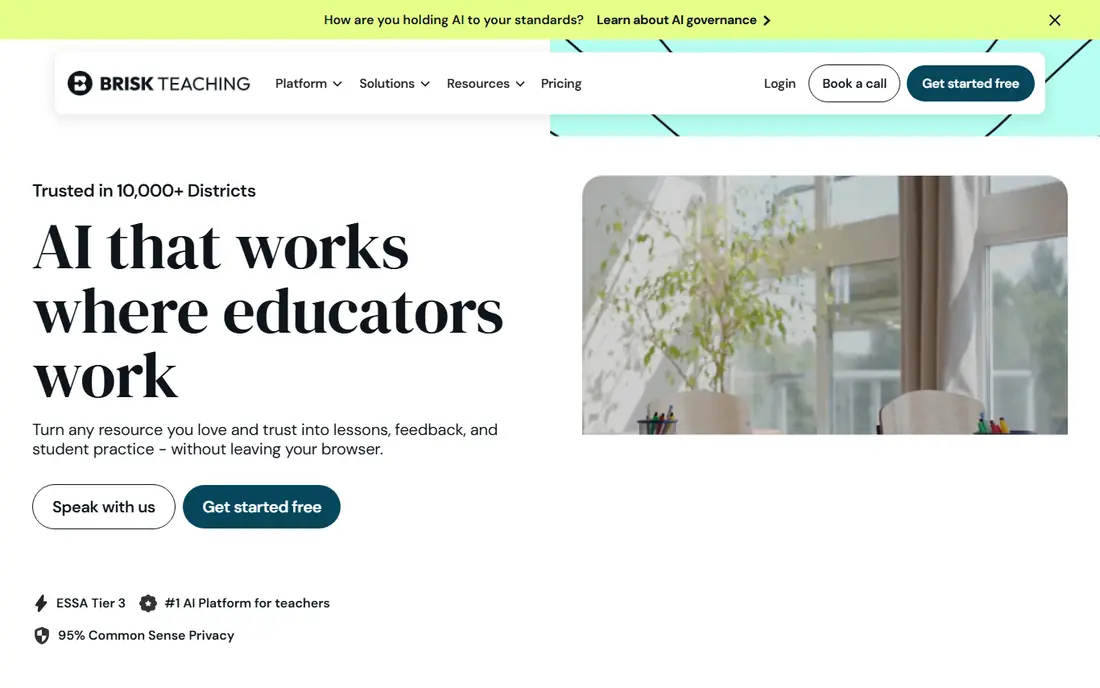
Brisk Teaching wins on workflow. Instead of opening a new tab, teachers use an extension inside Google Docs, Slides, PDFs, YouTube, and Canvas to level a text, create a quiz, give feedback, or build a lesson activity where the document already lives. That closeness to daily work explains why many teachers keep using it after trying broader platforms.
Browser dependence is the limit. Teachers who do not use Chrome or Edge, or schools that restrict extensions, should check compatibility first. The free tier covers core tools with daily limits, and the paid educator plan raises those limits. For Google Workspace schools, Brisk is an excellent second tool beside MagicSchool or Khanmigo.
- Chrome and Edge extension works inside Docs, Slides, PDFs, YouTube, and Canvas
- Fast feedback and reading level changes
- Free tier covers core tools
- Requires a supported browser
- Some features need a paid plan for full use
Diffit does one classroom job with unusual clarity. Give it a topic, text, or video, and it produces readings at different levels, plus vocabulary support, summaries, and questions. That makes it valuable for English, social studies, science, and multilingual classrooms where one text must serve learners at several reading levels.
Teachers should still review leveled texts for accuracy and tone, since simplification can drop nuance or introduce errors. Diffit does not replace a full lesson planner, so pair it with a broader tool for objectives, activities, and assessment. For differentiation workload, though, few tools save as much time per use.
- Turns a source text into leveled readings, vocabulary lists, and questions
- Strong for mixed-ability and multilingual classrooms
- Syncs with Google Classroom
- Focused on reading adaptation, not full lesson planning
- Paid plan needed for higher use
Curipod turns a lesson topic into an interactive presentation that students join live. Polls, word clouds, open-ended prompts, drawing activities, and exit tickets keep students responding instead of only watching slides, and teachers can see responses as they arrive. Templates remain editable, so a generated deck becomes a starting point rather than a finished lesson.
Live delivery is the point, so Curipod suits teachers who want participation during class more than teachers who only need printable worksheets. Pricing for larger school use is quoted, so individual teachers should check the free tier limits first. For engagement during lessons, Curipod is the strongest pick in this list.
- Builds interactive slides with polls, open questions, and exit tickets
- Students respond in real time
- Editable templates after creation
- Pricing for schools and districts is quoted
- Best value comes from live delivery, not static handouts
Eduaide.AI suits teachers who prefer structure over a blank prompt box. Guided workflows walk you through objectives, activities, assessment, and resources, with templates shaped by instructional design rather than generic text generation. That structure helps newer teachers and teachers who want consistent planning formats across a department.
The trade is breadth. Eduaide covers planning and resources well but does not match the sprawling tool count of larger platforms. The free tier allows limited generations per month, while the paid plan costs $49.99 per year based on vendor listings. For teachers who want calm, guided planning at a low price, Eduaide is a strong budget pick.
- Guided workflows for lesson plans, rubrics, and organizers
- Pedagogy-focused templates
- Low annual price for the paid plan
- Smaller toolset than MagicSchool
- Free tier limits monthly generations
SchoolAI focuses on student-facing AI that teachers control. A teacher creates a Space with instructions, source material, and guardrails, then students interact with an AI tutor or assistant inside those limits. Dashboards let teachers watch activity, spot confusion, and intervene, rather than leaving students alone with a general chatbot.
Design effort matters. A vague Space produces vague help, so teachers should write clear instructions, test the Space themselves, and set rules for when students should ask a human instead. Pricing for school-wide use is quoted, so start with a trial and one well-designed Space before expanding across classes.
- Teachers design AI spaces with rules, resources, and goals
- Dashboards show student activity in real time
- Accessibility features included
- Pricing by quote for larger use
- Setup takes planning to design good spaces
Canva for Education is not an AI lesson planner first, but its AI-assisted design tools make it valuable for teaching materials. Teachers can build slides, worksheets, posters, infographics, and newsletters from templates, then share them with students or print them for class. Eligible educators can access the education plan free, which keeps costs low.
Teachers should check eligibility and AI feature limits for their school, since access differs by account type. Canva also does not plan lessons, differentiate readings, or grade work, so it pairs best with a planning tool like MagicSchool or Diffit. For visual quality and speed, few classroom tools match it.
- Free for eligible educators and schools
- Posters, slides, handouts, and newsletters from templates
- Easy sharing with students
- AI features vary by plan and eligibility
- Not a lesson planner or grading tool
Education Copilot suits teachers who need a solid draft fast. Enter a topic, grade, and standard, and the tool produces lesson outlines, handouts, and assessment ideas that you can edit into your own plan. The simple interface keeps prep time short, which matters on a busy school morning.
Depth is limited compared with MagicSchool or SchoolAI, and teachers should verify pricing and plan limits on the vendor site before relying on it daily. As with every tool here, check the draft for factual errors and fit before use. For quick, standards-shaped starting points, Education Copilot earns its place.
- Fast drafts for lesson plans, handouts, and assessments
- Standards-aligned templates
- Simple interface for quick prep
- Narrower feature set than broad toolkits
- Pricing details need checking on the vendor site
How we picked these
We compared official feature pages, pricing pages, and education privacy pages for AI teaching tools live in October 2026, and we favored tools built for teachers, with free or low-cost teacher access and clear classroom uses. We marked pricing as See website where vendors quote by school or where plan details varied, and we used published prices where vendors list them. We did not claim hands-on testing, and we judged each tool by its public documentation.
How to choose an AI teaching platform
Start with your biggest weekly workload. If planning takes the most time, start with MagicSchool, Khanmigo, or Eduaide. If differentiation takes the most time, start with Diffit. If student engagement during lessons is the gap, start with Curipod. If you live in Docs, add Brisk. One well-used tool beats five half-learned tools.
Protect privacy and academic integrity
Check your school policy before entering any student data, and prefer tools that state they do not train models on student inputs. Teach students when AI help is allowed, when it is not, and how to cite or disclose AI use where your school requires it. Keep final judgment with the teacher: AI drafts, grades, and feedback always need human review before they affect a student record or grade.
Test with one class first
Run a tool with one class for two weeks, then judge it by time saved, student response, and error rate. Check whether outputs match your standards, whether students could misuse a student-facing tool, and whether the free tier lasts a full term. Expand only when the pilot passes those tests.
Frequently asked questions
What are the best AI tools for teaching?
MagicSchool AI leads for breadth, Khanmigo leads for free teacher tools, Brisk leads inside Docs, Diffit leads for leveled readings, and Curipod leads for live lessons. The best pick depends on whether planning, differentiation, feedback, or live engagement costs you the most time.
What is the best AI software for teaching lesson plans?
MagicSchool AI, Khanmigo for Teachers, Eduaide.AI, and Education Copilot all produce lesson plan drafts, with MagicSchool offering the most tools and Eduaide offering the most guided structure. Review every draft for accuracy and fit before teaching from it.
What are the best AI teaching tools with the best reviews?
Teachers commonly praise MagicSchool for breadth, Brisk for workflow inside Docs, and Diffit for differentiation, based on public reviews and classroom guides. Reviews vary by school setup, so test the free tier with your own class before buying.
What is the best AI tool for teaching online?
SchoolAI and Curipod suit online and hybrid teaching well, since SchoolAI spaces guide student AI use and Curipod supports live interactive lessons. Canva for Education also helps online teachers share polished visual materials with remote students.
What are the best-rated AI tools for teaching writing feedback?
Brisk Teaching and MagicSchool AI both offer writing feedback tools, with Brisk working directly inside student documents. Feedback still needs teacher review, since AI comments can miss context, tone, or the learning goal behind a piece of writing.
Do AI teaching tools replace teachers?
No. AI tools draft materials, adapt texts, and support practice, but teachers set goals, check accuracy, protect privacy, guide discussion, and make final judgments about learning. The strongest use of these tools keeps the teacher in charge of every classroom decision.
Sources
See where you really rank - block by block
ProMapRanker scans Google Maps across a grid of your service area. Simple monthly plans from $19, white-label on every plan.
Start freeKeep reading
 outreach alternatives
Outreach Alternatives in 2026
Compare outreach alternatives for 2026, from Salesloft and Apollo to HubSpot and Lemlist, with pricing, channels, features, limits, and honest trade-offs.
Read → best web conference tools
Best Web Conference Tools in 2026
Compare the best web conference tools for meetings, webinars and team calls, with current pricing, free plans and honest limits for each option here today.
Read → best voice cloning tools
Best Voice Cloning Tools in 2026
Compare the best voice cloning tools in 2026, from ElevenLabs and Descript to Resemble and Cartesia, with consent rules, pricing, licenses, and limits.
Read →