 ProMapRanker
Best AI Photo Retouching Software in 2026


Photo libraries and batch edits · Pricing starts at: $9.99 per month
Key takeaways
- Lightroom and Photoshop suit photographers who want full control, while Luminar Neo and Topaz Photo AI suit buyers who want faster, more guided results.
- Evoto and Imagen suit high-volume portrait work, because batch retouching and consistent presets save more time than single-image edits.
- One-time purchases from Luminar Neo and Topaz Photo AI can cost less over time than subscriptions, but generative features may still need renewals.
- Check how each tool handles skin texture, since heavy retouching can look plastic on portraits if sliders are pushed too far.
- Edit only images you own or have permission to use, and get consent before retouching or sharing photos of other people.
Quick comparison
| Pick | Great for | Pricing starts at | Free tier | |
|---|---|---|---|---|
| Adobe Lightroom | Photo libraries and batch edits | $9.99 per month | Free trial | Visit |
 Adobe Photoshop | Full pixel-level retouching | $22.99 per month | Free trial | Visit |
 Luminar Neo | Guided AI edits without subscription | $99 one-time | Free trial | Visit |
 Topaz Photo AI | Denoise, sharpen, and upscale | $199 one-time | Free trial | Visit |
 DxO PhotoLab | RAW quality and lens correction | See website | Free trial | Visit |
 ON1 Photo RAW | Full editor with one-time purchase | See website | Free trial | Visit |
 Evoto | High-volume portrait retouching | See website | Free trial | Visit |
 Imagen | AI editing profiles for photographers | See website | Free trial | Visit |
 Retouch4me | Portrait retouching plug-ins | See website | Free trial | Visit |
The best ai photo retouching software
We compared legitimate photo retouching tools for photographers and creators, with attention to portrait work, batch editing, and price models. Edit only images you own or have permission to use, and get consent before retouching or sharing photos of other people.
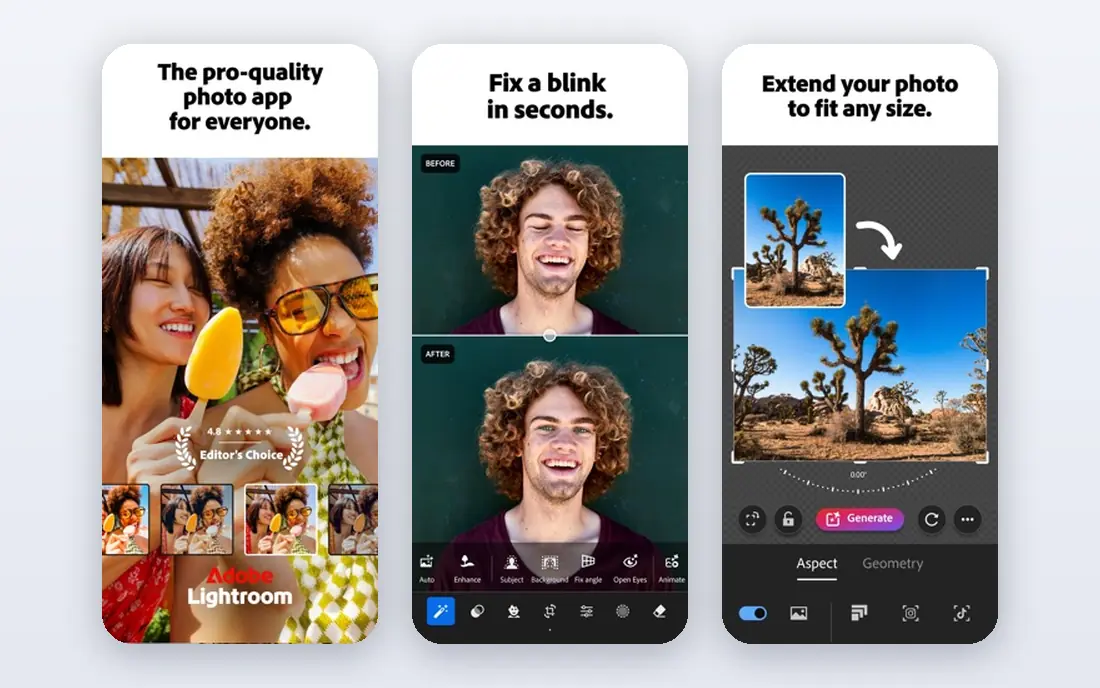
Lightroom is the default library tool for photographers who edit hundreds of photos from a shoot. Its AI masking can select subjects, skies, and backgrounds, which makes selective skin, color, and light edits faster without manual brushing. Batch presets and sync settings help a wedding or portrait photographer apply a consistent look across a full set.
Lightroom is less automated for portrait retouching than Evoto or Retouch4me, so detailed skin work still takes manual steps. The Photography plan is listed around $9.99 per month in recent comparisons, with other Adobe plans costing more. Lightroom fits photographers who need organization plus editing, not only retouching.
- Strong library and batch workflow
- AI masking for selective edits
- Pairs with Photoshop
- Subscription only
- Portrait retouching is less automated than specialist tools
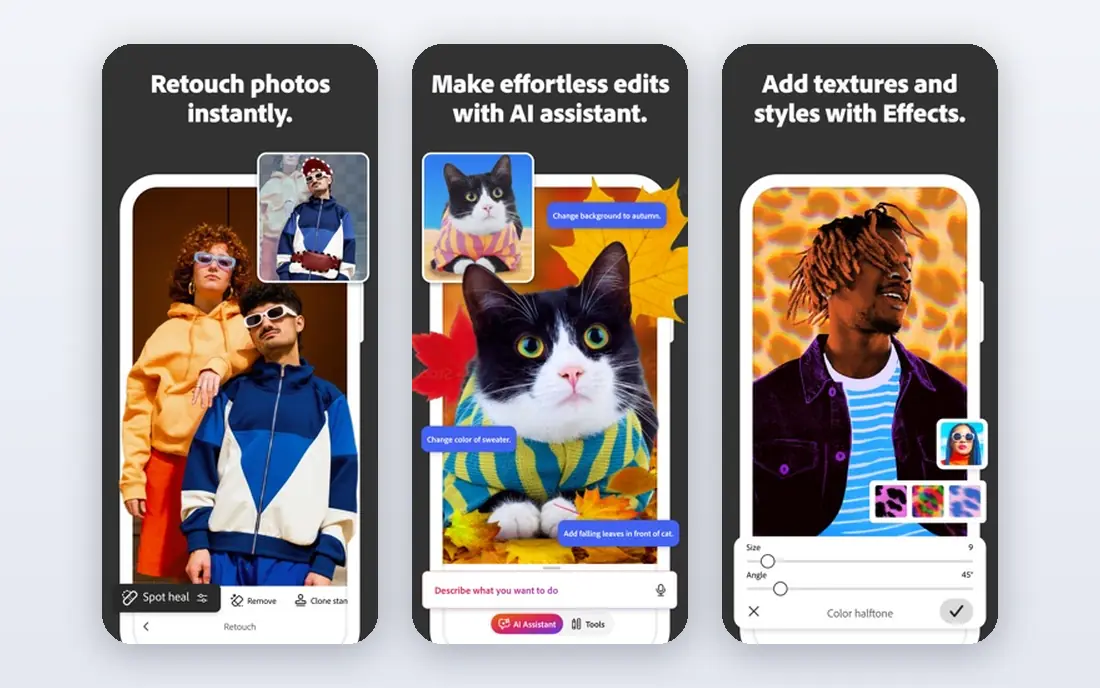
Photoshop remains the tool for retouching that needs pixel-level control, from skin cleanup to compositing and background repair. Its healing, clone, frequency separation, and masking tools give a skilled retoucher more control than any one-click tool. Generative fill can remove objects and extend backgrounds, though results need checking on detailed images.
That control comes with a learning curve, and the subscription is listed around $22.99 per month in recent comparisons. Photoshop is overkill for quick batch portraits, but it is the right pick when a single image must be perfect. Pair it with Lightroom for library work and Photoshop for final retouching.
- Deepest retouching control
- Layers, masks, and healing tools
- Generative fill for cleanup
- Steepest learning curve here
- Subscription cost adds up over time

Luminar Neo suits photographers who want AI help without learning Photoshop or paying a monthly fee forever. Its tools for skin, portrait light, sky replacement, and object removal use sliders and presets rather than layers and masks. Recent pricing summaries list a perpetual desktop license from $99, with cross-device and Max licenses at higher one-time prices.
The catch is renewals: generative features after the first year may need a renewal fee, listed around $39 to $69 in recent summaries. Library management is also lighter than Lightroom. Luminar Neo fits hobbyists and portrait photographers who want fast, guided results and a one-time purchase.
- One-time purchase option
- Guided AI tools for skin, sky, and light
- Easy for non-experts
- Generative tools may need renewal after a year
- Library tools are weaker than Lightroom
Topaz Photo AI is the specialist for fixing technical flaws: noise at high ISO, soft focus, motion blur, and low resolution. Photographers use it before or alongside a main editor, since it focuses on image quality rather than full creative editing. Its $199 one-time price is listed consistently in recent comparisons, which makes it good value for regular users.
Processing can be slow on older computers, and portrait users should pull skin-related sliders back to keep natural texture. Topaz Photo AI is not a full retouching suite, so pair it with Lightroom, Luminar Neo, or Photoshop for color and portrait work. It earns a place here because clean input makes every later retouch easier.
- Strong denoise, sharpen, and upscale quality
- Works standalone or as a plug-in
- One-time purchase
- Slow on older machines
- Default settings can over-smooth skin if left high
DxO PhotoLab is known for RAW processing quality, lens corrections, and denoise that preserves detail. Photographers who shoot RAW and care about sharpness, color, and optical correction often start here before moving to a portrait tool. Its local adjustment tools also support selective retouching, though not with the same portrait automation as Evoto.
PhotoLab is a full editor, so buyers who only want portrait retouching may find it broader than needed. Pricing is listed on the vendor site and varies by edition, so check the current page before budgeting. PhotoLab fits RAW shooters who want image quality first and retouching second.
- Strong RAW processing and denoise
- Detailed lens corrections
- Good color tools
- Portrait retouching tools are less specialized
- Interface takes time to learn
ON1 Photo RAW gives photographers a full editor, including portrait retouching, layers, masking, and effects, with a one-time purchase option. That model appeals to buyers who dislike subscriptions but still want a complete workflow. Its portrait tools cover skin smoothing, eye and teeth work, and local adjustments without leaving the app.
The interface and performance can feel less polished than Adobe tools, especially on large libraries. Pricing varies by edition and promotion, so the vendor page is the reliable source. ON1 Photo RAW fits photographers who want one app for editing and retouching without a monthly bill.
- Full editor without a required subscription
- Portrait and skin tools
- Layers and masking included
- Performance and interface feel vary by machine
- Library tools are less polished than Lightroom
Evoto is built for portrait studios that retouch many faces to a consistent standard. Its AI tools handle skin, blemish cleanup, eye and teeth work, and color, with presets that keep a whole shoot looking consistent. Batch processing is the main win: a studio can apply a house style to dozens of portraits far faster than manual editing.
Pricing is offered through subscriptions or credit packs, so buyers should check the current vendor page for the model that fits their volume. Evoto is not a general photo editor, so most users will pair it with Lightroom or Photoshop. It fits high-volume portrait work where consistency and speed matter most.
- Fast batch portrait retouching
- Consistent presets across a shoot
- Tethered and studio-friendly workflow
- Pricing uses subscriptions or credit packs that need checking
- Best for portraits, not general editing
Imagen takes a different approach: it learns from a photographer's past edits and builds a personal AI profile that applies that style to new shoots. That approach suits wedding and portrait photographers who edit hundreds of similar photos and want a consistent look without repeating the same steps. Culling and editing features can shorten post-shoot work considerably.
Pricing is usage based, so cost depends on photo volume and plan, and buyers should test with a real shoot before committing. Imagen is less useful for a single creative retouch or a one-off portrait. It fits busy photographers who want their own style applied at scale.
- Learns a photographer's editing style
- Batch editing for large shoots
- Consistent results over time
- Pricing is usage based and needs checking
- Less suited for single-image creative retouching
Retouch4me sells a set of portrait retouching plug-ins, each focused on a task such as skin cleanup, dodge and burn, eye work, or fabric smoothing. Photographers who already use Photoshop can add only the plug-ins they need, rather than switching editors. Used lightly, the results keep natural skin texture better than heavy one-click smoothing.
Buying several plug-ins separately can cost more than expected, so buyers should price the set they actually need. Retouch4me also assumes a Photoshop or Lightroom workflow, so it is not a standalone pick for beginners. It fits experienced retouchers who want focused, high-quality portrait tools inside tools they already use.
- Focused portrait plug-ins for skin, eyes, and fabric
- Works inside Photoshop and Lightroom workflows
- Natural results when used lightly
- Plug-ins are sold separately, so costs add up
- Not a standalone full editor
How we picked these
We compared official product pages, pricing pages, and recent photo editing comparisons, and we checked that each product is still offered in October 2026. We favored legitimate tools that retouch photos a user owns or has permission to edit, with clear pricing or trial options. Where a vendor did not publish a simple starting price, we wrote See website rather than guessing.
We did not claim hands-on testing, and we did not list tools for altering images of people without consent. Readers should test each tool on the same portrait and check skin texture, edge detail, and color before buying. Edit only images you own or have permission to use, and get consent before retouching or sharing photos of other people.
What to check before you choose
Decide between batch work and single-image work
High-volume portrait studios need batch presets and consistent profiles, while fine-art retouchers need layers, masks, and manual control. A batch tool will frustrate a detailed retoucher, and Photoshop will slow a studio that edits hundreds of portraits. Pick the workflow first, then the tool that fits it.
Test skin texture at full size
Judge retouching at 100 percent zoom, not on a small preview, since over-smoothing only shows up close. Pull skin sliders back until pores and texture remain visible, and compare before and after on the same face. Natural texture matters more than flawless skin for portraits that will be printed or viewed large.
Compare subscription versus one-time cost over two years
A $9.99 or $22.99 monthly plan can pass a $99 or $199 one-time purchase within a year, but renewals and upgrades change the math. Add generative renewals, plug-in purchases, and credit packs to the two-year total. Choose the model that fits how often you edit, not just the lowest first price.
Keep your original files safe
Work on copies, keep originals untouched, and export retouched versions separately. That habit protects client work and lets you redo an edit if a tool update changes results. Back up originals before batch processing, since batch edits are harder to undo one by one.
Frequently asked questions
What is the best ai photo retouching tool for portraits?
Evoto and Retouch4me suit portrait specialists, while Lightroom and Photoshop suit photographers who want library work plus detailed control. Luminar Neo suits beginners who want guided portrait tools without a subscription. Test the same portrait in two tools and judge skin texture at full size before choosing.
What is the best ai tool for photo retouching on a budget?
Luminar Neo from $99 one-time and Topaz Photo AI at $199 one-time offer good long-term value for regular editors. Free trials from most tools on this list let buyers test before paying. For occasional edits, a free trial or a lower-cost editor may be enough, but check export limits before relying on a free plan.
Can AI retouching replace Photoshop?
AI tools replace much routine work, such as blemish cleanup, batch color, and noise reduction, but Photoshop still leads for complex composites, detailed manual retouching, and pixel-level fixes. Most professional workflows mix both: an AI tool for speed, then Photoshop for final detail. Beginners may never need Photoshop, while retouchers will.
How do I avoid plastic-looking skin in AI retouching?
Keep skin smoothing low, preserve pores and texture, and check results at full size before export. Avoid applying the same strong preset to every face, since skin tone, age, and lighting change what looks natural. Edit only images you own or have permission to use, and get consent before sharing retouched photos of other people.
Is Topaz Photo AI good for portraits?
Topaz Photo AI is excellent for denoise, sharpening, and upscaling, which improves portraits taken in poor light or at low resolution. It is not a full portrait retoucher, so pair it with Lightroom, Luminar Neo, or Photoshop for skin and color work. Keep its sharpening and smoothing settings moderate to avoid unnatural skin.
Sources
See where you really rank - block by block
ProMapRanker scans Google Maps across a grid of your service area. Simple monthly plans from $19, white-label on every plan.
Start freeKeep reading
 zscaler alternatives
Best Zscaler Alternatives in 2026
Looking for zscaler alternatives? We compare 9 SASE and zero trust platforms on architecture, data protection, pricing, and fit for your network and team.
Read → zapier alternatives free
Best Zapier Alternatives Free in 2026
Nine automation tools for zapier alternatives free in 2026, all with genuinely free tiers, plus free plan limits, starting prices and upgrade paths explained.
Read → which platform is best for online reputation
Which Platform Is Best for Online Reputation in 2026
Wondering which platform is best for online reputation? We compare 8 review, listing, and response tools for small and multi-location businesses and agencies.
Read →