 ProMapRanker
Best Free AI Photo Editor Apps in 2026

Key takeaways
- Free plans differ mainly in AI credits, export size, and ads, so the best pick depends on how often you edit.
- Adobe Express and Canva suit design-led edits, while Pixlr and Photopea suit deeper photo work in a browser.
- Snapseed remains fully free for mobile edits, with no subscription needed for its core tools.
- Edit only your own photos, or photos of other people with their clear consent, and avoid tools that alter images of people without consent.
- Check the free plan limits before a big project, because AI features are often capped even when basic editing is free.
Quick comparison
| Pick | Great for | Pricing starts at | Free tier | |
|---|---|---|---|---|
 Adobe Express | Design-led edits with AI fill | Free | Yes | Visit |
 Canva | Templates and social posts | Free | Yes | Visit |
 Pixlr | Browser editing with layers | Free | Yes | Visit |
 Photopea | Photoshop-style editing free | Free | Yes | Visit |
 Fotor | Quick AI retouching and batch edits | Free | Yes | Visit |
 Snapseed | Free mobile editing | Free | Yes | Visit |
 Picsart | Creative mobile edits and effects | Free | Yes | Visit |
 Polarr | Filters and color control on mobile | Free | Yes | Visit |
The best free AI photo editor apps
Free AI editing sounds simple, but the details matter. Some apps give you a handful of AI edits per day, others limit exports, and a few show ads in return for free access. The eight apps below all offer a usable free path in October 2026, and we note where a paid plan starts.
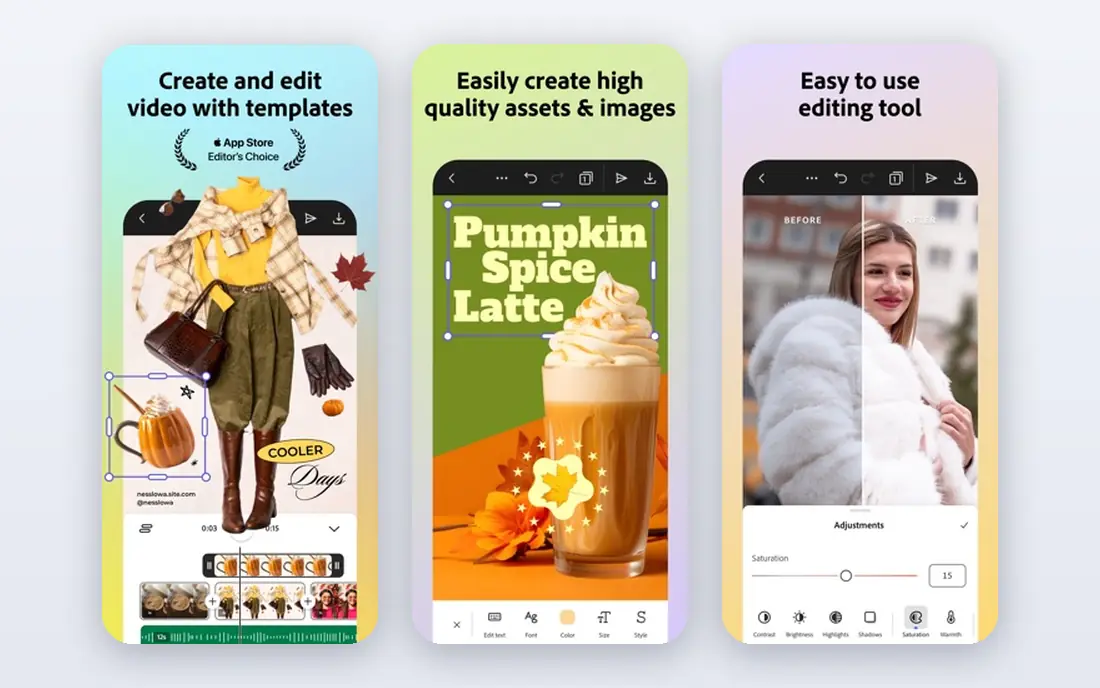
Adobe Express is our pick for most people who want a free AI photo editor that also makes finished posts. You can remove a background, expand an image with generative fill, and drop the result into a template without opening a second app. That combination matters for small business owners who need a product photo turned into a social post in one sitting.
The catch is the free plan boundary. Standard editing is free, but premium templates, fonts, and larger generative allowances require the Premium plan, listed at $9.99 per month in recent vendor and review listings. If you edit a few photos a week, the free plan should be enough. If you edit daily, expect to hit AI limits and weigh the upgrade against a dedicated editor such as Pixlr.
- Free plan with templates and basic editing
- Firefly-powered generative fill on the free plan with daily limits
- Works in a browser and on mobile
- Premium features and larger AI allowances sit behind a paid plan
- Template-heavy workflow suits design work more than fine photo retouching
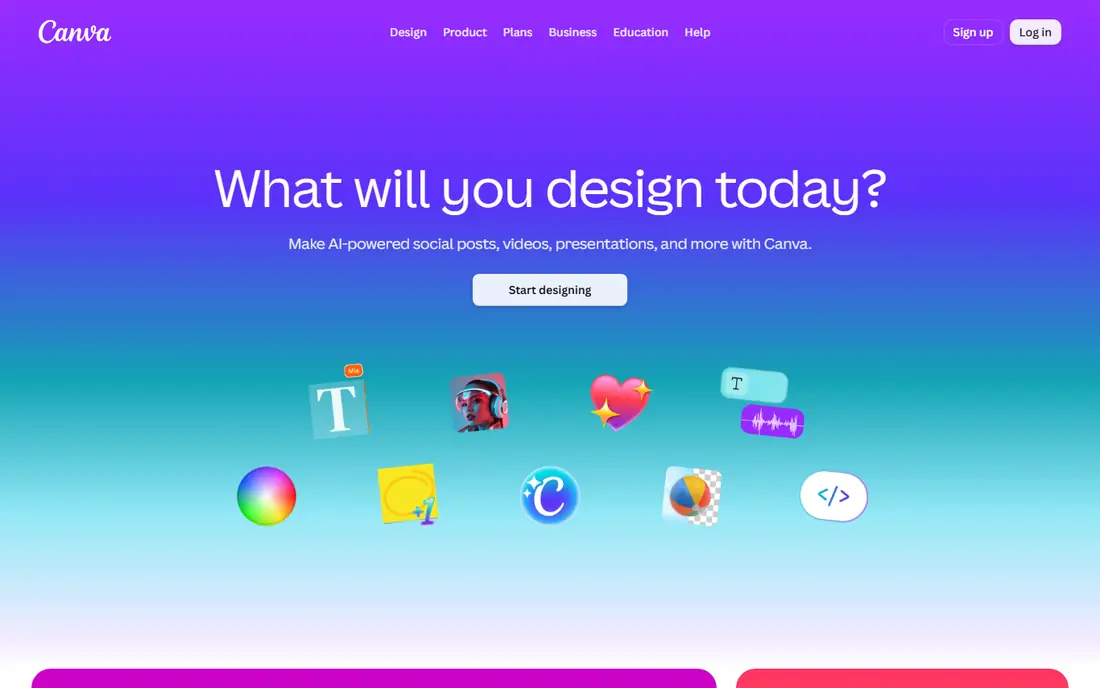
Canva is best when the photo is only part of the job. Its Magic Studio tools can remove a background, erase an object, and expand an image, and you can then place the result in a flyer, menu, or social post. For a small shop that needs consistent posts, that workflow is hard to beat for free.
The honest limit is depth. Canva does not offer the same layered, mask-based control as Pixlr or Photopea, and its stronger AI features are tied to Pro, listed at $12.99 per month in recent listings. Use Canva free for layouts and quick AI fixes, and keep a second editor for careful retouching.
- Large template library and simple editing
- Magic Studio AI tools included in limited form on the free plan
- Strong sharing and team features
- Some AI tools and premium assets require Pro
- Photo editing depth is lower than in a layered editor
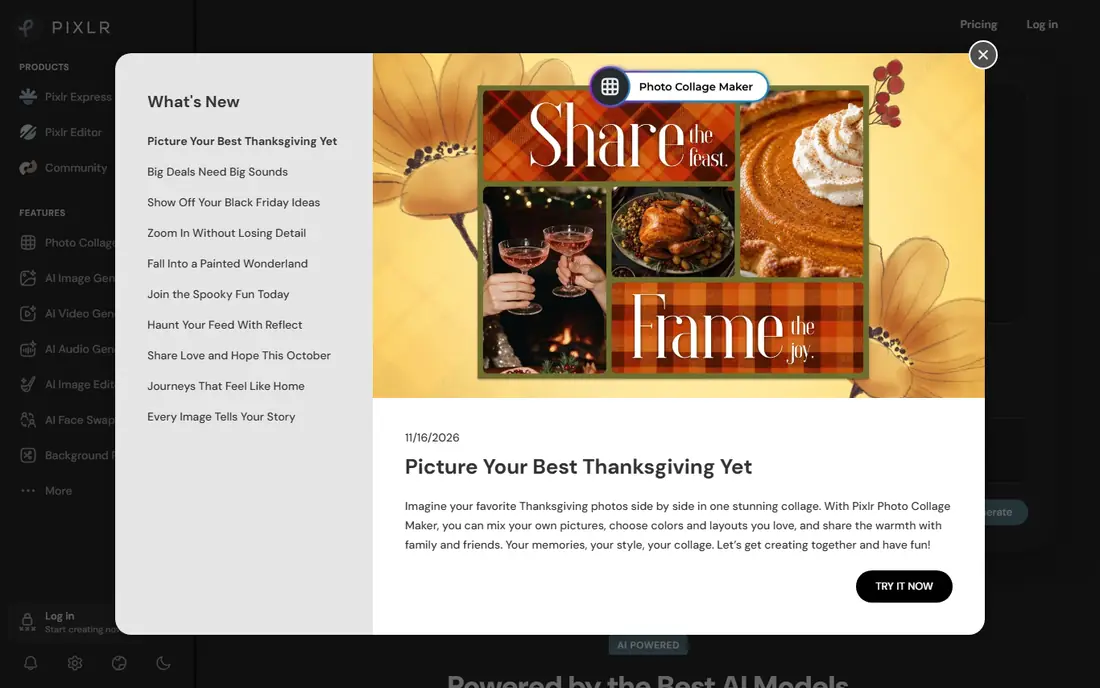
Pixlr is the closest free browser option to a desktop editor. You get layers, masks, and retouching tools, plus AI features such as generative fill, expand, and background removal. That makes it a good choice for people who edit on a shared computer or a Chromebook and do not want to install software.
Free access comes with trade-offs. Ads appear in the free version, and saves and AI allowances are limited, with the Plus plan listed from $2.49 per month in recent pricing listings. For occasional editing, the free tier is workable. For daily work, the low paid price is the main reason Pixlr stays competitive.
- Layered editing in a browser with no install
- AI tools including generative fill and background removal
- Paid plan starts low
- Free use is ad-supported and has save limits
- Some AI features use credits that run out
Photopea stands apart because it is a full editor first and an AI tool second. If you need to open a PSD file, adjust layers, and export a finished image without paying, it is the most capable free browser editor we found. It suits users who already understand layers and want control rather than one-tap filters.
The trade-off is that its AI side is thinner than Pixlr or Adobe Express. You will do more work by hand, and the free version shows ads. Premium, which removes ads and changes some allowances, is listed separately on the vendor site, so check the current price there before you pay. For manual, precise edits, Photopea is still our top free pick.
- Opens PSD, XCF, and common image formats in a browser
- Layers, masks, and adjustment tools at no cost
- No account needed for basic editing
- Ad-supported free version
- AI features are limited compared with dedicated AI editors
Fotor is built for speed. You can enhance a dull photo, remove a background, and apply the same fix to a batch of product shots with little manual work. That suits sellers and creators who process many similar images and do not want to edit each one by hand.
The free plan is the limit to watch. AI credits are limited, and standard-resolution exports differ from paid exports, with Pro listed at $8.99 per month in recent listings. Try the free plan on a small batch first. If the export quality and credit allowance fit your volume, Fotor can save real time.
- Simple AI retouching, background removal, and enhancement
- Batch editing for sets of photos
- Works in a browser and on mobile
- Free AI credits are limited and exports differ from paid exports
- Pro features are locked behind a subscription
Snapseed has no standalone official homepage, so we link to Google's official Snapseed support page, as instructed for this guide. The app itself is published by Google for Android and iOS, and it remains fully free for its core tools, with no subscription and no watermark on exports. That alone makes it unusual in this list.
Its strength is control on a phone. Selective adjustments, curves, white balance, and RAW editing give you precise results without a paid plan. Its weakness is age: it does not offer the same generative AI fill and replacement tools as Adobe Express or Picsart. If you want careful mobile edits for free, start here. If you want generative changes, pair it with one of the AI-led apps above.
- Fully free with no subscription for core tools
- Selective edits, curves, and RAW support
- No watermark on exports
- No desktop version
- AI features are narrower than in newer AI-first editors
Picsart is the most playful editor in this list. Its AI replace, background removal, and effect library suit social content, stickers, and collages, and it works on both web and mobile. For creators who post often, its breadth is the main draw.
The free plan covers basic editing and limited AI use, while Pro is listed at $15 per month, or lower when billed annually. Before using free exports for paid work, read the current terms on commercial use, because free-tier licensing has been reported as unclear in third-party reviews. For personal and social use, the free plan is a strong starting point.
- Broad AI tools including background and object removal
- Large template and effect library
- Works on web and mobile
- Free exports may carry limits and some features need Pro
- Commercial-use terms need a careful read before business use
Polarr suits people who care most about color. Its HSL controls, curves, and custom filters let you build a consistent look across a set of photos and reuse it later. That matters for creators who want a feed or product set to look coherent without editing each photo from scratch.
The free plan covers basic tools, while Pro is listed at $2.49 per month in recent listings, though you should confirm the current price on the vendor site, as Polarr pricing has varied by store and region. If your main need is color and filters rather than generative AI, Polarr is a calm, focused choice.
- Strong color tools including curves and HSL controls
- Custom filters you can save and reuse
- Available on mobile and desktop
- AI features are lighter than in AI-first editors
- Pro tools are behind a subscription
How we picked these
We compared official feature pages, pricing pages, and app store listings, and we kept only tools with a usable free plan in October 2026. We favored editors that let you finish and export a photo without paying, and we noted where AI credits, ads, or export limits change the free experience. We did not claim hands-on testing, and we left out tools that require payment before any editing, tools that no longer work, and any tool built for undressing or non-consensual imagery. Edit only your own photos, or photos of other people with their clear consent.
What to check before you pick a free AI editor
Start with the job, not the brand. If you need a finished post, choose Adobe Express or Canva. If you need layered control, choose Pixlr or Photopea. If you edit on a phone and want no subscription, choose Snapseed. If color consistency matters most, choose Polarr.
Free plan limits that change the choice
Check four limits before you commit. First, AI credits: how many generative edits, background removals, or enhancements you get per day or month. Second, export size and watermark rules, because a free export that is too small for print is a problem. Third, ads and account requirements, which matter on a shared computer. Fourth, commercial-use terms, which matter if you will sell or advertise with the image.
Privacy and consent
AI editors process your photos on their servers in many cases, so read the privacy policy before uploading sensitive images. Avoid uploading photos of other people without their consent, and never use an editing tool to create images that mislead, harass, or depict someone without permission. Keep originals, export a copy for sharing, and check the result at full size before you publish, because generative tools can invent details that were not in the original photo.
Frequently asked questions
What is the best free AI photo editor app for most people?
Adobe Express is a good starting point for most people, because it pairs usable free AI editing with templates for finished posts. If you need deeper photo control in a browser, Pixlr or Photopea is a better fit. Snapseed is the best fully free mobile option when you do not want a subscription.
Are free AI photo editors really free?
Yes, for basic editing, but AI features are often capped. Free plans may limit daily AI edits, add ads, limit export size, or reserve premium assets for paid plans. Read the free plan details on the vendor site before a large project.
Can I use free AI photo editor apps for business photos?
In many cases, yes, but check the terms for the plan you use. Some free tiers are meant for personal use, and commercial rights can differ by plan and by asset type. For paid client work, a paid plan with clear commercial terms is the safer choice.
Which free AI photo editor works without installing software?
Pixlr, Photopea, Fotor, Adobe Express, and Canva all work in a browser. That suits shared computers and Chromebooks, though a stable internet connection matters for uploads and AI processing.
Is Snapseed still free in 2026?
Yes. Snapseed remains free for its core tools, with no subscription required, and Google publishes its help pages on the official support site. It has no desktop version, so phone and tablet users get the most from it.
What should I avoid when using AI photo editing?
Avoid editing photos of other people without clear consent, and avoid tools that promise to undress or alter images of people without permission. Also check generative results closely, because AI fill and replacement can invent details, change faces, or alter text in ways that look plausible but are wrong.
Sources
See where you really rank - block by block
ProMapRanker scans Google Maps across a grid of your service area. Simple monthly plans from $19, white-label on every plan.
Start freeKeep reading
 zoho inventory alternatives
6 Alternatives to Zoho Inventory, Compared on Price and Fit
Zoho Inventory alternatives: 6 tools compared on price, free plans and fit. Katana leads the list for manufacturers. Fit and flaws are laid out for each entry.
Read → zoho crm alternatives
Best Zoho CRM Alternatives (2026)
Need Zoho CRM alternatives? We compare 7 tools on cost, free access and who each suits. Every pick gets a straight assessment. Built for quick decisions.
Read → zelle alternatives
Best Zelle Alternatives in 2026
Compare the best Zelle alternatives for sending money to friends, paying sellers and moving funds abroad, with honest notes on fees, speed and safety in 2026.
Read →