 ProMapRanker
Best AI Personal Assistant Apps in 2026


One assistant for writing, planning, and images · Pricing starts at: $8 per month
Key takeaways
- ChatGPT is the most versatile single assistant for most people, while Gemini fits Google users and Copilot fits Microsoft 365 users best.
- Claude stands out for long documents and careful writing, and Perplexity stands out when every answer needs a source you can check.
- Most leading assistants offer a useful free tier, and paid plans cluster around $20 per month, so your existing apps should guide the choice.
- Voice assistants such as Alexa and Siri still win for hands-free home and phone tasks, even though chat assistants are stronger for writing and research.
Quick comparison
| Pick | Great for | Pricing starts at | Free tier | |
|---|---|---|---|---|
| ChatGPT | One assistant for writing, planning, and images | $8 per month | Yes | Visit |
 Google Gemini | People who live in Gmail, Docs, and Android | $4.99 per month | Yes | Visit |
 Microsoft Copilot | Drafting and analysis inside Microsoft 365 | $19.99 per month | Yes | Visit |
 Claude | Long documents, careful writing, and coding help | $20 per month | Yes | Visit |
 Perplexity | Research where sources matter | $20 per month | Yes | Visit |
 Pi | Calm, spoken conversation | Free | Yes | Visit |
 Meta AI | Quick help inside WhatsApp, Instagram, and Facebook | Free | Yes | Visit |
 Amazon Alexa | Hands-free control at home | Free | Yes | Visit |
 Apple Siri | Hands-free tasks on iPhone, Mac, and Apple Watch | Free | Yes | Visit |
 DeepSeek | Strong reasoning without a subscription | Free | Yes | Visit |
The best ai personal assistant apps
A personal AI assistant in 2026 can draft an email, summarise a long document, plan a day, or turn on the lights, but no single app does all of those jobs equally well. We compared chat assistants, research tools, and voice assistants on what they actually help with each day, plus their prices and free tiers.
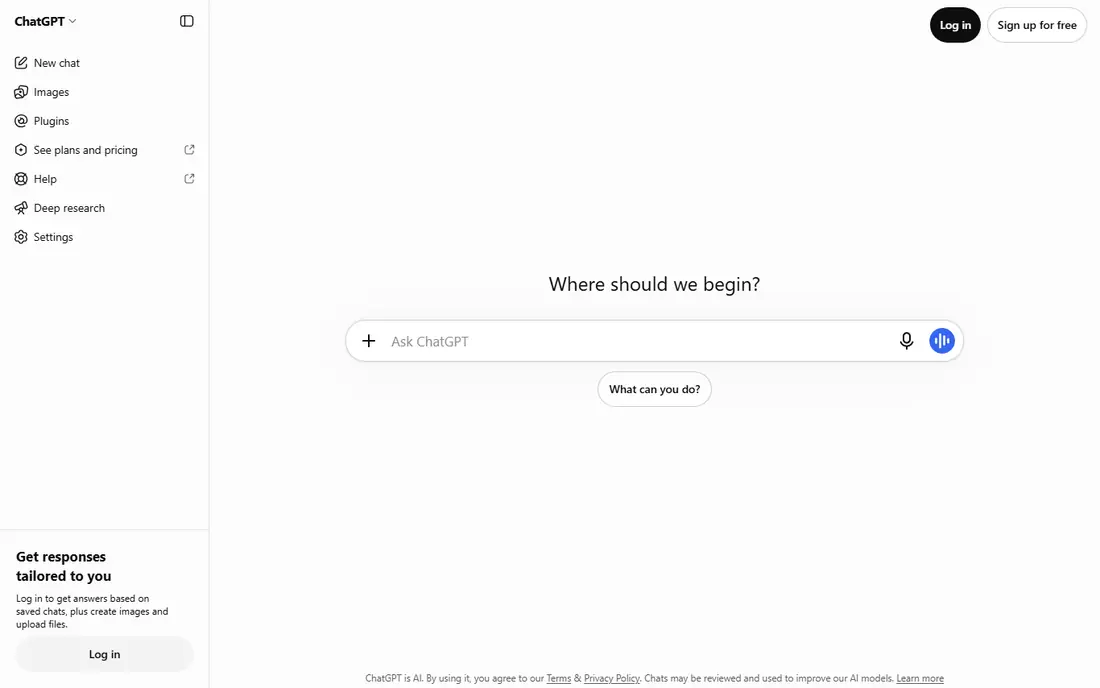
ChatGPT is our pick for most people because it covers the widest ground. You can draft a message, brainstorm a project, summarise a PDF, or generate an image without switching apps, and voice mode makes it usable while you cook or drive. Paid plans raise usage limits and add tools such as deeper research and coding help, while the Go plan at $8 per month gives a cheaper step up from free.
The limits matter. Free users hit caps on advanced models and image generation, and ChatGPT can still present a wrong detail with confidence, so treat it as a drafting partner, not a source of truth. For daily writing and planning, though, few assistants match its range at this price.
- Broad set of tools in one app, including voice, images, and file help
- Custom assistants for repeat tasks
- Free tier covers everyday questions
- Free tier limits the most capable models
- Answers still need checking for facts and figures
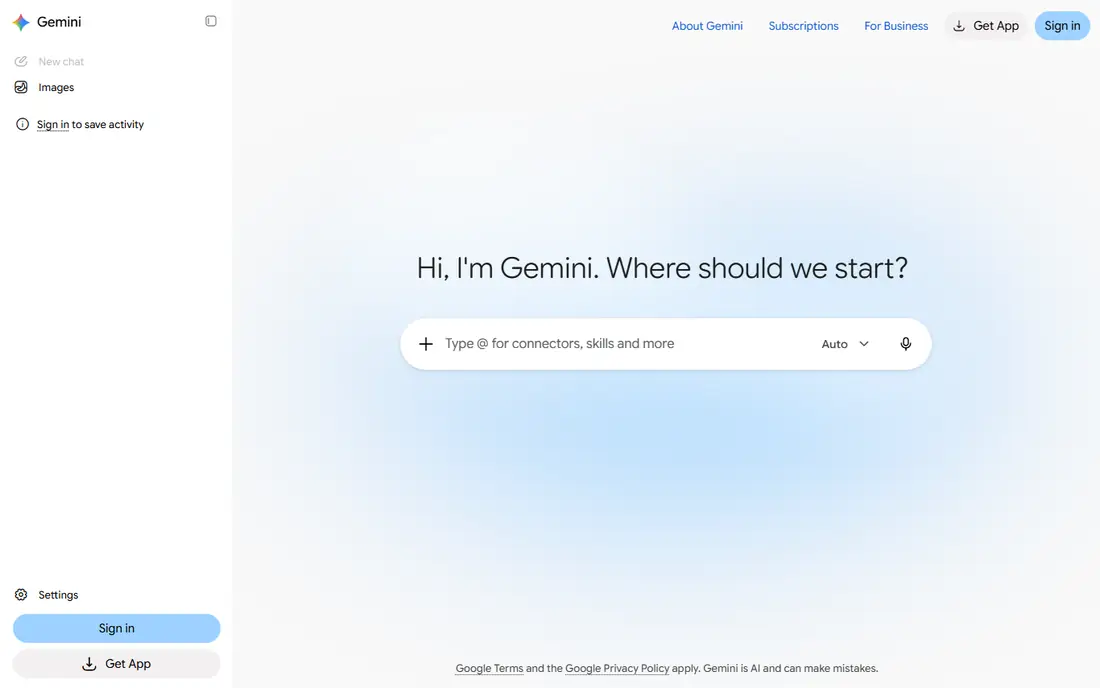
Gemini makes most sense if Google already holds your life. On Android it can act as the phone assistant, and inside Workspace it can summarise an email thread, draft a reply in Docs, or pull figures from a Sheet without you copying text between apps. The free tier covers everyday chat, and the AI Plus plan at $4.99 per month is a low-cost upgrade for heavier users.
If your work lives in Microsoft tools or you keep email elsewhere, Gemini loses its main edge and becomes just another chat app. Check which Google apps you actually open each day before you pay, since that overlap decides most of its value.
- Works inside Gmail, Docs, and Sheets on paid plans
- Strong on Android phones
- Handles very long documents on higher plans
- Much of the value fades if you avoid Google apps
- Paid storage and model benefits vary by plan
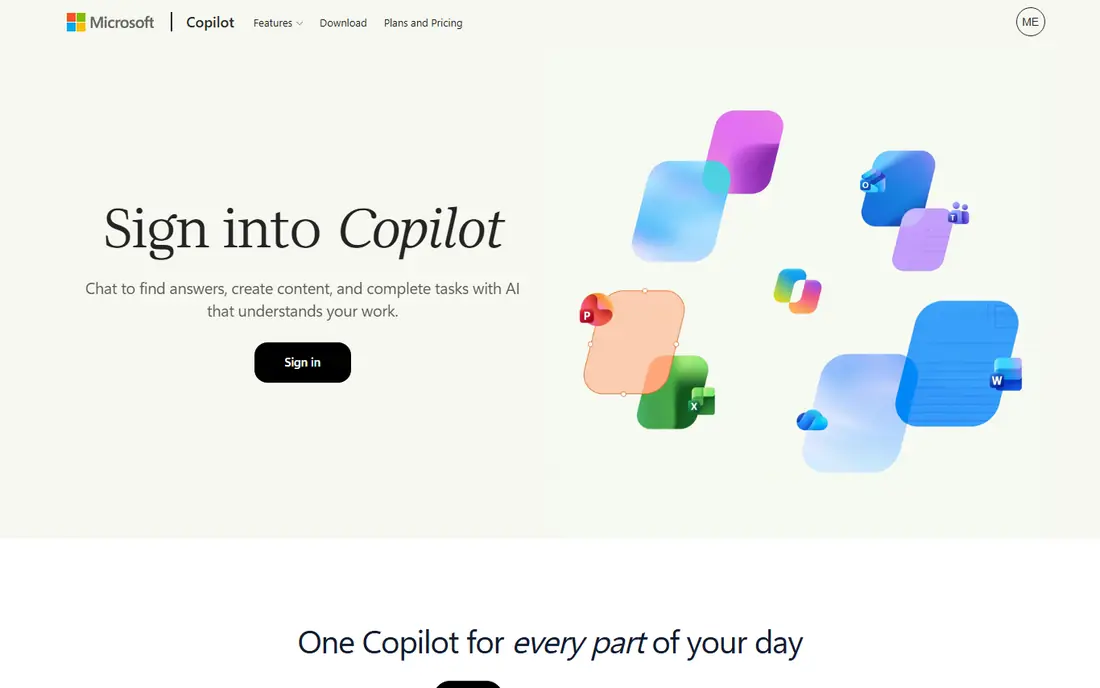
Copilot is the assistant to pick when Word, Excel, PowerPoint, and Outlook are your workday. It can turn rough notes into a draft, explain a spreadsheet in plain words, or summarise a long email thread so you can reply faster. The free web version handles general chat, while Microsoft 365 Premium at $19.99 per month bundles the Office apps with Copilot inside them.
Outside that world, Copilot feels thinner than ChatGPT or Claude for open-ended writing and research. It is a productivity add-on first and a general assistant second, and that order should guide your decision.
- Drafts in Word, analyses data in Excel, and triages Outlook email
- Web chat is free
- Business plans add meeting summaries in Teams
- Full Office integration needs a paid plan
- Weaker as a standalone chat assistant outside Microsoft apps
Claude is the assistant we reach for with a long report, a contract draft, or a piece of writing that needs a second pair of eyes. It keeps track of long documents well, explains its reasoning in plain language, and tends to produce drafts that need less editing than a typical chat output. The free tier is useful for short tasks, and Pro at $20 per month raises limits for daily professional use.
It is less flashy than ChatGPT for images and less tied into an office suite than Gemini or Copilot. If your main work is writing, analysis, and code, those gaps matter less than the quality of the text it produces.
- Handles long documents with steady context
- Writing tone is careful and clear
- Pro plan includes coding help
- Image and video tools are narrower than rivals
- Heavy days can hit session usage limits
Perplexity answers like a research assistant rather than a chat partner. Ask a question and you get a short answer with links under each claim, so you can open the original page and check it before you rely on it. That habit saves time when you research a purchase, a health topic, or a news story, and Pro at $20 per month adds unlimited Pro searches and a choice of models.
For fiction, long essays, or open brainstorming, ChatGPT and Claude are stronger. Perplexity wins when accuracy matters more than style, and when you want to see where an answer came from before you act on it.
- Every answer links to sources you can open
- Pro search digs deeper into a topic
- Good for checking news and unfamiliar subjects
- Less suited to long creative drafting
- Free Pro searches are limited each day
Pi, from Inflection, is built around talking rather than typing. You speak, it replies in a calm voice, and the conversation feels closer to thinking aloud with a patient listener than to querying a search engine. That style suits journalling, rehearsing a difficult conversation, or talking through a decision while you walk.
Pi does not try to match the full toolset of ChatGPT or Gemini, and it lacks the document and office features that professionals often need. Pick it as a conversation companion or a second assistant for voice, not as your only tool for work.
- Voice conversation feels natural and unhurried
- Free to use
- Good for thinking aloud and working through ideas
- No paid tier with deeper tools
- Weaker for file work, coding, and office integration
Meta AI lives inside the apps many people already open each day. You can ask it a question in WhatsApp, get image ideas in Instagram, or summarise a topic in Facebook without installing anything new. Basic use is free, and the assistant handles everyday questions, planning help, and simple image generation well enough for casual use.
The catch is scope and privacy. It is tied to Meta apps, so it cannot reach your work documents or calendar in the way Gemini or Copilot can, and you should review what it stores before you share sensitive details. For quick questions inside a chat you are already having, it is convenient and free.
- Available where many people already chat
- Can answer questions and generate images in the app
- No separate subscription needed for basic use
- Limited outside Meta apps
- Privacy settings need a careful check before sharing personal details
Alexa still wins for the jobs you do with your hands full. Say the room, say the device, and the lights change, the timer starts, or the music plays, without touching a screen. Routines can chain those steps, so one phrase can lock up for the night or start a morning briefing, and the app is free even if you use it only on a phone.
Alexa is not a writing or research tool, and its answers stay short by design. Pair it with a chat assistant for desk work, and let Alexa handle the house, the kitchen timer, and the morning routine.
- Controls lights, plugs, and speakers by voice
- Sets timers, reminders, and routines
- Works with a wide range of smart home devices
- Needs an Amazon account and, for most uses, an Echo device or the app
- Answers are shorter and less detailed than chat assistants
Siri is the assistant you already own if you own an iPhone. Hold a button or say the wake phrase, and you can send a message, set a reminder, start a timer, or control HomeKit lights without opening an app. It also works on Mac, iPad, Apple Watch, and HomePod, so a reminder set on your watch shows up on your phone.
Siri does not match ChatGPT or Claude for long writing or deep research, and it shines only inside the Apple world. If you live on Apple devices, it is the fastest way to handle small tasks, and it costs nothing extra.
- Built into Apple devices at no extra cost
- Sets reminders, messages, and timers by voice
- Works with Apple apps and HomeKit devices
- Shorter answers than chat assistants
- Best only if you already use Apple devices
DeepSeek is the pick for people who want capable reasoning without paying $20 a month. Its chat app handles maths, logic puzzles, and coding questions with care, and the free tier has no published cap that blocks casual daily use. That makes it a good second assistant when your main tool hits a limit, or a main tool if your budget is zero.
The trade-off is polish and reach. DeepSeek does not plug into Gmail, Word, or your phone assistant in the way Gemini, Copilot, and Siri do, and its toolset is simpler. For pure thinking and coding help at no cost, though, it is hard to beat.
- Free chat with strong maths, logic, and coding help
- No monthly fee for the main app
- Useful second opinion on a tough problem
- Fewer office and voice integrations than big rivals
- Interface and features are simpler
How we picked these
We compared official feature pages, pricing pages, and app listings for assistants that are live in October 2026, and we kept only tools that handle everyday personal tasks such as writing, planning, research, or voice control. We included chat assistants, a research tool, and voice assistants so the list covers desk work and home life, and we marked prices as See website where a plan varied by region or bundle. We did not include tools that had shut down or that only work as a developer API with no consumer app.
How to choose the best ai personal assistant tool
Start with the apps you already use. A Gemini plan pays off inside Google apps, Copilot pays off inside Microsoft apps, and a chat assistant pays off if you mostly need writing and ideas. Switching your whole workflow to fit an assistant rarely works, so let your inbox, documents, and phone decide the shortlist.
Try free before you pay
Use the free tier for a week on real tasks: draft a real email, summarise a real document, and plan a real day. Note where you hit limits and where the answers need heavy editing, since those two points tell you more than any feature list. Pay only when a limit blocks work you do every week.
Check privacy before you share
Assistants improve with context, but that context can include personal messages, documents, and voice recordings. Read the privacy settings for the tool you pick, turn off history or training use if you prefer, and avoid pasting passwords, medical details, or financial account numbers into any chat assistant.
Frequently asked questions
What is the best ai personal assistant tool for most people?
ChatGPT is the safest single pick for writing, planning, and general questions, while Gemini suits Google users and Copilot suits Microsoft users. Pick the one that matches the apps you already open each day.
What is the best ai personal assistant platform for research?
Perplexity is the best choice when you need sources, since it links claims to pages you can open and check. Use it for news, purchases, and unfamiliar topics, and use a chat assistant for drafting.
Are there good free ai personal assistant apps?
Yes. ChatGPT, Gemini, Copilot, Claude, Perplexity, Pi, Meta AI, Alexa, Siri, and DeepSeek all offer free tiers or free use, though paid plans raise limits and add office features. Start free and upgrade only when limits block regular work.
Can an AI assistant replace a human assistant?
It can handle drafting, research, scheduling help, and reminders well, but it cannot make judgment calls, manage relationships, or take responsibility for a decision. Use it for volume and speed, and keep a human in charge of anything that affects money, health, or other people.
Which AI assistant is best for voice use?
Alexa and Siri win for hands-free home and phone tasks, while Pi and ChatGPT voice mode suit longer spoken conversations. Choose Alexa or Siri for routines and timers, and a chat assistant for talking through ideas.
Sources
See where you really rank - block by block
ProMapRanker scans Google Maps across a grid of your service area. Simple monthly plans from $19, white-label on every plan.
Start freeKeep reading
 zscaler alternatives
Best Zscaler Alternatives in 2026
Looking for zscaler alternatives? We compare 9 SASE and zero trust platforms on architecture, data protection, pricing, and fit for your network and team.
Read → zapier alternatives free
Best Zapier Alternatives Free in 2026
Nine automation tools for zapier alternatives free in 2026, all with genuinely free tiers, plus free plan limits, starting prices and upgrade paths explained.
Read → which platform is best for online reputation
Which Platform Is Best for Online Reputation in 2026
Wondering which platform is best for online reputation? We compare 8 review, listing, and response tools for small and multi-location businesses and agencies.
Read →