 ProMapRanker
Best AI Notetaking Software in 2026

Teams keeping notes and projects together · Pricing starts at: $10 per user per month
Key takeaways
- Meeting tools and writing tools solve different problems, so pick by where your notes start, not by the longest feature list.
- Notion AI fits teams that already keep projects in Notion, while Obsidian fits people who want plain files kept on their own devices.
- NotebookLM is a strong free starting point for research notes tied to uploaded sources, and Otter.ai remains a practical choice for live transcripts.
- AI summaries still need a quick check against the original recording or source, especially for names, numbers, and action items.
Quick comparison
| Pick | Great for | Pricing starts at | Free tier | |
|---|---|---|---|---|
| Notion AI | Teams keeping notes and projects together | $10 per user per month | Yes | Visit |
 Otter.ai | Live meeting transcripts | $8.33 per user per month | Yes | Visit |
 Fireflies.ai | Searchable team meeting history | $10 per user per month | Yes | Visit |
 Fathom | Simple meeting summaries | $16 per month | Yes | Visit |
 Granola | Private meeting notes without a bot | $14 per month | Yes | Visit |
 NotebookLM | Source-based research notes | Free | Yes | Visit |
 Obsidian | Local-first personal notes | Free | Yes | Visit |
 Mem | Notes that organize themselves | See website | Yes | Visit |
 Reflect | Fast daily notes and voice capture | $10 per month | Free trial | Visit |
The best ai notetaking software
We compared AI note tools by what they actually do with your words: capture, organize, summarize, and help you find a note again later. The list below mixes meeting capture with writing and research tools, because most readers need one of those jobs done well rather than every job done halfway.

Notion AI makes the most sense when your notes already live next to tasks, meeting pages, and team wikis. You can ask it to draft from a page, summarize a long doc, or pull action items from meeting notes, and the result stays in the same workspace where the work happens. That link between notes and projects is the main reason to choose it over a standalone note app.
The catch is scope. A solo note taker may find databases, permissions, and page settings more than they need, and the free plan gives only limited AI use. If your team already uses Notion, the AI add-on is a short step. If you do not, start with a simpler tool and move up only when shared projects make the extra structure worth it.
- Works inside docs, wikis, and databases
- Can search across a workspace
- Strong templates and sharing controls
- AI features sit on top of paid plans
- The setup can feel heavy for a single person who only wants notes

Otter.ai is built around the transcript first and the summary second. You get a written record you can search, highlight, and share, which helps when a meeting covered several decisions and no one remembers the exact wording. It works well for classes, interviews, and recurring team calls where a reliable record matters more than a polished summary.
We would still read the summary before acting on it. Speaker labels can mix up when people talk over each other, and a missed number can change a task. Treat Otter.ai as a careful record keeper with a helpful draft summary, not as a final source of truth for money, dates, or commitments.
- Live transcription for meetings and lectures
- Searchable transcripts
- Can join scheduled calls
- Free plan has a monthly minute limit
- Accuracy drops with heavy accents, crosstalk, or poor audio
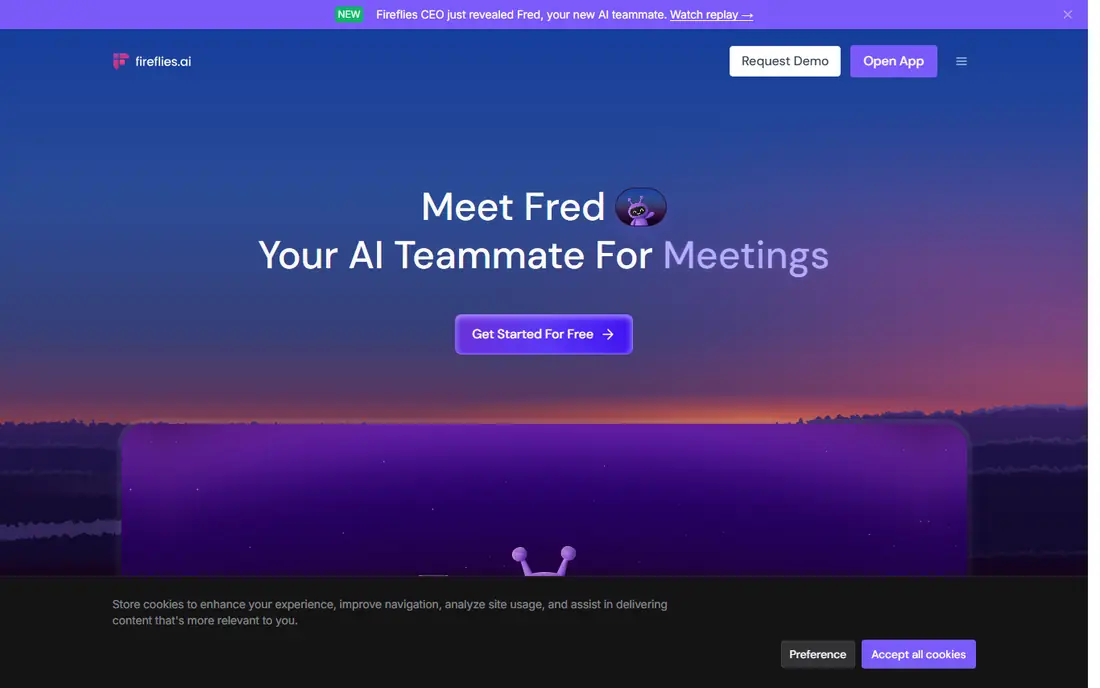
Fireflies.ai suits teams that treat meetings as a record they will search later. You can look back for a customer request, a price discussion, or a promised follow-up without rewatching a full recording. The summaries and topic tracking make that history usable, rather than a folder of files no one opens.
The trade-off is the visible bot. Some clients and interview guests prefer not to have a third participant in the call, so tell people in advance and check consent rules for your location and company policy. For internal teams that already record calls, that friction is small compared with the time saved on notes and follow-ups.
- Records across common video platforms
- Searchable transcripts and summaries
- Integrations with common CRMs
- A bot joins the call, which some guests dislike
- Full AI features need a paid plan
Fathom keeps the meeting workflow short: record, get a summary, share the action items, and move on. That focus is its strength for busy calendars, because there is little setup and little to learn. The summaries read clearly, and the ability to clip a moment from a call helps when you need to show a colleague exactly what was said.
It is not a full knowledge base. If you want linked notes, long research docs, or a team wiki, you will still need another tool. Use Fathom when meetings are the main source of your notes, and pair it with a writing app if your work also needs deep, connected notes.
- Clean summaries and action items
- Free recording with limits
- Simple sharing
- Advanced summary limits apply on the free plan
- Fewer workspace features than Notion or Obsidian
Granola takes a different path from most meeting tools: it listens on your own device rather than sending a bot into the call. That choice matters for sensitive conversations, client calls, and anyone who has had a guest ask why an unknown participant joined. The notes feel closer to a personal notebook than a call transcript service.
The limit is coverage. Device-based capture depends on your setup, and some team features are less developed than larger platforms. For a person who takes many calls and wants private, readable notes without changing how guests experience the meeting, Granola is a strong pick.
- No bot joins the call
- Captures audio from your device
- Clean notes for one-to-one and team calls
- Works best on supported desktop setups
- Paid plan needed for fuller use
NotebookLM stands out because it stays close to the material you give it. Upload papers, reports, or your own notes, then ask questions and get answers that point back to those sources. For students, researchers, and anyone preparing a report from a set of documents, that grounding reduces the guesswork that comes with a general chatbot.
It is less useful as a daily capture tool. It does not replace a meeting recorder or a fast daily note app, and you still need to check its answers when a source is long or complex. Use it as a research companion beside a main note app, and keep the source files organized so the answers stay useful.
- Answers grounded in sources you upload
- Useful for study and research
- Free tier is generous
- Built around uploaded sources, not general note capture
- Audio and sharing options vary by plan
Obsidian appeals to people who want control over their notes. Your files live on your computer in a plain format, so you can move them, back them up, and keep using them even if you change tools later. Links between notes help build a personal knowledge base over months and years, which suits writers, researchers, and students.
AI is not built in the same way as in Notion or Mem. You add it through community plugins and an AI provider, which gives choice but also adds setup and cost decisions. If you like tinkering and value local files, that trade is worth it. If you want AI summaries with one click and no setup, a hosted tool will feel easier.
- Notes are plain markdown files on your device
- Large plugin community
- Free for personal use
- AI features come through plugins and outside services
- Setup takes more effort than a hosted app
Mem is designed for people who capture a lot and organize little. You write a note, and the app helps file and connect it, so you spend less time deciding where a thought belongs. That approach works well for daily notes, ideas, and follow-ups that would otherwise sit in an inbox or a scattered doc.
The downside is less manual control. Teams that need strict folders, databases, or shared workspace rules may find Mem too loose. It is best for personal and small-team use, where speed and search matter more than a formal structure, and where a quick capture habit is the main goal.
- Fast capture with automatic organization
- Good search across notes
- Clean writing view
- Less structure control than Notion or Obsidian
- Pricing and plan details should be checked on the vendor site
Reflect suits a daily note habit. It opens fast, keeps daily pages tidy, and handles voice capture for thoughts on the move. The design favors people who write short notes often, link them together, and review them at the end of the day, rather than people who need a full project workspace.
The main barrier is price for a single-purpose note app, since there is no free plan beyond a trial. If you already pay for a workspace tool, Reflect may feel like an extra cost. If a fast, private daily note system is the habit you will actually keep, the cost is easier to justify than a larger tool you open once a week.
- Fast performance
- Voice notes and daily notes
- End-to-end encryption for notes
- No free plan, only a trial
- Smaller integration set than larger platforms
How we picked these
We compared official feature pages, pricing pages, and app store listings, plus public reviews that describe real use for meetings, research, and daily notes. We kept only tools that are live and clearly fit AI notetaking, and we left out tools where AI is a minor add-on to an unrelated product. Prices shown are starting prices from vendor pages or public pricing summaries, and we used See website where a plan was not clear enough to quote with confidence. We did not claim hands-on testing, and we treated AI summaries as drafts that need a human check.
What to check before you pay
Start with the job, not the demo. If most of your notes come from meetings, test a meeting tool on two real calls and check the transcript for names and action items. If most of your notes are writing and research, test how well the tool finds an old note a month later, because search is where many note apps fail. A pretty editor means little if you cannot find the note when you need it.
Check privacy and sharing next. Meeting tools differ on bots, recording consent, and where audio is stored, so read the privacy page before you record a client call. For team tools, check who can see a workspace, how guests are handled, and how you can export your notes. A tool that locks your notes behind a hard export is a poor long-term home, even if the AI feels clever on day one.
Cost follows use, not seats alone. Some tools charge per user, some charge for AI minutes or credits, and some add costs for transcription time. Run a rough month of your real volume through the pricing page before you commit a team. A free plan is a good test, but watch the limits on minutes, AI summaries, and storage, because those limits decide the true monthly cost.
Frequently asked questions
What is the best ai notetaking app for meetings?
For most meeting-heavy users, Otter.ai, Fireflies.ai, or Fathom are the practical starting points, because they record, transcribe, and summarize in one flow. Granola is a good alternative when you want notes without a bot in the call. Pick by call type, consent needs, and how often you search old meetings, not by the longest feature list.
What is the best ai notetaking tool for research?
NotebookLM is a strong choice for research, because it answers from sources you upload and points back to them. Obsidian is better for a long-term personal knowledge base built from your own linked notes. Many researchers use both: NotebookLM to work through a source set, and Obsidian to keep lasting notes.
Are ai notetaking apps private?
Privacy varies by tool and plan. Local-first tools such as Obsidian keep files on your device, while hosted meeting tools store audio and transcripts on their servers. Read the privacy policy, check retention and deletion options, and avoid recording sensitive calls without clear consent from everyone involved.
Can ai notetaking software replace manual notes?
It can reduce manual notes, but it should not replace your judgment. AI summaries miss nuance, mix up speakers, and sometimes invent a detail that sounds plausible. Use the AI draft to save time, then fix names, numbers, and action items before you share the note with a team or client.
Is there a good free ai notetaking app?
Yes, for a start. NotebookLM and Obsidian both offer strong free use, and Otter.ai, Fireflies.ai, and Fathom offer free plans with limits. Free plans usually cap minutes, AI summaries, or storage, so check those limits against a normal week before you rely on one for work.
How do ai notetaking tools handle action items?
Most meeting tools pull action items from transcripts, but the quality depends on how clearly the task was stated in the call. Check each item against the transcript, assign an owner, and add a due date in your task system. A note app that lists tasks without owners or dates will not move work forward on its own.
Sources
See where you really rank - block by block
ProMapRanker scans Google Maps across a grid of your service area. Simple monthly plans from $19, white-label on every plan.
Start freeKeep reading
 zscaler alternatives
Best Zscaler Alternatives in 2026
Looking for zscaler alternatives? We compare 9 SASE and zero trust platforms on architecture, data protection, pricing, and fit for your network and team.
Read → zapier alternatives free
Best Zapier Alternatives Free in 2026
Nine automation tools for zapier alternatives free in 2026, all with genuinely free tiers, plus free plan limits, starting prices and upgrade paths explained.
Read → which platform is best for online reputation
Which Platform Is Best for Online Reputation in 2026
Wondering which platform is best for online reputation? We compare 8 review, listing, and response tools for small and multi-location businesses and agencies.
Read →