 ProMapRanker
Best AI Note Taking App in 2026

Key takeaways
- Meeting tools and writing tools solve different problems, so the best pick depends on where your notes start.
- Free plans are useful for a trial, but most have strict caps on minutes, notes, or AI summaries.
- Granola and Fathom stand out for people who want meeting notes without a long setup, for different reasons.
- Notion is the strongest choice when notes must live next to tasks, docs, and team databases.
- Check recording consent rules before you record a call, and check who can see a shared note.
Quick comparison
| Pick | Great for | Pricing starts at | Free tier | |
|---|---|---|---|---|
 Notion Notion | Team docs and databases | Free | Yes | Visit |
 Otter.ai Otter.ai | Live meeting transcription | Free | Yes | Visit |
 Fireflies.ai Fireflies.ai | Sales and team meetings | Free | Yes | Visit |
 Granola Granola | Bot-free meeting notes | Free | Yes | Visit |
 NotebookLM NotebookLM | Research from your own files | Free | Yes | Visit |
 Fathom Fathom | Free meeting capture | Free | Yes | Visit |
 Fellow Fellow | Structured team meetings | Free | Yes | Visit |
 Evernote Evernote | Searchable saved notes | Free | Yes | Visit |
 Mem Mem | Personal capture and recall | Free | Yes | Visit |
The best AI note taking apps
These apps cover two main jobs: turning meetings into usable notes, and helping you write, organize, and find notes later. We kept both kinds in one list because many readers need both.
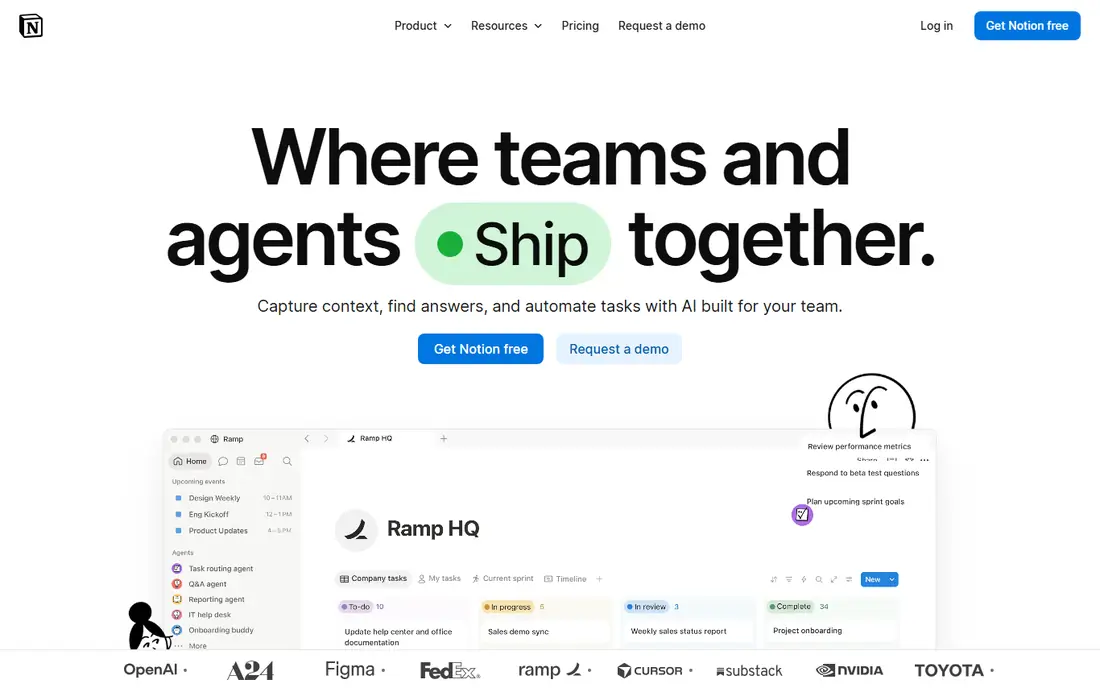
Notion is our pick for people who already plan work in docs and databases. You can draft a note, turn parts of it into tasks, and link it to a project page without moving to another app. That structure is the main reason to choose it over a simpler notes app.
The catch is price and scope. Free and Plus plans include only a limited trial of Notion AI, while full AI, including the Notion Agent and AI Meeting Notes, is included with the Business plan at $20 per user per month billed annually. If you only need meeting transcripts, a dedicated meeting tool will be cheaper and simpler.
- Notes sit next to tasks and databases
- AI can search across workspace pages
- Strong templates and sharing
- Full AI is paid
- The setup can feel heavy for a single user
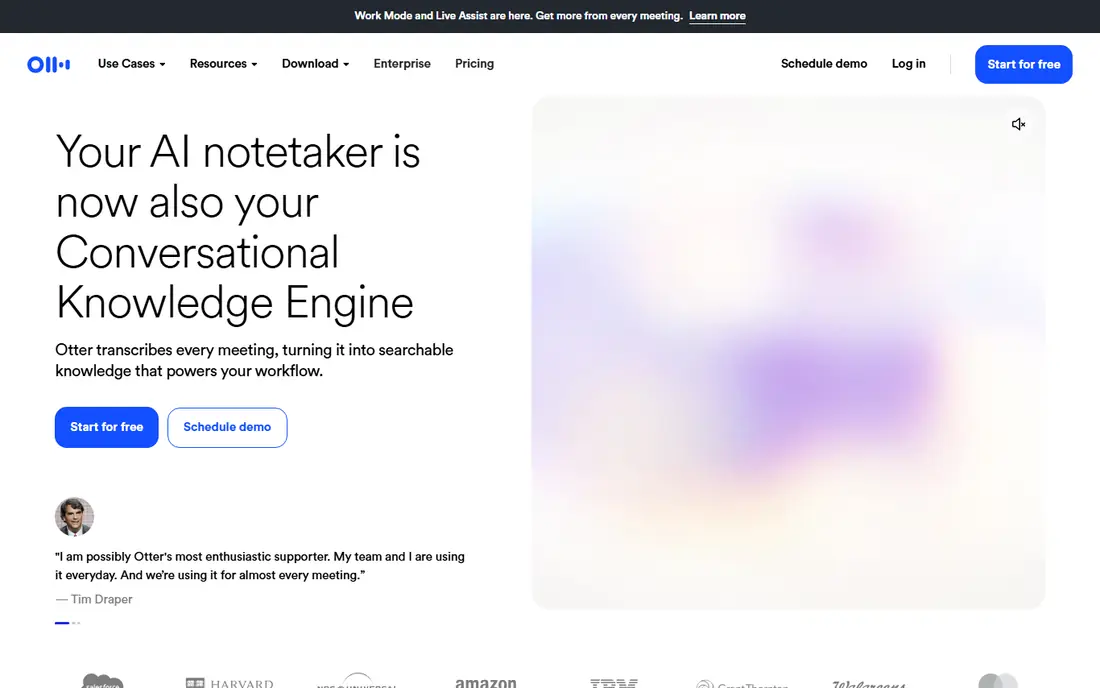
Otter.ai is built around hearing a meeting as it happens. Words appear while people talk, which helps in a live call and in an in-person meeting recorded on a phone. You can search later for a name, a decision, or a promised follow-up instead of replaying a recording.
The free Basic plan gives 300 transcription minutes per month, with a 30 minute cap per conversation and three lifetime file imports. Pro costs $16.99 per user per month, or $8.33 per user per month billed annually, and raises the limit to 1,200 minutes per month. Long meetings are the clear reason to upgrade, or to pick a tool without a per-meeting cap.
- Live transcript during a call
- Works with Zoom, Google Meet, and Microsoft Teams
- Searchable past meetings
- Free plan caps meetings at 30 minutes
- Paid plans cap monthly minutes
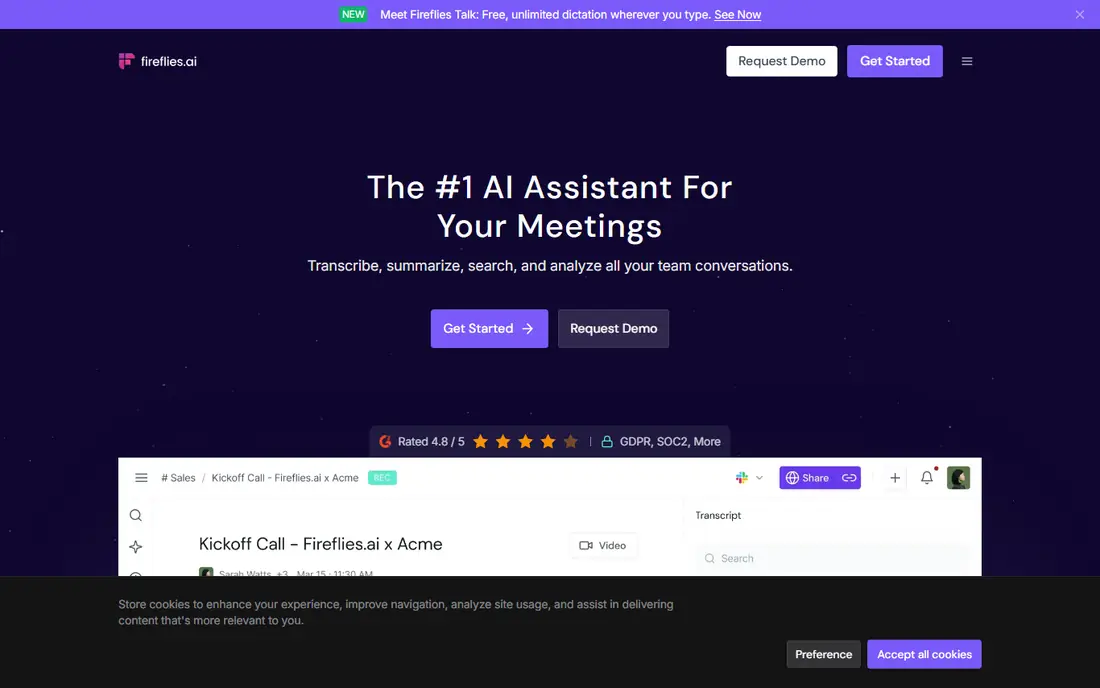
Fireflies.ai joins meetings on major video platforms and turns them into transcripts, summaries, and action items. It fits sales and customer teams well because notes can move into HubSpot or Salesforce records instead of sitting in a separate library. Search filters and topic tracking help managers review many calls without listening to each one.
The free plan includes unlimited transcription but limited storage, reported as 400 minutes per team in recent pricing guides, so a busy team will fill it fast. Pro costs $10 per seat per month billed annually, or $18 billed monthly, and adds 8,000 minutes of storage per seat. Watch the AI credit pool too, since advanced AI tasks can use credits on top of the seat price.
- Unlimited transcription on paid plans
- Summaries and action items
- Links to common CRM tools
- Free storage is limited
- AI credits add a second limit to watch
Granola takes a different path from most meeting tools. It captures audio from your own device, so no extra participant appears in the meeting, and it builds on the short notes you type during the call. The result reads more like a note you would send to a colleague than a raw transcript dump.
That approach suits sensitive client calls and back-to-back meetings, but it also asks more of you during the call. You need to flag what matters, and you should still follow your own consent and recording rules. The free Basic plan includes limited meeting history, while Business costs $14 per user per month and adds unlimited history and wider integrations. Enterprise costs $35 per user per month and adds admin controls.
- No bot joins the call
- Your own notes shape the summary
- Clean post-meeting output
- Free history is limited
- Some team controls sit on higher plans
NotebookLM, now also called Gemini Notebook, is the research pick in this list. You upload PDFs, docs, slides, web pages, or video transcripts, then ask questions and get answers tied to those sources. That source-first design makes it useful for study, reports, and preparing for a meeting, rather than for recording the meeting itself.
The free plan covers 100 notebooks with 50 sources each, which is enough for many students and solo workers. Higher limits come through Google AI plans, with Plus at $4.99 per month and Pro at $19.99 per month in recent US listings. If your notes are mostly documents you already have, start free and only pay when you hit a limit.
- Answers stay grounded in sources you upload
- Audio overviews
- Generous free limits for casual use
- Not a meeting recorder
- Higher limits require a Google AI plan
Fathom is the easiest free starting point for meeting notes. The free plan includes unlimited recordings, transcription, and storage for meetings on Zoom, Google Meet, and Microsoft Teams, with instant summaries after the call. For a solo worker with a normal meeting load, that free tier covers the core job.
The limit to know is the advanced summary cap. Recent guides report five advanced summaries per month on the free plan, after which a general template is used. Premium costs $16 per user per month billed annually, or $20 billed monthly, and adds unlimited advanced summaries, action items, and follow-up drafts. Team and Business plans add sharing and CRM features for sales teams.
- Unlimited recordings and transcription on free plan
- Fast summaries
- Works with Zoom, Meet, and Teams
- Advanced summaries are limited on free plan
- A visible bot joins most calls
Fellow is less of a transcript library and more of a meeting workflow. You can set an agenda before a call, capture notes and action items during it, and follow up in the same workspace after it. That structure helps teams that run the same kinds of meetings every week and want decisions to stay attached to the meeting where they were made.
The free plan is a trial in practice, with five AI notes and five AI recordings per user for the lifetime of the account. Team costs $7 per user per month billed annually and adds 10 AI notes and recordings per user per month, while Business costs $15 per user per month billed annually and removes those caps. Enterprise starts at $25 per user per month billed annually and adds controls such as transcript redaction.
- Agendas, action items, and recaps in one place
- Bot and bot-free capture
- Strong integrations
- Free plan allows only five AI notes for life
- Compliance controls sit on Enterprise
Evernote is the archive pick here. It is good at capturing web pages, scans, receipts, and handwritten notes, then making the text inside them searchable. If your main problem is finding a note from months ago, that search and clipping strength still matters.
The free plan is the weak point, with limits reported as 50 notes, one notebook, and 60 MB of monthly uploads. Personal costs $14.99 per month, or $10.83 per month billed annually in some listings, while Professional adds AI features and more upload room. Check the current pricing page before you buy, since Evernote prices and plan names have changed more than once.
- Strong search across notes, PDFs, and images
- Web clipper
- Scanning and OCR
- Free plan is very limited
- AI features sit on higher plans
Mem is built for people who capture fast and organize slowly, or not at all. You drop in notes, ideas, and meeting context, and Mem organizes and links them behind the scenes. You can then ask questions across your own notes instead of digging through folders.
The free plan caps new notes and agent messages, reported as 25 each per month, so it works as a test but not as a daily habit for heavy users. Plus costs $9 per month in recent listings, while Pro costs $29 per month, with higher usage tiers above that. Mem suits a solo worker who wants recall more than team project management, and who is comfortable keeping notes in Mem's cloud.
- No folders to maintain
- AI links related notes
- Chat across your own notes
- Free plan caps new notes per month
- No Android app listed
- Pricing has changed
How we picked these
We compared official feature pages, pricing pages, and app store listings, plus public reviews that described real limits such as minute caps and storage caps. We kept only tools that exist and work in October 2026 and that fit note taking, meeting notes, or research notes. We left out tools that only offer a chatbot with no note storage, and tools that only transcribe without producing usable notes. Where pricing differed between sources, we used the most recent vendor-aligned figure and noted when a plan name or price has changed.
What to check before you pay
Meeting notes or writing notes
Start with the job, not the brand. If most of your notes come from calls, pick a meeting tool with the right platform support and minute limits. If most of your notes are documents, drafts, and research, pick a writing or research tool with good search. Buying a meeting tool for writing, or a writing tool for live transcription, will disappoint even if the app is good.
Free plan limits that matter
Read the limit that will hit you first. For meeting tools, that is usually minutes per month, minutes per meeting, or storage. For personal tools, it is notes per month or AI messages per month. A free plan with unlimited recording but limited advanced summaries can still be the right choice if you only need basic notes.
Privacy, consent, and sharing
Tell people when a meeting is being recorded, and check your company policy before you use a bot or a device capture tool. Check whether transcripts are used to train models, how long recordings are kept, and who can see a shared workspace. A tool with clear retention controls is worth more than a small price saving when calls include client or health details.
Price over a year
Compare annual billing with monthly billing, and add any credit or seat costs. A $10 monthly plan billed annually is not the same as a $10 monthly plan paid month to month. If you need the tool for a team, multiply by seats and check whether guests, viewers, or external participants are free.
Frequently asked questions
What is the best AI note taking app for meetings?
For most solo users, Fathom is a strong free start because recording and transcription are unlimited on its free plan. Otter.ai is better if you need a live transcript during the call, while Fireflies.ai and Fellow fit teams that need CRM links or structured follow-up. Pick by meeting length, platform, and whether a visible bot is acceptable on your calls.
What is the best AI note taking app for students?
NotebookLM is a strong choice for study because it answers from your own course files and sources. Notion also works well for class notes, tasks, and shared group docs. If your course work is mostly lectures, a meeting tool such as Otter.ai or Fathom will help more than a writing tool.
Are there good free AI note taking apps?
Yes, with limits. Fathom, NotebookLM, and Granola all offer useful free plans, and Otter.ai and Fireflies.ai offer free plans with caps. The best free option depends on whether you need meeting capture, research, or personal recall, so test the limit that matters to you before you commit.
Do AI note taking tools replace manual notes?
They change the job more than they remove it. A transcript or summary gives you a record, but you still need to check decisions, owners, and dates before you act on them. Short notes taken during a meeting also help Granola-style tools produce a better summary, and they help you remember context that a transcript alone may miss.
Is it safe to record meetings with an AI note taker?
It can be, if you follow consent rules and company policy and choose a tool with clear retention and sharing controls. Tell participants, pause or stop recording for sensitive parts when needed, and avoid sharing transcripts wider than the meeting requires. For regulated work, Fellow and other tools with admin controls deserve a closer look.
What is the best AI note taking software for small teams?
Notion is a strong team pick when notes must connect to projects and docs. Fireflies.ai and Fellow are stronger when the main need is meeting follow-through, CRM updates, or repeatable agendas. Compare seat prices, guest access, and integration needs before you pick, since team cost grows fast with seats.
Sources
See where you really rank - block by block
ProMapRanker scans Google Maps across a grid of your service area. Simple monthly plans from $19, white-label on every plan.
Start freeKeep reading
 youtube alternatives
Best YouTube Alternatives in 2026
Looking for youtube alternatives in 2026? We compare Vimeo, Dailymotion, Twitch, Rumble, and more on price, audience, monetization, control and privacy.
Read → what's the best ai tool for photo editing
What Is the Best AI Tool for Photo Editing in 2026
What is the best AI tool for photo editing? We compare ten tools for 2026, from Photoshop and Lightroom to Luminar, Topaz, Canva and mobile editors today.
Read → twitter alternatives
Best Twitter Alternatives in 2026
Compare the best twitter alternatives for 2026, from Bluesky, Threads, and Mastodon to Reddit, Tumblr, and Micro.blog, with free plans and audience notes.
Read →