 ProMapRanker
Best AI Note Taker App in 2026


Searchable live transcripts · Pricing starts at: $8.33 per user per month
Key takeaways
- Fathom offers the most generous free recording, while Otter offers the best searchable live transcript for people who revisit wording.
- Fireflies suits teams that want a large integration library and meeting analytics, not just a summary.
- Granola suits people who dislike bots joining calls, since it captures audio on your device and builds notes from your own notes.
- Free plans differ sharply on minutes, storage, and history, so check those limits before you rely on a tool for a busy week.
- Tell attendees when a meeting is being recorded, and check your company and local rules before you use any bot in a client call.
Quick comparison
| Pick | Great for | Pricing starts at | Free tier | |
|---|---|---|---|---|
| Otter.ai | Searchable live transcripts | $8.33 per user per month | Yes | Visit |
 Fireflies.ai | Team meeting analytics | $10 per seat per month | Yes | Visit |
 Fathom | Generous free recording | $16 per user per month | Yes | Visit |
 Granola | Bot-free meeting notes | $14 per user per month | Yes | Visit |
 Notta | Bilingual notes and translation | $8.17 per month | Yes | Visit |
 tl;dv | Reviewing recorded calls | $18 per user per month | Yes | Visit |
 Read AI | Meeting summaries and insights | $15 per user per month | Yes | Visit |
 Fellow | Structured meetings and actions | $7 per user per month | Yes | Visit |
 Supernormal | Simple meeting notes | See website | Free trial | Visit |
The best ai note taker app
AI note takers differ in how they capture a meeting, what they store, and how much of the work they do for you. Some join as a bot, some record on your device, and some focus on summaries rather than full transcripts. The list below covers each style.

Otter is the longest-running name in this group, and its strength is the live transcript. You can read along during a call, search past conversations by keyword, and pull out action items from a searchable library. That search function matters for people who revisit old decisions and need exact wording.
The free plan gives 300 transcription minutes per month, with a 30-minute cap per conversation, which suits light use but not a heavy meeting week. Paid plans raise those limits and add team features. Otter fits lecturers, interviewers, and teams that value a full transcript they can search later.
- Live transcript during calls
- Searchable meeting library
- Works across Zoom, Meet, and Teams
- Free plan caps minutes and meeting length
- Bot joins many meetings unless the app is used
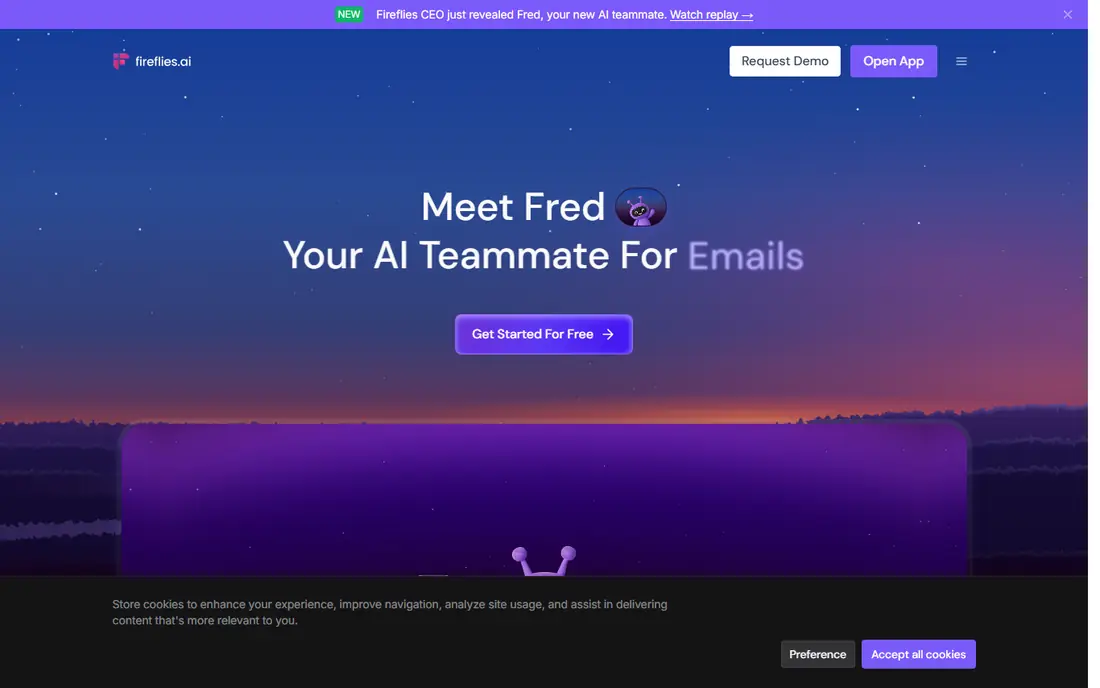
Fireflies suits teams that want more than a summary. It transcribes meetings, tracks speakers and topics, and syncs notes to CRMs and project tools, so follow-up work has a clearer home. Support for Zoom, Google Meet, Teams, and other platforms makes it easy to use across a mixed calendar.
The free plan offers unlimited transcription but limited team storage, so a busy team will hit that limit fast. Fireflies is best for sales, recruiting, and support teams that review many calls and want searchable, shareable records.
- Broad meeting platform support
- Large integration library
- Speaker and topic analytics
- Free plan limits team storage
- Summaries and advanced features need a paid plan
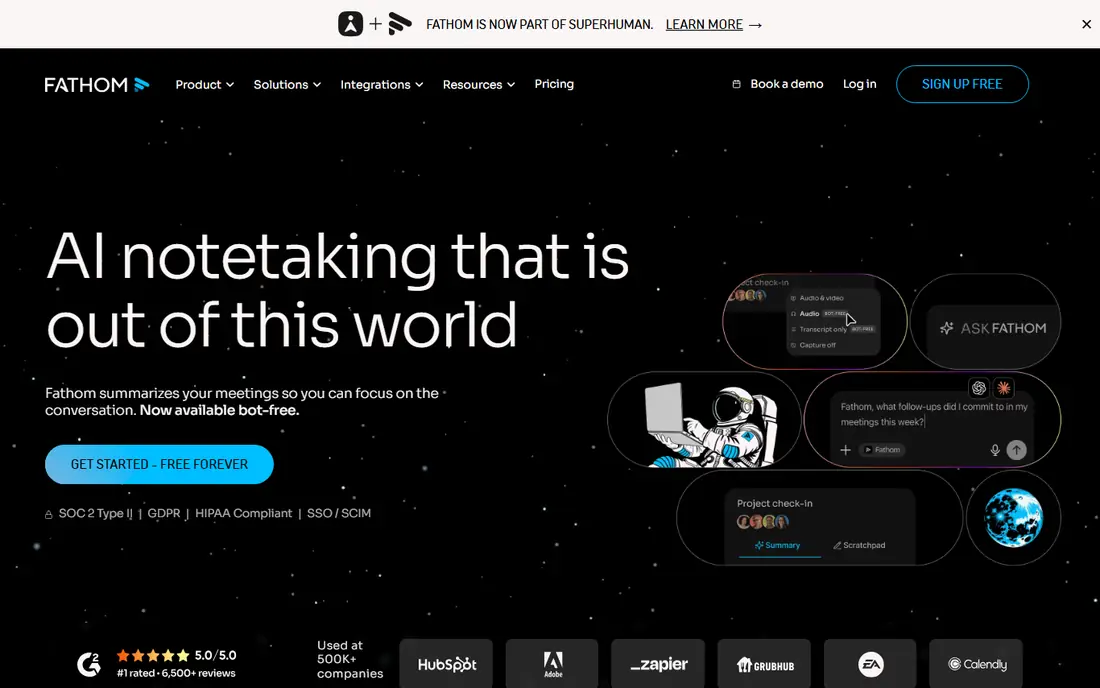
Fathom is the easiest free starting point here, since its free plan offers unlimited recordings and transcription, with some advanced AI features limited. Summaries, action items, and highlights help you skip re-listening to a whole call, and the tool works across Zoom, Meet, and Teams.
Paid plans add team controls and deeper AI features, with a team minimum to watch for. Fathom suits individuals and small teams who want a strong free tool first, and who can upgrade only when team features become necessary.
- Free plan with unlimited recordings
- AI summaries and action items
- Works across major meeting platforms
- Some advanced AI features are limited on free
- Team plan has a two-user minimum
Granola takes a privacy-friendly path by capturing audio on your device instead of sending a bot into the call. It then builds a polished write-up from your own typed notes plus the transcript, which feels closer to a human note than a raw dump. That approach also works for in-person meetings, where a bot cannot join.
The free plan limits history, so long-term search needs a paid plan. Granola suits people who dislike bots, who take notes during calls anyway, and who want a clean summary without a visible bot in the participant list.
- No bot joins your calls
- Notes built from your own notes
- Works for in-person meetings too
- Free plan limits history
- Device-audio capture only, so setup differs by platform
Notta suits multilingual teams and bilingual meetings. It transcribes in many languages, offers translation, and lets you capture through a meeting bot or a desktop app. That flexibility helps when a bot is not welcome in a call, or when a client prefers a quieter capture method.
The free plan is small, with 120 minutes per month and a short per-conversation cap, so it works as a trial rather than a daily tool. Notta fits translators, interviewers, and teams that work across languages and need clean exports.
- Bilingual transcription and translation
- Bot or bot-free desktop capture
- Exports to common formats
- Free plan caps minutes and conversation length
- Advanced AI features need a paid plan
tl;dv, pronounced tee-el-dee-vee, is built for people who review calls after the fact. Timestamped highlights let you jump to the decision, the objection, or the quote you need, without replaying an hour of audio. Shareable clips make it easy to send a key moment to a teammate.
The paid starting price is higher than Otter or Fireflies, so it suits teams that review calls daily, such as sales and user research teams. If you only need a summary after each call, a cheaper tool may cover you just as well.
- Timestamped highlights for fast review
- Good for sales and research calls
- Shareable clips
- Starting paid price is high
- Some AI features need higher tiers
Read AI focuses on what happened in the meeting and how it went, not just what was said. Summaries pull out decisions and action items, and analytics add context on speaking time and engagement. For managers who run many meetings, that overview helps spot follow-up gaps without reading every transcript.
The free plan gives a taste, but full analytics and team features need a paid plan. Read AI suits managers, team leads, and operations staff who want a summary plus a sense of meeting health.
- Summaries with speaker insights
- Meeting analytics
- Works across major platforms
- Free plan is limited
- Analytics features need a paid plan for full use
Fellow suits teams that want meetings to stay structured. Build an agenda, assign action items, and let AI notes fill in the record, so the meeting ends with clear owners and next steps. The low starting price makes it easy to try for a whole team.
The free plan limits AI notes, so heavy users will need a paid plan. Fellow works best when your team already uses agendas, since the structure is the point. If your meetings are informal, a simpler recorder like Fathom may fit better.
- Agendas and action tracking built in
- Low starting price
- Works across meeting platforms
- Free plan limits AI notes per user
- Best for teams that already use agendas
Supernormal keeps the job simple: record a meeting, get a summary, and see action items without a complex dashboard. Setup is quick, and the tool works across the major meeting platforms, so a small team can start without a long onboarding process.
It does not match Fireflies on integrations or analytics, so teams that need deep CRM sync should look there first. Supernormal suits small teams and individuals who want clean notes and a short setup, not a full meeting analytics platform.
- Simple summaries and action items
- Works across Zoom, Meet, and Teams
- Easy setup
- Smaller integration range than Fireflies
- Pricing needs checking on the vendor site
How we picked these
We compared official pricing pages, feature pages, and recent independent comparisons of meeting note tools. We favoured tools that are still maintained, that state a free plan or trial, and that cover a distinct capture style, from bot recording to device-audio capture. We did not claim hands-on testing, and we treated vendor minute and storage limits as limits to check on the vendor site before purchase.
How to choose an AI note taker
Start with capture style. If bots are unwelcome in your calls, pick Granola or a tool with a desktop app option. If you need a full searchable transcript, pick Otter or Fireflies. If you mainly need a summary and action items, Fathom, Read AI, or Fellow may cover you at lower cost.
Then check the free-plan limits that matter to you: minutes per month, minutes per meeting, storage, and history length. A tool that looks free can still fail in a busy week if it caps meeting length. Finally, tell attendees you are recording, and check company policy before you use a bot in a client or sensitive call.
Frequently asked questions
What is the best AI note taker app?
Otter suits searchable transcripts, Fathom suits generous free recording, Fireflies suits team analytics, and Granola suits bot-free capture. The best pick depends on whether you need a full transcript, a summary, team sharing, or a bot-free setup. Trial two tools with real meetings before you commit.
What is the best free AI note taker?
Fathom offers the most generous free recording here, with unlimited recordings and transcription, though some AI features are limited. Otter and Fireflies also offer free plans, but with minute or storage caps. For light use, any of the three works, while heavy users will likely need a paid plan.
Do AI note takers work with Zoom, Google Meet, and Teams?
Most tools here work across Zoom, Google Meet, and Microsoft Teams, either through a bot, a browser extension, or a desktop app. Check the exact method for your platform, since some tools need a bot on one platform and a desktop app on another. Granola uses device audio instead of a bot.
Should I tell people a meeting is being recorded?
Yes. Tell attendees at the start, and check your company policy and local rules before recording, especially for client or sensitive calls. A short notice at the start of the meeting avoids confusion, and it lets anyone who objects raise it before the recording starts.
Can AI note takers replace taking notes myself?
They can reduce the burden, but they should not replace your judgment. AI summaries can miss nuance, mishear names, and flatten a decision. Use the tool for capture and a first draft, then check action items, owners, and dates yourself before you share the notes.
Sources
See where you really rank - block by block
ProMapRanker scans Google Maps across a grid of your service area. Simple monthly plans from $19, white-label on every plan.
Start freeKeep reading
 zscaler alternatives
Best Zscaler Alternatives in 2026
Looking for zscaler alternatives? We compare 9 SASE and zero trust platforms on architecture, data protection, pricing, and fit for your network and team.
Read → zapier alternatives free
Best Zapier Alternatives Free in 2026
Nine automation tools for zapier alternatives free in 2026, all with genuinely free tiers, plus free plan limits, starting prices and upgrade paths explained.
Read → which platform is best for online reputation
Which Platform Is Best for Online Reputation in 2026
Wondering which platform is best for online reputation? We compare 8 review, listing, and response tools for small and multi-location businesses and agencies.
Read →