 ProMapRanker
6 Best AI Noise Cancellation Software for Calls in 2026

Google Workspace teams · Pricing starts at: $14 per user/month (billed yearly)
Direct answer
Google Meet comes first here, mainly for Google Workspace teams. Listed starting prices: Google Meet from $14 per user/month, Webex from $12 per user/month and Krisp from $8 per user/month. For a different need, Webex covers regulated teams on Cisco and Krisp covers most callers on any app. The full list of 6 tools follows, with prices and free plan facts.
Short on time? The summary and table above give the quick view of 6 AI noise cancellation software for calls, and the profiles that follow give the detail behind each entry.
Key takeaways
- Google Meet is the opening pick, best for Google Workspace teams.
- Google Meet, Webex, Zoom Workplace, Microsoft Teams: these are the 4 tools out of 6 that offer a free plan.
- A fair warning about Google Meet: business Starter at $7 has no noise cancellation.
- RingCentral RingEX is the one to check for phone plus video in one place.
- Microsoft Teams is the lowest-priced starter here at $4 per user/month.
Quick comparison
| Pick | Great for | Pricing starts at | Free tier | |
|---|---|---|---|---|
| Google Meet | Google Workspace teams | $14 per user/month (billed yearly) | Yes | Visit |
 Webex | Regulated teams on Cisco | $12 per user/month (billed yearly) | Yes | Visit |
 Krisp | Most callers on any app | $8 per user/month (billed yearly) | Free trial (7 days) | Visit |
 Zoom Workplace | Teams already on Zoom | $14.16 per user/month (billed yearly) | Yes | Visit |
 Microsoft Teams | Microsoft 365 workplaces | $4 per user/month (billed annually) | Yes | Visit |
 RingCentral RingEX | Phone plus video in one place | $20 per user/month (billed annually) | Free trial (14 days) | Visit |
6 AI noise cancellation software for calls in detail
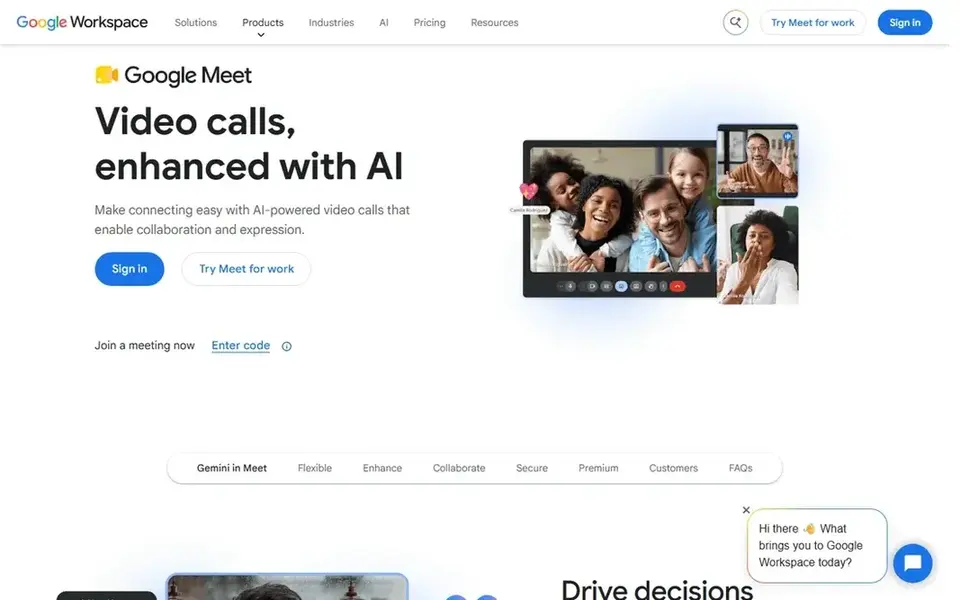
Google Meet works best for Google Workspace teams. Enterprise has no listed price.
Downsides: Business plans cap at 300 users.
In daily use, Google Meet noise cancellation removes background sounds like typing, doors, and traffic, but it is not on every Workspace plan. What you pay to start with Google Meet: $14 per user/month. You can start on Google Meet without paying.
- Noise cancellation included from Standard upward
- Meet works in a browser with no install
- Business Starter at $7 has no noise cancellation
For regulated teams on Cisco, Webex is a natural candidate. Webex bundles noise removal in its meetings, with a free plan for up to 100 participants and meetings of up to 40 minutes. Beyond that, Webex Suite costs $22.50 and layers on Webex Calling, messaging, and webinars, whereas keeping the same 200-participant room.
What to check first: Suite brings $10.50 per user over Meet with no larger room.
Also, choose Webex if you work in a regulated field or need Cisco security choices. Webex Meet costs $12 per user a month billed yearly, or $14.50 billed monthly, and lets unlimited meetings of up to 24 hours for up to 200 participants, with 10 GB of AI cloud recording, Slido polls, and AI Assistant summaries. Starting cost for Webex: $12 per user/month. Webex offers a free plan.
- Free plan for 100 participants
- Noise removal plus AI summaries on Meet
- Free meetings end after 40 minutes
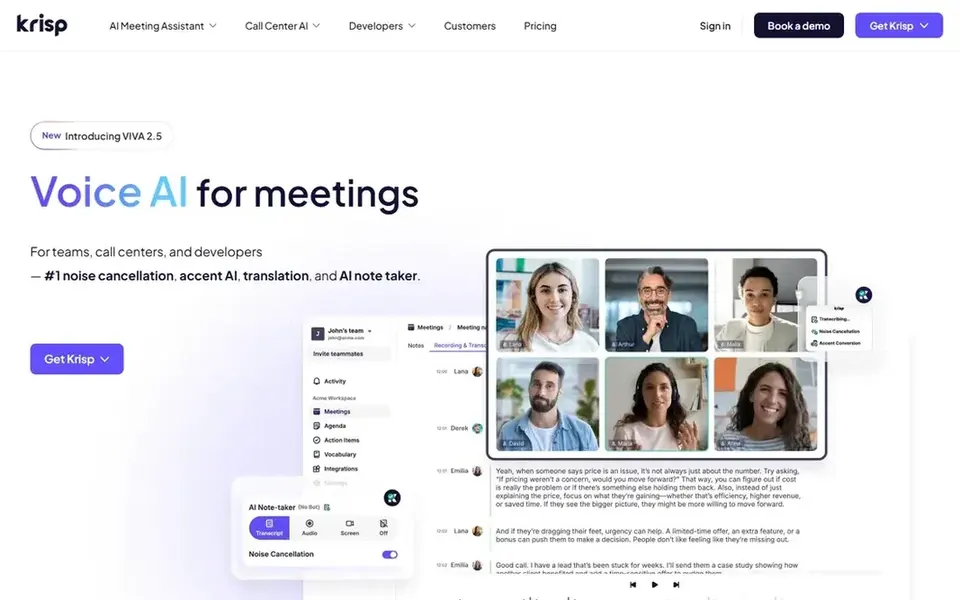
Krisp works best for most callers on any app. Enterprise has no listed price and layers on single sign-on, SCIM, on-device transcription and recordings, and unlimited storage.
Points against: No permanent free plan since 2026.
Price to start with Krisp: $8 per user/month. As for free access: Free trial (7 days).
- Works across more than 800 apps
- Unlimited noise cancellation on Core
- Monthly billing doubles the Core price to $16 per user
Pick Zoom Workplace if this describes you: Teams already on Zoom. Workplace Business costs $18.33 per user a month billed yearly and raises the participant limit to 300, with single sign-on and managed domains.
In daily use, Zoom Workplace contains background noise suppression in its meetings, with a setting to tune how much background sound Zoom removes. What you pay to start with Zoom Workplace: $14.16 per user/month. A free plan is available with Zoom Workplace.
The main drawbacks: Pro is annual billing only at the listed $14.16 rate.
- Free Basic plan for short group calls
- Noise suppression built into meetings
- Entry-level group meetings end after 40 minutes
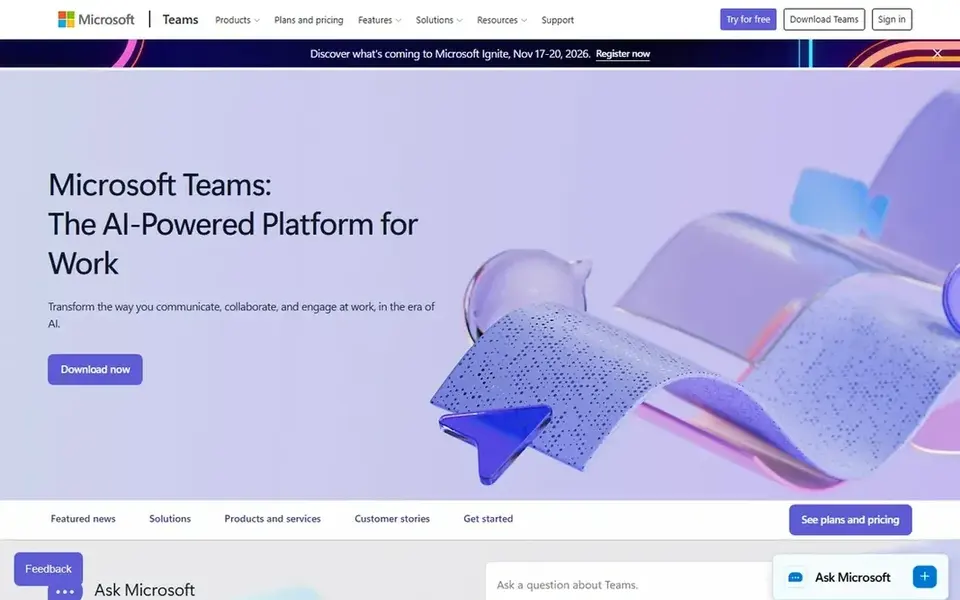
Microsoft Teams is a good fit for Microsoft 365 workplaces. A free version of Teams also exists for personal use, with a 60-minute limit on group meetings.
The starting price for Microsoft Teams: $4 per user/month. Microsoft Teams includes a free tier.
The main drawbacks: Entry plan has only 10 GB of cloud storage per user.
- Lowest entry price in this list
- Noise suppression listed on Teams plans
- Higher Microsoft 365 plans cost far more
RingCentral RingEX targets phone plus video in one place. A team that texts customers will hit the Core cap of 25 messages per user a month quick.
The next level costs $5 more per user a month. From a buyer's view, RingCX contact center opens at $65 per agent a month as a separate product, whereas AI Receptionist begins at $39 per month as an add-on. Starting cost for RingCentral RingEX: $20 per user/month. On free options: Free trial (14 days).
Watch-outs: Core permits only 25 SMS per user a month.
- Video meetings and phone in one license
- AI noise cancellation on Core
- Monthly billing rises to $30 per user
Questions to settle before buying
- Check the vendor page for the current price: Microsoft Teams starts at $4 per user/month here, and seats or billing terms can move it.
- Check what the free option really includes: Google Meet, Webex, Zoom Workplace and Microsoft Teams offer a free plan, and usage caps differ.
- Run a trial of Krisp and RingCentral RingEX with real work before paying for a year; your own workflow is the best test.
- Read the limits listed for Google Meet first: business Starter at $7 has no noise cancellation.
- Check whether Microsoft Teams bills monthly or annually, and what cancelling early costs.
- The entry price of Google Meet is only the starting point; model the full cost with seats and extras.
Frequently asked questions
Which options for AI noise cancellation software for calls have a free plan?
On this list, Google Meet, Webex, Zoom Workplace and Microsoft Teams include a free plan. Caps on seats, usage or features are common, so test the free plan against your real workload. Several others offer a trial instead.
How are the tools for AI noise cancellation software for calls ordered?
The order follows typical fit for AI noise cancellation software for calls, with Google Meet first and RingCentral RingEX last, then price clarity and free access. It is editorial judgement, not a score, so another team could rank the tools differently.
Which is a good match for calls across multiple different apps?
Google Meet is the pick this page puts first, mainly for Google Workspace teams. If your situation differs, Webex suits regulated teams on Cisco, and Krisp suits most callers on any app. Compare price and limits before you decide.
Can I try these tools before paying?
Often, yes. Google Meet, Webex, Zoom Workplace and Microsoft Teams have a free plan and Krisp and RingCentral RingEX offer a free trial. Use your own data and a real task during the test, and check what the free tier or trial limits before you rely on it.
What is the cheapest option for AI noise cancellation software for calls in this list?
On published monthly entry prices, Microsoft Teams is the lowest here at $4 per user/month. Entry price is only part of the cost, because seats, add-ons and billing terms can change the total.
Sources
See where you really rank - block by block
ProMapRanker scans Google Maps across a grid of your service area. Simple monthly plans from $19, white-label on every plan.
Start freeBrowse all guides
← Best AI Integration Platform for Businesses (2026)AI Story Generators: 6 Options Compared in 2026 →
 best ai governance platforms for enterprises
AI Governance Platforms for Enterprises: Best Picks of 2026
Best AI governance platforms for enterprises: 6 tools compared on price, free plans and fit. Short, factual notes on every option. Reviewed this month.
Read → gemini alternatives
Top Gemini Alternatives for 2026, With Prices
Gemini alternatives in 2026: 6 contenders with entry costs and free tiers. Top pick: Perplexity, aimed at research with cited answers. Prices checked.
Read → best rated rag software for llm search
6 Best Rated RAG Software for LLM Search in 2026
Weighing the best rated RAG software for LLM search? We lined up 6 products by cost, free access and fit. Strengths and weak spots are spelled out. Start here.
Read → best free ai chat app no filter
Best Free AI Chat App No Filter in 2026
We review the best free ai chat app no filter options among legitimate general-purpose AI tools, with honest safety notes and free tier details for writing.
Read → best ai assistant apps
6 AI Assistant Apps Ranked for 2026
6 products for the best AI assistant apps, ranked by fit, with starting costs and free tiers. Caveats come with every verdict. Quick comparison inside.
Read → best ai talking app
Best AI Talking App in 2026: 8 Apps Compared
Looking for the best ai talking app for chat, roleplay, and conversation practice? We compare 8 legitimate AI chat apps on price, memory, and privacy.
Read →More in AI Tools · All guides A to Z by date · Latest guides