 ProMapRanker
6 AI Assistant Apps Ranked for 2026

Direct answer
If you need free high-quality chat, DeepSeek is the first tool to look at here. If your case is different, Microsoft Copilot suits Windows and Microsoft 365 users and Claude suits long writing and analysis. The other 3 tools in the list cover narrower or pricier cases.
Key takeaways
- Number one here is DeepSeek, a fit for free high-quality chat.
- For live answers and personality, Grok is worth a look.
- What to know about Claude first: Pro costs $20 a month when billed monthly.
- A free plan is offered by 6 of the 6 tools, including DeepSeek, Microsoft Copilot, Claude and ChatGPT.
- The cheapest monthly starting price in the list is $17 per month, offered by Claude.
Quick comparison
| Pick | Great for | Pricing starts at | Free tier | |
|---|---|---|---|---|
 DeepSeek | Free high-quality chat | See website | Yes | Visit |
 Microsoft Copilot | Windows and Microsoft 365 users | See website | Yes | Visit |
 Claude | Long writing and analysis | $17 a month (billed yearly) | Yes | Visit |
 ChatGPT | All-round everyday assistant | See website | Yes | Visit |
 Poe | Plenty of models in one app | See website | Yes | Visit |
 Grok | Live answers and personality | See website | Yes | Visit |
6 AI assistant apps in detail
ProMapRanker compared 6 AI assistant apps. The goal is a practical shortlist: published prices, free plan facts, best-fit use cases and honest limits for every entry.
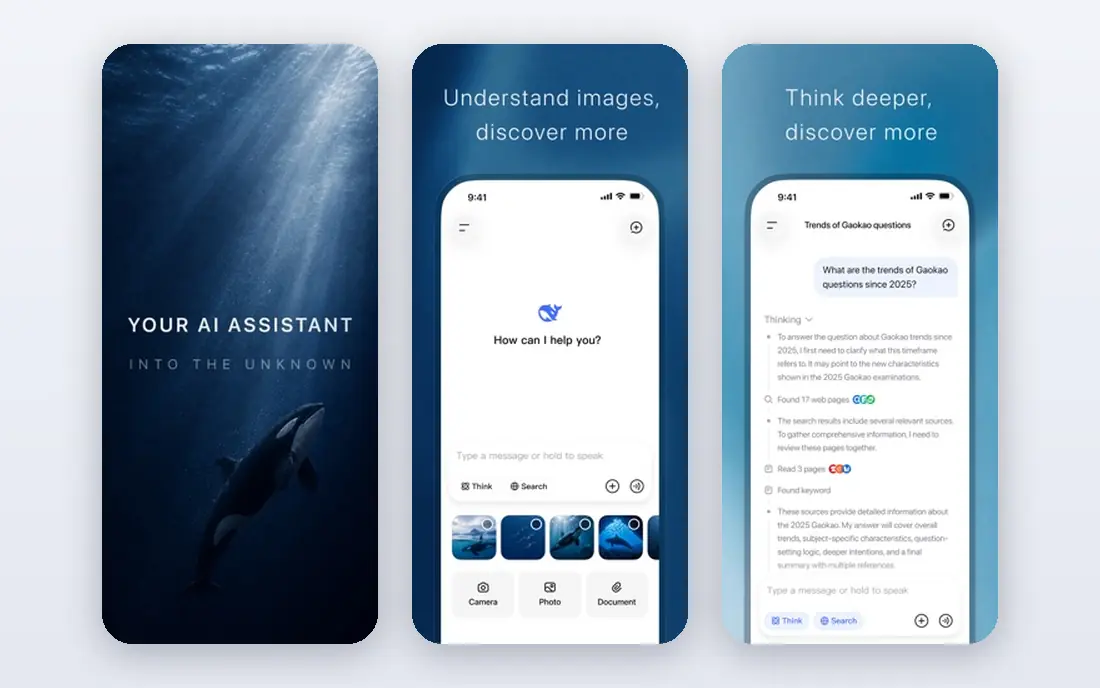
Choose DeepSeek for free high-quality chat. Its models have earned attention for matching much more costly rivals on technical tasks, and the basic service needs no subscription.
Check the vendor site for DeepSeek pricing; none is listed in this comparison. You can start on DeepSeek without paying.
Trade-offs to know: Availability and features vary by region.
Upsides: No subscription required for entry-level use.
- Light app
- Capable reasoning and coding for a free service
- Smaller ecosystem than US rivals
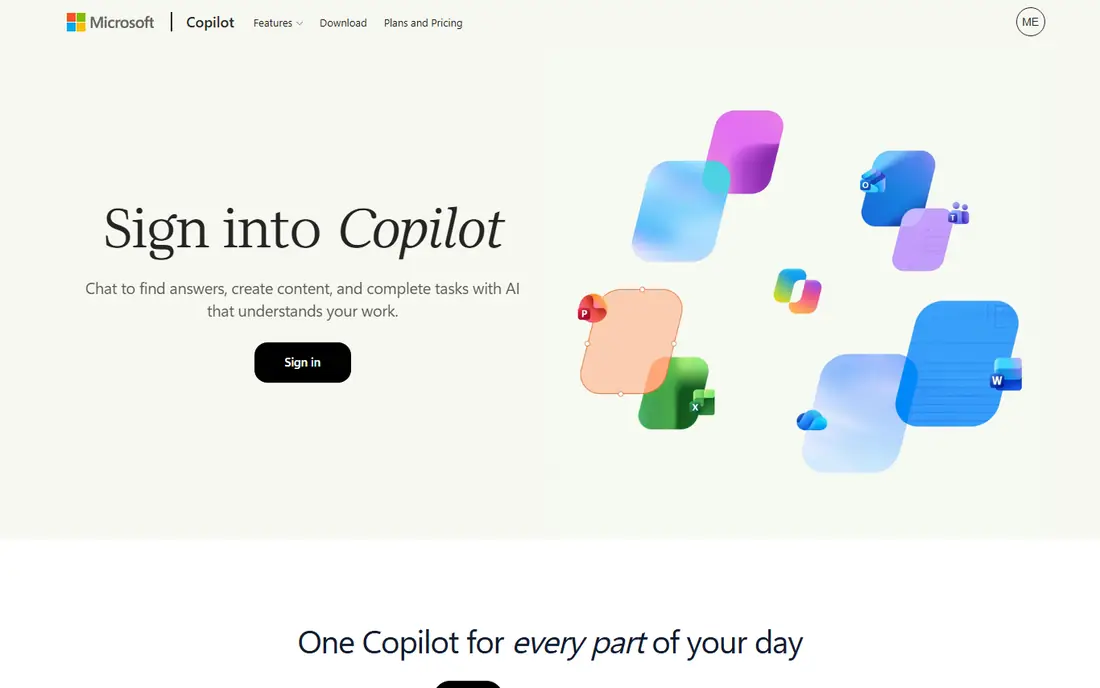
Microsoft Copilot makes the most sense for Windows and Microsoft 365 users. Microsoft Copilot brings AI assistance across work and life in a single experience on the web, desktop, and mobile, with existing chats, history, and files carrying over automatically. In practice, for Windows users and Microsoft 365 subscribers, Copilot is the natural assistant, since it works where your documents already live.
In daily use, a free level is available with a Microsoft account, work and personal conversations stay separate, and Microsoft 365 subscriptions add the Copilot app plus desktop Office apps and premium features. The experience is not identical everywhere: features and limits differ between Windows, web, and mobile, and premium pricing is not on the homepage. Pricing for Microsoft Copilot is not stated here, so ask the vendor for current figures. Free access exists with Microsoft Copilot.
The main drawbacks: Some features need a Microsoft 365 subscription.
- Word, Excel
- Work and personal chats kept separate
- Premium pricing is not on the homepage
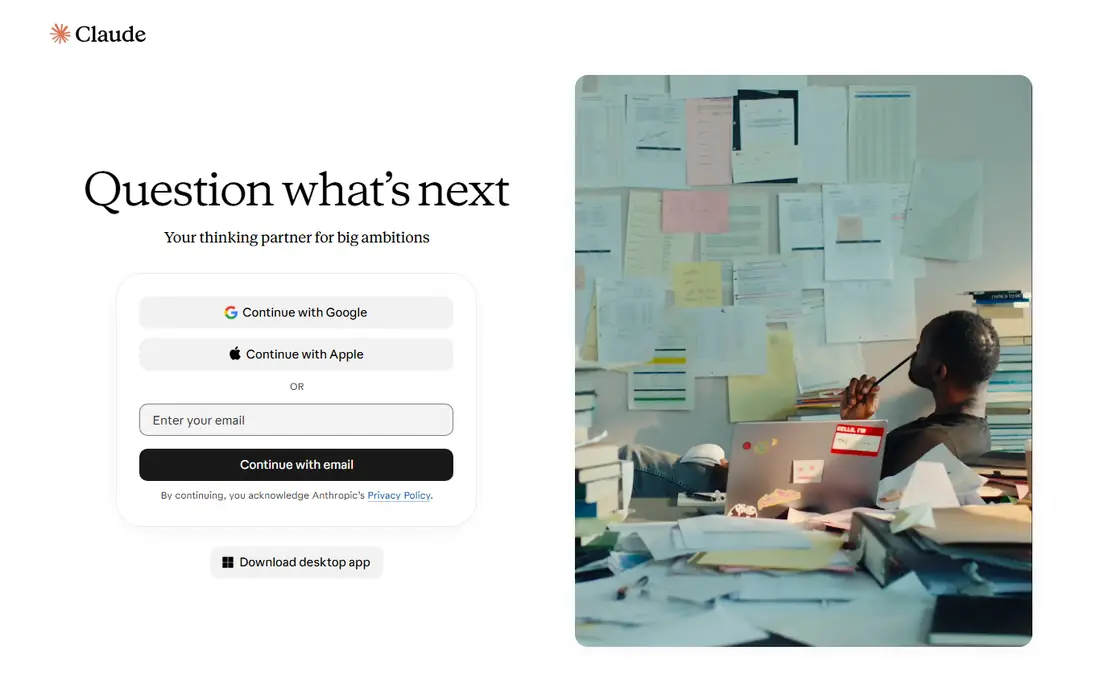
Claude targets long writing and analysis. Usage limits apply on every plan, and Claude's ecosystem is smaller than ChatGPT's.
Highlights: Free plan contains web search, files, code.
Price to start with Claude: $17 per month. Claude has a free plan.
Honest limits: Pro costs $20 a month when billed monthly.
- Clear pricing on the site
- Pro layers on Claude Code and projects
- Usage limits apply even on premium plans
Pick ChatGPT if this describes you: all-round everyday assistant. Premium pricing is not published on the homepage, so verify it at signup. On top of that, the central weakness is accuracy: ChatGPT writes fluently even when it is wrong, so check facts, code, and citations before relying on them.
Trade-offs to know: Answers can be confidently wrong.
On top of that, ChatGPT remains the default AI assistant for most people, with the broadest capabilities across writing, coding, image generation, and voice conversation. Its free level manages everyday questions, drafting, and brainstorming, whereas premium plans add the newest models, higher limits, and priority access. Pricing for ChatGPT is not stated here, so ask the vendor for current figures. You can start on ChatGPT without paying. Main advantages: The largest user base and ecosystem.
- Voice mode and apps on every product
- Free level includes daily use
- Premium pricing is not on the homepage
Poe was built for numerous models in one app. Beyond that, premium pricing is not published on the homepage.
That multi-model access is its entire appeal: rather than subscribing to multiple assistants, you compare answers side by side and pick the best model for each task. The trade-off is dependence: Poe's access to other businesses' models can change, and the newest models may arrive on Poe later than on their native apps. Poe does not show a starting price in this comparison, so check the vendor site for current pricing. Poe includes a free tier.
Where it falls short: premium pricing is not on the homepage.
What works well: Bots for specific tasks.
- Free level for trying models
- Chat with plenty of leading models in one place
- You rely on Poe's access to other businesses' models
Grok makes the most sense for live answers and personality. Grok, built by xAI, is an AI assistant for text and voice chat, image and video generation, live web search, coding, and reasoning through complex problems. Its distinctive strength is awareness of live conversation, notably on X, which makes it handy for fast-moving news, trends, and social topics where other assistants lag.
Where it is weaker: premium pricing is not on the homepage.
That personality is a double edge: Grok's humor and informality suit casual use but not every workplace, and fast-moving answers still need verification. Worth adding: premium pricing is not published on the homepage. As for the details, Grok fits users who want a lively, live assistant and already live on X. No starting price is listed for Grok here; confirm pricing on the vendor site. Free access exists with Grok.
- Image and video generation
- Text and voice chat
- Accuracy on fast-moving topics needs checking
How we built this list
Each tool was reviewed on what its vendor publishes: price, plan limits, core features and stated drawbacks. We did not run hands-on tests. Seat minimums, billing terms and add-ons can move the real cost, so the starting prices here are a guide and not a quote. Tools are placed by general fit for AI assistant apps, with price clarity and free access as tie-breakers. A different team can reasonably rank them differently.
What to check before you buy
- Confirm the entry price on the vendor page. For DeepSeek, Microsoft Copilot, ChatGPT and others that means a quote rather than a fixed price.
- Look at free plan limits closely: DeepSeek, Microsoft Copilot, Claude and others have one, and the caps decide whether it is usable for real work.
- Before choosing DeepSeek, weigh its main limit: pricing for premium levels is not on the homepage.
- Find out what support Poe includes on your plan, and whether onboarding help costs extra.
- Before rolling out DeepSeek, verify the integrations your workflow depends on.
Frequently asked questions
How are the tools for AI assistant apps ordered?
The order follows typical fit for AI assistant apps, with DeepSeek first and Grok last, then price clarity and free access. It is editorial judgement, not a score, so another team could rank the tools differently.
Which options for AI assistant apps have a free plan?
On this list, 6 of 6 tools include a free plan, among them DeepSeek, Microsoft Copilot, Claude and ChatGPT. Caps on seats, usage or features are common, so test the free plan against your real workload.
Is DeepSeek the right pick for everyone comparing AI assistant apps?
No single tool suits every team. DeepSeek comes first because it fits free high-quality chat, while Microsoft Copilot suits Windows and Microsoft 365 users and Claude suits long writing and analysis. Match the tool to your own size, budget and workflow before deciding.
What is the cheapest option for AI assistant apps in this list?
On published monthly entry prices, Claude is the lowest here at $17 per month. Entry price is only part of the cost, because seats, add-ons and billing terms can change the total.
Are free AI assistants good enough?
premium plans chiefly add newer models, higher limits, and priority access, which matter for heavy professional use and for anyone who hits free limits daily.
Is Poe worth it rather than separate subscriptions?
Yes, if you on a regular basis compare models or use multiple assistants lightly. Heavy users of one model normally get better limits from that model's native subscription, and they also get new features first.
Sources
See where you really rank - block by block
ProMapRanker scans Google Maps across a grid of your service area. Simple monthly plans from $19, white-label on every plan.
Start freeKeep reading
 zoho inventory alternatives
6 Alternatives to Zoho Inventory, Compared on Price and Fit
Zoho Inventory alternatives: 6 tools compared on price, free plans and fit. Katana leads the list for manufacturers. Fit and flaws are laid out for each entry.
Read → zoho crm alternatives
Best Zoho CRM Alternatives (2026)
Need Zoho CRM alternatives? We compare 7 tools on cost, free access and who each suits. Every pick gets a straight assessment. Built for quick decisions.
Read → zelle alternatives
Best Zelle Alternatives in 2026
Compare the best Zelle alternatives for sending money to friends, paying sellers and moving funds abroad, with honest notes on fees, speed and safety in 2026.
Read →