 ProMapRanker
Best AI Meeting Transcription Tools in 2026

Key takeaways
- Otter and Fireflies suit most teams, with Otter focused on live transcripts and Fireflies on CRM-linked summaries.
- Fathom and Granola offer generous free tiers, but free history, summary, and storage limits matter for heavy users.
- Free plans differ sharply: some cap minutes, some cap storage, and some cap history, so check the limit that fits your meeting load.
- Recording laws vary by place, and consent is required where applicable, so tell participants before you record.
Quick comparison
| Pick | Great for | Pricing starts at | Free tier | |
|---|---|---|---|---|
 Otter.ai | Live meeting transcripts | Free | Yes | Visit |
 Fireflies.ai | Sales and CRM summaries | Free | Yes | Visit |
 Fathom | Free Zoom recording and summaries | Free | Yes | Visit |
 Notta | Multilingual meetings | Free | Yes | Visit |
 Granola | Bot-free meeting notes | Free | Yes | Visit |
 Fellow | Meeting notes and agendas | Free | Yes | Visit |
 Descript | Transcript-based editing | Free | Yes | Visit |
 Rev | Human-reviewed transcripts | Free | Yes | Visit |
 Sonix | Multilingual file transcription | $10 per hour | No | Visit |
The best ai meeting transcription tools
These tools record, transcribe, and summarize meetings on Zoom, Google Meet, Microsoft Teams, and other platforms. We compared official pricing pages, feature pages, and public reviews, with a focus on free limits, meeting support, summaries, and integrations.
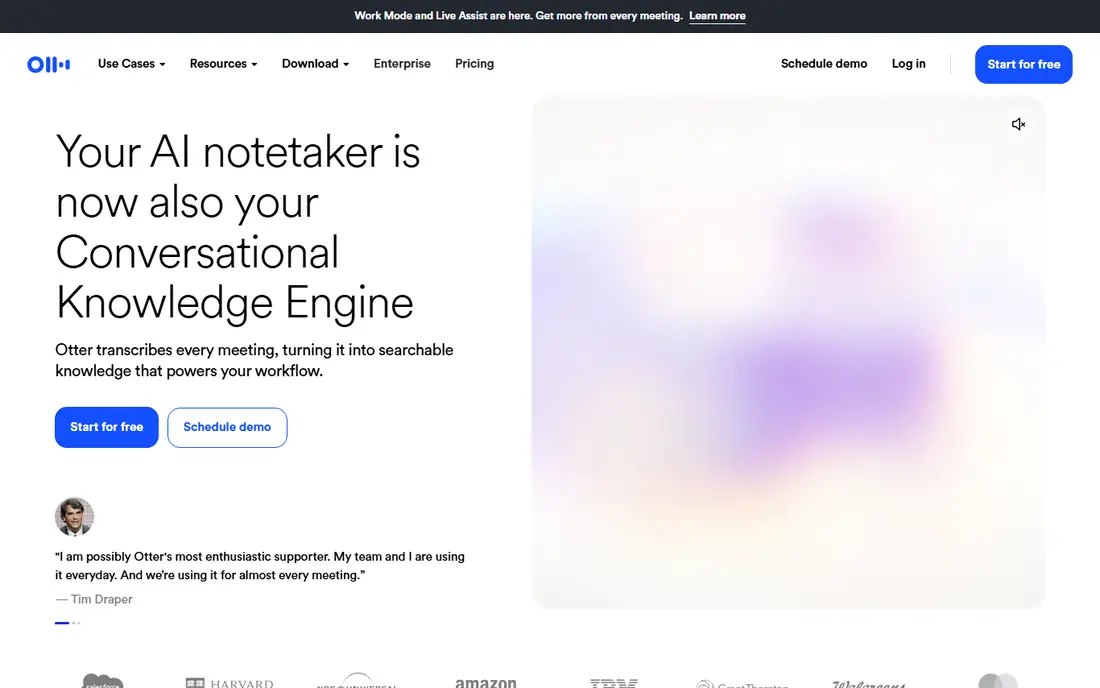
Otter.ai is our pick for most teams because it combines a live transcript with a searchable library you can actually use after the call. OtterPilot can join Zoom, Google Meet, and Teams, transcribe speakers in real time, and produce a summary with action items. The free Basic plan includes 300 minutes per month, with a 30-minute cap per conversation in recent published summaries, which is enough to test accuracy on your own calls.
The limits bite heavy users quickly. Pro is listed at $8.33 per user per month billed annually, or $16.99 monthly, with 1,200 minutes and a 90-minute meeting cap in published summaries. Business adds longer meetings and CRM sync. If your meetings run long or you import many files, check those caps before you commit, and tell participants that Otter is recording.
- Real-time transcripts with speaker labels
- Searchable meeting library
- AI chat across meetings on paid plans
- Free plan caps minutes and conversation length
- File imports are limited
- Fewer languages than Notta
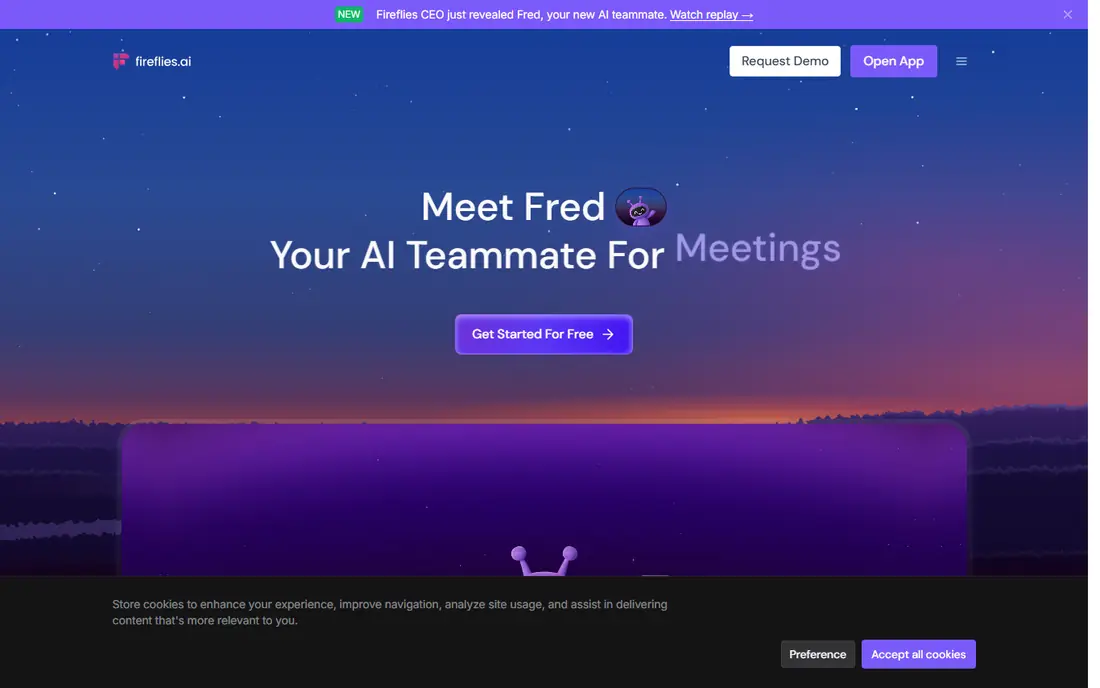
Fireflies.ai suits sales, recruiting, and consulting teams that need meeting notes in a CRM. The bot joins Zoom, Meet, Teams, and other platforms, transcribes the call, and pushes summaries, action items, and notes into Salesforce, HubSpot, and other tools. The free tier offers unlimited transcription with limited storage, often listed at 400 minutes of team storage, plus a small number of AI credits.
Paid plans start with Pro at $10 per seat per month billed annually, or $18 monthly, with Business at $19 per seat billed annually. The AI credit system is the detail to watch: summaries and advanced features draw on credits, so heavy users may need extra packs. If CRM sync matters more than a live transcript view, Fireflies is a stronger fit than Otter.
- Unlimited transcription on the free tier
- Wide CRM and app integrations
- AskFred search across meetings
- Free storage is capped
- AI credits limit summaries on paid plans
- Setup takes time for large teams
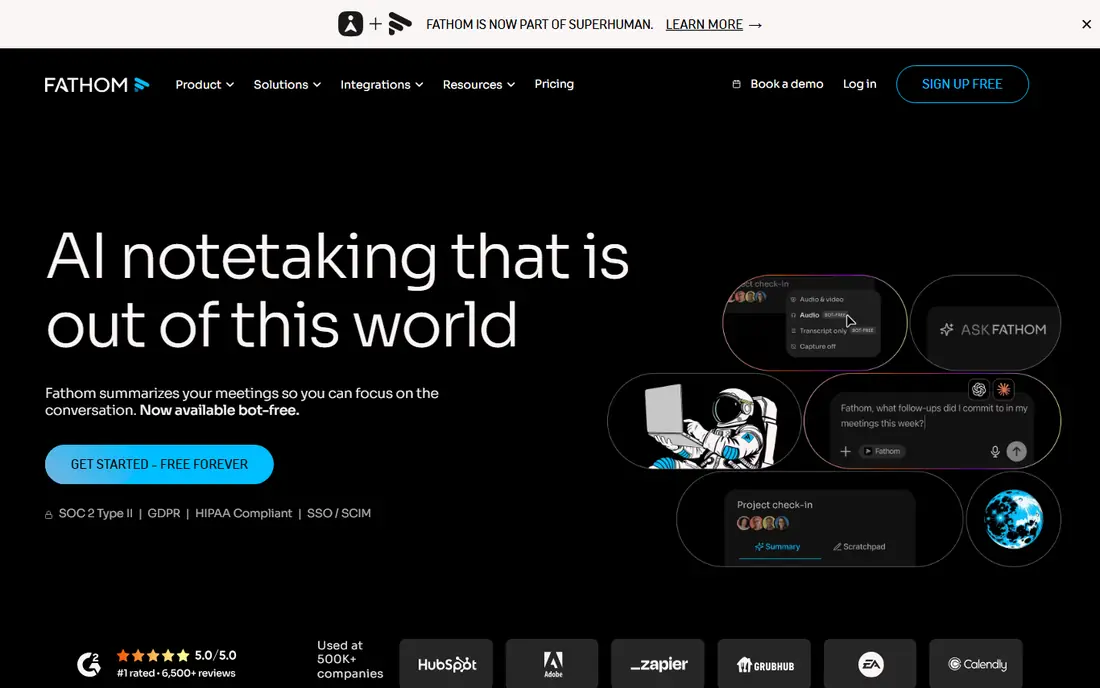
Fathom is the best free starting point for individuals who meet mainly on Zoom, Meet, or Teams. The free plan lists unlimited recordings and transcription, with advanced AI summaries limited to about five per month in recent summaries. Paid plans include Premium at $16 per user per month billed annually, Team at $15, and Business at $25, with monthly billing higher.
The bot joins calls by default, which some participants dislike, though a bot-free desktop capture mode has been offered in beta on Mac. CRM sync and field-level features sit on higher tiers, so sales teams should check which plan includes the sync they need. For a solo professional who wants clean summaries without paying, Fathom is hard to beat.
- Unlimited recordings and transcription on the free plan
- Instant summaries
- CRM sync on paid plans
- Advanced summaries are limited on free
- Team and Business need a two-seat minimum
- Bot-free mode is limited by platform
Notta suits teams that meet across languages, with published summaries listing 58 transcription languages and a free plan of 120 minutes per month, with a short per-conversation cap. Pro is listed at $8.17 per month billed annually, or $13.49 monthly, with 1,800 minutes in published summaries. That combination makes Notta a practical choice for interviews, classes, and international teams.
The free tier is small, so test it on a real call before you rely on it for weekly meetings. Notta also handles uploaded files and web recordings, which helps when a meeting happens outside Zoom or Teams. If most of your meetings are in English and you need a large free tier, Otter or Fathom may fit better. If language coverage matters, Notta moves to the top.
- Wide language support
- Live and file transcription
- Summaries and translation tools
- Free plan caps minutes and conversation length
- Paid plans needed for longer meetings
- Accuracy varies by language and audio
Granola is our pick for people who dislike a visible bot in every meeting. The app captures audio from your own device, lets you type short notes during the call, and then builds clean AI notes from your notes plus the transcript. The free Basic plan offers unlimited meeting notes with 30 days of history in recent summaries, while Business costs $14 per user per month with unlimited history and wider integrations.
The trade is that Granola records only meetings you attend on that device, and audio is deleted after transcription in published summaries. That design suits founders, consultants, and interviewers who want private, bot-free notes. Teams that need a shared recording library, meeting analytics, or admin controls should look at Otter, Fireflies, or Fellow instead.
- No bot joins the call
- Blends your notes with the transcript
- Works for in-person meetings
- Free history limited to 30 days
- Business needed for many integrations
- Capture depends on your device
Fellow suits teams that want meetings to start with an agenda and end with owned action items, not just a transcript. The platform joins Zoom, Meet, Teams, and Slack Huddles, records and transcribes, and turns discussion into notes, decisions, and follow-ups. The free plan includes a small lifetime allowance of AI notes and recordings per user in recent summaries, while Team starts at $7 per user per month billed annually.
That structure helps managers who run recurring one-to-ones and team meetings, because notes, feedback, and action items stay linked to each meeting. If you only need a transcript file, Fellow adds process you may not want. If your problem is meetings with no agenda and no follow-through, Fellow addresses that gap better than a transcript-only tool.
- Agendas, notes, and action items in one place
- AI notes and recordings
- Integrations with calendars and tools
- Free AI notes are limited per user
- Paid plans needed for full team features
- Less focused on raw transcription alone
Descript is the best choice when the transcript is a starting point for edited content, not just a meeting record. You can transcribe a recording, delete filler words by deleting text, and export clips for a podcast, video, or training session. The free plan includes a small monthly transcription allowance, while Hobbyist is listed at $16 per person per month billed annually and Creator at $24 in published summaries.
For pure meeting notes, Otter or Fathom will be simpler and cheaper. Descript earns its place when a team records calls, interviews, or demos and then needs to publish edited versions. Check the transcription hours on each plan against your monthly recording load, because overage and plan jumps can raise the cost quickly.
- Edit audio and video by editing text
- Transcription plus filler removal
- Useful for podcasts and content teams
- Meeting capture is not its main strength
- Paid plans needed for serious hours
- Learning curve for new editors
Rev suits teams that need a verified transcript for legal, compliance, or published use, where an AI-only draft is not enough. The platform offers AI transcription with a free first transcript in published summaries, plus human transcription and caption services for higher accuracy. Essentials is listed at $25.49 per seat per month billed annually in some summaries, with pay-as-you-go options for files.
The cost reflects that review step, so Rev is not the cheapest meeting notetaker for daily standups. It is the right pick when a transcript will be quoted, filed, or used as a record of a deposition or hearing. For routine internal meetings, an AI-only tool will be faster and cheaper, and you can reserve Rev for the calls that need a checked transcript.
- AI transcription plus human review option
- Strong for legal and compliance use
- File and meeting support
- No full free transcription plan
- Human review costs more
- Paid seat pricing is higher than meeting-only tools
Sonix suits teams that transcribe files rather than live meetings, especially across languages or in regulated settings. You upload audio or video, get a transcript with speaker labels, and use custom dictionaries, timestamps, and search to work through long recordings. Pay-as-you-go pricing is listed at $10 per hour, with a Core subscription at $25 per month in published summaries.
That model helps when transcription needs spike and fall, because you pay for hours you use rather than seats you hold. It helps less for a team that wants a bot in every daily call, where Otter or Fireflies will be simpler. If your work is interviews, research, media, or legal files in several languages, Sonix is a practical file-first choice.
- Wide language support
- File upload and folder workflows
- Custom dictionaries and speaker tools
- Pay-as-you-go pricing adds up for heavy use
- Less focused on live meeting bots
- No free plan in published summaries
How we picked these
We compared official pricing pages, feature pages, and public reviews, and we kept only tools that still operate in October 2026 and truly transcribe meetings or meeting files. We included bot-based tools, bot-free tools, multilingual tools, and human-reviewed options, so readers can match the tool to meeting type rather than brand fame. Where free limits or prices conflicted across sources, we used the most recent published summary and noted the limit to check.
Consent, privacy, and sharing
Tell every participant that a meeting is being recorded and transcribed before you start, and follow the recording laws that apply in your location. Laws vary, and consent is required where applicable, so a simple announcement at the start of the call protects everyone. Check who can access transcripts, how long they are kept, and whether the vendor uses meeting data to train models, because those settings differ by plan.
Choosing by meeting load
Count your monthly meeting minutes, average meeting length, and number of users before you compare prices. A free plan with 300 minutes suits a solo user with short calls, while a team with daily hour-long meetings will hit caps fast. Also check storage, history, and AI credit limits, because the cheapest plan can become expensive once summaries, storage, or history run out.
Frequently asked questions
What is the best AI meeting transcription tool for most teams?
Otter.ai is the best starting point for most teams because it offers live transcripts, speaker labels, and a searchable library. Fireflies.ai is a better fit for sales teams that need CRM sync, while Fathom is a strong free option for individuals. Test accuracy on your own calls before you commit a whole team.
Do I need consent to record a meeting?
Yes, you should tell participants before you record, and consent is required where applicable under local recording laws. Laws vary by place and by whether all parties or one party must consent, so check the rules for your location and your participants. A clear announcement at the start of the call, plus a note in the invite, is good practice even where the law is less strict.
Which tool is best for meetings in several languages?
Notta offers the widest language coverage among the meeting tools here, with 58 transcription languages in published summaries. Sonix is also strong for multilingual file transcription, while Otter covers fewer languages. Test accuracy in each language you use, because results vary with accents, crosstalk, and audio quality.
Can I use these tools without a bot joining my calls?
Yes, Granola captures audio from your own device without a bot, and Fathom offers a bot-free desktop mode in beta on Mac. Otter and Fireflies mainly use a bot that joins the call, though some offer desktop capture options. If a visible bot is a problem for your clients, choose a bot-free tool and still announce that you are recording.
Are free AI meeting transcription plans enough?
Free plans can be enough for light use, such as a few short meetings per month. Otter offers 300 minutes per month, Fathom offers unlimited recordings with limited summaries, and Fireflies offers unlimited transcription with capped storage. Heavy users, long meetings, and teams that need history, CRM sync, or admin controls will need a paid plan.
Sources
See where you really rank - block by block
ProMapRanker scans Google Maps across a grid of your service area. Simple monthly plans from $19, white-label on every plan.
Start freeKeep reading
 zscaler alternatives
Best Zscaler Alternatives in 2026
Looking for zscaler alternatives? We compare 9 SASE and zero trust platforms on architecture, data protection, pricing, and fit for your network and team.
Read → zapier alternatives free
Best Zapier Alternatives Free in 2026
Nine automation tools for zapier alternatives free in 2026, all with genuinely free tiers, plus free plan limits, starting prices and upgrade paths explained.
Read → which platform is best for online reputation
Which Platform Is Best for Online Reputation in 2026
Wondering which platform is best for online reputation? We compare 8 review, listing, and response tools for small and multi-location businesses and agencies.
Read →