 ProMapRanker
AI Meeting Platform in Australia in 2026: Top 6 Compared

AI-powered collaboration with devices · Pricing starts at: See website
Direct answer
Cisco Webex comes first here, mainly for AI-powered collaboration with devices. Listed starting prices: Read AI from $15 per user a month, Otter.ai from $8.33 per user a month and Fireflies.ai from $10 per seat per month, billed annually. Read AI is the stronger choice for meeting notes plus cross-app search, while Otter.ai suits live transcription and meeting summaries. All 6 tools are compared below on price, free plan and limits.
Short on time? The summary and table above give the quick view of 6 tools for AI meeting platform in australia, and the profiles that follow give the detail behind each entry.
Key takeaways
- Number one here is Cisco Webex, a fit for AI-powered collaboration with devices.
- 5 of 6 tools offer a free plan: Cisco Webex, Read AI, Otter.ai, Fireflies.ai, Fathom.
- A fair warning about Otter.ai: not a meeting hosting product.
- Zoom Workplace is the one to check for all-in-one meetings, chat and phone.
Quick comparison
| Pick | Great for | Pricing starts at | Free tier | |
|---|---|---|---|---|
| Cisco Webex | AI-powered collaboration with devices | See website | Yes | Visit |
 Read AI | Meeting notes plus cross-app search | $15 per user a month | Yes | Visit |
 Otter.ai | Live transcription and meeting summaries | $8.33 per user a month | Yes | Visit |
 Fireflies.ai | Transcription across several meeting products | $10 per seat per month, billed annually | Yes | Visit |
 Fathom | Individuals and CRM-focused teams | $15 per user per month | Yes | Visit |
 Zoom Workplace | All-in-one meetings, chat and phone | See website | Not stated | Visit |
The full AI meeting platform in australia list

Where Cisco Webex fits: AI-powered collaboration with devices. Cisco Webex is an AI-powered collaboration system that spans meetings, calling, customer experience and meeting room devices.
The main drawbacks: Administration may suit IT-led buyers.
Australian enterprises and contact-center operators often choose it for that combination of software and hardware, especially where room systems and support matter. In practice, if automatic meeting notes are the priority, a dedicated notetaker like Read AI or Fathom could complement it. Cisco Webex shows no starting price here, so confirm the cost on the vendor site. A free plan is available with Cisco Webex.
- AI features positioned across the product
- Devices and customer experience in one portfolio
- Portfolio breadth can complicate selection
Read AI serves meeting notes plus cross-app search. The search experience relies on which apps and services you link, and setup involves granting permissions across those tools.
Drawbacks to consider: Search value relies on connected apps.
In practice, Teams needing only transcripts may find it more than necessary. Read AI cost at the entry level: $15 per user per month. A free plan is available with Read AI.
Where Read AI stands out: Summaries.
- Google Meet and Zoom
- Transcripts and enterprise search in one tool
- Setup needs permissions across services
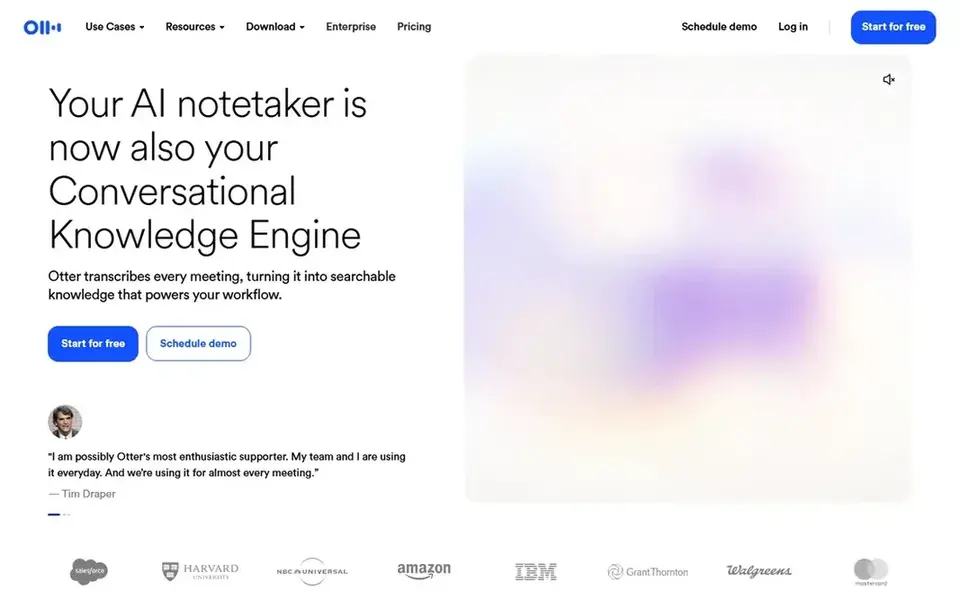
Pick Otter.ai if this describes you: live transcription and meeting summaries. Transcription quality varies with audio, background noise and solid accents, so summaries should be reviewed. Otter.ai positions itself as an AI meeting agent that offers live transcription, live chat, automatic summaries, insights and action items.
Trade-offs to know: Accuracy relies on audio quality and accents.
It works alongside the meeting system a team already uses, which fits Australian professionals who join many calls and want searchable records without manual note taking. It is a solid fit for individuals and teams concentrated on documentation instead of hosting. If you need CRM updates or broader analytics from calls, compare Fireflies.ai or Read AI. Starting cost for Otter.ai: $8.33 per user per month. Otter.ai has a free plan.
- Live transcription with automatic summaries
- Action items and insights generated from meetings
- Not a meeting hosting product
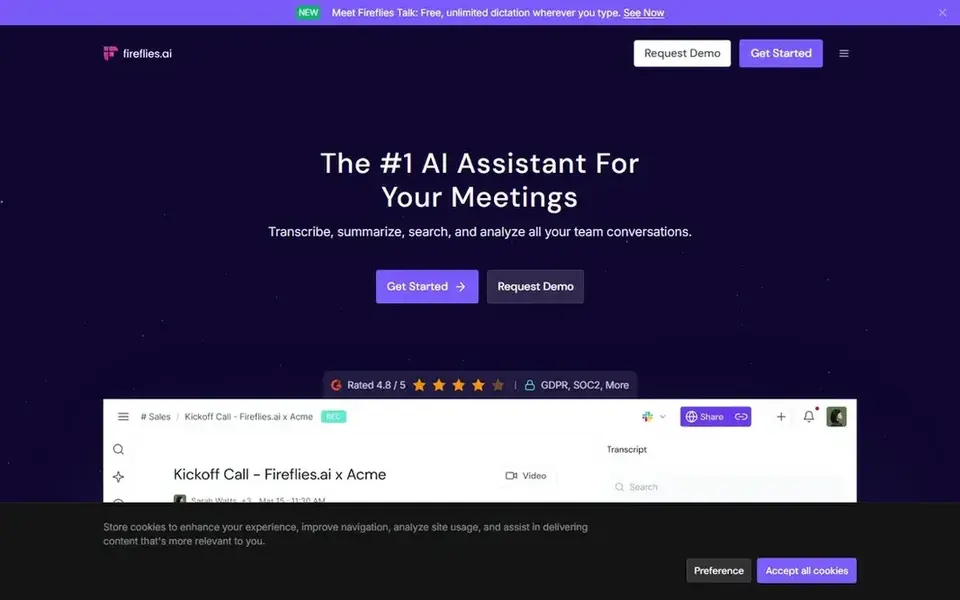
In short, Fireflies.ai is for transcription across several meeting systems. Results rely on recording permissions and audio quality, and the range of features can take time to learn.
What works well: Teams and Webex.
The main drawbacks: Feature depth may overwhelm casual users.
- Generative AI summaries and searchable transcripts
- Google Meet
- Output quality relies on meeting audio
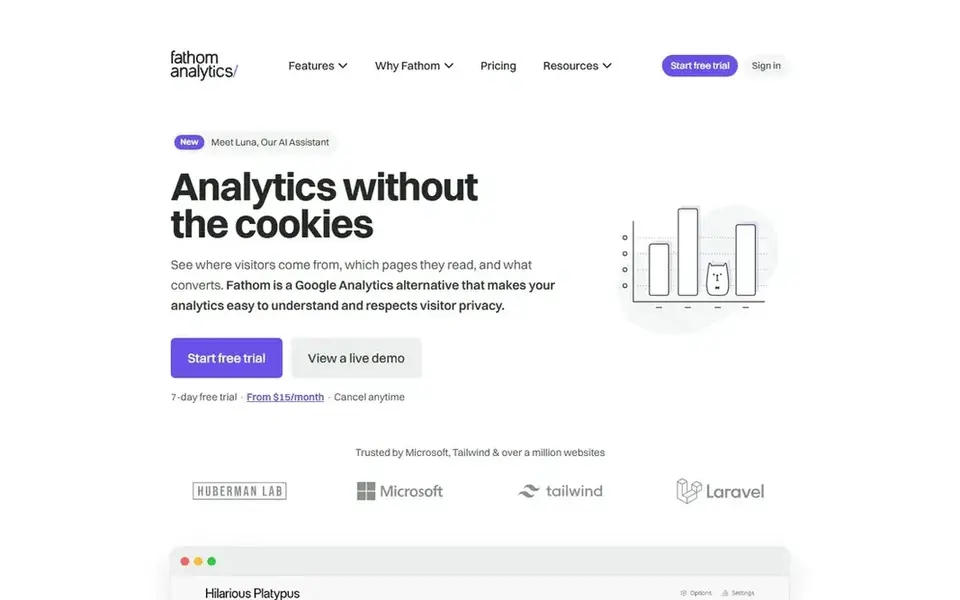
Where Fathom fits: individuals and CRM-focused teams. Australian sales and customer-facing staff commonly use it to keep call records tidy without manual entry.
It suits individuals who want summaries rapidly and teams that depend on CRM hygiene. The starting price for Fathom: $15 per user per month. Fathom has a free plan.
Points against: Concentrated on notes instead of hosting meetings. Where Fathom stands out: AI-powered CRM updates for teams.
- Google Meet and Teams calls
- Transcribes and summarizes Zoom
- CRM updates need clean call context
Where Zoom Workplace fits: all-in-one meetings, chat and phone. Zoom Workplace is a collaboration product built around video meetings, with chat, VoIP phone, webinars, whiteboard, contact center and events alongside.
For Australian firms that want one place for internal and client-facing conversations, it includes the typical bases and integrates widely with calendars and other workplace tools. This comparison lists no price for Zoom Workplace; ask the vendor. Trial and free access: Not stated.
Downsides: Numerous features sit behind separate modules.
- Webinars and whiteboard in one product
- Meetings, chat, phone
- AI capabilities vary by configuration
How the list was put together
ProMapRanker used vendor pricing pages and product documentation as the base, then compared plans, free access and documented limits for 6 tools. Seat minimums, billing terms and add-ons can move the real cost, so the starting prices here are a guide and not a quote. The order reflects how well each tool fits the most common buying scenario for AI meeting platform in australia, then price clarity, then free plan access. It is a starting point, not a verdict.
Pre-purchase checklist
- Get a written quote from Cisco Webex and Zoom Workplace; the list shows no starting price for them.
- Read the fine print on the free plans from Cisco Webex, Read AI, Otter.ai and others; seat, project and feature caps differ.
- Before choosing Cisco Webex, weigh its main limit: portfolio breadth can complicate selection.
- The entry price of Fireflies.ai is only the starting point; model the full cost with seats and extras.
- Get the contract term, renewal terms and any onboarding fees from Fathom in writing.
Frequently asked questions
Is Cisco Webex the right pick for everyone comparing AI meeting platform in australia?
No single tool suits every team. Cisco Webex comes first because it fits AI-powered collaboration with devices, while Read AI suits meeting notes plus cross-app search and Otter.ai suits real-time transcription and meeting summaries. Match the tool to your own size, budget and workflow before deciding.
What should smaller Australian businesses prioritize?
Start with the meeting product your team and clients already use, then add a notetaker only if manual notes are a real burden. Check integration with your calendar and CRM, data storage location and administrative simplicity.
What is the cheapest option for AI meeting platform in australia in this list?
On published monthly entry prices, Otter.ai is the lowest here at $8.33 per user per month. Entry price is only part of the cost, because seats, add-ons and billing terms can change the total. All 6 picks in this AI meeting platform in Australia comparison list a starting price, free plan details and the main limits on their cards above.
Which options for AI meeting platform in australia have a free plan?
Cisco Webex, Read AI, Otter.ai, Fireflies.ai and Fathom offer a free plan in this list. Free plans usually cap users, projects or features, so check the limits on the vendor page.
Do these tools publish their prices?
Not all of them. Cisco Webex and Zoom Workplace publish no starting price, so expect a quote request for those. The rest, Read AI included, show a starting price, though seats and billing terms still change the final cost.
Sources
See where you really rank - block by block
ProMapRanker scans Google Maps across a grid of your service area. Simple monthly plans from $19, white-label on every plan.
Start freeBrowse all guides
← 6 Best Agentic AI Platform for Enterprise Workflows for 20266 Best AI Soc Agents Software for Remote Teams in 2026 →
 best vibe coding tools for enterprise teams
6 Best Vibe Coding Tools for Enterprise Teams in 2026
Weighing the best vibe coding tools for enterprise teams? We lined up 6 products by cost, free access and fit. Short, factual notes on every option. No hype.
Read → best enterprise ai assistants software for remote teams
6 Best Enterprise AI Assistants Software for Remote Teams for 2026
Compare 6 best enterprise AI assistants software for remote teams, with prices, free plans and who each fits. Honest caveats for every entry. Costs up front.
Read → best collaborative ai app builder for teams
5 Best Collaborative AI App Builder for Teams in 2026
Best collaborative AI app builder for teams: 5 contenders ranked by fit, with entry costs and free tiers. Every tool lists pros and cons. See which fits.
Read → best capstone project writing service
Best Capstone Project Writing Service in 2026
Compare the best capstone project writing service options for detailed, legitimate editing, proofreading, coaching and tutoring on your own work only, in 2026.
Read → later alternatives
Best Later Alternatives in 2026
We compared the best later alternatives for scheduling and visual planning, from Buffer and Metricool to Hootsuite, on price, approvals, and analytics.
Read → best credentialing software
Best Credentialing Software in 2026
Compare the best credentialing software for healthcare teams in 2026, with provider tracking, payer enrollment, verification, and pricing compared side by side.
Read →More in Project Management & Productivity · All guides A to Z by date · Latest guides