 ProMapRanker
AI Meeting Notes Software for Recruiters: Best Picks of 2026

All-in-one scheduling, notes, and coaching · Pricing starts at: $19 per recorder seat a month
Direct answer
Avoma leads the list, best for all-in-one scheduling, notes, and coaching. tl;dv is better for simple, free notetaking across products, and Gong is better for revenue teams needing deep call analytics. Listed starting prices: Avoma from $19 per recorder seat a month, Otter.ai from $8.33 per user a month and Fireflies.ai from $10 per seat per month, billed annually. The remaining 2 options are covered below with prices and limits.
Short on time? The summary and table above give the quick view of 5 AI meeting notes software for recruiters, and the profiles that follow give the detail behind each entry.
Key takeaways
- This list starts with Avoma, which is built for all-in-one scheduling, notes, and coaching.
- Otter.ai comes with a trade-off: restricted sales-specific CRM features.
- Fireflies.ai fits cross-platform summaries with generative AI.
- The cheapest monthly starting price in the list is $8.33 per user per month, offered by Otter.ai.
Quick comparison
| Pick | Great for | Pricing starts at | Free tier | |
|---|---|---|---|---|
| Avoma | All-in-one scheduling, notes, and coaching | $19 per recorder seat a month | Free trial | Visit |
 tl;dv | Straightforward, free notetaking across systems | See website | Not stated | Visit |
 Gong | Revenue teams needing deep call analytics | See website | Not stated | Visit |
 Otter.ai | Live interview transcription and summaries | $8.33 per user a month | Yes | Visit |
 Fireflies.ai | Cross-platform summaries with generative AI | $10 per seat per month, billed annually | Yes | Visit |
AI Meeting Notes Software for Recruiters profiles
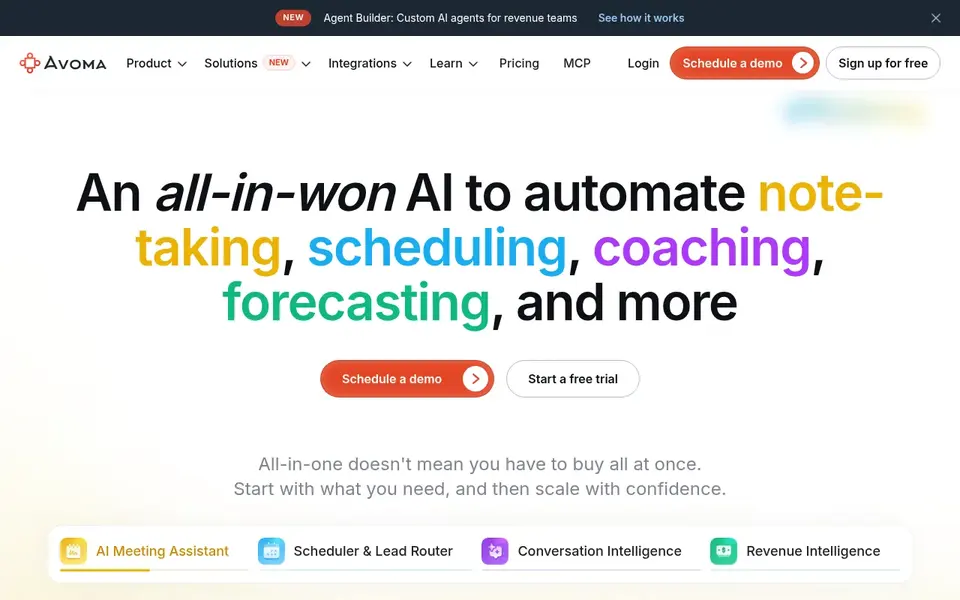
Think of Avoma for all-in-one scheduling, notes, and coaching. Avoma's all-in-one approach may be more than a small recruiting team needs, and the coaching features could need time to adopt.
It is a good fit when scheduling, notes, and coaching are all part of the recruiting process. Entry price for Avoma: $19 per recorder seat per month. Free plan details: Free trial.
Downsides: Coaching tools may be overkill for small teams.
- Comes with call coaching features
- Automates note-taking and scheduling
- Wide feature set may need onboarding
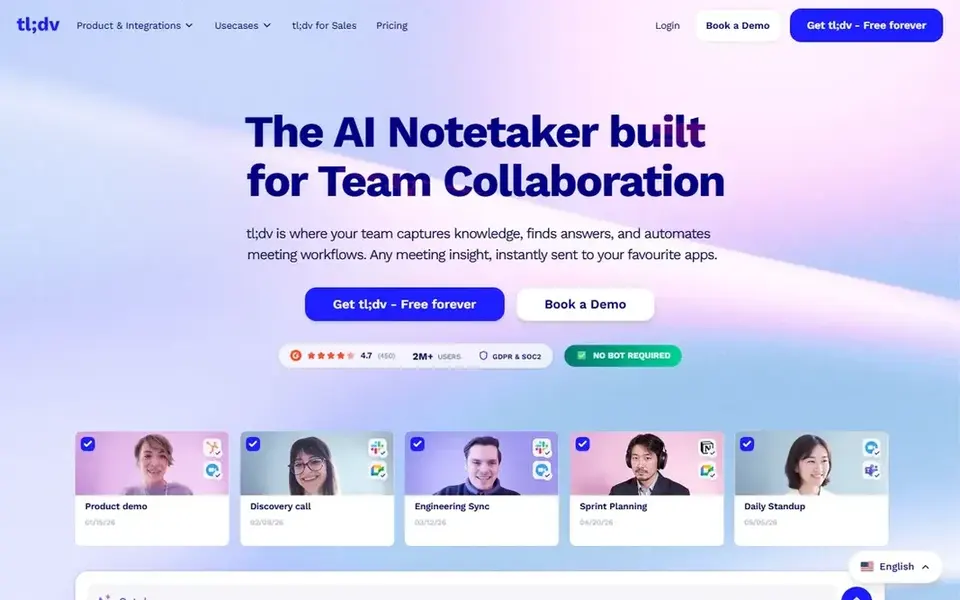
Choose tl;dv for straightforward, free notetaking across systems. tl;dv is an AI notetaker and meeting assistant for Zoom, Google Meet. Teams that offers transcripts, summaries, and CRM updates from every call.
What users get: Bundles CRM updates from calls.
In daily use, recruiters who want a light way to capture interviews and client calls across typical products may find it appealing for its straightforward approach. tl;dv concentrates on core notetaking and summaries, so teams needing advanced coaching or analytics may have to look elsewhere. It is a decent starting point for recruiters who want essential notes without a complicated setup. Check the vendor site for tl;dv pricing; none is listed in this comparison. Free plan details: Not stated.
Drawbacks to consider: Restricted advanced analytics.
- Google Meet, Teams
- Generates transcripts and summaries
- May lack deep recruiting-specific features
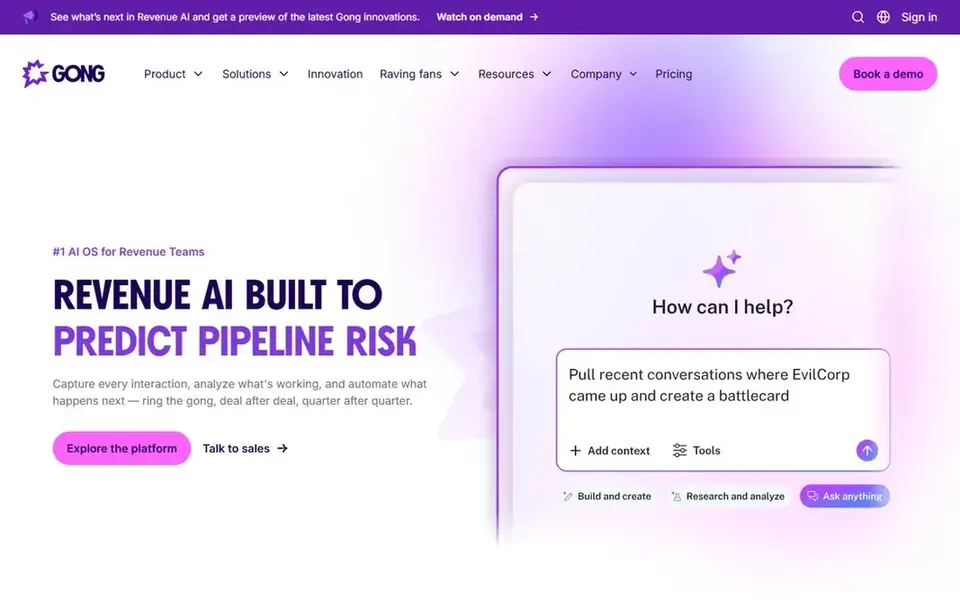
Pick Gong if this describes you: revenue teams needing deep call analytics. Gong is a Revenue AI OS that helps go-to-market organizations with multimodal revenue signal processing, specialized AI agents, and purpose-built applications.
Whereas it is made for sales, recruiters in staffing or agency settings may find its conversation analytics handy for understanding client and candidate interactions at a deeper level. For everyday use, Gong is heavily oriented toward revenue teams, so recruiting-specific features for example interview scorecards or candidate pipeline updates may not be native. Pricing for Gong is not stated here, so ask the vendor for current figures. On free options: Not stated.
What to check first: Complicated for recruiting-only use.
- Specialized AI agents for insights
- Multimodal revenue signal processing
- Focused on sales instead of hiring workflows
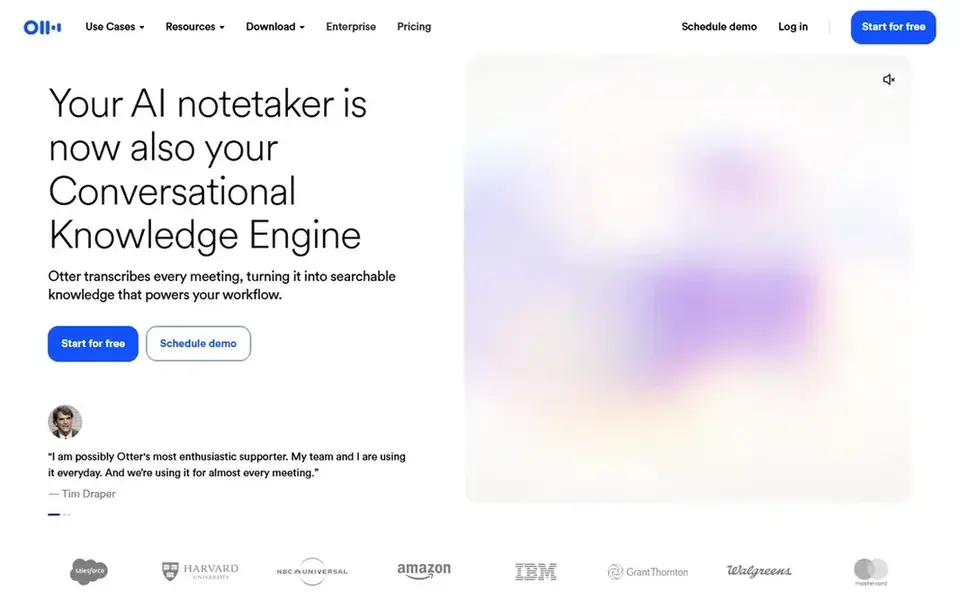
Otter.ai is built with live interview transcription and summaries in mind. Otter.ai is an AI notetaker that offers live transcription, live chat, automatic summaries, insights, and action items. For everyday use, Otter.ai centres on transcription and meeting intelligence instead of deep sales or recruiting CRM integration.
Recruiters who require automatic pipeline updates or coaching analytics may find it less specialized. On top of that, for recruiters, this means screening calls and interviews can be captured as searchable text without manual note-taking. Otter.ai cost at the entry level: $8.33 per user per month. Otter.ai includes a free tier.
Points against: Restricted sales-specific CRM features.
- Supports live chat during meetings
- Action items and insights generated automatically
- Advanced analytics may need higher levels
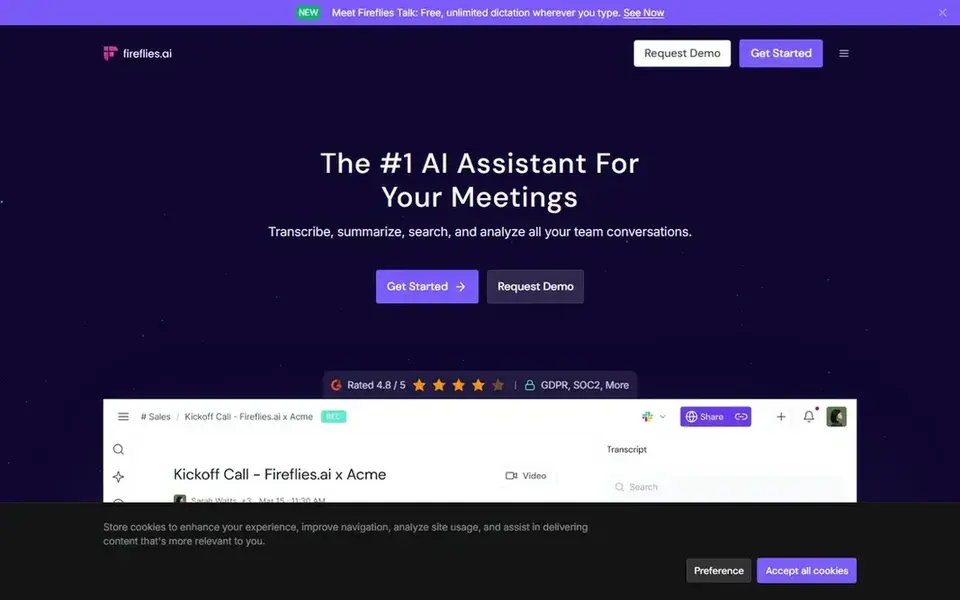
Pick Fireflies.ai if this describes you: cross-platform summaries with generative AI. Since Fireflies.ai emphasizes wide product support and AI-generated summaries, teams that require highly customized recruiting workflows may need additional integrations.
What Fireflies.ai does well: Google Meet, Teams, Webex.
The main drawbacks: Summary quality can vary by call clarity. Fireflies.ai starts at: $10 per seat per month, billed annually. A free plan is available with Fireflies.ai.
- Works with Zoom
- Uses generative AI for meeting insights
- Setup may need admin permissions
Before you commit
- Get a written quote from tl;dv and Gong; the list shows no starting price for them.
- Check what the free option really includes: Otter.ai and Fireflies.ai offer a free plan, and usage caps differ.
- Use real work to test the free trial from Avoma, rather than a demo project.
- Before choosing Avoma, weigh its main limit: wide feature set may need onboarding.
- Compare total cost, not headline price: for Avoma, add extra seats, add-ons and any usage-based charges.
- Ask Fireflies.ai about contract length, onboarding fees and user minimums before you sign.
Frequently asked questions
Can AI meeting notes software help with candidate screening?
Yes, tools like Otter.ai and Fireflies.ai transcribe and summarize screening calls, making it simpler to review candidate responses later. This can accelerate debriefs and cut manual note-taking.
Is it necessary to get consent before recording interviews?
Yes, always obtain consent from candidates before recording. Plenty of tools contain consent prompts or settings, but it is the recruiter's responsibility to comply with local laws and company policies.
Do these tools publish their prices?
Not all of them. tl;dv and Gong publish no starting price, so expect a quote request for those. The rest, Avoma included, show a starting price, though seats and billing terms still change the final cost.
Which tool is a good match for recruiters who meet on several systems?
Avoma comes first here and is built for all-in-one scheduling, notes, and coaching. Buyers with other needs may prefer tl;dv (for simple, free notetaking across products) or Gong (for revenue teams needing deep call analytics). Compare costs and limits first.
Which options for AI meeting notes software for recruiters have a free plan?
Otter.ai and Fireflies.ai offer a free plan in this list. Free plans usually cap users, projects or features, so check the limits on the vendor page. One other tool offers a trial instead.
Can I try these tools before paying?
Often, yes. Otter.ai and Fireflies.ai have a free plan and Avoma offers a free trial. Use your own data and a real task during the test, and check what the free tier or trial limits before you rely on it.
Sources
See where you really rank - block by block
ProMapRanker scans Google Maps across a grid of your service area. Simple monthly plans from $19, white-label on every plan.
Start freeBrowse all guides
← 6 Best AI Learning Platforms for Employee Training in 2026AI Recruiting Automation Software: Best Picks of 2026 →
 best ai i-9 compliance software
AI i-9 Compliance Software in 2026: Top 5 Compared
Searching for the best AI i-9 compliance software? Here are 5 options with prices and free plans. Each listing flags where it falls short. Pick with confidence.
Read → best ai hr service delivery software
AI HR Service Delivery Software: 6 Options Compared in 2026
6 products for the best AI HR service delivery software, ranked by fit, with starting costs and free tiers. Plus the drawbacks of each tool. Details below.
Read → best ai hr case management software
AI HR Case Management Software: 6 Options Compared in 2026
Best AI HR case management software in 2026: 6 tools with starting prices, free plans and limits. Every pick includes one clear drawback. Compare quickly.
Read → best tools for hr analytics
Best Tools for HR Analytics in 2026
We compared the best tools for hr analytics for hiring, retention and workforce planning, covering dashboards, benchmarks, planning and pricing in detail.
Read → best hcm software for hr departments
6 Strong HCM Software for HR Departments in 2026
Best HCM software for HR departments: 6 contenders ranked by fit, with entry costs and free tiers. Caveats come with every verdict. Checked this month.
Read → best ats software
Best ATS Software in 2026: 9 Tools Compared
Compare the best ATS software for hiring teams, from Greenhouse and Lever to Workable, JazzHR, Ashby, and Zoho Recruit, with prices and honest trade-offs.
Read →More in HR & Recruiting · All guides A to Z by date · Latest guides