 ProMapRanker
Best AI Meeting Assistants Software in 2026

Key takeaways
- Number one here is Read AI, a fit for meeting analytics across email and chat.
- One limit worth knowing about Read AI: the analytics can feel like surveillance to some teams.
- 5 of 6 tools offer a free plan: Read AI, tl;dv, Granola, Fireflies.ai, Fathom.
- For individuals wanting unlimited free recordings, Fathom is worth a look.
- The lowest published monthly entry price here is $10/seat/month, from Fireflies.ai.
Direct answer
Read AI comes first here, mainly for meeting analytics across email and chat. For a different need, Avoma covers sales teams wanting notes plus coaching and tl;dv covers sharing clips and async meeting follow-up. The full list of 6 tools follows, with prices and free plan facts.
Quick comparison
| Pick | Great for | Pricing starts at | Free tier | |
|---|---|---|---|---|
 Read AI | Meeting analytics across email and chat | See website | Yes | Visit |
 Avoma | Sales teams wanting notes plus coaching | $19/user/month (billed annually) | Free trial (14 days) | Visit |
 tl;dv | Sharing clips and async meeting follow-up | See website | Yes | Visit |
 Granola | Bot-free notes for privacy-sensitive calls | See website | Yes | Visit |
 Fireflies.ai | Multilingual teams and CRM-heavy workflows | $10/seat/month (billed yearly) | Yes | Visit |
 Fathom | Individuals wanting unlimited free recordings | See website | Yes | Visit |
6 options for AI meeting assistants software in detail
ProMapRanker put together this guide to AI meeting assistants software for readers who want a clear shortlist without reading every vendor page. It compares 6 tools on starting price, free plans, who each one suits and where each one falls short.
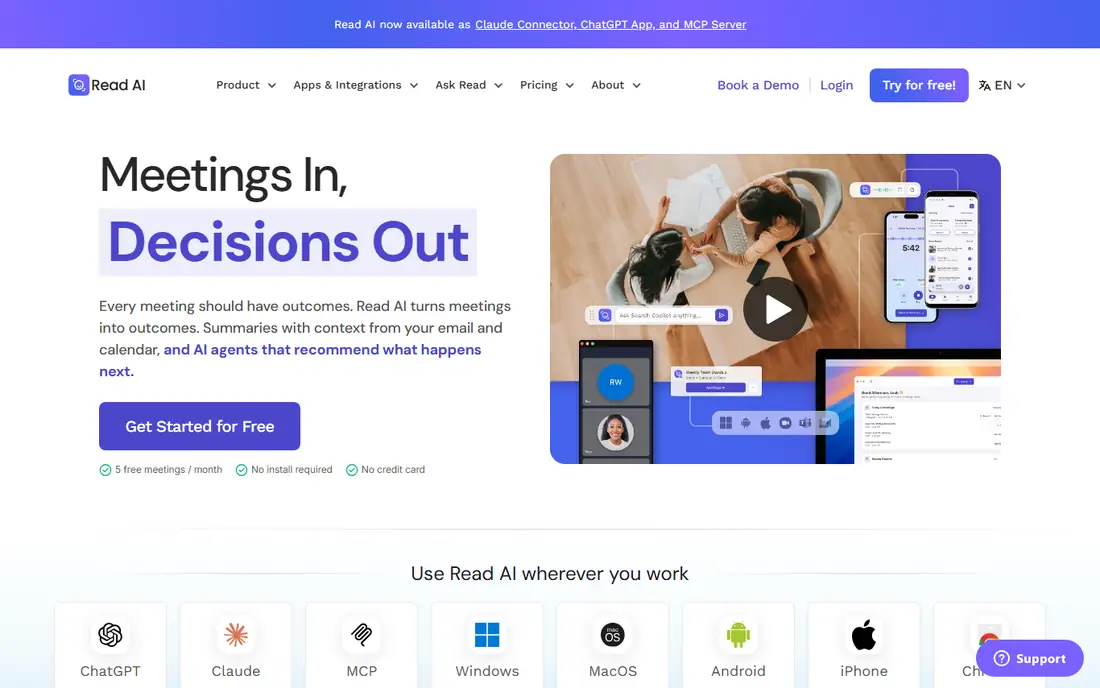
For meeting analytics across email and chat, Read AI is a natural candidate. Read AI differentiates with measurement: it scores engagement, sentiment and meeting health, then links those signals to email and chat for a cross-channel view. Worth adding: the honest concern is cultural.
What works well: Engagement and sentiment scoring goes beyond transcription.
Watch-outs: Accuracy of sentiment scoring varies by meeting type.
For managers who want to know which meetings drag and which reps engage, it supplies something the pure notetakers do not. Worth adding: summaries and action items are solid, and the free plan covers a handful of meetings per month. Read AI does not show a starting price in this comparison, so check the vendor site for current pricing. Read AI includes a free tier.
- Email and chat
- Coaching features for speakers
- The analytics can feel like surveillance to some teams

Choose Avoma for sales teams wanting notes plus coaching. A team that only wants summaries is paying system prices for a notetaker. The $19 per user a month annual price covers the AI meeting assistant, with conversation intelligence as a $29 add-on.
Limits to weigh: Overkill for teams that only need transcription.
That packaging is the decision point. In daily use, beyond transcription it takes care of scheduling pages, scores calls against custom scorecards, tracks sales methodologies like MEDDIC, and surfaces deal risk from conversation patterns. Price to start with Avoma: $19/user/month. Free access: Free trial (14 days). Best features of Avoma: View-only seats are free.
- Conversation intelligence and revenue insights in one product
- Notes, scheduling
- Priced per premium user with extras that stack

Where tl;dv fits: sharing clips and async meeting follow-up. Teams that treat meetings as content to distribute will get the most from it.
Check the vendor site for tl;dv pricing; none is listed in this comparison. A free plan is available with tl;dv.
Drawbacks to consider: Recordings on the free plan expire after a restricted history window.
- Solid free level for async teams
- Clip creation turns meeting moments into shareable reels
- The interface favors sharing workflows over straightforward note-taking
Choose Granola for Bot-free notes for privacy-sensitive calls. Granola takes the opposite approach to every bot-based tool: it records audio on your device and never announces itself in the meeting. Privacy-conscious buyers should also note that local capture still means audio processing happens somewhere; read the security docs.
Watch-outs: Meeting history limits on the free plan push heavy users to premium.
The trade is system coverage and history. It is a desktop-first product, and the free plan limits how far back your notes go. In practice, you jot notes as usual and Granola merges them with the full transcript into refined summaries. Check the vendor site for Granola pricing; none is listed in this comparison. You can start on Granola without paying.
- Quick interface
- Blends your typed notes with the transcript
- Desktop-app model means it fits best on Mac and Windows, not mobile
Fireflies.ai is designed for multilingual teams and CRM-heavy workflows. Fireflies is the workhorse of the category. It joins Zoom, Meet, Teams and Webex calls, transcribes in more than a hundred languages, and pushes notes into Salesforce, HubSpot, Asana, Slack and Notion without manual copy-paste.
Downsides: Transcription can lag multiple minutes behind live.
For everyday use, conversation intelligence tracks talk ratios and topics for managers who coach on data. Beyond that, the price is the headline: $10 per seat a month billed yearly, per the company's own site, which undercuts most rivals. On cost, Fireflies.ai starts like this: $10/seat/month. A free plan is available with Fireflies.ai.
- Conversation intelligence with topic tracking and sentiment
- Deep CRM and workflow integrations
- The feature set is wide enough that small teams pay for capacity they never touch
Fathom is built with individuals wanting unlimited free recordings in mind. For a solo consultant or a small team testing the category, there is no less expensive way to start.
The one-click highlight button during calls is genuinely well designed, and summaries arrive quick enough to review before your next meeting. Fathom does not show a starting price in this comparison, so check the vendor site for current pricing. Fathom includes a free tier.
Points against: Free AI summaries are restricted each month.
- One-click flags during the call
- Summaries land seconds after the meeting ends
- Team features and CRM sync sit on premium levels
How we compared the tools
For each of the 6 tools we noted price, free plan or trial, fit for AI meeting assistants software and the main limit, using vendor pages and documentation. Plan names, prices and limits change often. Treat the figures here as a starting point and verify them with the vendor. Order on the page follows fit for the typical buyer first, then price transparency and free access. Your own requirements should decide the final pick.
What to confirm before you sign up
- Confirm the entry price on the vendor page. For Read AI, tl;dv, Granola and Fathom that means a quote rather than a fixed price.
- Look at free plan limits closely: Read AI, tl;dv, Granola and others have one, and the caps decide whether it is usable for real work.
- Take the trial from Avoma and push a live task through it before you pay.
- Before choosing Read AI, weigh its main limit: the analytics can feel like surveillance to some teams.
- Ask whether tl;dv integrates with your current software, and whether that comes standard or as an add-on.
- Look at the renewal terms for Fathom: auto-renewal, notice periods and price changes can matter more than the first-year price.
Frequently asked questions
What is the cheapest option for AI meeting assistants software in this list?
On published monthly entry prices, Fireflies.ai is the lowest here at $10/seat/month. Entry price is only part of the cost, because seats, add-ons and billing terms can change the total.
Are AI meeting assistants accurate enough to replace manual notes?
For clear audio in supported languages, the best tools are decent enough that most teams stop taking manual notes. Accuracy drops with crosstalk, accents and jargon, so always skim the summary before sharing it externally.
Do these tools publish their prices?
Not all of them. Read AI, tl;dv, Granola and Fathom publish no starting price, so expect a quote request for those. The rest, Avoma included, show a starting price, though seats and billing terms still change the final cost.
Is Read AI the right pick for everyone comparing AI meeting assistants software?
No single tool suits every team. Read AI comes first because it fits meeting analytics across email and chat, while Avoma suits sales teams wanting notes plus coaching and tl;dv suits sharing clips and async meeting follow-up. Match the tool to your own size, budget and workflow before deciding.
How much should a small team budget?
Expect $10 to $20 per user a month for premium plans, with ample free levels including light use. Sales intelligence extras can double that, so count which seats need the advanced layers before buying.
Can I try these options before paying?
Often, yes. Read AI, tl;dv, Granola and others have a free plan and Avoma offers a free trial. Use your own data and a real task during the test, and check what the free tier or trial limits before you rely on it.
Sources
See where you really rank - block by block
ProMapRanker scans Google Maps across a grid of your service area. Simple monthly plans from $19, white-label on every plan.
Start freeKeep reading
 zoho inventory alternatives
6 Alternatives to Zoho Inventory, Compared on Price and Fit
Zoho Inventory alternatives: 6 tools compared on price, free plans and fit. Katana leads the list for manufacturers. Fit and flaws are laid out for each entry.
Read → zoho crm alternatives
Best Zoho CRM Alternatives (2026)
Need Zoho CRM alternatives? We compare 7 tools on cost, free access and who each suits. Every pick gets a straight assessment. Built for quick decisions.
Read → zelle alternatives
Best Zelle Alternatives in 2026
Compare the best Zelle alternatives for sending money to friends, paying sellers and moving funds abroad, with honest notes on fees, speed and safety in 2026.
Read →