 ProMapRanker
Best AI Live Chat Software for Customer Service in 2026


AI-first in-product support · Pricing starts at: $29 per seat per month
Key takeaways
- AI chat works best when it answers routine questions fast and hands complex cases to a human with full context.
- Per-resolution AI pricing can change the bill sharply at high volume, so model your monthly conversations before choosing.
- Free plans from Tidio, Freshchat, Crisp, and HubSpot are real starting points, but AI features often sit on paid tiers.
- Test handoff, knowledge sources, and escalation rules on a trial before you put AI chat on your main support page.
Quick comparison
| Pick | Great for | Pricing starts at | Free tier | |
|---|---|---|---|---|
| Intercom | AI-first in-product support | $29 per seat per month | Free trial | Visit |
 Zendesk | Full ticketing plus live chat | $55 per agent per month | Free trial | Visit |
 LiveChat | Dedicated chat teams | $19 per user per month | Free trial | Visit |
 Tidio | Small ecommerce stores | Free | Yes | Visit |
 Crisp | Startups with many agents | $45 per month per workspace | Yes | Visit |
 Freshchat | Small teams wanting a free plan | Free | Yes | Visit |
 HubSpot Service Hub | Teams already using HubSpot CRM | Free | Yes | Visit |
 Help Scout | Teams wanting chat plus email in one place | $25 per user per month | Yes | Visit |
The best ai live chat software for customer service
We compared AI answering, human handoff, pricing models, and free options. Prices below are starting list prices from vendor and comparison sources in 2026, and they change often, so confirm the current page before budgeting.
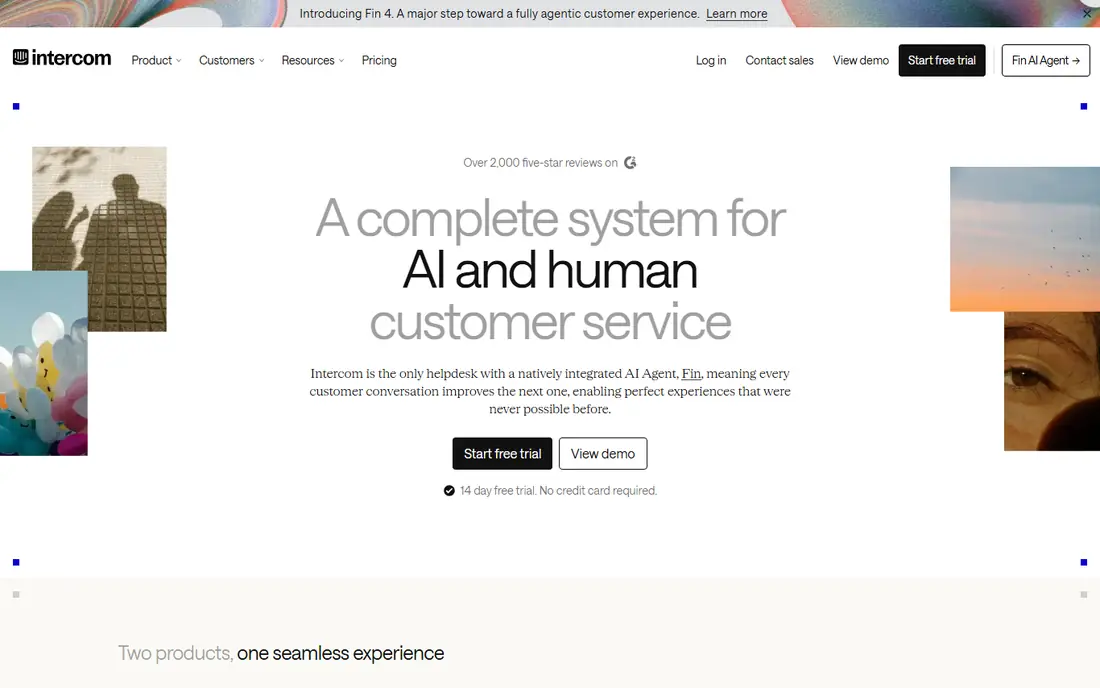
Intercom, now often presented through its Fin AI agent, is built around a messenger that answers first and escalates with context. That order suits software teams whose customers are already inside the product, because Fin can use help center content and product data to resolve routine questions without a ticket queue forming. Its workflows can route, tag, and collect details before a human joins.
The catch is the meter. Fin pricing is commonly quoted near ninety-nine cents per resolution, on top of seat pricing, so a team with thousands of monthly conversations needs to model that cost carefully. If most of your chats are complex or emotional, a human-first tool may give better outcomes for the same spend.
- Fin AI agent answers before a human
- In-product messaging
- Workflows and help center in one platform
- AI resolutions are metered per outcome, so high volume raises cost
- Full ticketing is not its center
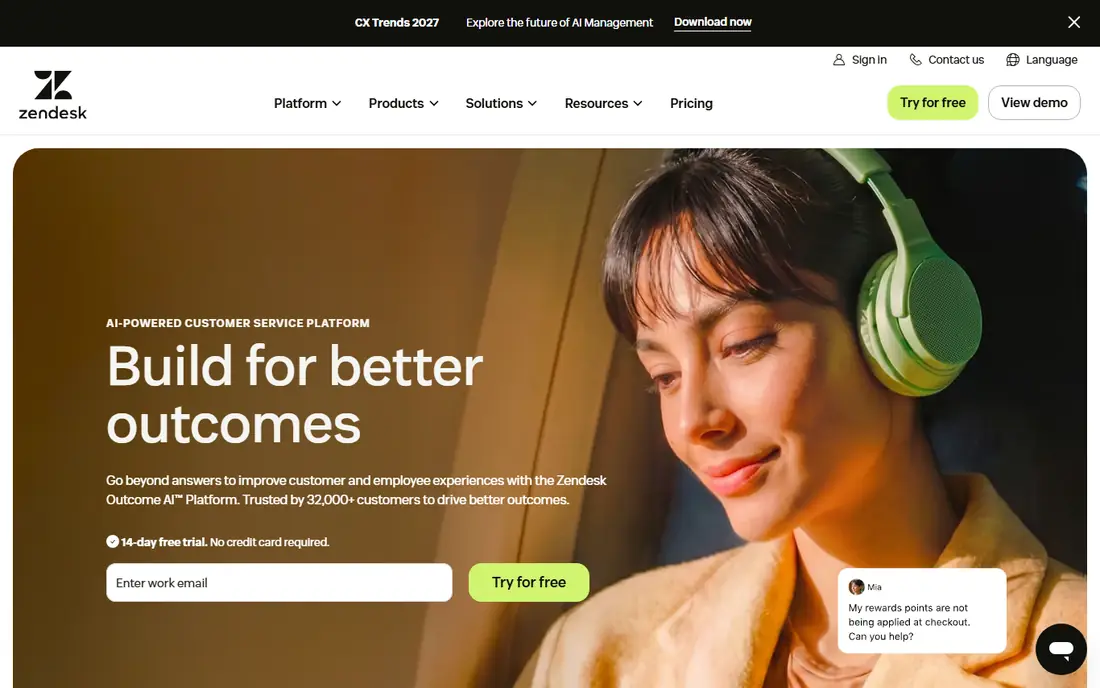
Zendesk suits support teams that need live chat inside a full service desk, not as a standalone widget. A chat can become a ticket, move across email and phone, and keep its history, which helps first contact resolution and avoids asking customers to repeat themselves. Its AI agents can handle routine chats, while Copilot-style tools help agents draft replies and find answers.
The weakness is total cost. Suite Team pricing, AI resolution charges, and Copilot seats can combine into a much larger bill than the entry seat price suggests. Teams already on Zendesk get the most value, because they keep one system of record, while a chat-only team may pay for ticketing depth it does not use.
- Ticketing, messaging, voice, and knowledge in one suite
- AI agents and Copilot add-ons
- Strong reporting
- Suite pricing and AI add-ons add up
- Smaller teams may find setup heavy
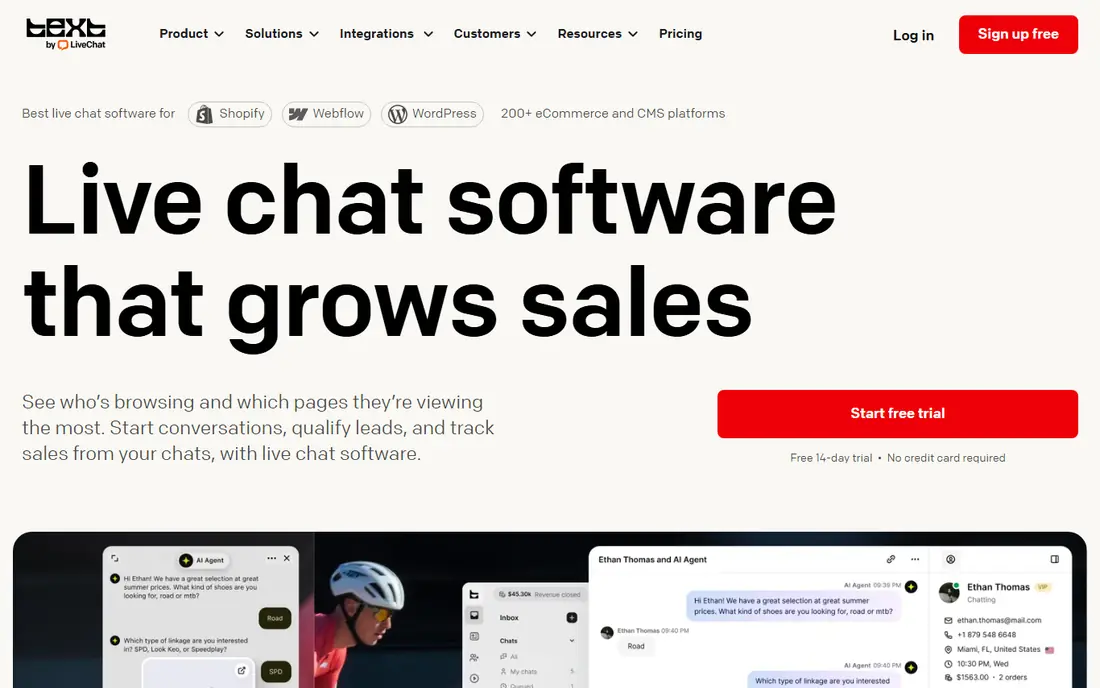
LiveChat is the focused choice: a polished chat product for teams whose main job is live conversation. Agents get a clean workspace, canned replies, chat routing, and customer details during the chat, without the weight of a full enterprise suite. That focus can help a small team answer faster, because there is less to learn and less to configure.
The honest limit is breadth. AI features and ticketing live in related products or add-ons, so a team that later needs a full helpdesk may end up paying for more than one tool. Choose LiveChat when chat quality is the priority and your ticket system already works elsewhere.
- Polished agent app and chat tools
- Clear focus on live chat
- Useful for dedicated chat support
- AI and ticketing are separate products or add-ons
- Less of a full helpdesk than Zendesk
Tidio is a practical starting point for a small store that wants chat plus a basic AI assistant without a large contract. Its free plan covers live chat, and its Lyro AI assistant can answer routine store questions from your content. For a shop with a few hundred chats a month, that combination can cut repetitive work while keeping a human close for orders, returns, and complaints.
The catch is volume pricing. Paid tiers are priced by conversations as well as features, and published ranges have changed, so a growing store should check the current tier for its actual chat count. Test Lyro on your real product and policy pages, because an AI answer that invents a return rule will cost more trust than it saves in time.
- Free plan to start
- Lyro AI assistant as an add-on
- Ecommerce integrations for stores
- Paid tiers vary by conversation volume, so pricing needs careful checking
- AI limits depend on plan
Crisp stands out for pricing structure: its paid plans are priced per workspace, not per agent, which helps a startup with many part-time agents or volunteers. Its free plan covers up to two seats, and the shared inbox keeps chat, email, and other messages in one place. That simplicity suits a team that wants to answer customers without managing seat licenses for every helper.
The limit is depth. Advanced AI, automation, and reporting sit on higher tiers, and its integration set is smaller than the largest suites. If your team is large but your chat needs are straightforward, Crisp is strong value. If you need deep ticketing, knowledge, and voice in one system, a larger suite fits better.
- Flat workspace pricing, not per-agent pricing on paid plans
- Free plan for up to two seats
- Shared inbox
- AI and advanced features need higher plans
- Smaller ecosystem than Zendesk or Intercom
Freshchat, from Freshworks, is notable for a generous free starting point: comparisons describe a free plan for up to ten agents, with paid growth plans above that. That makes it a low-risk way to test live chat, AI replies, and team routing before committing to a suite. Its omnichannel inbox can bring chat, email, and social messages together, which helps a small team avoid juggling tabs.
The weakness is that the best AI and automation features require paid plans, and free limits can pinch as volume grows. Use the free plan to prove chat volume and response habits, then move to a paid tier only when you know which AI features actually reduce tickets.
- Free plan for up to ten agents on the free tier described in comparisons
- Omnichannel inbox
- Freshworks integrations
- AI and advanced automation need paid growth plans
- Free plan limits may not suit high-volume teams
HubSpot Service Hub gives teams already on HubSpot a free live chat starting point tied to customer records. A chat can create or update a ticket, show past purchases and conversations, and trigger follow-up workflows, which helps agents answer with context instead of asking for order details again. Its AI tools on paid tiers can draft replies, summarize conversations, and route chats.
The catch is that the free tier is basic, and the full AI and reporting story requires paid seats. A team outside HubSpot may get the same chat quality from a standalone tool with less lock-in. Inside HubSpot, the shared customer view is a genuine advantage, especially for B2B teams where service, sales, and marketing share one record.
- Free live chat forever on the free tier
- Tickets tied to CRM records
- AI and automation on paid tiers
- Paid seats and advanced features add up
- Value is lower outside HubSpot
Help Scout suits teams that want chat without losing the email inbox. Its shared inbox keeps chat and email together, so a customer who starts in chat and follows up by email does not become two separate cases. That continuity helps first contact resolution and gives smaller teams a calmer workspace than a full enterprise suite.
The honest limit is scale. Its AI and automation depth is not as broad as the largest platforms, and a large multi-channel contact center may outgrow it. For a customer-first team of a handful to a few dozen agents, that trade is often worth it for clarity and ease of use.
- Shared inbox for chat and email
- Customer-first design
- Free plan described in recent comparisons
- AI depth is less than Intercom or Zendesk at scale
- Larger contact centers may need a bigger suite
How we picked these
We compared vendor pricing pages and recent 2026 comparison guides for live chat and AI support, and we favored tools with a live AI agent or AI assistant, a clear human handoff, and published pricing or a free plan. Where sources disagreed on a starting price, we used the most recent comparison figure and wrote See website in the final check note where needed. We did not claim hands-on testing, and we treated vendor AI resolution claims as vendor claims to test on a trial.
How to set up AI chat without frustrating customers
Start with a narrow scope. Let AI answer shipping, returns, hours, pricing, and account questions that have a single correct answer in your help center. Keep refunds, complaints, medical or financial advice, and complex account changes on a human path, or at least require human review. Publish the AI scope internally, so agents know when to take over and customers are not trapped in a loop.
Handoff quality matters more than AI speed. The human agent should see the full chat, the pages the AI used, and the customer details already collected. Set a clear escalation rule, such as two failed AI answers, a complaint word, or a request for a human, and make the human button easy to find. Finally, review AI chats weekly: check accuracy, tone, and resolution, and fix the source page when the AI gives a wrong answer, rather than only correcting that one chat.
Frequently asked questions
What is AI live chat software?
It is live chat software with an AI agent that can answer routine questions, collect details, and route or hand off to a human agent. Good tools use your help center and product data as sources, keep the full chat history for the human, and let customers reach a person easily.
How much does AI live chat cost?
Seat or workspace pricing is only part of the bill. Some vendors charge per AI resolution, per conversation, or for AI add-ons, so a high-volume team can pay far more than the entry price. Model a month of your real chat volume, including AI resolutions, before signing an annual plan.
Is a free live chat plan enough?
For a small team with low chat volume, yes, as a starting point. Free plans from Tidio, Freshchat, Crisp, and HubSpot cover basic chat, but AI features, advanced routing, and deeper reporting usually need paid tiers. Upgrade when volume or AI needs make the free limits a bottleneck.
How do we avoid AI chat loops?
Limit AI to questions with clear source answers, set a handoff after failed attempts, and show a human option at all times. Review failed chats weekly, fix the source content, and track how often customers ask for a human after an AI reply.
Should AI chat replace email and phone support?
No, for most teams. Chat and AI suit fast, routine questions, while email suits detailed cases and phone suits urgent or sensitive cases. Keep all channels connected in one inbox or ticket system, so customers do not have to repeat themselves when they switch channels.
What should we test on a trial?
Test AI accuracy on your real help pages, handoff context, routing rules, mobile chat behavior, and reporting. Also test what happens when the AI does not know an answer, when a customer asks for a human, and when chat volume spikes. Those edge cases decide whether the tool helps or hurts.
Sources
- https://www.intercom.com
- https://www.zendesk.com
- https://www.livechat.com
- https://www.tidio.com
- https://www.crisp.chat
- https://www.freshworks.com/live-chat-software/
- https://www.hubspot.com/products/service
- https://www.helpscout.com
- https://geekflare.com/guides/best-live-chat-software/
- https://rankite.com/blog/top-10-live-chat-software
See where you really rank - block by block
ProMapRanker scans Google Maps across a grid of your service area. Simple monthly plans from $19, white-label on every plan.
Start freeKeep reading
 worlds best local seo company
8 Worlds Best Local SEO Companies for Map Pack Growth in 2026
Compare the worlds best local seo company options for Google Business Profile work, citations, reviews, and multi-location rankings and reporting in 2026.
Read → world's best web hosting company
World's Best Web Hosting Company in 2026
Searching for the world's best web hosting company? We compared 10 hosts on price, renewal rates, speed, and support to help you choose well today in 2026.
Read → who's got the best nanny tax services
Who's Got the Best Nanny Tax Services in 2026
We answer who's got the best nanny tax services, comparing full filing, back taxes, software, and pricing so families can handle nanny taxes correctly.
Read →