 ProMapRanker
Best AI Legal Drafting Software for Solo Attorneys in 2026

Research-backed drafting with Westlaw · Pricing starts at: Quote only
Direct answer
CoCounsel comes first here, mainly for research-backed drafting with Westlaw. Listed starting prices: DocuSign from $10 a month, Gavel Exec from $160 per user/month and Genie AI from $59 per month. Alternatives: DocuSign for finishing and signing agreements, and Gavel Exec for Word contract drafting with playbooks. The other 3 tools in the list cover narrower or pricier cases.
ProMapRanker put together this guide to AI legal drafting software for solo attorneys for readers who want a clear shortlist without reading every vendor page. It compares 6 tools on starting price, free plans, who each one suits and where each one falls short.
Key takeaways
- CoCounsel takes the first slot, best suited to research-backed drafting with Westlaw.
- CoCounsel comes with a trade-off: law-firm pricing runs through a configurator.
- For low-cost contract drafting and review, Genie AI is worth a look.
- Just one of the 6 tools, Genie AI, has a free plan.
- The lowest published monthly entry price here is $10 per month, from DocuSign.
Quick comparison
| Pick | Great for | Pricing starts at | Free tier | |
|---|---|---|---|---|
| CoCounsel | Research-backed drafting with Westlaw | Quote only | No | Visit |
 DocuSign | Finishing and signing agreements | $10 a month (billed annually) | No | Visit |
 Gavel Exec | Word contract drafting with playbooks | $160 per user/month | Free trial | Visit |
 Spellbook | Contract drafting inside Word | Quote only | Free trial (7 days) | Visit |
 Henchman | Clause reuse from your precedents | Quote only | No | Visit |
 Genie AI | Low-cost contract drafting and review | $59 per month (billed yearly) | Yes | Visit |
Tool-by-tool breakdown
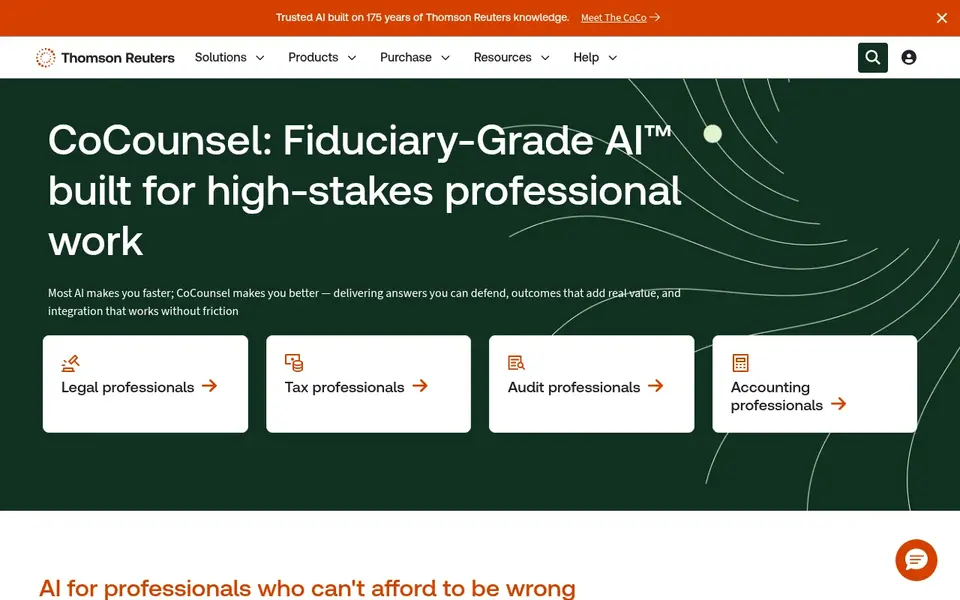
Choose CoCounsel for research-backed drafting with Westlaw. For a solo attorney, the key point is that law-firm pricing is set through a configurator based on firm size, jurisdiction, and term, so the figure you will pay is a written quote.
Where it falls short: full value needs Westlaw content.
CoCounsel sells by quote instead of a published price. No free plan comes with CoCounsel.
- Deep Research and drafting in one place
- Grounded in Westlaw and Practical Law content
- Law-firm pricing runs through a configurator
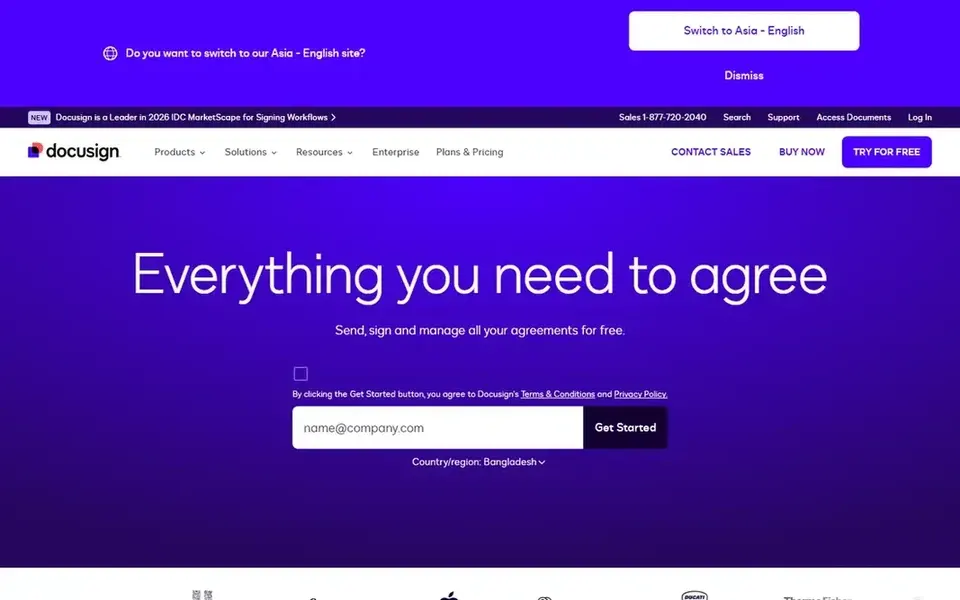
DocuSign is designed for finishing and signing agreements. DocuSign Intelligent Agreement Management layers on AI-assisted agreement analysis, workflow automation, and a repository for signed agreements. On top of that, do not buy DocuSign as a drafting tool on its own.
It does not replace a Word drafting assistant with playbooks and precedent search. Its drafting help sits in higher IAM plans rather than in the entry-level e-signature plans. Beyond that, the Standard plan is $25 per user a month, or $300 billed yearly, with up to 100 envelopes per user a year on an annual plan. In practice, the Personal plan is $10 a month, or $120 billed yearly, for 1 user, with 5 envelopes every month. Entry price for DocuSign: $10 per month. DocuSign has no free tier.
Points against: Personal plan permits 5 envelopes per month.
- Low published starting price
- E-signature with AI agreement tools
- Not a full drafting tool
Gavel Exec serves Word contract drafting with playbooks. You can turn your negotiation positions into rules, run them in one click, and share them across a matter, or use built-in playbooks for NDAs, MSAs, DPAs, and vendor agreements.
What to check first: needs your playbooks set up first.
On cost, Gavel Exec starts like this: $160 per user/month. Trial and free access: Free trial.
- Playbooks apply your own positions
- Works inside Microsoft Word
- Price is high for light use
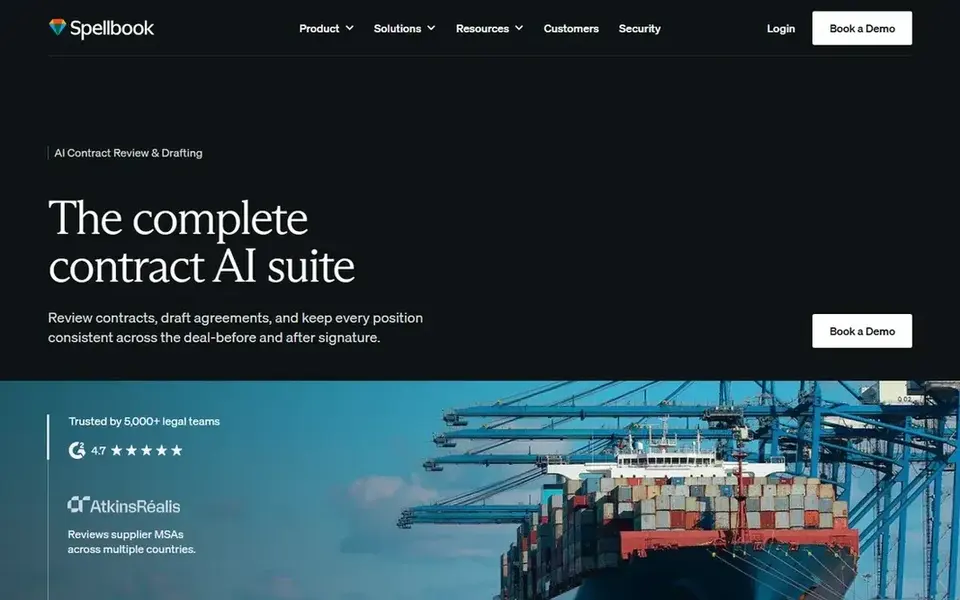
For contract drafting inside Word, Spellbook is a natural candidate. Spellbook is a Microsoft Word add-in that drafts clauses, flags risky language, produces redlines, and applies playbooks during live negotiation.
Where it is weaker: Word-centred, with less help outside Word.
Worth adding: a 7-day free trial is listed on the pricing page. The vendor states that it does not train its models on customer data and holds SOC 2 Type II certification. Spellbook sells by quote instead of a published price. Free access: Free trial (7 days).
- Native Word add-in
- Clause suggestions and playbook redlines
- No published price
For clause reuse from your precedents, Henchman is a natural candidate. Ask how long indexing takes, what document systems are covered, and how the library is kept current before you sign. As for the details, the limit for a solo practice is scale.
Trade-offs to know: value relies on the size of your precedent set.
In daily use, Henchman is a contract drafting tool that builds a central clause and knowledge library from your own precedents and recommends clauses inside Microsoft Word. It links to document systems like iManage, NetDocuments, Dropbox, and SharePoint, extracts clauses from your contract set, and keeps them for reuse. So a solo attorney can draft from language the firm has already used and approved. There is no fixed entry price for Henchman; pricing comes through a quote. There is no free plan with Henchman.
- Central clause library in Word
- Suggestions drawn from your own precedents
- Quote only, with no free trial listed
Genie AI serves low-cost contract drafting and review. Genie AI is a legal AI system that drafts, reviews, redlines, and negotiates contracts in Word files, with an AI legal editor for Word and Excel.
For everyday use, if you draft more than a few contracts per month, check the token allowance first, since the next plan, Business, is $259 a month billed yearly for 5 users. Genie AI pricing: $59 per month. You can start on Genie AI without paying.
Where it is weaker: Pro token allowance spans about 5 documents a month.
- Free plan to start
- Lowest published starting price here
- Exports are locked on the free plan
How we chose
ProMapRanker used vendor pricing pages and product documentation as the base, then compared plans, free access and documented limits for 6 tools. Plan names, prices and limits change often. Treat the figures here as a starting point and verify them with the vendor. The order reflects how well each tool fits the most common buying scenario for AI legal drafting software for solo attorneys, then price clarity, then free plan access. It is a starting point, not a verdict.
Pre-purchase checklist
- Get a written quote from CoCounsel, Spellbook and Henchman; the list shows no starting price for them.
- Look at the free plan from Genie AI closely: its caps decide whether it is usable for real work.
- Use real work to test the free trial from Gavel Exec and Spellbook, rather than a demo project.
- Before choosing CoCounsel, weigh its main limit: law-firm pricing runs through a configurator.
- See whether Henchman offers onboarding or training, and whether it is included in the price.
- Check how data leaves CoCounsel: formats, limits and whether exports are available on every plan.
Frequently asked questions
Which AI legal drafting tool is a good match for a solo attorney?
The first pick on this list is CoCounsel, because it suits research-backed drafting with Westlaw. DocuSign is better for finishing and signing agreements, and Gavel Exec for Word contract drafting with playbooks. Check price and limits against your own needs before choosing.
Do these tools replace a lawyer review?
AI drafting can produce a first draft, suggest clauses, and flag risky language. But it can also invent citations, miss jurisdictional points, or use language that does not fit your client facts.
What is the cheapest option for AI legal drafting software for solo attorneys in this list?
On published monthly entry prices, DocuSign is the lowest here at $10 per month. Entry price is only part of the cost, because seats, add-ons and billing terms can change the total.
Can a solo attorney use a free plan for AI legal drafting?
Yes, Genie AI gives you a free plan with the AI document toolkit, restricted tokens, and locked exports until you upgrade. A free plan or trial is useful for testing Word integration and playbooks, but check token limits, export limits, and trial length before you depend on it for client work.
Is CoCounsel the right pick for everyone comparing AI legal drafting software for solo attorneys?
No single tool suits every team. CoCounsel comes first because it fits research-backed drafting with Westlaw, while DocuSign suits finishing and signing agreements and Gavel Exec suits Word contract drafting with playbooks. Match the tool to your own size, budget and workflow before deciding.
Can I try these tools before paying?
Often, yes. Genie AI has a free plan and Gavel Exec and Spellbook offer a free trial. Use your own data and a real task during the test, and check what the free tier or trial limits before you rely on it.
Sources
See where you really rank - block by block
ProMapRanker scans Google Maps across a grid of your service area. Simple monthly plans from $19, white-label on every plan.
Start freeBrowse all guides
← 6 Best AI Legal Assistant Software for Litigation Firms for 2026AI Legal Drafting Software: 6 Options Compared in 2026 →
 best ai legal assistant software for small law firms
Best AI Legal Assistant Software for Small Law Firms (2026)
6 best AI legal assistant software for small law firms, with entry costs, free tiers and the buyer each one serves. Verdicts stay brief and factual. No filler.
Read → top estate settlement software reviews
Estate Settlement Software Reviews: Best Picks of 2026
Searching for the top estate settlement software reviews? Here are 6 options with prices and free plans. Every profile names its biggest catch. Quick to scan.
Read → best contract software reviews
Contract Software Reviews: Best Picks of 2026
Best contract software reviews, compared. 5 tools with published prices, free plans and limits. Plain-spoken summaries throughout. Refreshed for 2026.
Read → ev01 alternatives
Best Ev01 Alternatives in 2026
We compare 9 legal ev01 alternatives for free movies and TV, from Tubi and Pluto TV to Kanopy, Hoopla and Plex, with what each service offers free today.
Read → best dfs apps
Best DFS Apps in 2026
Best DFS apps compared in 2026: DraftKings, FanDuel, PrizePicks, Underdog and more, with formats, free play options, legality and honest trade-offs today.
Read → best ai contract management software
Best AI Contract Management Software in 2026
Comparing the best AI contract management software? 8 contenders, each with entry cost, free tier and best-fit buyer. Real limits included. Read the profiles.
Read →More in Legal & Compliance · All guides A to Z by date · Latest guides