 ProMapRanker
Best AI ITSM Tools in 2026: 9 Tools Compared


large enterprises with complex IT workflows · Pricing starts at: See website
Key takeaways
- Freshservice and Jira Service Management offer the lowest entry costs, with Jira free for up to 3 agents.
- ServiceNow and BMC Helix suit large enterprises, but both use quote-only pricing and need planned rollouts.
- AI value differs widely: some vendors include it, others charge extra, so check the plan, not just the headline.
- ManageEngine is the budget route for small teams, with a free edition for up to 5 technicians.
Quick comparison
| Pick | Great for | Pricing starts at | Free tier | |
|---|---|---|---|---|
| ServiceNow | large enterprises with complex IT workflows | See website | No | Visit |
 Freshservice | mid-sized IT teams that want a fast rollout | $19 per agent per month | Free trial | Visit |
 Jira Service Management | teams already using Jira and Confluence | Free | Yes | Visit |
 ManageEngine ServiceDesk Plus | budget-conscious teams that need cloud or on-premises ITSM | $13 per technician per month | Yes | Visit |
 BMC Helix ITSM | large enterprises replacing an older ITSM platform | See website | No | Visit |
 Ivanti Neurons for ITSM | enterprises that need cloud, on-premises, or hybrid deployment | See website | No | Visit |
 HaloITSM | teams that want every module in one price | See website | Free trial | Visit |
 SysAid | IT teams that want AI agents on a moderate budget | $89 per agent per month | Free trial | Visit |
 SolarWinds Service Desk | teams that want unlimited requesters at a fixed technician price | $39 per technician per month | Free trial | Visit |
The best AI ITSM tools
IT teams no longer judge a service desk only by ticket forms. The better platforms now classify requests, suggest fixes, and deflect routine questions before an agent touches them. We compared official pricing, AI features, and deployment options, and kept only tools that still work as full ITSM platforms in October 2026. Our pick for most mid-sized teams is Freshservice for its balance of price and speed, while ServiceNow remains the choice for very large, complex estates.
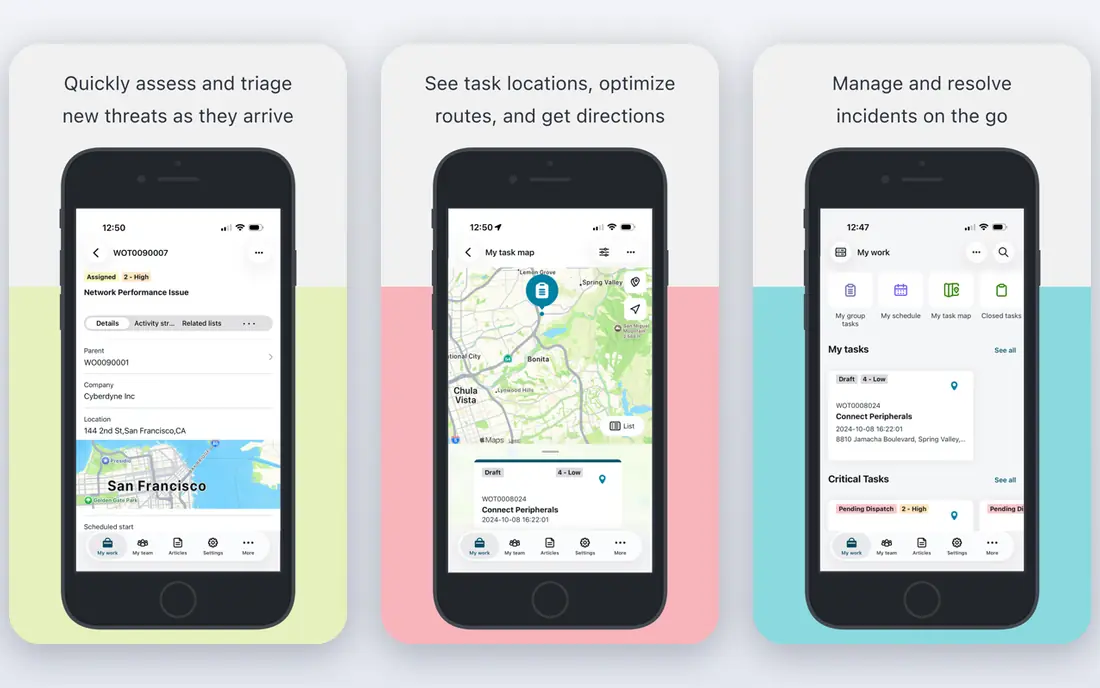
ServiceNow is a strong choice for large enterprises with complex IT workflows. Now Assist can draft replies, summarise cases, and suggest next steps, which helps large desks cut repetitive work. Its workflow tools cover incident, problem, change, and asset processes in one platform, so teams do not need a patchwork of separate tools.
The trade-off is worth weighing before you commit. Implementation and administration can take real time and budget, and smaller teams may find the platform more than they need. Check the current plan limits on the vendor site, since allowances and add-ons change often, and run a small pilot with real tickets, content, or data before you roll it out more widely.
- Enterprise workflow depth
- Strong AI assistance
- Broad integrations
- Quote-only pricing
- Heavy implementation effort
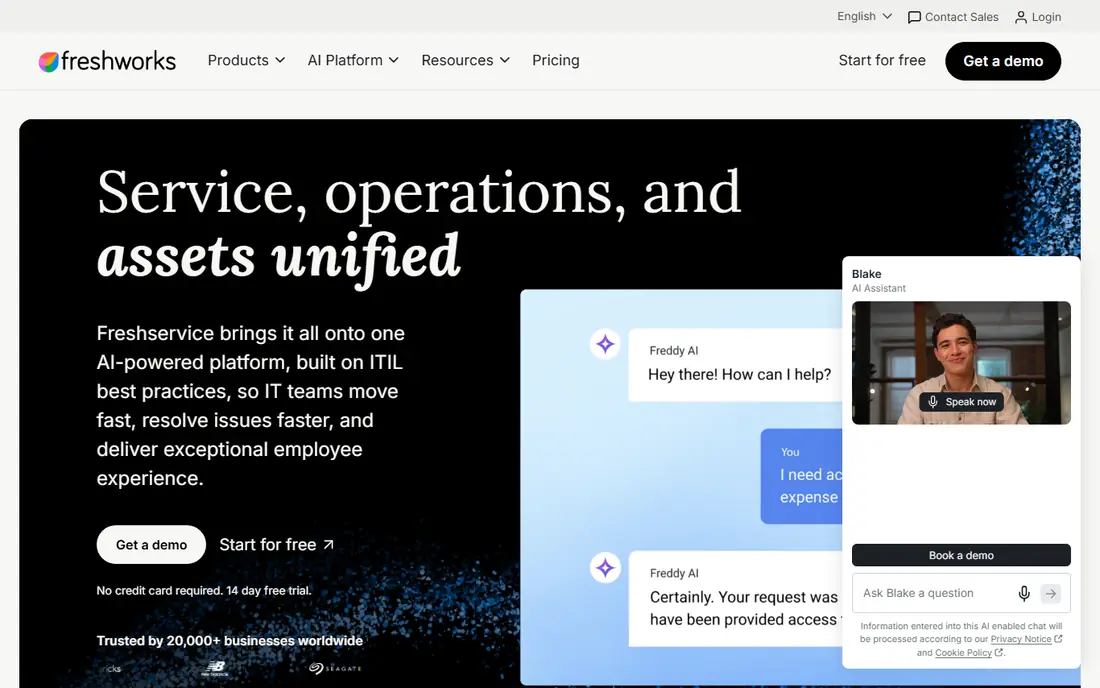
For mid-sized IT teams that want a fast rollout, Freshservice stands out for a practical reason. Freddy AI can classify tickets, suggest articles, and draft replies, which shortens the queue for common requests. The interface is straightforward, and most teams can set up portals, SLAs, and automations without a long project.
There is a catch to plan around. The Starter plan is mainly ticketing, so teams that need asset or project tools must move up. Check whether the AI add-on is included in the plan you choose, or the monthly bill will be higher than expected. That does not rule it out, but it does mean you should test it against your own workflow and confirm the price for your team size before you buy.
- Quick setup
- Freddy AI triage and suggestions
- Clear per-agent pricing
- Asset management needs higher tiers
- AI features cost extra on some plans
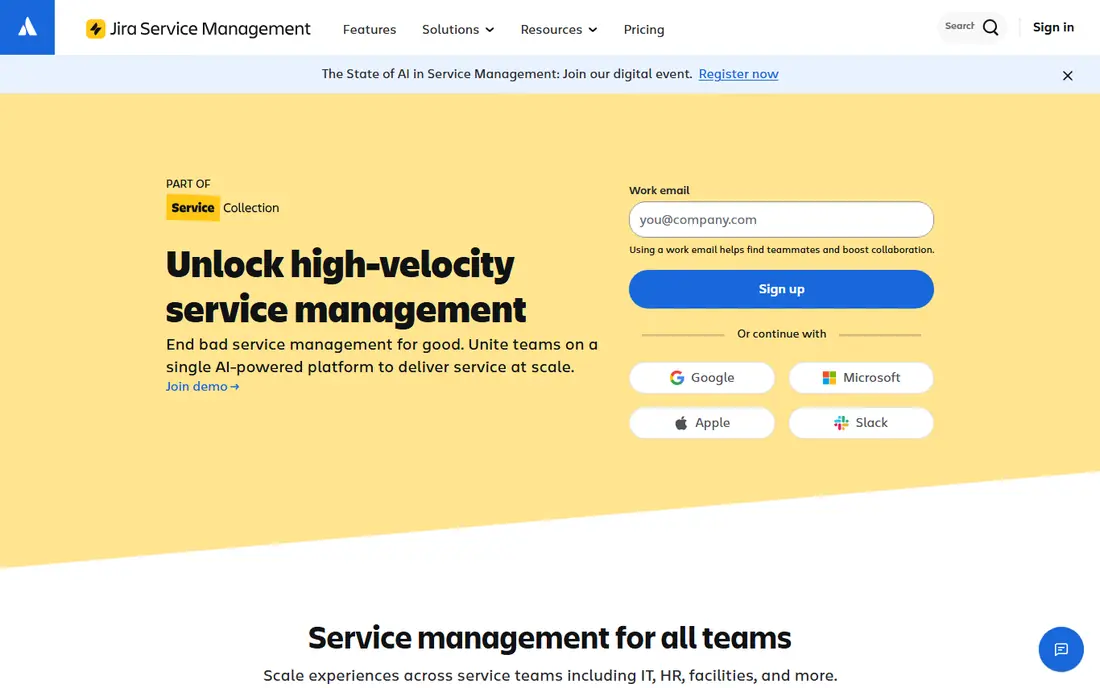
Jira Service Management earns its place here through its fit for teams already using Jira and Confluence. Its virtual agent can answer common requests from Confluence knowledge, and links to Jira Software help development and IT work from the same incident record. Asset tracking and automation are included on higher tiers, which suits DevOps-style teams.
Watch the limits as well as the strengths. Teams outside Atlassian may face a learning curve, and the most useful AI features sit on paid tiers. Price the Service Collection carefully if you also need Confluence and Jira Software. A short trial with your own examples will tell you more than any feature page, so use that time to test the parts you will rely on every week.
- Free tier for up to 3 agents
- Strong developer links
- Virtual agent support
- Costs rise with premium features
- Setup needs Atlassian familiarity
ManageEngine ServiceDesk Plus
Great for: budget-conscious teams that need cloud or on-premises ITSM
If your main need is budget-conscious teams that need cloud or on-premises ITSM, start with ManageEngine ServiceDesk Plus. Zia, the built-in assistant, can help with ticket handling across editions, and the free Standard edition is a genuine starting point for very small teams. The on-premises option matters for organisations with strict hosting rules.
The honest limit matters here. The design is less polished than newer rivals, and some advanced features need higher editions. Test reporting and automation on your own ticket types before you commit. If that limit touches your core work, compare the next tier or a rival before you sign up, and keep an eye on renewal terms.
- Free edition for up to 5 technicians
- On-premises option
- Built-in AI assistant
- Interface feels dated in places
- Advanced AI pricing is on request
BMC Helix ITSM suits teams and individuals focused on large enterprises replacing an older ITSM platform. BMC Helix pairs ITSM workflows with automation and predictive features that can flag likely incident impact. For large estates, its change and problem management depth is a real advantage over lighter desks.
Price and fit need a final check. Pricing is not published, and rollout usually needs planning and training. It is best suited to organisations that already run enterprise IT processes and can staff the implementation. Start on the lowest plan or trial that covers your main task, measure what it saves or improves, and only then move up a tier.
- Cognitive automation and AIOps
- Strong incident and change tools
- Enterprise scale
- Quote-only pricing
- Complex rollout
Ivanti Neurons for ITSM
Great for: enterprises that need cloud, on-premises, or hybrid deployment
Among the options here, Ivanti Neurons for ITSM is the one to check first for enterprises that need cloud, on-premises, or hybrid deployment. Ivanti Neurons can run in the cloud, on-premises, or in a hybrid setup, which helps teams with mixed infrastructure. Its automation tools can route and resolve routine requests, and it links service work with device and asset data.
The trade-off is worth weighing before you commit. The platform covers a lot of ground, so scoping takes care. Get a written quote for your agent count and modules, and confirm which AI features are included rather than add-ons. Check the current plan limits on the vendor site, since allowances and add-ons change often, and run a small pilot with real tickets, content, or data before you roll it out more widely.
- Flexible deployment
- Automation and asset links
- Enterprise service management
- Quote-only pricing
- Breadth can slow setup
HaloITSM is built around teams that want every module in one price, and that focus shows in daily use. HaloITSM includes its modules in one price instead of selling many add-ons, and its CMDB helps teams link incidents to services and assets. Customisation is a strength for teams with unusual workflows.
There is a catch to plan around. Published prices vary by region and team size, so confirm a quote in dollars for your agent count. Smaller US presence means you should check support hours and local references before buying. That does not rule it out, but it does mean you should test it against your own workflow and confirm the price for your team size before you buy.
- All modules included
- Strong customisation
- CMDB included
- Pricing varies by team size
- Smaller vendor footprint in the US
Buyers who need IT teams that want AI agents on a moderate budget will find SysAid a sensible shortlist pick. SysAid Copilot can work from a data pool drawn from tickets and knowledge, helping agents find answers faster. Asset tracking is included, which avoids a separate purchase for many mid-sized teams.
Watch the limits as well as the strengths. The entry price is higher than Freshservice or ManageEngine, so small teams should compare total cost. Confirm what the admin Copilot add-on costs if you need it. A short trial with your own examples will tell you more than any feature page, so use that time to test the parts you will rely on every week.
- Agentic AI features
- Asset tracking included
- Guided setup
- Higher entry price
- Enterprise tier is quote-only
SolarWinds Service Desk
Great for: teams that want unlimited requesters at a fixed technician price
SolarWinds Service Desk takes a clear approach to teams that want unlimited requesters at a fixed technician price. Requesters are unlimited, so the whole company can raise tickets without per-user fees. That model keeps costs predictable as headcount grows, and the service portal is simple for non-technical staff.
The honest limit matters here. AI features are not on the entry tier, so budget for Advanced if automation is the main reason you are buying. Large enterprises with complex change processes may need a deeper platform. If that limit touches your core work, compare the next tier or a rival before you sign up, and keep an eye on renewal terms.
- Unlimited requesters
- AI on higher tiers
- Straightforward pricing per technician
- AI needs Advanced plans or higher
- Less depth for large enterprises
How we picked these
We compared vendor pricing pages, feature pages, and public documentation for each platform, and checked that each one is still sold as an ITSM product in October 2026. We favoured tools with published AI triage, knowledge, or automation features, and we noted where AI is an add-on. We did not claim hands-on testing. Prices below are entry prices or the vendor quote route where no list price is published, so confirm the total for your agent count before you buy.
What to check before you buy an AI ITSM tool
Start with ticket volume and request types
Count weekly tickets and list the top ten request types. If most are password resets, access requests, and how-to questions, a virtual agent and knowledge base will save more time than a complex change module. If change and problem work dominates, weight those workflows more heavily.
Price the AI, not just the desk
Ask each vendor, in writing, which AI features are included in the quoted plan. Triage, summarisation, and a virtual agent are often split across tiers or sold as add-ons. A low desk price can turn into a high total once AI is added.
Run a pilot with real tickets
Import a sample of real, anonymised tickets and test classification, suggested articles, and deflection. Measure how many routine requests the virtual agent resolves and how often agents still need to step in. That result is a better guide than a demo script.
Frequently asked questions
What is an AI ITSM tool?
It is an IT service management platform that uses AI to classify tickets, suggest knowledge articles, draft replies, and automate routine requests. The goal is faster resolution and fewer repetitive tasks for agents.
Do small teams need AI ITSM tools?
Not always. A small team with low ticket volume may do well with a simple desk and a good knowledge base. AI pays off once routine requests take up a large share of agent time.
Is a free ITSM tool enough?
A free tier can work for very small teams, as with Jira Service Management for up to 3 agents and ManageEngine for up to 5 technicians. Larger teams usually need paid tiers for automation, assets, and reporting.
How much does AI ITSM software cost?
Entry prices in this guide run from free tiers to $89 per agent per month, while enterprise platforms use custom quotes. Always price AI add-ons and implementation separately.
Can AI replace IT agents?
No. AI handles routine classification, answers, and drafts, but complex incidents, changes, and judgement calls still need people. The best setups use AI to clear routine work so agents can focus on harder cases.
Sources
- https://www.servicenow.com/
- https://www.freshservice.com/pricing
- https://www.atlassian.com/software/jira/service-management/pricing
- https://www.manageengine.com/products/service-desk/
- https://www.bmc.com/
- https://www.ivanti.com/
- https://www.haloitsm.com/
- https://www.sysaid.com/pricing
- https://www.solarwinds.com/service-desk/pricing
See where you really rank - block by block
ProMapRanker scans Google Maps across a grid of your service area. Simple monthly plans from $19, white-label on every plan.
Start freeKeep reading
 zoho inventory alternatives
6 Alternatives to Zoho Inventory, Compared on Price and Fit
Zoho Inventory alternatives: 6 tools compared on price, free plans and fit. Katana leads the list for manufacturers. Fit and flaws are laid out for each entry.
Read → zoho crm alternatives
Best Zoho CRM Alternatives (2026)
Need Zoho CRM alternatives? We compare 7 tools on cost, free access and who each suits. Every pick gets a straight assessment. Built for quick decisions.
Read → zelle alternatives
Best Zelle Alternatives in 2026
Compare the best Zelle alternatives for sending money to friends, paying sellers and moving funds abroad, with honest notes on fees, speed and safety in 2026.
Read →