 ProMapRanker
Best AI Image to Video Generation Tools in 2026

Key takeaways
- Kling AI and Pika give the lowest-cost ways to test image to video work, with free credits and low monthly plans.
- Runway and Google Veo suit polished, client-facing clips, but they cost more and need a careful check of credit use.
- Adobe Firefly is the natural pick for teams already paying for Adobe apps, since video sits inside that wider plan.
- Short clips work best for social posts and product demos, while longer stories still need editing after generation.
- Always check the licence terms before using a generated clip in paid advertising.
Quick comparison
| Pick | Great for | Pricing starts at | Free tier | |
|---|---|---|---|---|
 Kling AI Kling AI | Low-cost realistic motion | $8.80 per month | Yes | Visit |
 Runway Runway | Professional control | $12 per month | Yes | Visit |
 Pika Pika | Quick social clips | $8 per month | Yes | Visit |
 Google Veo Google Veo | Cinematic clips with sound | $19.99 per month | Yes | Visit |
 Adobe Firefly Adobe Firefly | Adobe users and client-safe work | $9.99 per month | Yes | Visit |
 Luma Dream Machine Luma Dream Machine | Camera movement and fast drafts | $30 per month | Yes | Visit |
 Hailuo AI Hailuo AI | Multi-reference shots on a budget | $10.50 per month | Yes | Visit |
 CapCut CapCut | Social editing plus generation | $7.99 per month | Yes | Visit |
The best ai image to video generation tools
These tools turn a still image into a short moving clip. Upload a photo or an illustration, add a short prompt about motion and camera movement, and the tool returns a video you can trim, caption, and post.
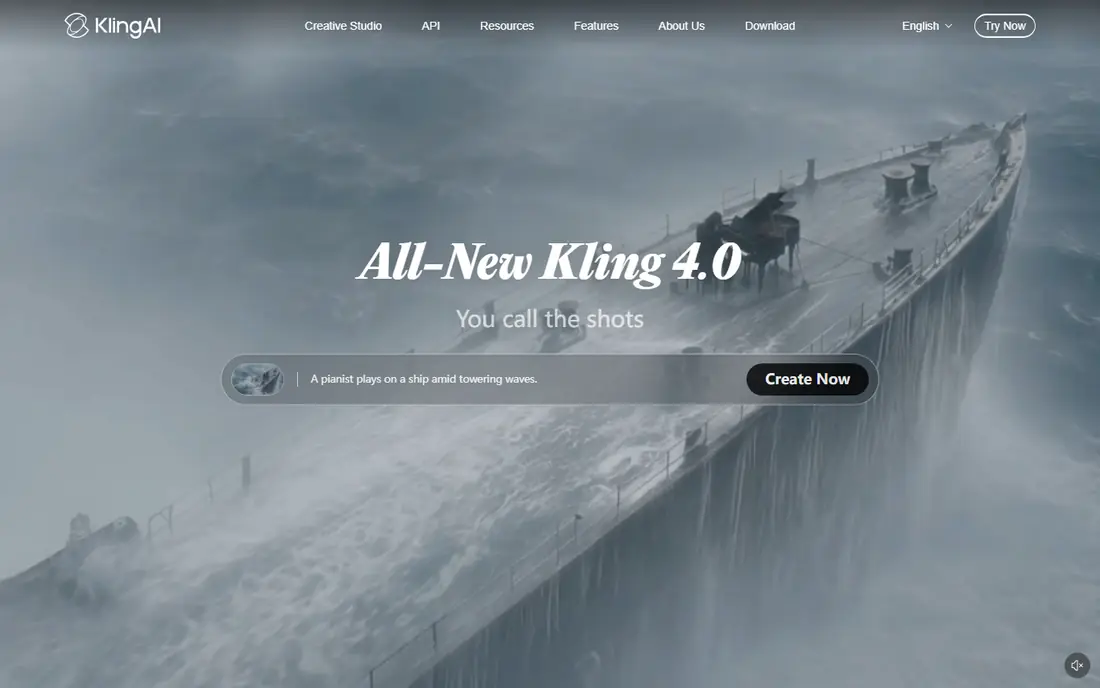
Kling AI is our pick for most people who want realistic image to video clips without a large monthly bill. It handles everyday photos well, and motion tends to stay steady rather than warping hands, faces, or backgrounds in every frame. The free plan gives a way to learn the prompt style before paying.
The paid plans add more credits and higher quality settings, which matter when a clip will appear on a large screen or in a paid ad. Start with short clips and simple motion, such as a slow pan or a person turning toward the camera. Complex action still needs several tries, so budget credits for retries.
- Daily free credits
- Strong motion for people and objects
- Good value on paid plans
- Credit costs vary by quality setting
- Longer clips use more credits
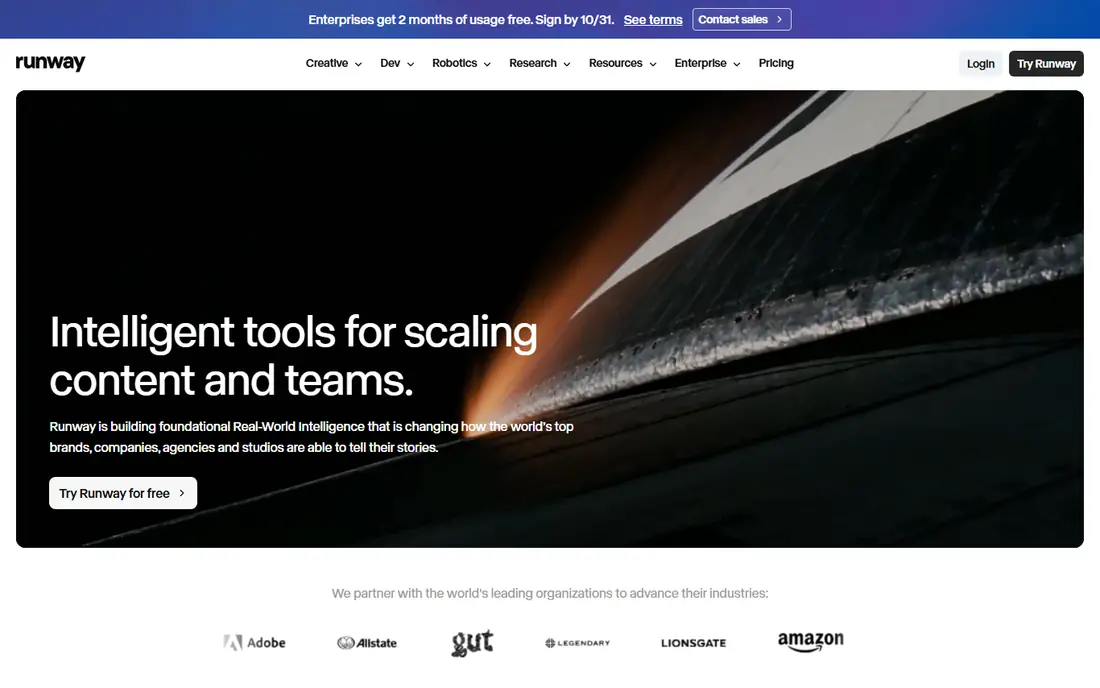
Runway suits creators who want more control than a single prompt box. Its Gen-4 tools let you guide motion, adjust camera moves, and refine a clip inside the same workspace. That control helps when a client has a fixed brand look or a product shot that must stay accurate.
The catch is cost discipline. The free allowance is a one-time set of credits, so treat it as a test, not a regular supply. Paid plans work best for people who generate clips weekly and can plan batches, rather than for occasional one-off posts.
- Fine control over motion and camera
- Useful editing tools in the same platform
- Strong output quality
- Free credits are limited and do not refill monthly
- Higher tiers get expensive
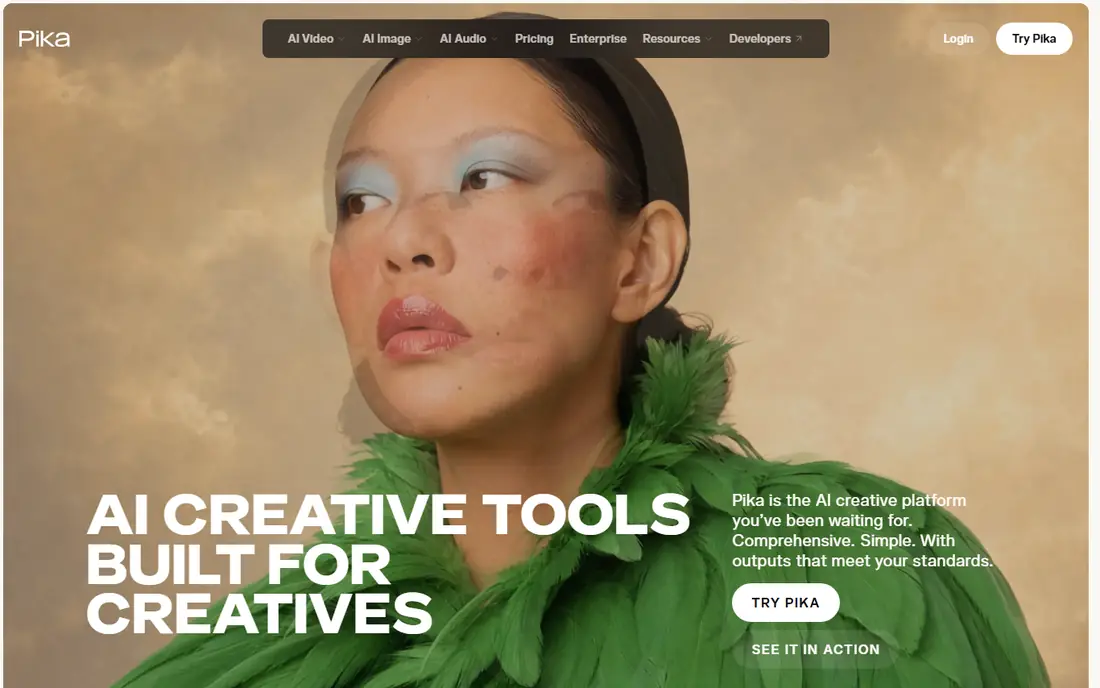
Pika is built for speed and social formats. It is a good choice when you need a lively five to ten second clip for a feed post, a story, or a product teaser. Stylised looks and effects come out well, and the interface stays simple for beginners.
It is less suited to long, realistic scenes or detailed product work. Keep prompts short and specific, and expect to generate a few versions before one feels right. For daily social content, that trial approach is acceptable, but it is not the best fit for a single high-stakes film shot.
- Fast results for short clips
- Fun effects and styles
- No watermark on paid output
- Free plan is limited to packs rather than a monthly credit refill
- Clips stay short
Google Veo stands out for realism, especially for cinematic scenes with natural light and smooth camera movement. Newer versions can add dialogue, music, and sound effects in the same generation, which saves a separate audio step. That makes it attractive for ads and short brand films.
The price reflects that quality. The entry Google AI plan is not the cheapest route to a handful of clips, and credit limits can bite during busy periods. Check how many credits your plan includes, and reserve Veo for clips where realism and sound matter most.
- Strong realism and camera movement
- Native audio in newer versions
- Deep Google integration
- Higher monthly cost
- Access and limits depend on the Google plan you choose
Adobe Firefly is the calm, practical choice for design teams. If you already work in Photoshop, Premiere Pro, or Express, generated video slots into a familiar workflow without learning a whole new platform. Adobe also puts weight on training data that is licensed for commercial use, which matters for client work.
The trade-off is length and credit sharing. Clips are short, and your monthly generative credits cover images and video together. That is fine for teasers, social cutdowns, and motion versions of still ads, but not for long-form video projects.
- Works inside Adobe workflows
- Commercially safer training approach
- Simple prompt controls
- Clips are short
- Video credits are shared across Firefly features
Luma Dream Machine appeals to creators who think in camera moves first. Dolly shots, orbits, and smooth transitions are its strong suit, and it is good for turning a product photo into a clip that feels filmed rather than animated. Keyframes help you set a start and end point for motion.
The starting paid price is high compared with Kling and Pika, so it fits regular users better than casual testers. Use the free access to check whether its camera style matches your taste, and watch credit use on high-resolution exports.
- Distinctive camera moves
- Fast iteration
- Useful keyframe controls
- Higher starting price than rivals
- High-resolution output uses many credits
Hailuo AI, from MiniMax, is a solid budget option for creators who want to reference more than one image in a shot. That helps when a character, product, or setting must stay consistent across frames. The paid plan is cheaper than several rivals, which makes it easy to keep as a second tool.
Quality can vary, so simple, clear prompts work best. Avoid asking for several actions at once, and split a complex scene into two shorter clips. For social content and test versions, Hailuo AI gives good value for the price.
- Low-cost paid plan
- Handles multiple reference images
- Generous trial access
- Trial covers only some models
- Output quality varies by prompt
CapCut is the best choice when generation is only one step in a social workflow. You can generate a clip, trim it, add captions, music, and text, and export in the right size for each platform, all in one app. That saves time compared with moving files between three tools.
It is not the tool for cinematic realism or precise film control. Treat its AI video as a fast draft maker for social posts, then use a specialist tool for hero clips. For creators who post daily, the built-in editor is worth more than a small quality gap.
- Full editor built in
- Easy captions and templates
- Good for TikTok and Reels
- AI video is one feature among many, not a specialist film tool
- Some features vary by region
How we picked these
We compared official pricing pages, free plans, and feature pages, plus public reviews and comparisons published in 2026. We looked for tools that accept a still image as the main input, return a usable video clip, and are still available to new users in October 2026. We favoured tools with clear pricing, a free way to test, and a distinct strength, rather than listing every video generator on the market.
What to check before you pay
Start with the output you actually need. A five-second social clip, a product demo, and a brand film have different demands for resolution, length, and licence terms. Check the maximum clip length, the resolution on your plan, and whether free output carries a watermark.
Next, work out the real cost per usable clip. Credit prices change with quality, length, and model, so a low monthly price can still get expensive if half your generations need a retry. Run a small test batch on a free plan, count how many tries each good clip takes, and then choose a plan that covers that pattern.
Also check rights and safety rules. Read the licence for commercial use, and avoid generating clips that show real people in misleading ways or copy a protected character or brand. If a clip will run as a paid ad, keep the generation prompt and the licence terms on file with the project.
Finally, plan the edit. Generated clips rarely arrive perfect. Leave time to trim the start and end, fix a shaky frame, add captions, and check sound. A short, clean edit does more for the final result than a longer, rougher generation.
Frequently asked questions
What is the best ai image to video generation tool for beginners?
Kling AI and Pika are good starting points, since both offer free access and simple prompt controls. Start with short clips, simple motion, and one clear action per prompt, then move to a paid plan only when you know your weekly volume.
What are the best ai tools for image and video generation in one subscription?
Adobe Firefly and CapCut bundle video generation with wider creative tools, so they suit people who also edit images, design posts, or cut social video. Specialist tools such as Runway and Veo give finer video control, but they do not replace a full editor.
Can I use these tools for free?
Most tools on this list offer some free access, but the amount and the rules differ. Some give daily credits, some give a one-time allowance, and some limit free output quality or add a watermark, so check the free plan terms before starting a project.
How long can an AI image to video clip be?
Most tools in this guide produce clips of about five to ten seconds, with some reaching longer lengths on higher plans or with keyframes. For longer stories, generate several clips and join them in an editor, rather than expecting one long perfect take.
Do I own the video I generate?
Ownership and commercial use depend on the tool and the plan, so read the terms for your account before using a clip in paid work. Avoid prompts that copy a real person, a trademark, or a copyrighted character, and keep records of the licence for client projects.
Which tool gives the best image to video quality?
Google Veo and Runway lead on realism and control for polished work, while Kling AI offers strong quality at a lower price. The best choice depends on your budget, the clip length you need, and whether sound and camera control matter for the final piece.
Sources
See where you really rank - block by block
ProMapRanker scans Google Maps across a grid of your service area. Simple monthly plans from $19, white-label on every plan.
Start freeKeep reading
 zendesk alternatives
Best Zendesk Alternatives in 2026
Compare the best Zendesk alternatives in 2026, from budget help desks to AI-first support tools, with current pricing, free plans, and honest trade-offs.
Read → wordpress alternatives
Best WordPress Alternatives in 2026
Looking for the best WordPress alternatives? We compare 8 free and paid options for blogs, business sites, stores, and developer-led projects in 2026.
Read → which real estate company has the best training
Best Real Estate Company Training in 2026
Compare which real estate company has the best training, from Keller Williams and eXp to Compass and Coldwell Banker, by program, mentor, and fit in 2026.
Read →