 ProMapRanker
Top 7 AI Image Restoration Tools for 2026, Compared


Photographers who want desktop control · Pricing starts at: $39 per month
Direct answer
This list puts Topaz Photo first for photographers who want desktop control. Look at Hotpot.ai for cheap web restoration without heavy setup, and at Photomyne for digitizing entire albums with a phone. The remaining 4 options are covered below with prices and limits.
Key takeaways
- Top of the list is Topaz Photo, which targets photographers who want desktop control.
- For batch enhancement and cleanup, PicWish is worth a look.
- Before buying Fotor, weigh this: restoration is one feature among numerous, not the core focus.
- The lowest published monthly entry price here is $6.99 per month, from PicWish.
Quick comparison
| Pick | Great for | Pricing starts at | Free tier | |
|---|---|---|---|---|
| Topaz Photo | Photographers who want desktop control | $39 per month | Free trial | Visit |
 Hotpot.ai | Cheap web restoration without heavy setup | See website | Yes | Visit |
 Photomyne | Digitizing entire albums with a phone | $59.99 per year | Free trial | Visit |
 Fotor | Budget all-in-one photo editing | See website | Yes | Visit |
 Remini | Fast mobile face restoration | $6.99 per week | Yes | Visit |
 VanceAI Photo Restorer | One-click restoration in a browser | $9.90 a month | Yes | Visit |
 PicWish | Batch enhancement and cleanup | $6.99 a month | Yes | Visit |
AI Image Restoration Tools compared in detail
Choosing AI image restoration tools usually comes down to price, fit and limits. This ProMapRanker guide sets 7 tools side by side on those three points, with the facts kept short and checkable.
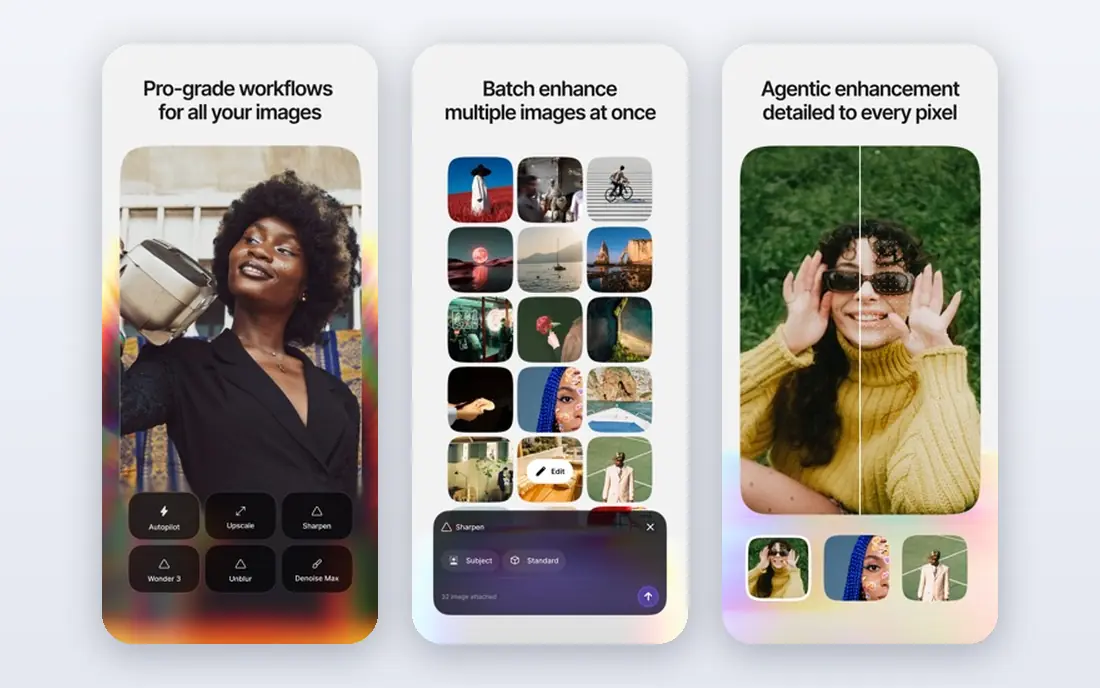
Topaz Photo is aimed squarely at photographers who want desktop control. The subscription is now the standard route, and older machines will process slowly or struggle with large files. More specifically, Topaz Photo is the desktop choice for people who already edit photos and want control over each step.
Where Topaz Photo stands out: sharpen and upscale models.
Rather than one button, you get models for noise, sharpness, upscaling and face recovery, and you can adjust each one. Processing runs locally, so you are not uploading private family photos to a cloud service for every edit, and batch work is practical once you learn the settings. Topaz Photo starts at: $39 per month. Trial and free access: Free trial. Drawbacks to consider: Needs a modern computer with a capable graphics card.
- Works as a plugin for Photoshop and Lightroom
- Separate denoise
- Subscription pricing is high for occasional use
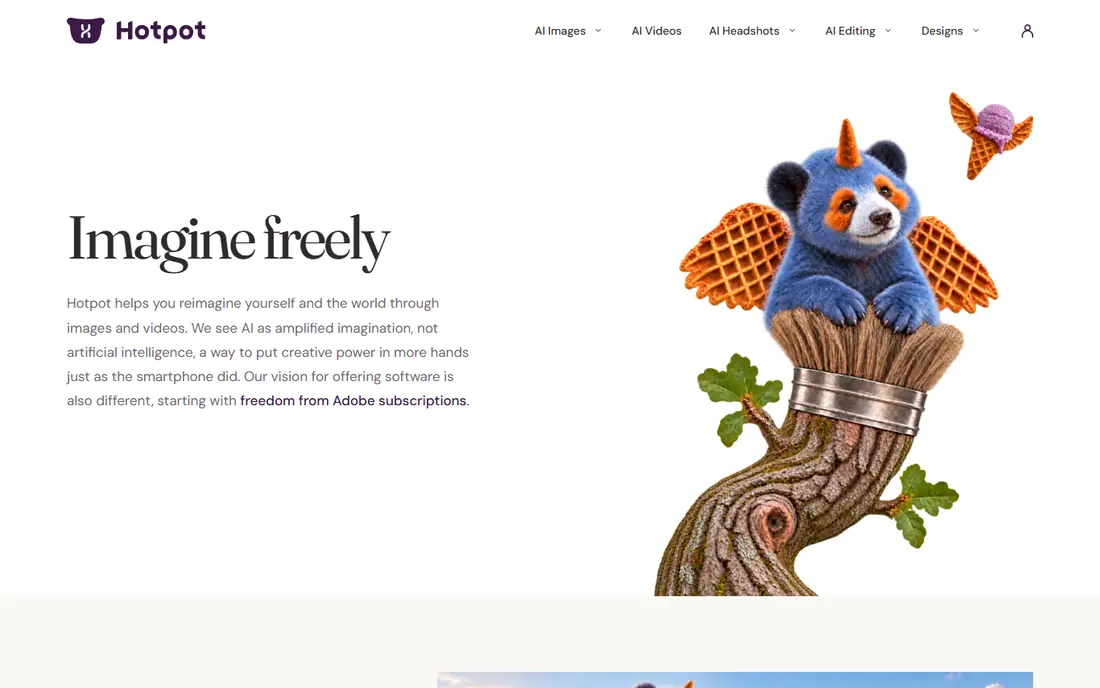
Hotpot.ai works best for cheap web restoration without heavy setup. You can try basic restoration and enhancement without a long setup, which is useful when a relative sends you a scan and asks for a cleaner copy the same day. In daily use, the honest limit is depth.
Honest limits: Credit and plan details change, so check before buying.
Also, Hotpot.ai handles numerous image tools, and restoration is one part of a wider set. So it will not match a specialist on a torn or badly faded print. The web approach also means it works on almost any computer, including older machines that would struggle with desktop AI software. Pricing and credits are best confirmed on the vendor pricing page at the time you buy, since web credit packs change. Hotpot.ai shows no starting price here, so confirm the cost on the vendor site. You can start on Hotpot.ai without paying.
- Low friction for a handful of photos
- No software to install
- Restoration features are narrower than dedicated tools
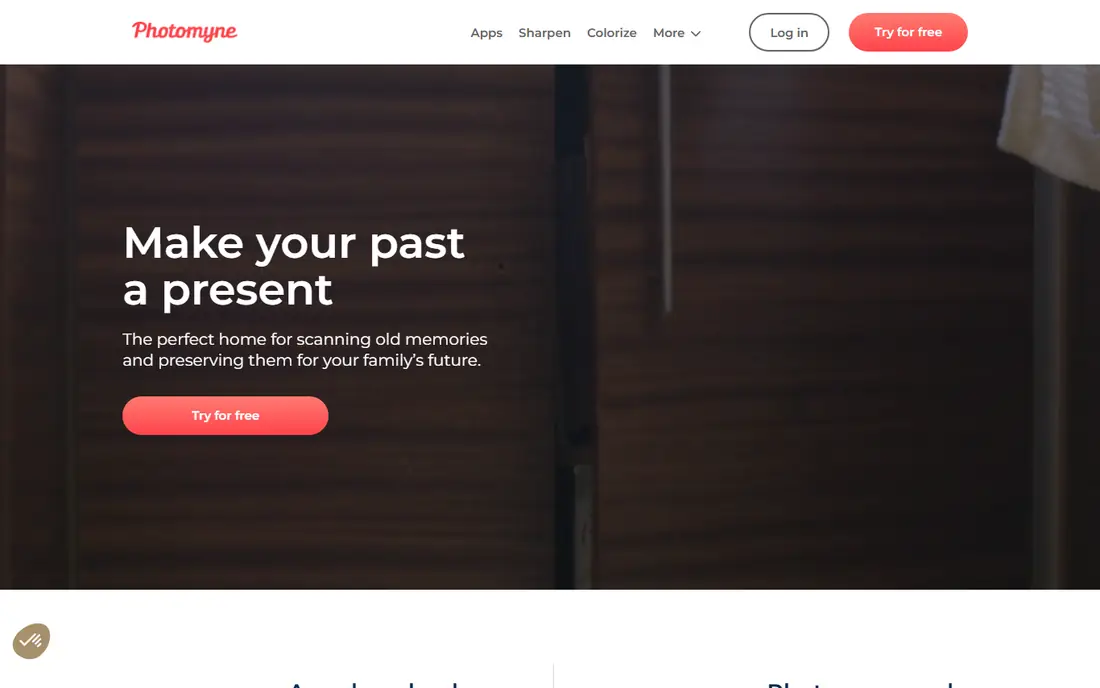
Photomyne is a good fit for digitizing entire albums with a phone. Point a phone at multiple prints at once, and the app spots, crops and straightens them, then lets you organize the results into albums with names, dates and places.
Drawbacks to consider: AI restoration uses additional credits in some plans.
That scanning step is frequently the real bottleneck for families, and Photomyne manages it better than a general enhancer that expects a clean scan as input. If you only have ten loose prints, a browser restorer is more straightforward, but if you have shelves of albums, Photomyne saves hours at the scanning stage. What you pay to start with Photomyne: $59.99 per year. Free access: Free trial.
- Tags and sharing in one app
- Scanning workflow aimed at albums
- Web access needs an active membership
Fotor is built with budget all-in-one photo editing in mind. The interface is friendly for beginners, and the free level lets you test the entry-level workflow before paying.
Where it is weaker: Advanced features sit behind a premium plan; Output quality varies by photo type.
Fotor does not show a starting price in this comparison, so check the vendor site for current pricing. Free access exists with Fotor.
- Broad editor beyond restoration
- Simple batch editing for everyday photos
- Restoration is one feature among numerous
Think of Remini for fast mobile face restoration. Remini is the tool most people reach for on a phone, and the reason is speed. Open the app, pick a photo, tap enhance, and a blurry portrait typically comes back sharper within seconds.
Drawbacks to consider: AI can smooth faces or invent detail.
It is a decent way to test whether a faded portrait is worth printing. Beyond that, the price is the central reason to pause. The face work is frequently the most solid part of the result, particularly on small, low-resolution originals. Entry price for Remini: $6.99 per week. Free access exists with Remini.
- Strong results on faces in portraits
- Very straightforward one-tap workflow
- Weekly pricing is pricey over months
Think of VanceAI Photo Restorer for one-click restoration in a browser. Free credits include only a handful of images, and each restoration uses credits. So a box of 200 scans becomes a budgeting exercise instead of a single purchase.
Honest limits: Credit limits make large archives hard to price.
In daily use, you upload a scan, and the tool works on scratches, stains, faded color and soft faces in one pass. Worth adding: check how numerous credits a high-resolution output uses before you commit, and run your most important photos first. VanceAI Photo Restorer is built around the specific job of rescuing old prints. As for the details, the main limit is the credit model. VanceAI Photo Restorer starts at: $9.90 per month. Free access exists with VanceAI Photo Restorer.
- Dedicated scratch and damage repair
- Face detail pass for portraits
- Desktop app is a separate purchase in some plans
PicWish serves batch enhancement and cleanup. PicWish is a practical middle ground for people with numerous photos to clean up, not just one treasured portrait.
Read the plan details carefully, since daily free limits and credit use can affect a large batch. You can enhance a batch, remove backgrounds for product or archive use, and keep moving without opening a separate tool for each job. Starting cost for PicWish: $6.99 per month. PicWish offers a free plan.
Drawbacks to consider: Restoration depth is less than a specialist.
- Batch processing for numerous files
- Desktop and mobile apps available
- Free level has daily limits
Selection criteria
We compared the tools on published pricing, free plan or trial availability, feature coverage for AI image restoration tools, and the limits each vendor documents. Figures are shown as the vendors publish them. Billing terms, seat minimums and add-ons can change the real cost. The order reflects how well each tool fits the most common buying scenario for AI image restoration tools, then price clarity, then free plan access. It is a starting point, not a verdict.
Pre-purchase checklist
- Get a written quote from Hotpot.ai and Fotor; the list shows no starting price for them.
- Look at free plan limits closely: Hotpot.ai, Fotor, Remini and others have one, and the caps decide whether it is usable for real work.
- Take the trial from Topaz Photo and Photomyne and push a live task through it before you pay.
- Before choosing Topaz Photo, weigh its main limit: subscription pricing is high for occasional use.
- Confirm the exact Hotpot.ai plan that includes your must-have features.
- Compare total cost, not headline price: for Fotor, add extra seats, add-ons and any usage-based charges.
Frequently asked questions
Should I scan photos myself or use a phone app?
A flatbed scanner at high resolution hands the best input for restoration, whereas a phone scanning app is quicker for entire albums.
Can AI restore a photo that is torn in half?
A decent tool will fill small scratches and stains with plausible texture, whereas a large tear across a face will typically need manual repair or a lower expectation. Scan both halves if you have them, and keep the original.
Do I need a desktop tool, or is a web tool enough?
A desktop tool fits photographers who edit frequently, need batch control, or prefer local processing for privacy. Start with a web tool, and move to desktop only if you hit its limits on control or volume.
What is the cheapest option for AI image restoration tools in this list?
On published monthly entry prices, PicWish is the lowest here at $6.99 per month. Entry price is only part of the cost, because seats, add-ons and billing terms can change the total.
Do these tools publish their prices?
Not all of them. Hotpot.ai and Fotor publish no starting price, so expect a quote request for those. The rest, Topaz Photo included, show a starting price, though seats and billing terms still change the final cost.
Can I try these options before paying?
Often, yes. Hotpot.ai, Fotor, Remini and others have a free plan and Topaz Photo and Photomyne offer a free trial. Use your own data and a real task during the test, and check what the free tier or trial limits before you rely on it.
Sources
See where you really rank - block by block
ProMapRanker scans Google Maps across a grid of your service area. Simple monthly plans from $19, white-label on every plan.
Start freeKeep reading
 zoho inventory alternatives
6 Alternatives to Zoho Inventory, Compared on Price and Fit
Zoho Inventory alternatives: 6 tools compared on price, free plans and fit. Katana leads the list for manufacturers. Fit and flaws are laid out for each entry.
Read → zoho crm alternatives
Best Zoho CRM Alternatives (2026)
Need Zoho CRM alternatives? We compare 7 tools on cost, free access and who each suits. Every pick gets a straight assessment. Built for quick decisions.
Read → zelle alternatives
Best Zelle Alternatives in 2026
Compare the best Zelle alternatives for sending money to friends, paying sellers and moving funds abroad, with honest notes on fees, speed and safety in 2026.
Read →