 ProMapRanker
Which AI Image Generator Software Fits You? 8 Tools Compared
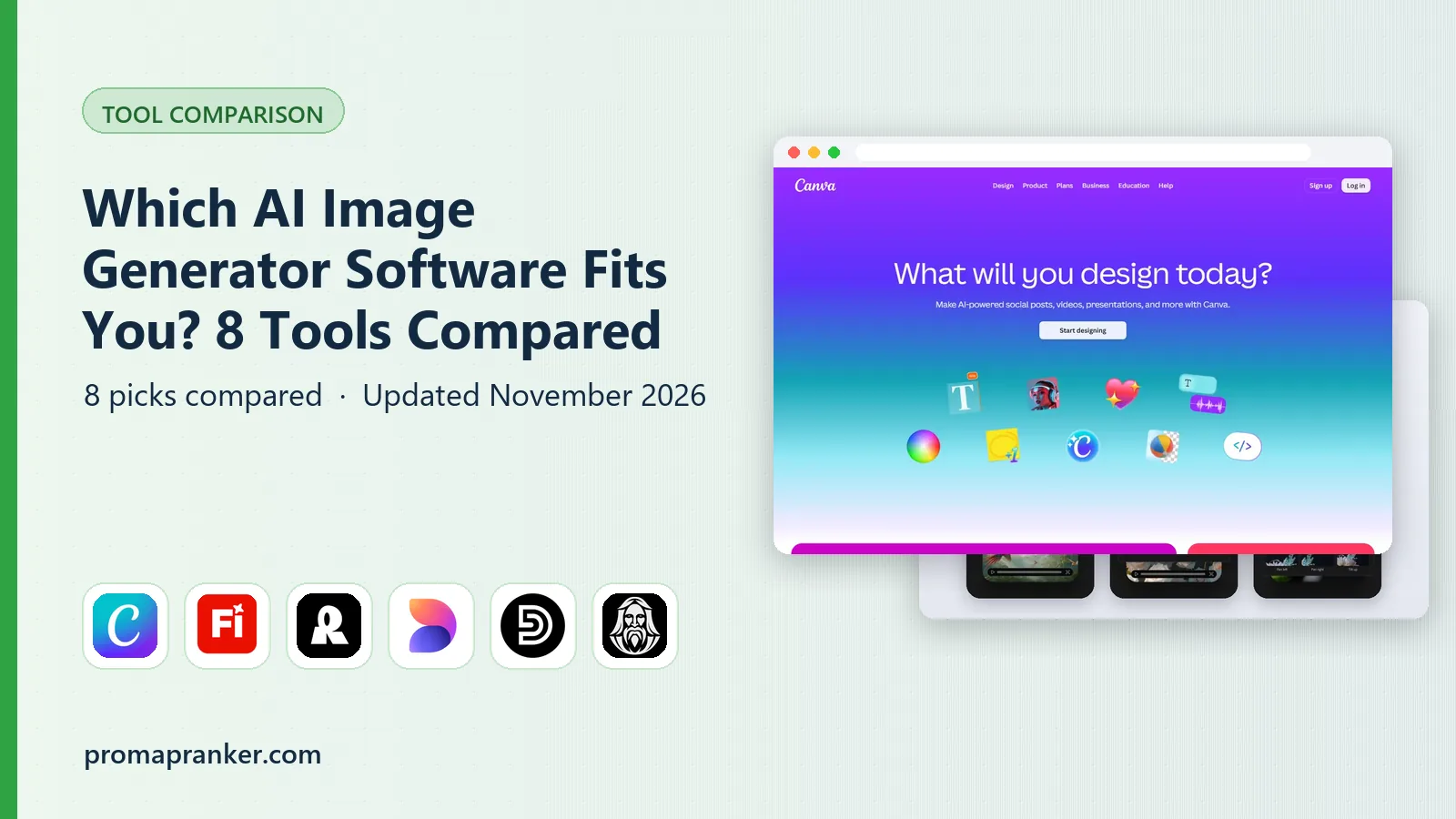

Quick design-ready social graphics · Pricing starts at: $15/month (Canva Pro; $10/month billed yearly)
Direct answer
Start with Canva Magic Media if you need quick design-ready social graphics. Adobe Firefly is the stronger choice for commercially safe creative team work, while Recraft suits vector graphics and brand assets. All 8 tools are compared below on price, free plan and limits.
Key takeaways
- The list opens with Canva Magic Media, aimed at quick design-ready social graphics.
- Stable Diffusion fits self-hosted and API pipelines.
- Free plans are common here: 6 of 8 tools have one, including Canva Magic Media, Adobe Firefly, Recraft and Microsoft Designer.
- A fair warning about Canva Magic Media: image quality lags specialists.
- Adobe Firefly is the lowest-priced starter here at $9.99/month.
Quick comparison
| Pick | Great for | Pricing starts at | Free tier | |
|---|---|---|---|---|
| Canva Magic Media | Quick design-ready social graphics | $15/month (Canva Pro; $10/month billed yearly) | Yes | Visit |
 Adobe Firefly | Commercially safe creative team work | $9.99/month (Standard) | Yes | Visit |
 Recraft | Vector graphics and brand assets | $12/month (Basic; $10/month billed yearly) | Yes | Visit |
 Microsoft Designer | Free everyday graphics | Free with a Microsoft account | Yes | Visit |
 Design.com | Turning AI images into finished, on-brand designs | See website | Not stated | Visit |
 Leonardo AI | Game art and consistent characters | $12/month (Apprentice; $10/month billed annually) | Yes | Visit |
 Midjourney | Artistic and editorial imagery | $10/month (Basic; $8/month billed yearly) | No | Visit |
 Stable Diffusion | Self-hosted and API pipelines | See website (pay-as-you-go from about $0.01 per credit) | Yes | Visit |
Every option for AI image generator software explained
Choosing AI image generator software usually comes down to price, fit and limits. This ProMapRanker guide sets 8 tools side by side on those three points, with the facts kept short and checkable.
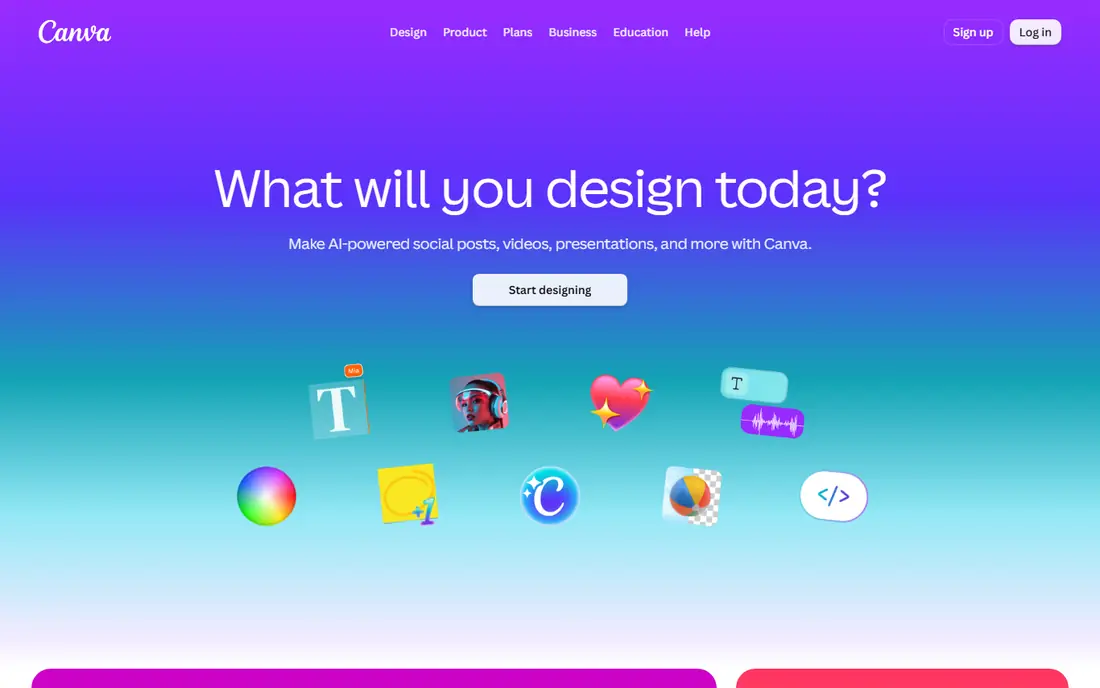
Where Canva Magic Media fits: quick design-ready social graphics. You pick it when speed and an editable result matter more than pixel-level quality.
Downsides: Image quality lags specialists.
Worth adding: for small marketing teams and founders, that removes the round trip through a separate design tool. What you pay to start with Canva Magic Media: $15/month. You can start on Canva Magic Media without paying.
- Generated images land inside an editor
- Huge template library
- Free level is very restricted
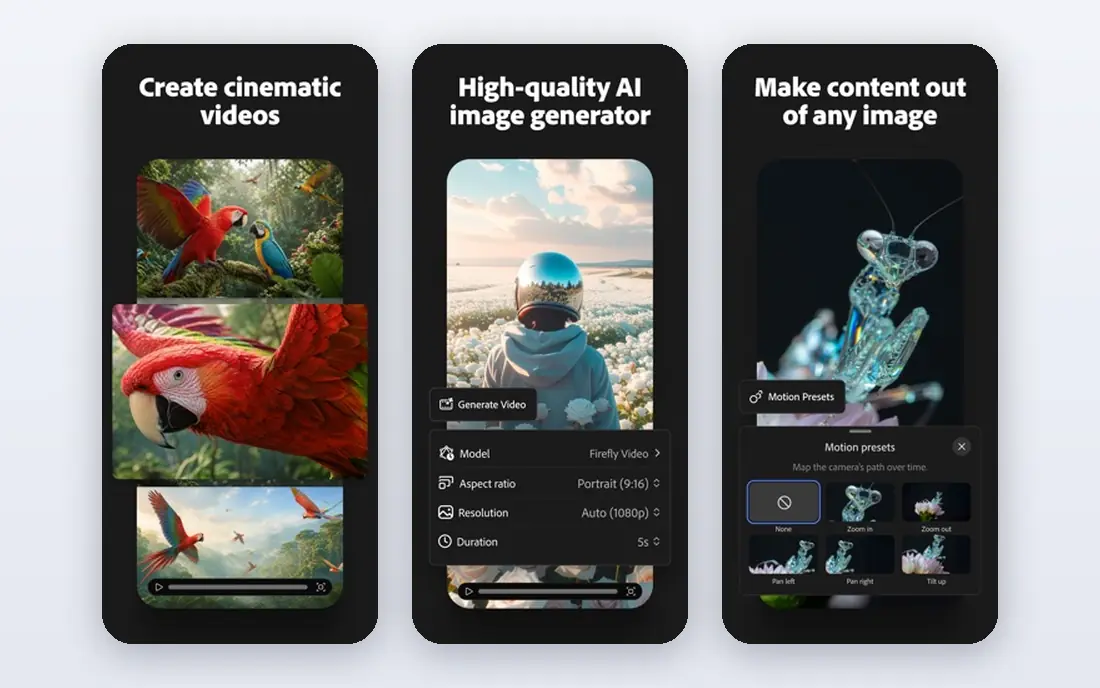
Adobe Firefly is a good fit for commercially safe creative team work. Firefly is the generator for people who require to answer the question "are we allowed to use this in a client deliverable" without flinching. In daily use, Adobe trained its Firefly models on licensed and public domain content, and the platform attaches Content Credentials for provenance.
Watch-outs: Best value needs the Adobe ecosystem.
For everyday use, the standalone levels run $9.99 to $199.99 per month, built around generative credits, with unlimited standard image generations on premium plans. For agencies and brand teams, that legal posture matters more than a small edge in image quality. From a buyer's view, if you do not, the per-credit math deserves a look before you commit. Adobe Firefly cost at the entry level: $9.99/month. Free access exists with Adobe Firefly.
- Links to Photoshop and Express
- Trained on licensed content for commercial safety
- Credit system brings math
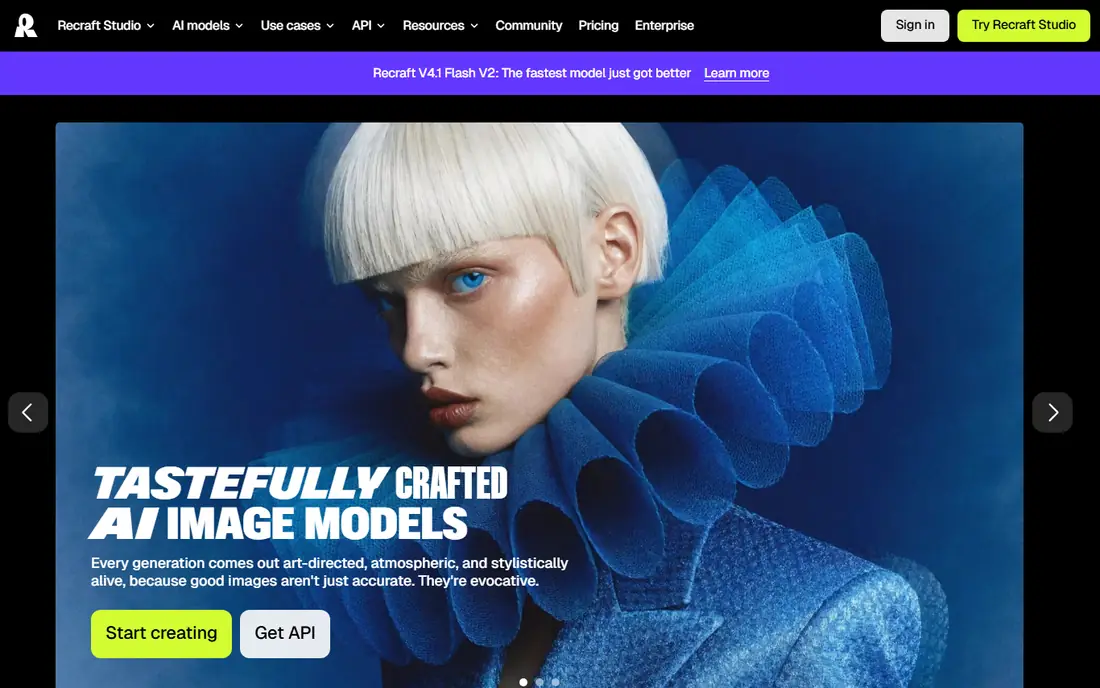
Recraft is designed for vector graphics and brand assets. Video generation sits on Pro, two levels above the entry premium plan. Entry-level at $12 per month buys commercial rights and private generations, plus access to partner models alongside Recraft's own.
Drawbacks to consider: Video generation needs Pro.
The standout feature is real vector generation: icons, logos, and illustrations as editable SVG files you can drop into Figma or send to print. Its custom style library lets you lock a palette and line weight once and reuse it across an entire campaign, which is how brand teams actually work. As for the details, Recraft is aimed at designers instead of casual image-makers. Recraft starts at: $12/month. A free plan is available with Recraft.
- True vector (SVG) output
- Capable text rendering
- No commercial rights on free plan
Think of Microsoft Designer for free everyday graphics. Stickers, invitations, social graphics, and fast blog art are all simple. On top of that, for client deliverables, verify the license terms yourself first.
Beyond that, the free level works on a daily "boost" allowance that resets, and Copilot Pro at $20 per month raises the limit. The editor itself is entry-level compared with Canva or Adobe Express, and Microsoft's commercial-use terms for generated images are less explicit than Adobe's indemnification story. Microsoft Designer pricing: Free with a Microsoft account. Microsoft Designer has a free plan.
Where it falls short: Commercial licensing less clear than Adobe's.
- Straightforward templates
- Built into Edge and Microsoft 365
- Daily boost limits
Design.com is designed for turning AI images into finished, on-brand designs. You steer the subject, setting, mood, composition, colors and style through the prompt, then refine and create again until one fits, with no design or AI experience needed. On top of that, the image goes straight into Design.com's design suite.
What works well: posters and social templates.
So you can turn it into social posts, flyers, posters, presentations or website graphics alongside your logo, brand colors and fonts. That makes it a good fit for small companies and marketers who require visuals for real campaigns, not just standalone images. Design.com's AI image generator turns a plain-language description into multiple image choices in seconds. Check the vendor site for Design.com pricing; none is listed in this comparison. As for free access: Not stated.
Trade-offs to know: No published details on output resolution.
- Images flow straight into flyers
- No AI expertise needed
- Pricing and generation limits are not shown on the generator page
Leonardo AI works best for game art and consistent characters. Premium plans start at $12 per month with private generations, which you will want, since free-tier images land in the public community gallery. In practice, the library of fine-tuned models for anime, photoreal, and stylized work is unmatched, and premium plans let you train custom models on your own reference images.
That is exactly what indie game studios need for character concepts, item icons, and environment mood boards. As for the details, the free plan is one of the most ample in the category at 150 tokens a day. Advanced features like the Alchemy refiner eat through that rapidly. In practice, Leonardo carved out the game-art and illustration niche early and still owns it. Price to start with Leonardo AI: $12/month. Leonardo AI offers a free plan.
What to check first: Free-tier images are public.
- Ample free level
- Fine-tuned model library for game art
- Tokens drain quick with advanced features
Choose Midjourney for artistic and editorial imagery. Stealth Mode (keeping your generations private) opens at Pro, and businesses earning over $1 million in annual revenue must be on Pro or Mega under the commercial terms. Midjourney remains the generator people compare everything else to, largely since its default output looks finished.
Where it falls short: Private generations need the $60/month Pro plan.
That consistency is why concept artists, editorial designers, and mood-board creators keep paying for it. But read the fine print before using it for client work. Entry price for Midjourney: $10/month. Midjourney has no free tier.
- Straightforward flat levels
- Distinctive aesthetic quality from day one
- No free level or trial
Choose Stable Diffusion for self-hosted and API pipelines. The weights are free under the Community License for non-commercial use and commercial use under $1 million in annual revenue.
This is a tool for developers and teams with volume, not for someone who wants a picture in ten seconds. Stable Diffusion does not show a starting price in this comparison, so check the vendor site for current pricing. Stable Diffusion offers a free plan.
Trade-offs to know: Self-hosting needs a real GPU.
- Huge community ecosystem
- Open weights with local control
- Not a one-click product
How these tools differ
The honest truth: most AI image generators now produce decent images. So the buying decision is really about workflow, price per image, and what happens after generation. Each one is judged on the same things: output quality for real work (not cherry-picked demos), how much it costs at realistic volumes, and where it quietly falls short.
As for the details, prices come from the vendors' own pricing pages as of October 2026.
How we compared the tools
ProMapRanker looked at what each vendor publishes: pricing, plan limits, feature coverage for AI image generator software and stated drawbacks. No hands-on testing is claimed. Where a price is missing, the vendor does not list one publicly or ties it to a quote. Always confirm before budgeting. Tools are placed by general fit for AI image generator software, with price clarity and free access as tie-breakers. A different team can reasonably rank them differently.
Pre-purchase checklist
- Ask Design.com and Stable Diffusion for a written quote, since no starting price is shown.
- Look at free plan limits closely: Canva Magic Media, Adobe Firefly, Recraft and others have one, and the caps decide whether it is usable for real work.
- Read the limits listed for Canva Magic Media first: image quality lags specialists.
- Run a one or two week pilot of Canva Magic Media with the people who will use it every day.
- See whether Leonardo AI offers onboarding or training, and whether it is included in the price.
Frequently asked questions
What is the best AI image generator overall in 2026?
This list starts with Canva Magic Media, which fits quick design-ready social graphics. For other needs, Adobe Firefly is aimed at commercially safe creative team work, and Recraft at vector graphics and brand assets. Check each tool's price and main limit first.
What is the cheapest option for AI image generator software in this list?
On published monthly entry prices, Adobe Firefly is the lowest here at $9.99/month. Entry price is only part of the cost, because seats, add-ons and billing terms can change the total.
How are the tools for AI image generator software ordered?
The order follows typical fit for AI image generator software, with Canva Magic Media first and Stable Diffusion last, then price clarity and free access. It is editorial judgement, not a score, so another team could rank the tools differently.
Can I try these options before paying?
Often, yes. Canva Magic Media, Adobe Firefly, Recraft and others have a free plan. Use your own data and a real task during the test, and check what the free tier or trial limits before you rely on it.
Which options for AI image generator software have a free plan?
6 of the 8 tools have a free plan, including Canva Magic Media, Adobe Firefly, Recraft and Microsoft Designer. Free plans usually cap users, projects or features, so check the limits on the vendor page.
Do I need a premium plan to use these tools for client work?
Free levels often restrict commercial use, keep generations public, or cap output too low for production. Midjourney has no free level at all, and its Stealth Mode opens at the $60/month Pro plan.
Sources
See where you really rank - block by block
ProMapRanker scans Google Maps across a grid of your service area. Simple monthly plans from $19, white-label on every plan.
Start freeKeep reading
 zscaler alternatives
Best Zscaler Alternatives in 2026
Looking for zscaler alternatives? We compare 9 SASE and zero trust platforms on architecture, data protection, pricing, and fit for your network and team.
Read → zapier alternatives free
Best Zapier Alternatives Free in 2026
Nine automation tools for zapier alternatives free in 2026, all with genuinely free tiers, plus free plan limits, starting prices and upgrade paths explained.
Read → which platform is best for online reputation
Which Platform Is Best for Online Reputation in 2026
Wondering which platform is best for online reputation? We compare 8 review, listing, and response tools for small and multi-location businesses and agencies.
Read →