 ProMapRanker
6 AI Image Deblurring Tools, Compared by Cost and Features

Direct answer
If you need desktop batch deblurring, HitPaw FotorPea is the first tool to look at here. Adobe Photoshop is better for advanced editing and control, and Remini is better for mobile face deblurring. The other 3 tools in the list cover narrower or pricier cases.
Key takeaways
- The list opens with HitPaw FotorPea, aimed at desktop batch deblurring.
- Free plans exist at 2 of 6 tools (Fotor, VanceAI).
- Fotor is the lowest-priced starter here at $8.99 per month.
- VanceAI fits browser-based deblurring.
Quick comparison
| Pick | Great for | Pricing starts at | Free tier | |
|---|---|---|---|---|
 HitPaw FotorPea | Desktop batch deblurring | $22.39 per month | Free trial | Visit |
 Adobe Photoshop | Advanced editing and control | $22.99 a month (annual plan) | Free trial (7 days) | Visit |
 Remini | Mobile face deblurring | See website | Free trial | Visit |
 Fotor | Budget all-in-one editing | $8.99 a month | Yes | Visit |
 Topaz Photo AI | Blur and focus recovery | $199 a year | Free trial | Visit |
 VanceAI | Browser-based deblurring | $9 a month (Starter, billed yearly) | Yes | Visit |
AI Image Deblurring Tools profiles
Short on time? The summary and table above give the quick view of 6 AI image deblurring tools, and the profiles that follow give the detail behind each entry.
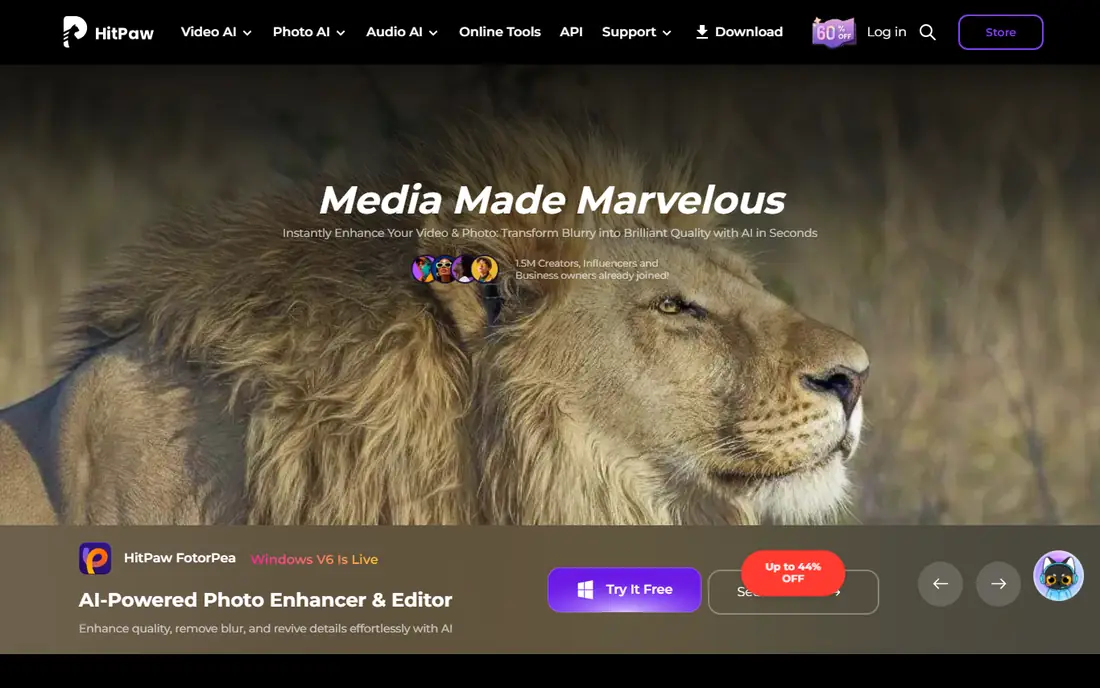
Where HitPaw FotorPea fits: desktop batch deblurring. Pricing runs $22.39 a month, $90.39 a year, or around $130 for a lifetime licence in one comparison, and a free online version deals with small jobs in the browser.
HitPaw suits users who want desktop batch processing and a lifetime choice rather than a web subscription. Price to start with HitPaw FotorPea: $22.39 per month. Free access: Free trial.
Points against: Check lifetime credit limits before buying.
- Lifetime choice
- Upscale up to 8x
- Monthly price high compared to VanceAI
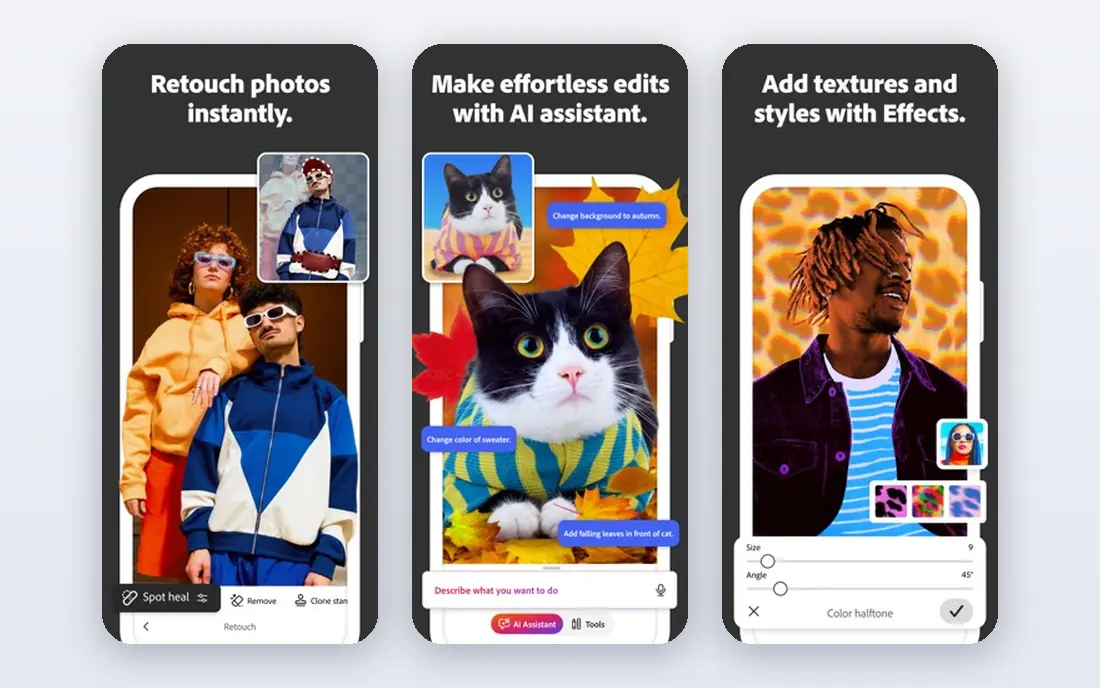
Adobe Photoshop is a good fit for advanced editing and control. Photoshop suits editors who already use it and want deblurring inside a complete retouching workflow, not casual users fixing a handful of photos.
Honest limits: Subscription cost.
Starting cost for Adobe Photoshop: $22.99 per month. Free options: Free trial (7 days).
- Industry standard for manual repair
- Super Resolution and AI editing
- Overkill for one-click deblurring
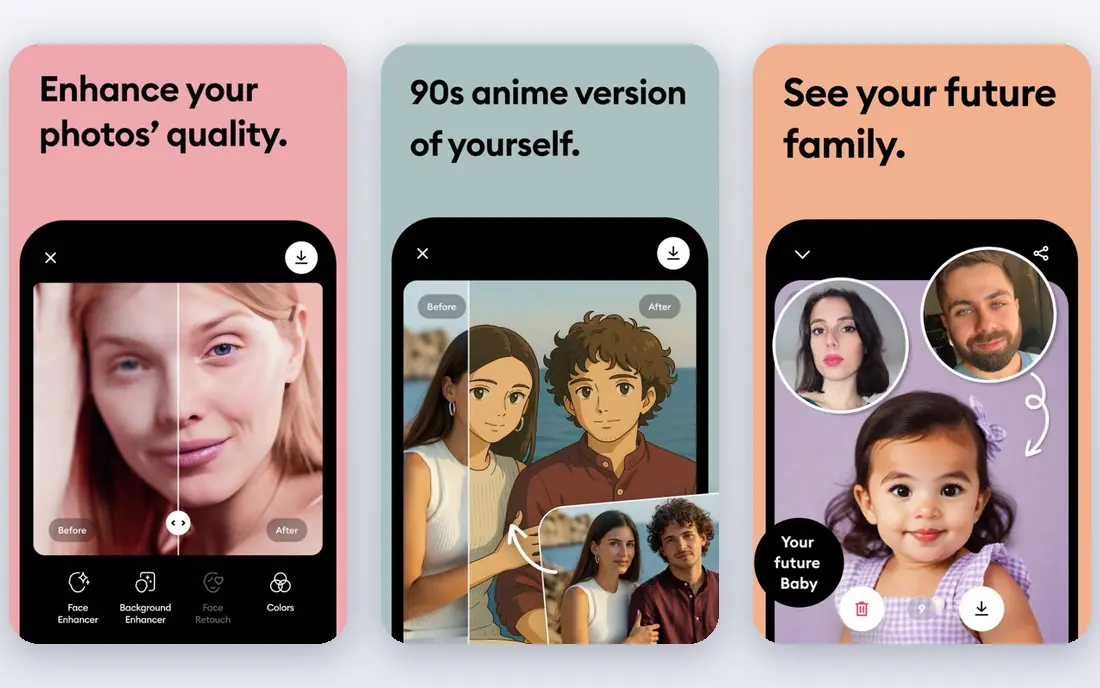
Choose Remini for mobile face deblurring. For a single damaged family photo to share at a reunion, few tools get there quicker.
Drawbacks to consider: Weekly pricing brings up quick.
Beyond that, Remini suits fast mobile face jobs, not archive-scale deblurring. Remini shows no starting price here, so confirm the cost on the vendor site. Free options: Free trial.
- Fastest mobile face deblurring
- One-tap workflow
- Can over-smooth faces
Fotor works best for budget all-in-one editing. Pro costs $8.99 a month in one guide and $39.99 a year on annual billing in another, and the free level deals with small batches of lightly blurred photos.
More specifically, Fotor suits casual users with a handful of blurry photos and a need for general editing, not photographers rescuing hard shots. From a buyer's view, Deblurring depth trails VanceAI and Topaz, particularly on motion blur or missed focus, since Fotor is a general editor first. What you pay to start with Fotor: $8.99 per month. A free plan is available with Fotor.
Honest limits: Free level restricted.
- Fast one-click fixes
- Low cost
- Deblurring depth trails dedicated tools
Topaz Photo AI is aimed squarely at blur and focus recovery. Its sharpen, Super Focus, denoise, face recovery and upscale models consistently rank best in the category, and it works standalone or as a Lightroom plugin. Also, pricing is listed at $199 a year in one 2026 guide and $199 one-time in older comparisons, with monthly billing at $25 to $39 a month, so confirm the current licence terms.
Limits to weigh: Slow on older machines.
On top of that, Topaz suits photographers whose images need hard blur and focus recovery, not just a fast polish. For everyday use, processing is slow on older machines, and default settings can provide skin a plastic look on portraits, so dial the sliders back. Entry price for Topaz Photo AI: $199 per year. Trial and free access: Free trial.
- Super Focus, denoise
- Most solid blur and focus recovery
- Highest cost here
VanceAI is built with browser-based deblurring in mind. VanceAI merges deblurring with denoise, upscale and face recovery in a browser workflow that needs no software installation.
Downsides: Web processing needs an internet connection.
Upsides: One-click browser workflow. Credits are the limit: each full-resolution download uses credits, so a large batch can drain a plan rapidly. VanceAI pricing: $9 per month. VanceAI includes a free tier.
- Upscale and face recovery in one pass
- Batch processing
- Credit limits drain quick on large batches
How we compared the tools
We compared the tools on published pricing, free plan or trial availability, feature coverage for AI image deblurring tools, and the limits each vendor documents. Plan names, prices and limits change often. Treat the figures here as a starting point and verify them with the vendor. The ranking is editorial: typical fit first, then clear pricing, then free access. If your needs are unusual, read the profiles rather than relying on position.
Pre-purchase checklist
- Get a written quote from Remini; the list shows no starting price for them.
- Check what the free option really includes: Fotor and VanceAI offer a free plan, and usage caps differ.
- Run a trial of HitPaw FotorPea, Adobe Photoshop, Remini and Topaz Photo AI with real work before paying for a year; your own workflow is the best test.
- Read the limits listed for HitPaw FotorPea first: monthly price high compared with VanceAI.
- Look at the help docs and support options for Adobe Photoshop before you commit.
- The entry price of VanceAI is only the starting point; model the full cost with seats and extras.
Frequently asked questions
Do these tools publish their prices?
Not all of them. Remini publishes no starting price, so expect a quote request for it. The rest, HitPaw FotorPea included, show a starting price, though seats and billing terms still change the final cost.
Is HitPaw FotorPea the right pick for everyone comparing AI image deblurring tools?
No single tool suits every team. HitPaw FotorPea comes first because it fits desktop batch deblurring, while Adobe Photoshop suits advanced editing and control and Remini suits mobile face deblurring. Match the tool to your own size, budget and workflow before deciding.
Can I try these options before paying?
Often, yes. Fotor and VanceAI have a free plan and HitPaw FotorPea, Adobe Photoshop, Remini and Topaz Photo AI offer a free trial. Use your own data and a real task during the test, and check what the free tier or trial limits before you rely on it.
What is the cheapest option for AI image deblurring tools in this list?
On published monthly entry prices, Fotor is the lowest here at $8.99 per month. Entry price is only part of the cost, because seats, add-ons and billing terms can change the total.
Sources
See where you really rank - block by block
ProMapRanker scans Google Maps across a grid of your service area. Simple monthly plans from $19, white-label on every plan.
Start freeKeep reading
 zoho inventory alternatives
6 Alternatives to Zoho Inventory, Compared on Price and Fit
Zoho Inventory alternatives: 6 tools compared on price, free plans and fit. Katana leads the list for manufacturers. Fit and flaws are laid out for each entry.
Read → zoho crm alternatives
Best Zoho CRM Alternatives (2026)
Need Zoho CRM alternatives? We compare 7 tools on cost, free access and who each suits. Every pick gets a straight assessment. Built for quick decisions.
Read → zelle alternatives
Best Zelle Alternatives in 2026
Compare the best Zelle alternatives for sending money to friends, paying sellers and moving funds abroad, with honest notes on fees, speed and safety in 2026.
Read →