 ProMapRanker
Best AI Home Decor App in 2026

Key takeaways
- Planner 5D and Homestyler are best when you want to arrange real furniture in a measured room.
- DecorMatters and IKEA Kreativ help you preview looks and real products before you buy.
- Photo restylers are fast for inspiration, but they do not give you an editable room plan.
- Check credit limits and catalog access, since those decide the true cost more than the headline price.
Quick comparison
| Pick | Great for | Pricing starts at | Free tier | |
|---|---|---|---|---|
 Planner 5D | Measured room layouts | $19.99 per month | Yes | Visit |
 Homestyler | Planning plus renders | See website | Yes | Visit |
 DecorMatters | Social decor ideas and AR | Free | Yes | Visit |
 IKEA Kreativ | Real IKEA furniture preview | Free | Yes | Visit |
 HomeDesigns AI | Whole-home style ideas | See website | Free trial | Visit |
 REimagineHome | Chat-based room restyles | $19 per month | Yes | Visit |
 RoomGPT | Quick style experiments | $9 one-time pack | Yes | Visit |
 Interior AI | Fast photorealistic restyles | $49 per month | No | Visit |
 Spacely AI | Design variations | $25 per month | Free trial | Visit |
The best AI home decor apps
We focused on apps that help with decorating decisions: layout, furniture choice, color, and style, rather than structural remodeling alone.

Planner 5D is our pick for most decor projects because decorating is often a fit problem first. A rug, a sectional, or a bookshelf either fits the room and the walkways, or it does not. Building the room to scale answers that question before you order anything.
The free plan gives unlimited projects with part of the catalog, so you can test a layout at no cost. Paid plans add the full catalog and better renders for presenting the final look.
- Editable 2D and 3D rooms
- AI floor-plan recognition on paid plans
- Large furniture catalog
- Setup takes longer than a photo app
- Best renders need higher tiers
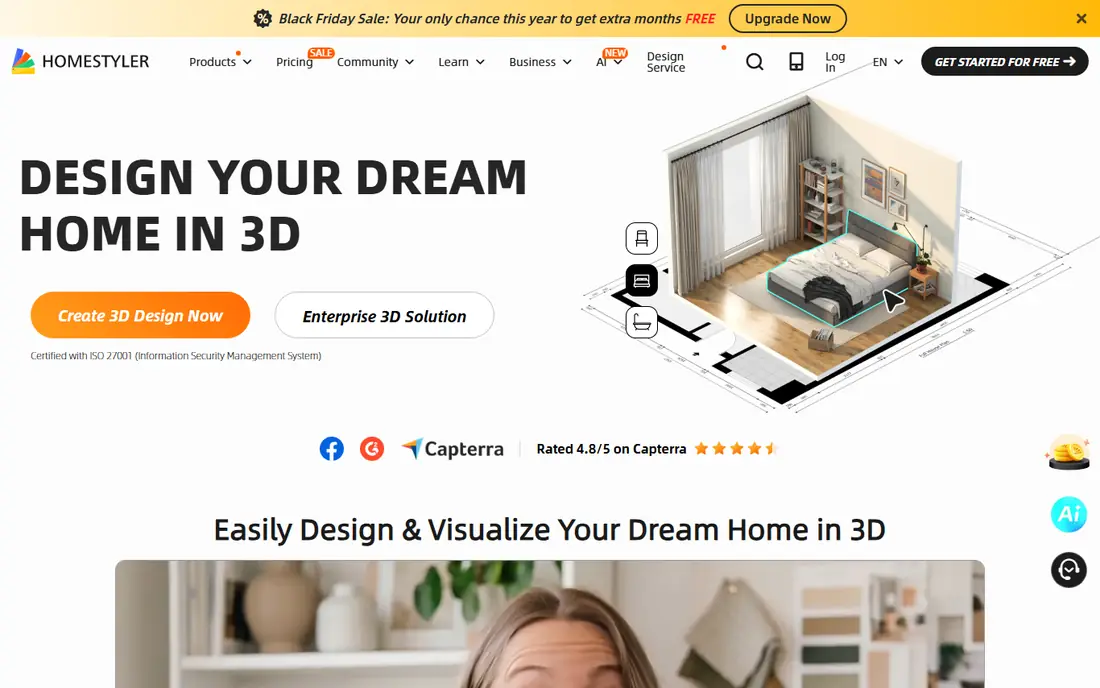
Homestyler suits someone who wants both a plan and a polished view of the finished room. You can arrange furniture, then generate a rendered image that shows how the colors and materials might work together.
It is less instant than a photo restyler, but the result is more useful when you are about to spend money. Start free, and only upgrade if you need more AI renders or higher resolution.
- Floor planning with AI rendering
- Free basic renders
- Easy to share designs
- AI credits are limited on free tier
- Sharper renders may cost extra
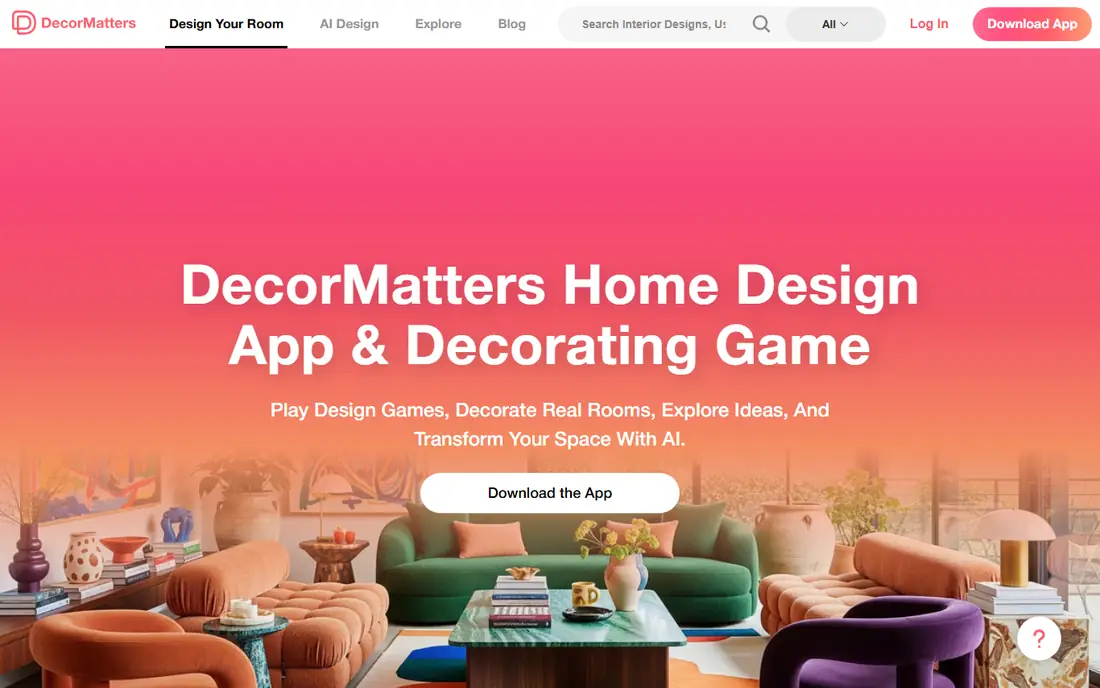
DecorMatters is the most social option here. You can browse other people's rooms, try ideas, and preview items in your own space with AR where supported. That browsing step helps when you know a room feels wrong but you cannot name the style you want.
It is not a replacement for a measured planner. Use it for inspiration and product discovery, then check sizes in a planner before buying.
- Community decor ideas
- AR preview on supported devices
- Free to start
- In-app purchases for full features
- Less suited to measured planning
IKEA Kreativ is the most practical free tool if you already shop at IKEA. Seeing a real bookcase or sofa in your actual room removes much of the guesswork from online furniture shopping.
The limit is the catalog. If you want to mix brands, use Kreativ for the IKEA pieces and a planner for the full room.
- Free
- Previews real IKEA furniture in your room
- Helps avoid wrong purchases
- Only IKEA products
- No multi-brand room planning
HomeDesigns AI works well when you want one style across several rooms. You can test the same palette and material direction in a living room, a bedroom, and an outdoor space, which helps a whole home feel coherent.
Read the plan details carefully. Credit counts and trial terms differ by offer, so confirm how many designs you get before you commit to a month.
- Interiors, exteriors, and gardens
- Many styles
- Good for a consistent look
- Trial terms vary
- Some advanced tools need add-ons
REimagineHome is helpful when you want to talk through a room: keep the sofa, change the wall color, try a warmer rug. That back-and-forth is faster than generating a new room from scratch each time.
The free designs are enough to judge the style quality. If you want product links you can actually buy, check that your plan includes them.
- Edit by conversation
- Starter designs free
- Product ideas on higher plans
- Product and chat features vary by tier
- Credits limit frequent use
RoomGPT is the best ai app for home decor if you only want a quick answer to a style question. Upload a photo, pick a theme, and see a new version of the room in minutes.
It will not help you measure, arrange, or shop with precision. Treat it as a mood board generator, then move to a planner for the real decisions.
- Very simple
- No subscription needed
- Cheap for occasional tests
- No editable plan
- Results are images only
Interior AI is built for volume: agents staging listings, designers showing clients options, and landlords refreshing rental photos. The images look polished, and the plans include many designs.
For one room in your own home, the monthly cost is hard to justify against cheaper credit tools. Choose it when you will use it repeatedly in a month.
- Fast, polished restyles
- Large design allowances
- Clean interface
- No free plan
- Pricey for a single home project
Spacely AI is useful when the first idea is close but not right. You can refine details and compare variations side by side, which helps couples, roommates, or clients agree on a direction.
Keep an eye on credits, since different generation types cost different amounts. A plan can run out faster than the headline number suggests if you iterate a lot.
- Iterative edits and variations
- Trial credits without a card
- Team-friendly
- Generation costs vary
- Trial exports are limited
How we picked these
We compared official feature and pricing pages, app store listings, and October 2026 comparison coverage. We kept apps that still work for home decor, that offer photo restyling, planning, AR preview, or product preview, and that state enough about pricing to judge value. We excluded generic image generators with no room or decor focus.
We also looked at how well each app handles the step after inspiration. A beautiful generated room is only useful if it helps you choose a sofa, a paint color, or a layout you can actually build. Apps that connect ideas to real products or measured plans scored higher than apps that stop at a picture. Where vendor pricing and secondary comparisons disagreed, we used See website rather than repeating a number we could not confirm. That keeps the guide useful for budgeting, even if one row carries less detail than the rest.
How to choose the right decor app
Match the app to the decision in front of you. If you are choosing a style, start with a photo restyler. If you are buying furniture, use a catalog preview or AR tool. If you are arranging a room, build a measured plan first and decorate inside it.
Before paying, confirm three things: whether the catalog includes the brands you actually buy, whether exports are watermark-free, and whether credits expire at month end. Also check colors against physical samples in your own light, since screens shift color. A tool can suggest a palette, but a paint swatch on your wall is still the final test.
One more practical step helps: set a budget band before you browse catalogs or generate rooms. A room can look great in a render and still cost far more than you planned once furniture, paint, and delivery are added. List the pieces you must replace, the pieces you can keep, and a ceiling for the rest. That list keeps a fun browsing session from turning into an impulse order that does not fit the room or the budget.
Frequently asked questions
What is the best ai app for home decor for beginners?
Planner 5D is a strong beginner pick because the free plan lets you build a real room layout, while RoomGPT is simpler if you only want fast style ideas. Start with the free tier of either and upgrade only when you hit a limit.
Is there a free best ai home decor app?
Yes. IKEA Kreativ is free for IKEA products, Planner 5D and Homestyler have free plans, and DecorMatters is free to start with in-app purchases. Free photo tools usually limit the number of designs.
Can AI decor apps show my exact furniture?
Only catalog tools such as IKEA Kreativ show exact products from one brand. Photo restylers show similar styles, not the exact item you own, so check dimensions separately before ordering.
Do these apps work for small rooms?
Yes, and small rooms benefit most from a measured planner, since a few inches decide whether furniture fits. Photo tools can still help with color and style, but they do not measure the space.
Should I trust AI color suggestions?
Use them as a starting point. Screen color varies by device and lighting, so order samples or test paint on the wall before committing to a full room.
Can I share my decor designs with someone else?
Yes, most planners and photo tools let you share a link or an image. A planner link is more useful for a partner or designer, since they can see the layout, while a photo is better for a quick style opinion.
Sources
See where you really rank - block by block
ProMapRanker scans Google Maps across a grid of your service area. Simple monthly plans from $19, white-label on every plan.
Start freeKeep reading
 zscaler alternatives
Best Zscaler Alternatives in 2026
Looking for zscaler alternatives? We compare 9 SASE and zero trust platforms on architecture, data protection, pricing, and fit for your network and team.
Read → zapier alternatives free
Best Zapier Alternatives Free in 2026
Nine automation tools for zapier alternatives free in 2026, all with genuinely free tiers, plus free plan limits, starting prices and upgrade paths explained.
Read → which platform is best for online reputation
Which Platform Is Best for Online Reputation in 2026
Wondering which platform is best for online reputation? We compare 8 review, listing, and response tools for small and multi-location businesses and agencies.
Read →