 ProMapRanker
Best AI Headshot Generator App in 2026


Teams and company staff pages · Pricing starts at: $29 per session
Key takeaways
- HeadshotPro suits teams that need consistent staff photos, while Aragon AI suits individuals who want one highly realistic portrait.
- BetterPic offers 4K output on every tier, which helps buyers who need print-ready files without paying for the top plan.
- Budget buyers can start with Try It On AI, but trained-model tools that use more source photos tend to look more like the person.
- Use these tools only with your own photos, and do not use a generated headshot to misrepresent your identity, age, or qualifications.
Quick comparison
| Pick | Great for | Pricing starts at | Free tier | |
|---|---|---|---|---|
| HeadshotPro | Teams and company staff pages | $29 per session | No | Visit |
 Aragon AI | Realistic individual headshots | $35 per session | No | Visit |
 BetterPic | 4K output with human edits | $35 per session | No | Visit |
 Secta Labs | Large batches with many styles | $49 per session | No | Visit |
 Portrait Pal | Wide style library | $35 per session | No | Visit |
 Dreamwave | One-photo workflow | $35 per session | No | Visit |
 Try It On AI | Low-cost single selfie start | $17 per session | Free preview | Visit |
 ProPhotos | Classic corporate styling | $29 per session | No | Visit |
 PhotoAI | Reusable trained model | $29 per pack | No | Visit |
The best ai headshot generator app
We compared official pricing pages, feature pages, and app store listings for headshot generators that are live in 2026. Every tool here generates portraits from photos of the buyer, for use on LinkedIn, resumes, and company pages. None of the tools here should be used with photos of another person, or to create a false identity.
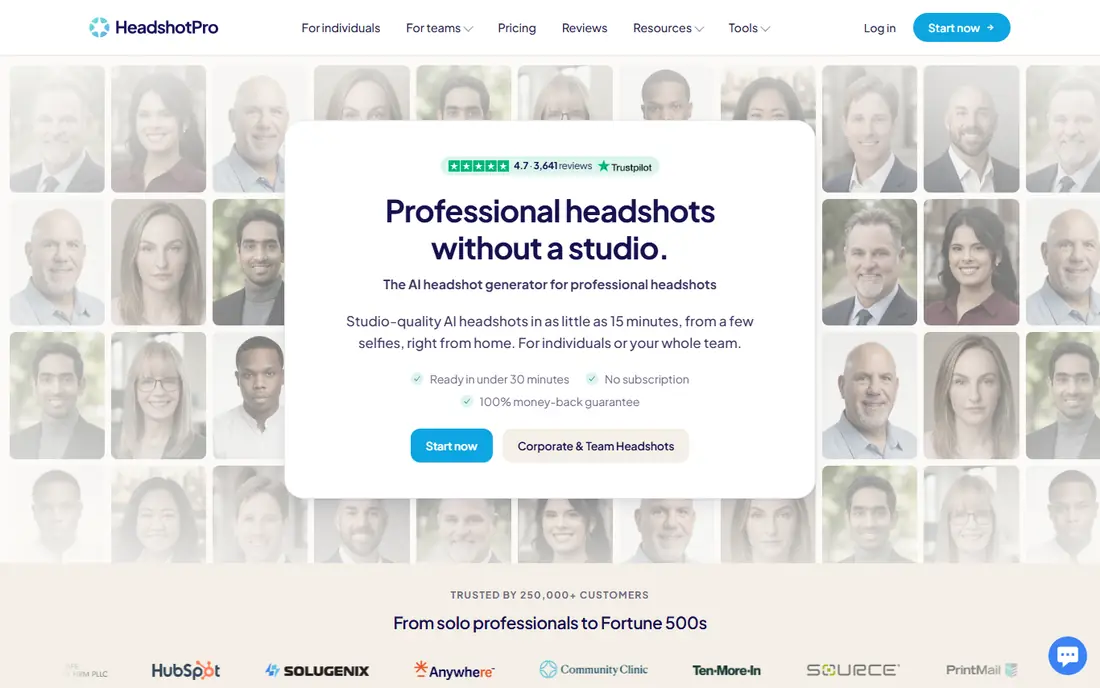
HeadshotPro is our pick for teams, because one admin can set styles, invite staff, and download the full set in one place. That workflow keeps a company staff page consistent, rather than leaving each employee to pick a different style, background, and crop. Individual buyers also get a solid set of portraits, with higher tiers adding more photos and higher resolution.
The price is per session, so a team should budget per person, not per company. Source photos matter a great deal: clear, varied, well-lit selfies give better results than a handful of similar shots. For a company that needs matching headshots without booking a photographer, HeadshotPro is the most practical choice here.
- Team workflow with one admin and shared styles
- Consistent results across staff
- 4K downloads on higher tiers
- Per-person pricing adds up for large teams
- Individual buyers may not need team tools
- Results vary with source photo quality
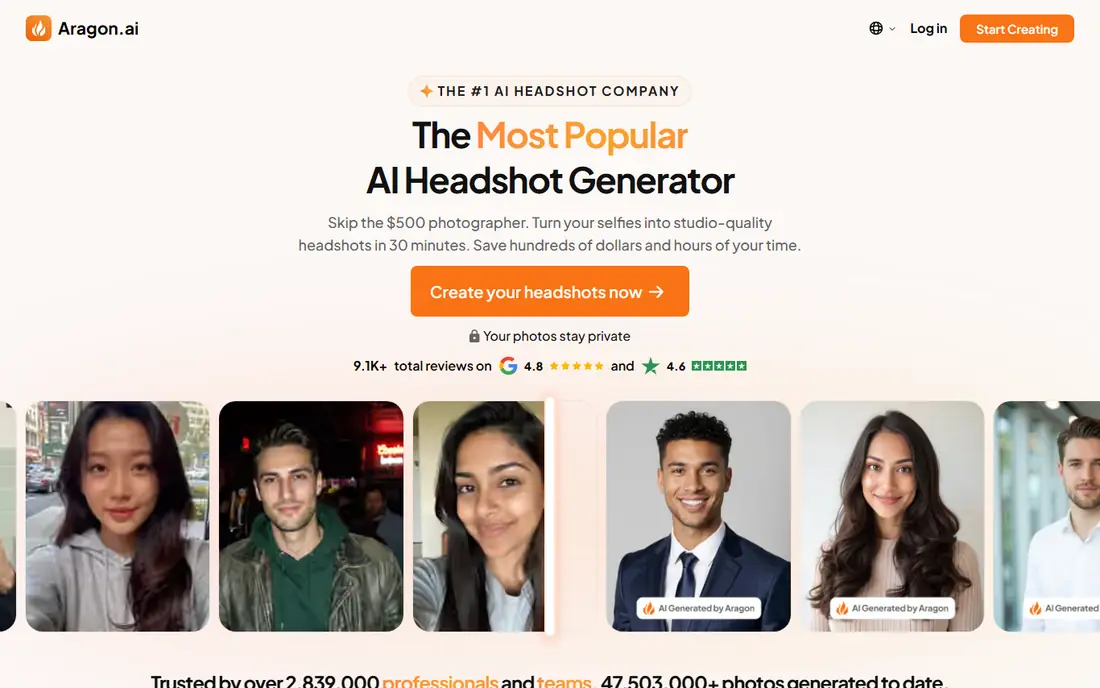
Aragon AI is the individual pick in this list, with a reputation for portraits that look like studio photos rather than illustrations. Buyers upload a set of source photos, the tool trains a model on those photos, and returns dozens of portraits in different outfits and backgrounds. The result suits LinkedIn, resumes, and speaker pages where one credible photo matters more than a large batch.
The trade is cost per refresh. Each new session costs again, so buyers should choose styles carefully and keep the best files for reuse. Aragon also focuses on individuals rather than team admin, so companies needing bulk staff photos should look at HeadshotPro first.
- Realistic skin tones and lighting in many reviews
- Multiple backgrounds and outfits per session
- In-app editing tools
- Priced per session, so frequent refreshes add up
- Individual focus, less team workflow
- Top tier needed for highest resolution
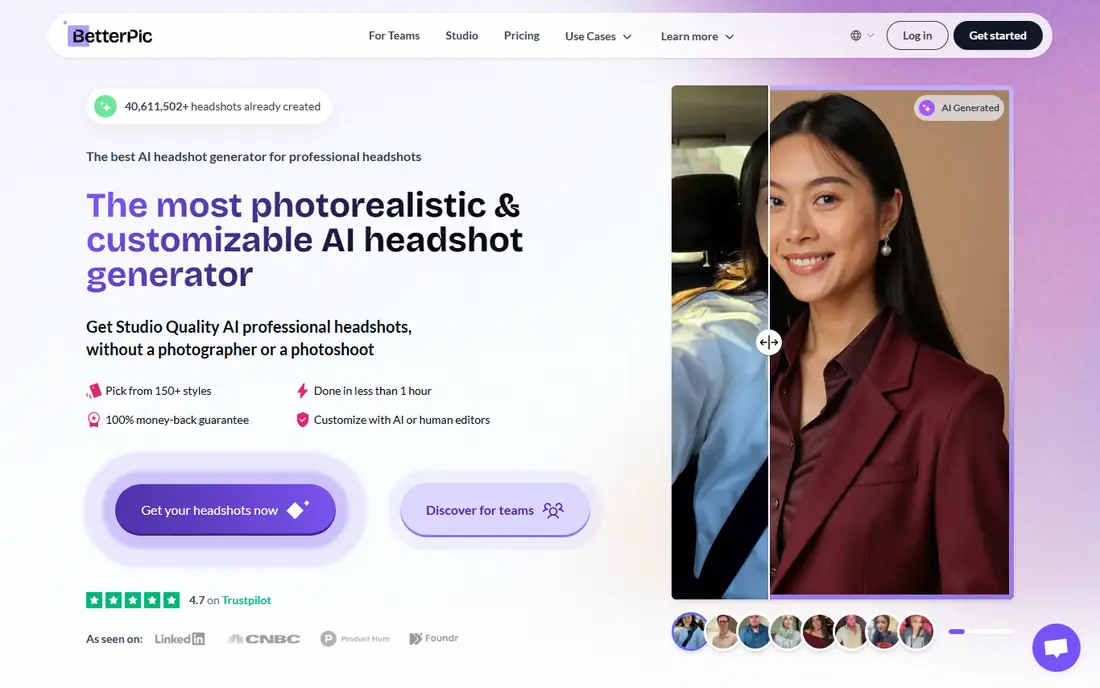
BetterPic appeals to buyers who want print-ready files without paying for a top tier. Every plan includes 4K output, which matters for conference bios, press pages, and printed materials. Optional human edits help fix hands, glasses, or backgrounds that the automated pass gets wrong, and the commercial license clarifies use on business pages.
Turnaround can run longer than faster rivals, so buyers with a same-day deadline should check current delivery times before ordering. The basic tier also covers fewer styles, so most buyers will land on the middle plan. For quality files at a fair price, BetterPic is a strong middle choice.
- 4K output on every tier
- Optional human edits
- Commercial license on paid plans
- Slower turnaround than some rivals
- Basic tier covers fewer styles
- Human edits cost extra beyond included credits
Secta Labs suits buyers who want maximum choice. A single session returns hundreds of portraits, and remix mode lets a buyer restyle a favorite photo without starting over. That volume helps when a buyer has not settled on a look and would rather pick from a lineup than give detailed directions.
The downside is time. Sorting hundreds of images takes a real session, and not every portrait in a large batch will look equally like the buyer. Secta Labs is best for buyers who enjoy curation and want many options, not for buyers who want one quick result.
- Very large batch per session
- Remix mode to restyle a liked photo
- Many outfit and background options
- Large batch needs real curation time
- Higher entry price
- Likeness can vary across the batch
Portrait Pal, also written as PortraitPal, offers a wide library of styles for buyers who want to try different professional looks. The flow is simple: upload source photos, choose styles, and receive a batch of portraits. That simplicity suits first-time buyers who do not want to learn editing tools before ordering.
Buyers should check resolution at checkout, since top-tier details differ from base tiers. As with all trained-model tools, varied source photos give better results than repeated selfies from one angle. Portrait Pal is a solid general choice when style variety matters most.
- Large style library
- Straightforward upload and generation flow
- Multiple tiers by photo count
- Resolution details vary by tier
- Likeness depends on source photos
- Per-session pricing for refreshes
Dreamwave lowers the barrier to entry by starting from a single photo, rather than requiring a dozen uploads. That workflow suits buyers who have one good recent photo and want a quick set of professional portraits. Turnaround is typically about an hour, which helps buyers with a near-term deadline.
The trade is consistency. A single input photo gives the model less to learn from, so likeness can vary more than with trained-model tools that use many photos. Buyers who have several good photos should consider Aragon AI or HeadshotPro instead, while buyers who value speed should try Dreamwave.
- Fast start from a single photo
- Natural-looking portraits in many reviews
- Simple buying flow
- Single-photo input can limit likeness consistency
- Fewer team tools
- Resolution specs should be confirmed at checkout
Try It On AI is the budget pick in this list, with packs starting well below most rivals and a free preview to test the look. A single selfie is enough to start, which makes it easy for job seekers who need a quick profile refresh. The low price also makes it a low-risk way to test whether AI headshots suit a buyer at all.
The limit is realism. Single-selfie tools tend to vary more in likeness than tools trained on many photos, and turnaround can take up to a day. Try It On AI suits buyers who want a cheap, quick refresh, not buyers who need a print-ready portrait for a formal bio.
- Low entry price
- Free preview before full purchase
- Fast results from a single selfie
- Likeness less consistent than trained-model rivals
- Turnaround can run 12 to 24 hours
- Fewer style controls
ProPhotos focuses on classic corporate styling: suits, blazers, and plain backgrounds that suit LinkedIn, resumes, and company directories. Buyers who want a safe, formal portrait without creative experimentation will find the style set reassuring. Turnaround is fast in many cases, and the entry price sits below several rivals.
The style range is narrower than Secta Labs or Portrait Pal, so creative professionals may want a more varied tool. ProPhotos still earns its place for buyers who want a traditional headshot first, with no fuss about artistic styles.
- Classic suit and blazer looks
- Fast turnaround in many cases
- Multiple outfit and background pairs
- Style range is more formal than creative
- Per-session pricing
- Results depend on source photo quality
PhotoAI suits buyers who want to generate photos repeatedly, not just once. A trained model can be reused for new portraits, styles, and settings, which helps creators and founders who need fresh photos often. The pack model differs from one-off sessions, so buyers should read what each pack includes before paying.
The catch is that headshot quality can vary, and training takes more setup than a single-photo tool. Buyers who need one formal headshot and nothing else may find a session-based tool simpler. Buyers who want ongoing portraits will value the reusable model.
- Trainable model for repeat generations
- Unlimited generations within a pack in some plans
- Many photo styles beyond headshots
- Headshot quality varies by pack
- Model training takes time
- Subscription details vary by plan
How we picked these
We compared official pricing pages, feature pages, and app store listings for headshot generators live in 2026, and we kept only tools that generate portraits from the buyer's own photos for professional use. We favored realistic output, clear pricing, stated turnaround, and team or commercial use terms. Tools that generate images of other people, undressing tools, or non-consensual image tools were excluded entirely.
How to get a headshot that still looks like you
Use varied, recent source photos
Upload clear photos from different angles, with different expressions and lighting, and make sure they are recent. A model trained on old photos or on one repeated selfie will produce portraits that look like a younger or different version of the buyer, which hurts trust on LinkedIn.
Compare the result with a real photo before publishing
Place the generated headshot beside a recent real photo and check eyes, smile, hairline, and face shape first. If the generated photo looks noticeably different, pick a different result or request a redo rather than publishing a flattering but false image. A headshot should present the buyer at their best, not as another person.
Keep identity use honest
Use generated headshots only for your own profiles, resumes, and company pages, and do not use them to imply a different identity, age, or professional qualification. Employers and clients trust a profile photo that matches the person they meet, so honesty here protects the buyer as much as the viewer.
Frequently asked questions
What is the best ai headshot generator app for LinkedIn?
Aragon AI suits individuals who want a realistic LinkedIn photo, while HeadshotPro suits teams that need consistent staff photos. BetterPic is a good middle choice when 4K files and human edits matter.
What are the best ai headshot generator apps for teams?
HeadshotPro leads for teams, since one admin can set styles and download the full set. Secta Labs and BetterPic also work for small teams, but HeadshotPro has the clearest team workflow.
What are the best ai headshot generator tools for a low budget?
Try It On AI offers the lowest entry price in this list, with a free preview. Dreamwave and ProPhotos also sit below the top tiers, though trained-model tools tend to look more like the buyer.
What is the best free ai headshot generator app?
There is no full free headshot generator in this list that matches paid tools on realism. Try It On AI offers a free preview, and some tools offer free trials or previews, but a full set of portraits needs a paid session.
Can I use an AI headshot on my resume?
Yes, when the photo is generated from your own photos and still looks like you. Use it on LinkedIn, resumes, and company pages, and avoid any use that misrepresents who you are.
Sources
See where you really rank - block by block
ProMapRanker scans Google Maps across a grid of your service area. Simple monthly plans from $19, white-label on every plan.
Start freeKeep reading
 zscaler alternatives
Best Zscaler Alternatives in 2026
Looking for zscaler alternatives? We compare 9 SASE and zero trust platforms on architecture, data protection, pricing, and fit for your network and team.
Read → zapier alternatives free
Best Zapier Alternatives Free in 2026
Nine automation tools for zapier alternatives free in 2026, all with genuinely free tiers, plus free plan limits, starting prices and upgrade paths explained.
Read → which platform is best for online reputation
Which Platform Is Best for Online Reputation in 2026
Wondering which platform is best for online reputation? We compare 8 review, listing, and response tools for small and multi-location businesses and agencies.
Read →