 ProMapRanker
Best AI Headshot App Free in 2026

Key takeaways
- HeadshotPro now offers one free HD headshot from a single selfie, which makes it the easiest free starting point on this list.
- Most trained-model tools still charge before you see results, with one-time packs from $17 to $49 for individuals.
- BetterPic gives 4K output on every paid tier, while Aragon AI is a strong pick for realistic individual portraits.
- Only generate headshots of yourself or of someone who has given clear consent, and never use these tools to impersonate another person.
Quick comparison
| Pick | Great for | Pricing starts at | Free tier | |
|---|---|---|---|---|
 HeadshotPro | One free HD headshot | $29 one-time | Yes | Visit |
 Aragon AI | Realistic individual headshots | $35 one-time | No | Visit |
 BetterPic | 4K output with human editing | $35 one-time | Yes | Visit |
 Try It On AI | Cheapest one-selfie packs | $17 one-time | Free preview | Visit |
 Dreamwave | Fast one-photo portraits | See website | Yes | Visit |
 Secta Labs | Large batches with quick edits | $49 one-time | No | Visit |
 Canva | Headshots inside a design tool | Free | Yes | Visit |
 PortraitPal | Varied styles from few photos | $35 one-time | No | Visit |
 AI Ease | Free daily headshot generations | Free | Yes | Visit |
The best ai headshot apps free
A free AI headshot tool should give you something usable without a payment wall, not just a watermarked preview. We kept tools that offer a real free download or a free daily allowance, alongside strong paid options that readers compare them with. Use only your own photos, or photos of someone who has agreed to be included.
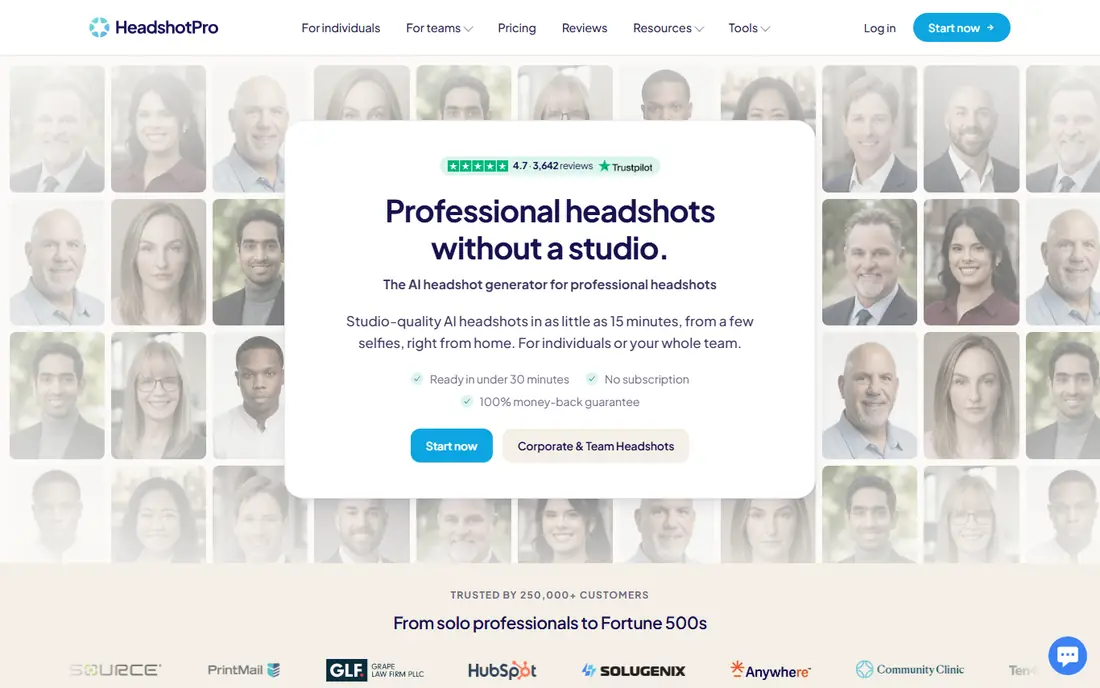
HeadshotPro earns the top spot because its free tool gives you a real result. You upload one selfie, the tool generates a set of headshots in different styles, and you can download one in HD at no cost, with no account and no card required. The rest appear as lower-resolution previews until you pay to open them.
That single free image is enough to judge likeness and style before spending anything. If it looks right, the paid packs start at $29 and add more headshots and edit credits. If it does not look like you, you have lost nothing but a few minutes, which is the right way to test a headshot tool.
- One free HD download from a single selfie
- No sign-up or card for the free tool
- Paid packs add styles and credits
- Only one free download in full quality
- Paid packs cost extra to open the full set
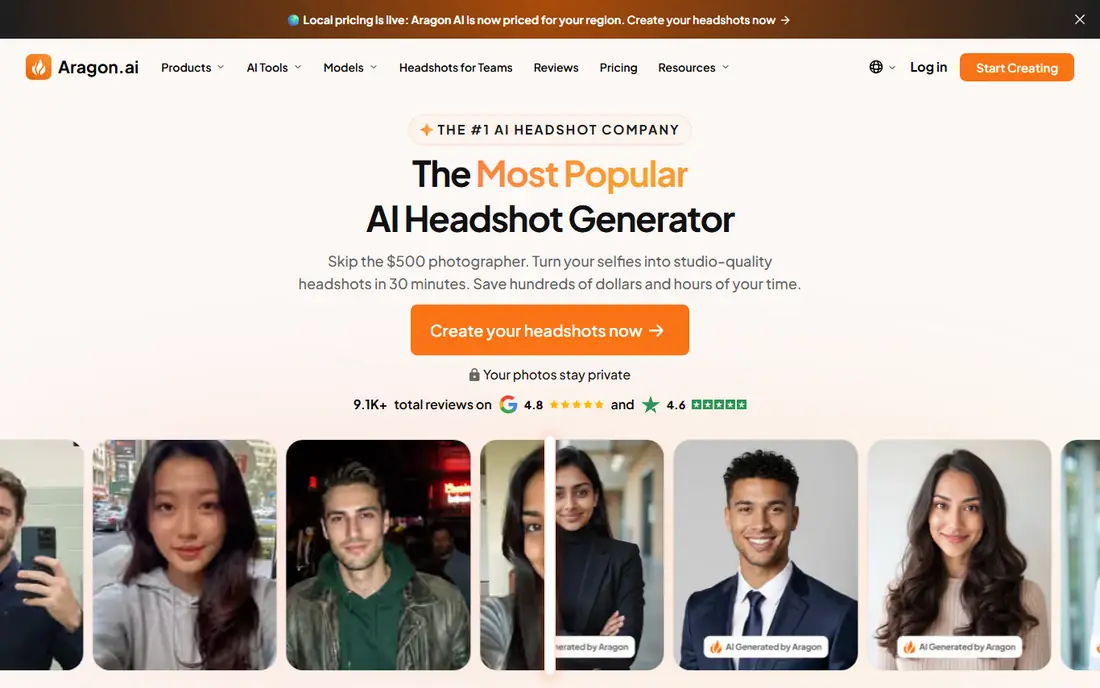
Aragon AI asks for six or more photos and builds a model of your face, which is why its results tend to look more like a real portrait than a filtered selfie. The Basic pack costs $35 for 40 headshots, while higher tiers add more images, more style choices, and faster turnaround. That trained-model approach takes longer than a one-photo tool, but it usually holds likeness better across a batch.
The downside is clear: there is no free tier for individuals, so you pay before you see results. Aragon does offer a money-back guarantee with terms, so read those terms before you buy. If realism matters more than a free trial, Aragon is a sensible first paid choice.
- Strong realism for individual portraits
- Clear turnaround times by tier
- Many styles and backgrounds
- No free plan for individuals
- Needs at least six photos
- Highest resolution is limited to the top tier
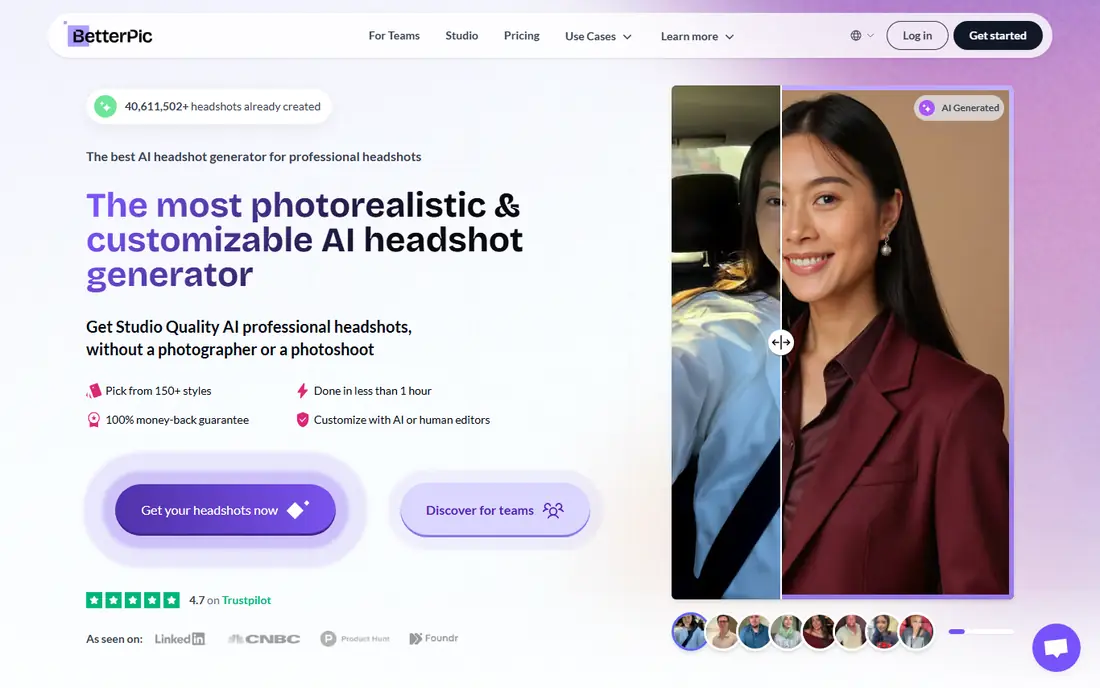
BetterPic stands out on resolution. Every tier delivers 4K files, which matters if your headshot will appear large on a website header, a press page, or a printed program. The Basic pack costs $35 for 20 headshots, Pro costs $39 for 60 with a commercial license, and Expert costs $79 for 120 plus human edits on a chosen photo.
BetterPic also lists a free option in some comparisons, though availability and wait times for free headshots vary, so treat the paid packs as the main product. The upload rules are strict, with eight or more photos requested, and the Basic tier covers only one style combination. For a single polished portrait, Pro is the better starting point.
- 4K output on every tier
- Human editing options
- Commercial license on Pro and Expert plans
- Basic tier covers only one style combination
- Needs eight or more photos
- Refund window has conditions
Try It On AI keeps the process simple: one selfie, a style choice, and a low one-time price. Packs start around $17, which undercuts most trained-model rivals by a clear margin. A free preview lets you see the direction of the result before you commit, which reduces the risk of paying for a batch you dislike.
The trade is consistency. With only one input photo, likeness can drift more than with tools that train on six or more photos, and delivery can take up to a day. If budget matters most and you can sort through a larger batch to find a few good shots, Try It On AI is a fair low-cost test.
- Lowest entry price on this list
- Needs only one selfie
- Free preview before paying
- Turnaround can run 12 to 24 hours
- Likeness is less steady than trained-model tools
Dreamwave builds portraits from a single photo, which makes it one of the fastest ways to start. You upload a clear selfie, pick a style, and get a set of portraits without gathering a dozen reference shots. Team plans help companies give staff pages a consistent look without booking a photographer for each office.
Because it works from one photo, results depend heavily on that photo. A sharp, front-facing, well-lit selfie gives the tool more to work with than a cropped group photo. Check the current pricing on the site before you buy, since Dreamwave has changed how it presents plans over time.
- Single-photo workflow
- Fast results
- Team options for consistent staff photos
- Pricing is not always clear on the public site
- One-photo results can vary in likeness
Secta Labs suits people who want volume. A session can produce hundreds of portraits, and a remix mode lets you restyle a photo you already like without starting over. That helps when you need options for different platforms, from a formal LinkedIn photo to a warmer team page shot.
Volume has its own cost. Sorting through a huge batch takes real time, and the entry price starts around $49, with no free tier. If you only need one good headshot, a smaller pack from another tool will save you both money and curation time.
- Very large batches from one session
- Remix mode restyles a photo you like
- Instant-style edits after generation
- No free plan
- Sorting hundreds of portraits takes time
- Higher entry price than budget tools
Canva is not a headshot specialist, but it belongs here because many readers already use it and its free plan includes daily image credits. You can generate a portrait-style image, then place it directly into a resume, a social post, or a business card design without switching tools. That convenience is real for people who need a usable photo inside a layout.
The catch is quality control. Canva generates from a prompt rather than training on your face, so likeness can vary and results may look more illustrated than photographic. Use it for casual profiles and design mockups, and use a trained-model tool when a believable professional portrait matters.
- Free daily credits for image generation
- Results drop straight into designs
- Easy editing after generation
- Not a dedicated headshot studio
- Free credits are limited each day
- Realism varies by prompt
PortraitPal offers a broad style library at a one-time price around $35 for 20 headshots. It asks for fewer photos than some trained-model rivals, which lowers the setup effort, and the style range covers corporate, creative, and casual looks. That range helps if you need different photos for different platforms.
There is no free tier, so you commit before seeing results, and delivery takes a few hours rather than minutes. Some styles will suit your face better than others, so plan to review the full batch and pick the strongest two or three rather than expecting every shot to work.
- Wide style library
- Works from a small set of photos
- Clear one-time pricing
- No free plan
- Turnaround runs a few hours
- Likeness varies across styles
AI Ease gives free users a small daily allowance of headshot generations, which makes it a genuine free option rather than a demo. You can pick a close-up or bust-up style and an aspect ratio, then generate and download a result. The same account includes photo enhancement tools, which can help clean up a selfie before you generate.
Free use comes with ads and a limited style set, and you cannot edit a result after generation on the free tier. If you need many styles or print-quality files, a paid plan starts around $9.99 per month. For a quick, free profile photo, AI Ease is worth trying before you pay elsewhere.
- Free daily generations
- Close-up and bust-up styles
- Extra photo tools in the same account
- Free version includes ads
- Style choices are limited
- No editing after generation on the free tier
How we picked these
We compared official pricing pages, free tool pages, and recent roundups for headshot generators that still work in October 2026. We favored tools that offer a real free download or free daily generations, and we included strong paid tools that readers weigh against free options. We listed only tools for generating headshots of yourself or with consent, and we left out tools built for impersonation or non-consensual imagery. Prices we could not confirm are marked See website.
What to check before you use a free headshot
Start with the free download itself. Check the resolution, the background, and whether a watermark appears, since some free tools limit downloads or add branding. A free preview that you cannot download in usable quality is not a free headshot, so confirm the download terms before you invest time in uploads.
Next, look at likeness across several styles, not just the best one. A tool that nails one style but drifts in others may still serve you if you only need one photo, but it is a weaker choice for a full set. Also check the license: personal use and commercial use differ, and a team page or company site may need a commercial license.
Finally, protect your photos. Read how long uploads are kept, whether they are used for marketing, and how to delete them. A consent note matters here too: only upload photos of yourself or of someone who has clearly agreed, and never use a generated headshot to pretend to be someone else.
Frequently asked questions
What is the best free ai headshot app for LinkedIn?
HeadshotPro is the strongest free starting point because it gives one HD download from a single selfie with no sign-up. If that photo does not suit LinkedIn, try AI Ease for free daily generations, then compare a paid pack from Aragon AI or BetterPic.
Can I get a truly free AI headshot?
Yes, with limits. HeadshotPro offers one free HD download, AI Ease offers free daily generations, and Canva offers free daily image credits. Fully free tools usually limit resolution, style choices, or download counts, so expect a good single photo rather than a large batch.
How many photos do I need to upload?
It depends on the tool. One-photo tools such as HeadshotPro, Try It On AI, and Dreamwave need only a selfie. Trained-model tools such as Aragon AI and BetterPic ask for six or more photos, and more varied, well-lit photos usually give steadier likeness.
Are AI headshots allowed on LinkedIn?
LinkedIn does not ban AI-generated profile photos outright, but a photo should still look like you and should not mislead viewers about your identity. Use a result that closely matches your real appearance, and avoid heavy edits that change your features.
Do I own my AI headshot?
Ownership and license terms vary by tool and plan. Some plans allow personal use only, while higher tiers add a commercial license. Read the license on the pricing or terms page before using a headshot on a company site, in advertising, or on products.
Sources
See where you really rank - block by block
ProMapRanker scans Google Maps across a grid of your service area. Simple monthly plans from $19, white-label on every plan.
Start freeKeep reading
 zscaler alternatives
Best Zscaler Alternatives in 2026
Looking for zscaler alternatives? We compare 9 SASE and zero trust platforms on architecture, data protection, pricing, and fit for your network and team.
Read → zapier alternatives free
Best Zapier Alternatives Free in 2026
Nine automation tools for zapier alternatives free in 2026, all with genuinely free tiers, plus free plan limits, starting prices and upgrade paths explained.
Read → which platform is best for online reputation
Which Platform Is Best for Online Reputation in 2026
Wondering which platform is best for online reputation? We compare 8 review, listing, and response tools for small and multi-location businesses and agencies.
Read →