 ProMapRanker
Best AI Grading App in 2026: 8 Apps Compared


Rubric-based essay grading in Google Classroom · Pricing starts at: $15 per month
Key takeaways
- CoGrader and EssayGrader are the most direct rubric graders for classroom teachers.
- Gradescope fits large, mixed-format classes, while Brisk Teaching fits feedback inside Google Docs.
- GradingPal fills the handwritten math and science gap that essay tools often miss.
- AI grades are drafts. A teacher should review scores and feedback before release, and follow school rules on student data and fairness.
Quick comparison
| Pick | Great for | Pricing starts at | Free tier | |
|---|---|---|---|---|
| CoGrader | Rubric-based essay grading in Google Classroom | $15 per month | Yes | Visit |
 EssayGrader | Essay grading at scale | $6.99 per month | Yes | Visit |
 Gradescope | Large classes and mixed formats | See website | Free trial | Visit |
 Brisk Teaching | Feedback inside Google Docs | Free | Yes | Visit |
 MagicSchool AI | All-in-one teacher toolkit with feedback | $8.33 per month | Yes | Visit |
 GradingPal | Handwritten math and science work | Free | Yes | Visit |
 Gradeasy | Low-cost entry with document reading | See website | Yes | Visit |
 Turnitin Feedback Studio | Feedback plus academic integrity checks | See website | No | Visit |
The best AI Grading App in 2026
We compared eight grading tools on rubric support, assignment formats, teacher review controls, and price.
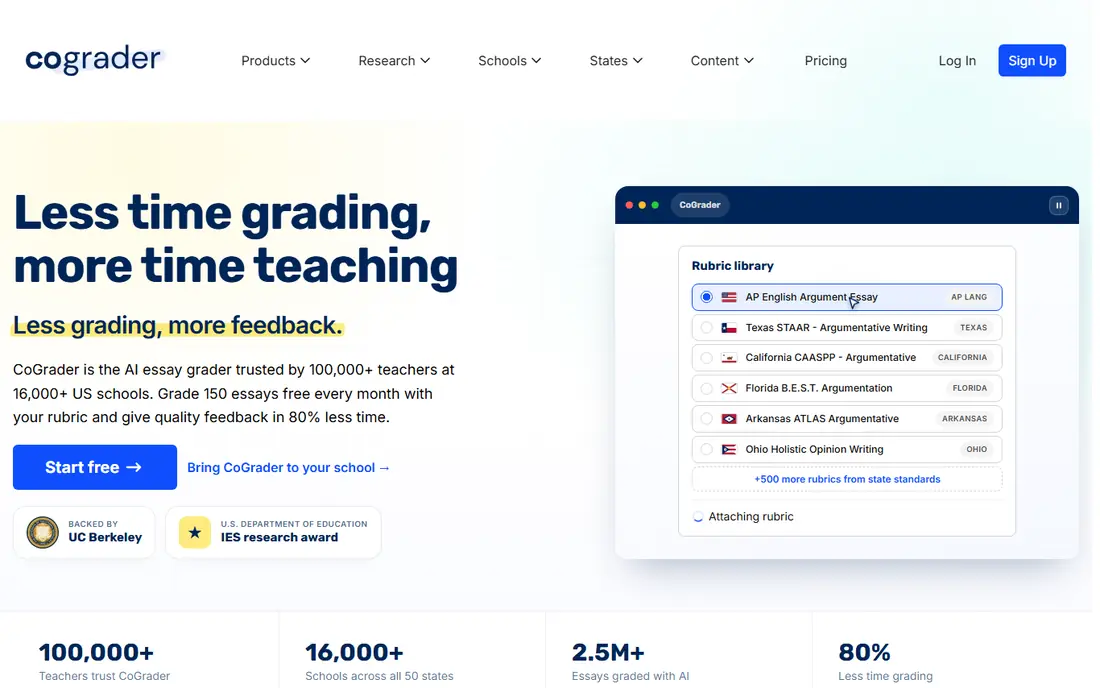
CoGrader is built around the rubric you already use. You paste or pick a rubric, it drafts scores and feedback for a class set, and you review each result before students see it.
The free plan covers 100 submissions a month, which suits a single class but not a heavy marking load. Treat its drafts as a starting point, and check a sample against your own judgment before you release grades.
For a short trial, use CoGrader for a real week of normal use before you judge it, since first-day setup rarely shows daily friction.
- Rubric-aligned scores and feedback
- Teacher review before release
- Google Classroom and Canvas links
- Free plan caps monthly submissions
- AI detection is on higher plans
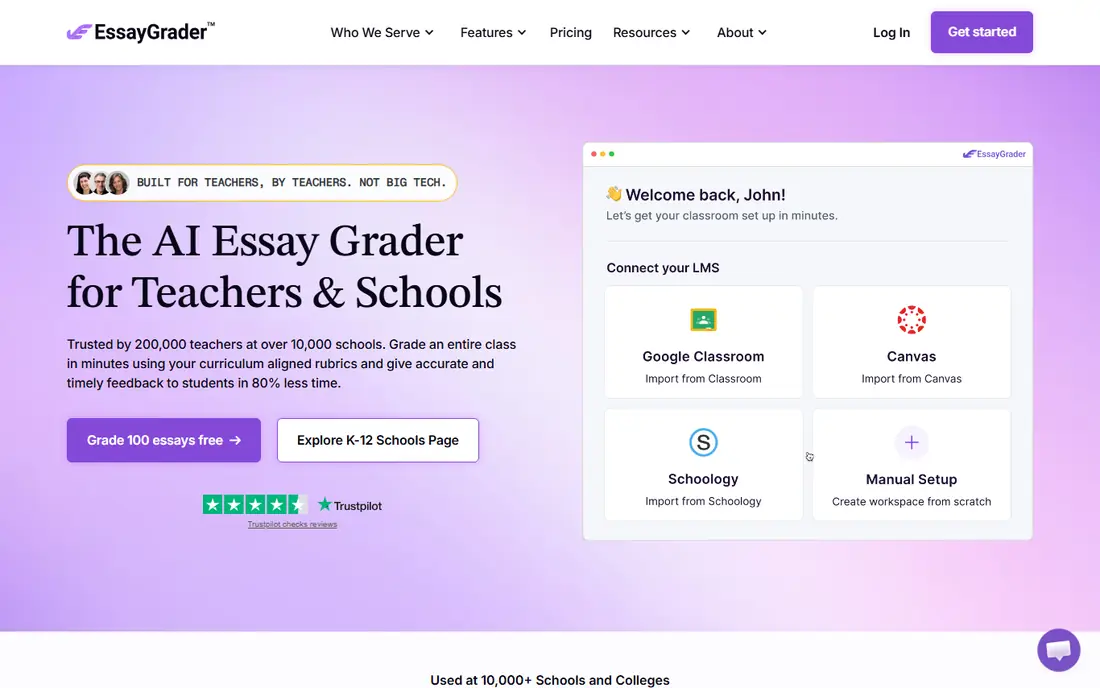
EssayGrader suits teachers who mark many essays and want a consistent first pass. Its rubric library covers many formats, and bulk upload saves time when a whole class set arrives at once.
The free plan is limited to 50 essays a month with a word cap, so larger classes need a paid plan. As with any grading tool, review the feedback for nuance and original thinking that a rubric alone may miss.
Before you pay, check the free tier against the feature you will use most, because that one limit usually decides if EssayGrader stays on your phone or desktop.
- Large rubric library
- Bulk upload
- Google Classroom and Canvas links
- Free plan caps essays and word count
- Accuracy claims are vendor-reported
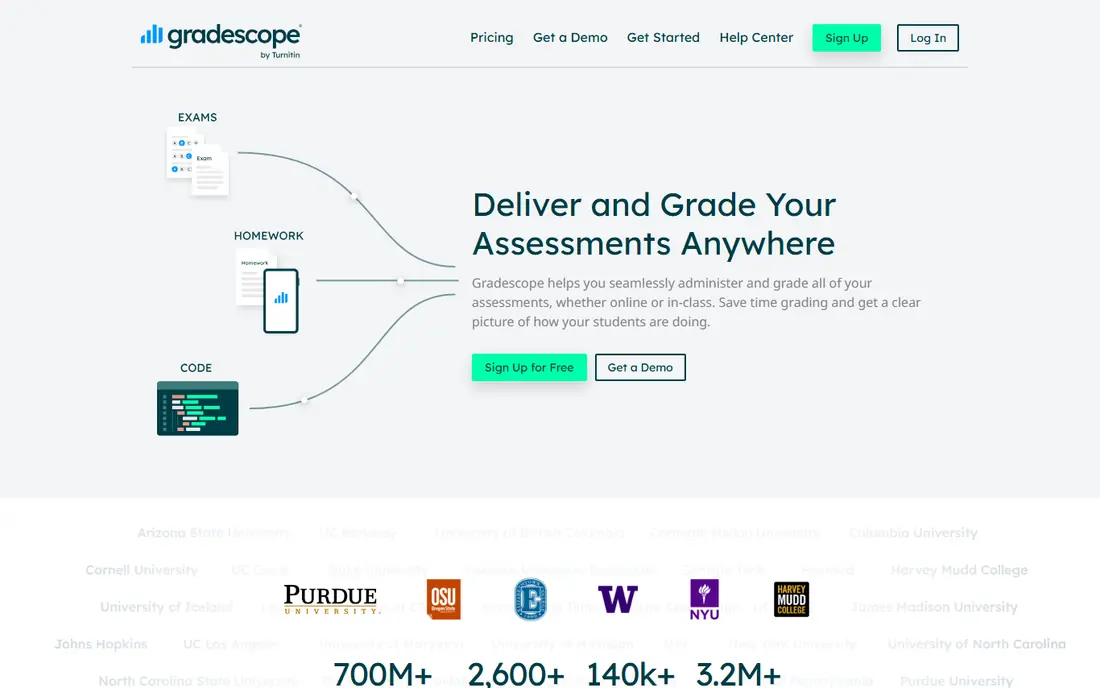
Gradescope is the heavyweight for large and mixed-format classes. Its grouping of similar answers lets you grade one response and apply the same score to matching work, which cuts repetitive marking.
It is priced for institutions, so an individual teacher may need a school account. It also does not replace human judgment: the AI groups, but you assign the points.
A quick check helps here: open Gradescope, search for your own neighborhood, class, or portfolio, and see if the results feel current and complete.
- Groups similar answers for faster marking
- Handles handwritten work, code, and bubble sheets
- LMS links
- Institutional pricing, not a simple teacher plan
- AI groups answers but a human assigns points
Brisk Teaching is the pick if you already live in Google Docs. It gives targeted feedback where students are writing, without forcing you into a separate grading platform.
It does not assign scores, so it suits feedback and revision more than final grading. Pair it with CoGrader or EssayGrader when you need both feedback and a grade.
If you are torn between two picks, run Brisk Teaching beside the other option for a few days and keep the one that fits your routine with less effort.
- Works inside Google Docs and Slides
- Targeted feedback tools
- Free Educator plan
- Gives qualitative feedback, not scores
- Paid Pro price is not published
MagicSchool AI is useful when grading is one of many jobs in a school day. You can move from a lesson plan to a rubric to feedback prompts without opening a new product each time.
That breadth means its grading tools are less specialized than CoGrader or Gradescope. It is best for teachers who want one toolkit, with a dedicated grader added for heavy marking weeks.
The practical test for MagicSchool AI is simple: does it save time on a busy day, or does it add steps you will skip when you are tired?
- Many teacher tools in one account
- Rubric and feedback helpers
- Student tools with controls
- Grading is one tool among many, not a dedicated grader
- Plus limits apply on the free plan
GradingPal stands out for handwritten work, which many essay graders handle poorly. It reads math and science responses, explains suggested scores, and lets you edit every result before release.
Its free plan is capped, and schools should check its data and privacy terms before wide use. For a teacher with handwritten problem sets, it fills a gap other tools leave open.
When you trial GradingPal, note what happens at the edge cases, such as a busy night, a large class set, or an unusual food or sound, since those moments reveal limits.
- Reads handwritten math and science responses
- Editable scores and feedback
- Free plan with 50 submissions
- Free plan caps submissions
- Newer vendor, so check district data rules
Gradeasy is a low-cost entry point for teachers who want to try AI grading without a large commitment. Its document reading helps when work arrives as files rather than typed text.
Because its pricing pages are less detailed than larger rivals, confirm limits and data handling before you use it with student work. Start with a small, non-sensitive assignment.
For most buyers, the decision on Gradeasy comes down to fit, not to a single feature, so weigh the daily workflow more than the feature list.
- Document reading for grading
- Rubric-based feedback
- Free entry tier
- Pricing and limits are less clearly published than rivals
- Check terms before school use
Turnitin Feedback Studio suits institutions that need feedback and integrity checks in one workflow. Its originality reports sit beside comments and rubrics, which helps in higher education.
It is not a quick single-teacher signup, and pricing needs a sales conversation. For a school that already uses Turnitin, it is the natural grading companion.
Keep Turnitin Feedback Studio only if it still feels useful after the novelty fades, since a tool you stop opening cannot help, no matter how strong its list looks.
- Combines feedback tools with originality checking
- Widely used in higher education
- LMS links
- Institutional pricing only
- Setup is heavier than a single-teacher tool
How we picked these
We checked each vendor site and published comparisons in October 2026 for current prices, free limits, and format support, and we favored tools that are still active, that let a teacher edit scores before release, and that state their LMS links clearly. We treated vendor accuracy claims with care, since most tools publish no independent scoring study. Where a price was not published, we used See website.
We also checked for gaps that matter in daily use, such as whether a free plan covers the core job, whether a paid plan is needed for a common feature, and whether the product is still maintained. Where a vendor page and a store listing disagreed, we favored the vendor page for price and the store listing for platform availability, and we used See website when the price could not be confirmed cleanly.
Choosing the right AI grading app
Start with the work you mark most. Essays need a rubric grader such as CoGrader or EssayGrader. Handwritten math needs GradingPal or Gradescope. Feedback inside Docs needs Brisk Teaching. A tool that fits your main format will save more time than a general tool with extra features.
Next, check the review step. The best tools let you edit every score and comment before students see it, and they show which rubric point a score came from. If a tool hides its reasoning or locks grades at once, it is a poor fit for fair marking.
Finally, check data rules with your school before you upload student work. Confirm what data is stored, how long it is kept, and whether your district allows the tool. Run a small pilot with one class set, compare AI drafts with your own marks, and only then widen use.
Before you commit, read the current terms on the vendor site, check the cancellation steps, and confirm the price for your region and billing period. Prices and free tiers change, and a short trial with your real data will tell you more than any feature list. Keep a note of what you liked and what frustrated you during the trial, then choose the option that still feels easy after a full week.
Frequently asked questions
What is the best AI grading app?
CoGrader is the best direct rubric grader for many classroom teachers, while Gradescope is best for large, mixed-format classes. Brisk Teaching is best for feedback inside Google Docs.
What is the best AI grading tool for essays?
EssayGrader and CoGrader are the strongest essay tools, with rubric libraries, bulk handling, and teacher review before release. Both offer free plans with monthly caps.
Can AI grading replace teacher marking?
No. AI tools can draft scores and feedback, but a teacher should review results, check for nuance, and follow school policy before grades are final. Automatic scores can miss original thinking.
Does Gradescope grade automatically?
Gradescope groups similar answers to speed marking, but a human assigns the points. That design keeps teacher judgment in the final grade.
Are AI grading apps free?
Several offer free plans with caps, including CoGrader, EssayGrader, Brisk Teaching, MagicSchool AI, and GradingPal. Heavy marking usually needs a paid plan or an institutional license.
Sources
See where you really rank - block by block
ProMapRanker scans Google Maps across a grid of your service area. Simple monthly plans from $19, white-label on every plan.
Start freeKeep reading
 zscaler alternatives
Best Zscaler Alternatives in 2026
Looking for zscaler alternatives? We compare 9 SASE and zero trust platforms on architecture, data protection, pricing, and fit for your network and team.
Read → zapier alternatives free
Best Zapier Alternatives Free in 2026
Nine automation tools for zapier alternatives free in 2026, all with genuinely free tiers, plus free plan limits, starting prices and upgrade paths explained.
Read → which platform is best for online reputation
Which Platform Is Best for Online Reputation in 2026
Wondering which platform is best for online reputation? We compare 8 review, listing, and response tools for small and multi-location businesses and agencies.
Read →