 ProMapRanker
Best AI Generated Video Tools in 2026

Key takeaways
- Runway is our pick for most creators who want a complete video toolkit, with generation, editing, and reference controls in one workspace.
- Google Veo 3.1 stands out for realistic clips with native audio and dialogue generated alongside the video.
- Pika and Kling AI offer the lowest cost entry points for short social clips and fast tests.
- HeyGen and Synthesia fit a different need: avatar presenters for training, explainers, and localized business video.
- Only create videos of yourself or with clear consent from the people shown, and check commercial rights on your plan before client work.
Quick comparison
| Pick | Great for | Pricing starts at | Free tier | |
|---|---|---|---|---|
 Runway | Complete creative video toolkit | $12 per month | Yes | Visit |
 Google Veo 3.1 | Realistic video with native audio | $19.99 per month | Yes | Visit |
 Kling AI | Value and motion control | $10 per month | Yes | Visit |
 Pika | Short social clips and effects | $8 per month | Yes | Visit |
 Luma Dream Machine | Directed camera motion | $30 per month | No | Visit |
 Adobe Firefly | Adobe and brand workflows | $9.99 per month | Yes | Visit |
 HeyGen | Avatar and localized video | $29 per month | Yes | Visit |
 Synthesia | Training and business avatars | $29 per month | Yes | Visit |
 InVideo AI | Script to video publishing | $17 per month | Yes | Visit |
The best AI generated video tools
AI video tools now cover very different jobs, from cinematic text to video clips to avatar presenters who read a script. Picking by a single quality ranking will mislead you, since a tool built for film style shots will frustrate a trainer who needs a presenter video, and vice versa. The tools below are all live in October 2026 as legitimate creative products. We excluded tools that are no longer available as live consumer products, and we list only tools you can sign up for and use today. A plain consent rule applies to every tool here: only create videos of yourself or with clear consent from the people shown.
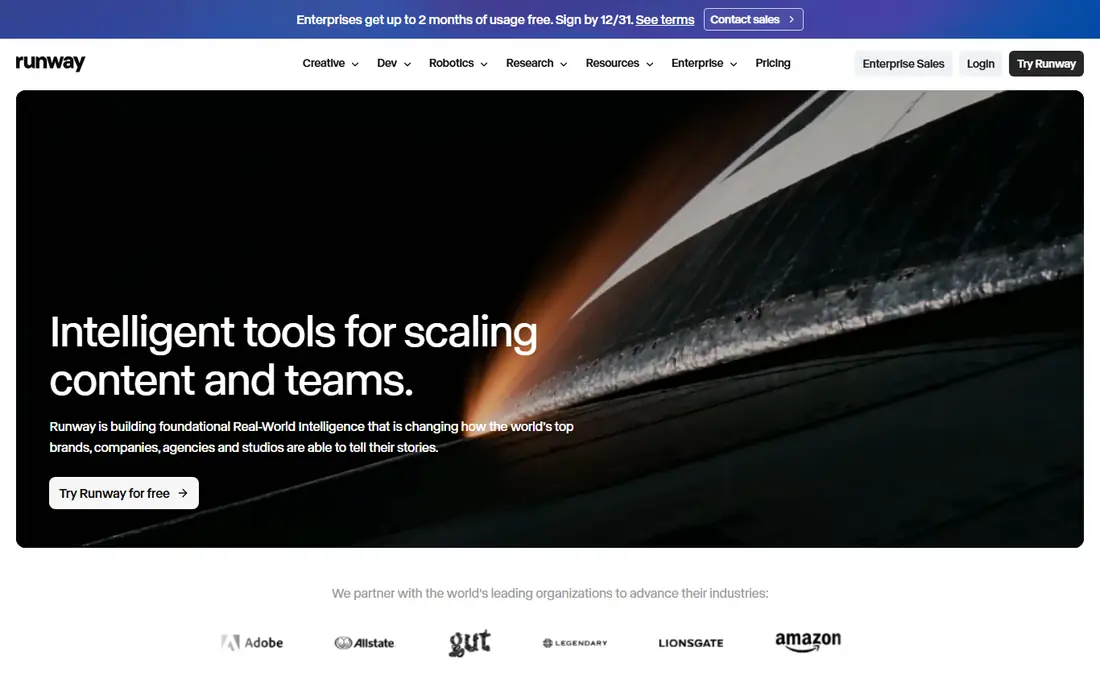
Runway is the most complete toolkit on this list for creators who treat video as craft, not just as content volume. You can generate clips from text or images, edit and composite them, control references and camera movement, and work in a workspace built for teams and agencies. The free tier with limited credits lets you test quality and workflow before paying.
The cost to watch is credits. A short test clip is cheap, but a longer project with many retries, higher resolution, or 4K upscaling can use credits fast. Starting prices around $12 per month in recent listings cover an entry tier, while serious production work needs a higher plan. If you need control, editing, and a professional workspace, Runway is our pick.
- Generation, editing, and reference controls in one workspace
- Access to multiple models
- Strong creative control for professionals
- Credit use can rise fast on longer or higher resolution work
- Learning curve is steeper than social first tools
Google Veo 3.1 stands out for one reason that matters in practice: sound. Many generators produce silent clips that need music, effects, and voice added later. Veo 3.1 generates audio, sound effects, and dialogue alongside the video, which makes a short clip feel finished much sooner. Realism and prompt accuracy are also strong, with physics and motion that hold up better than many rivals on everyday scenes.
Access is the catch. Veo 3.1 sits inside Google AI plans, with entry through Google AI Pro at $19.99 per month in recent listings, and limits vary by plan and region. Free or limited access exists, but it is not a full free tier in the same way as Pika. If native audio matters for your ads, explainers, or social clips, Veo 3.1 is worth the plan cost. If you need silent B roll only, a cheaper generator may do the same job.
- Native audio, sound effects, and dialogue generated with video
- Strong realism and prompt accuracy
- Google AI plan integration
- Access and limits vary by Google AI plan and region
- Clip length is short compared with avatar tools
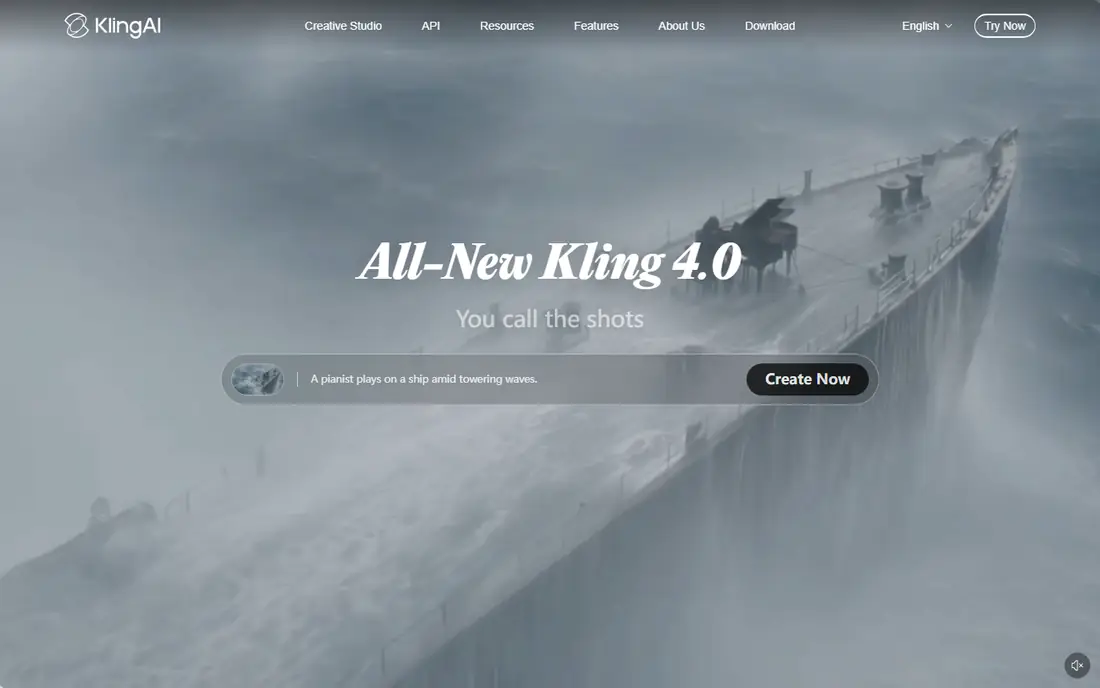
Kling AI is the value pick for creators who want strong visuals without a high monthly bill. Text to video and image to video both work well, motion controls help keep movement natural, and longer scenes are possible compared with some short clip tools. A free tier with daily credits lets you learn the tool before paying, and the paid entry around $10 per month in recent listings is among the lowest for this quality level.
The frustration some users report is billing clarity, with plan limits and credit use that need careful reading before you subscribe. Check the current pricing page for credit amounts, watermark rules, and commercial rights on your plan. For a polished commercial project, pair it with a higher control tool like Runway for hero shots.
- Sharp visuals at a low entry price
- Image to video and motion controls
- Daily free credits on the free tier
- Billing and plan details can be confusing
- Longer scenes need careful credit planning
Pika is built for speed and social content. You can turn a prompt or an image into a short clip fast, apply effects and transformations, and publish to TikTok, Reels, or Shorts without a long production process. The free tier renews monthly, which makes it better than a one time credit grant for ongoing casual use. Paid entry at $8 per month billed yearly in recent listings is the cheapest paid tier among the main text to video tools.
Limits show up when you need longer scenes, precise camera control, or film grade output. Pika is a social clip tool first, and it will not replace Runway for a cinematic project. That is fine if social clips are your actual job. Start free, test the effects you will really use, and pay only when you need higher resolution and watermark free output for regular posting.
- Fast, easy social clips
- Effects and transformations
- Low cost entry with monthly free credits
- Clip length and control are limited compared with Runway
- Free outputs are lower resolution
Luma Dream Machine earns its place for motion quality. Camera movement feels fluid, transitions hold together, and image to video results often look more directed than a generic text to video clip. Creators who care about camera flow, brand style, and a polished short clip often pick Luma when Pika feels too casual and Runway feels too complex for a quick idea.
Price is the barrier. Recent listings put the Plus plan at $30 per month and note that Luma dropped its free plan in 2026, so you must budget from day one to try it properly. That makes Luma a poor first test tool for a beginner on a tight budget. For a brand or creator who already knows AI video and wants motion quality, the cost can be justified by fewer failed generations and cleaner clips.
- Fluid motion and camera flow
- Creator friendly workspace
- Strong image to video results
- No free plan in 2026 in recent listings
- Higher entry price than rivals
Adobe Firefly fits teams already working in Adobe tools. Firefly video generation sits alongside Firefly image tools and Creative Cloud apps, so a designer or marketer can generate a clip, edit it, and place it in a larger Adobe project without exporting between unrelated systems. Adobe also positions its models as commercially safer for brand work, which matters for client projects where rights and training data questions come up.
Film makers will find Firefly video less deep than Runway for long form creative control. The value also depends on your Adobe setup, since a standalone Firefly plan and a full Creative Cloud plan differ in cost and included apps. If Adobe is already your workspace, Firefly is a natural, low friction addition. If Adobe is not your workspace, Runway or Veo 3.1 will give you more video depth for a similar price.
- Deep Adobe Creative Cloud integration
- Commercially safer Adobe trained models
- Image and video generation in one family
- Video depth is less than Runway for film work
- Best value comes with a wider Adobe subscription
HeyGen solves a different problem from the cinematic tools above: a presenter who can deliver a script without a camera, studio, or shoot day. You pick an avatar, type or paste a script, choose a voice and language, and get a talking head video for marketing, training, or social content. Voice cloning and a wide language range help teams localize the same script for different audiences without reshooting.
Consent and fit are the limits. Avatar tools must only be used with clear consent for any real person depicted or voiced, and a HeyGen avatar will not replace a cinematic scene or a product film. Creator plans start at $29 per month in recent listings, with a free tier to test. Use HeyGen when a presenter is the format, and use Runway, Veo, or Kling AI when the format is a scene.
- Large avatar library and voice cloning options
- Many languages for localization
- Fast presenter video production
- Avatar video suits presenters, not cinematic scenes
- Voice cloning needs consent and careful use
Synthesia is the business counterpart to HeyGen, with a stronger focus on training, onboarding, and internal communication. Templates, team controls, and structured scenes help a company turn a written procedure into a consistent video that every new hire sees in the same form. That consistency is hard to achieve with ad hoc filming, especially across offices and languages.
Casual creators will find Synthesia costly and narrow, since it is not built for social effects or cinematic clips. Starter plans start at $29 per month in recent listings. For a training team, a support team, or a company that updates procedures often, Synthesia can save shoot days and keep videos current.
- Structured avatar presentations for training
- Team controls and templates
- Many languages and voices
- Output is presenter style, not film style
- Higher cost for casual creators
InVideo AI fits creators who need volume: a script in, a publishable rough cut out, with stock footage, voiceover, music, and captions assembled fast. That workflow helps faceless channels, marketers, and small teams who publish often and cannot shoot every video. Multiple models and a prompt to video flow reduce the time from idea to draft to minutes rather than hours.
The catch is originality. A stock heavy rough cut can look generic, and most InVideo outputs need editing, a stronger hook, and better visuals before they stand out. Starting prices around $17 per month billed yearly appear in recent listings, with trial availability that varies. Use InVideo AI as a drafting tool, then edit the result with your own footage, voice, or angle.
- Turns a script or blog post into a rough cut with stock media, voiceover, and music
- Multiple AI models
- Fast publishing workflow
- Output often needs editing before it feels original
- Stock heavy videos can look generic
How we picked these
We compared official feature and pricing pages, recent AI video guides, and app listings checked in October 2026. We kept only legitimate creative tools that are live today and that you can sign up for as a consumer or business user. We excluded a well known name that is no longer available as a live consumer product, and we did not list any tool built for removing clothing or creating non consensual imagery. Where pricing varies by billing period or region, we wrote the starting figure from recent listings and noted that you should check the checkout page before subscribing.
How to choose the right AI video tool
Start with the format, not the model name. A cinematic clip, a social effect, an avatar presenter, and a script to video draft are four different products, even though all of them are called AI video. Write down the format you will publish most often, then shortlist only tools built for that format. That single step prevents most bad purchases in this category.
Next, test with the same prompt across two or three tools. Use a real script or scene from your next project, not a demo prompt, and compare motion, faces, hands, text rendering, and audio. Count how many retries each tool needs to get a usable clip, since retry count drives credit cost more than the monthly price.
Finally, plan for editing and consent. AI clips almost always need trimming, captions, music, and a human review before publishing. Budget that editing time into every project. For any video showing a real person, use only footage of yourself or material with clear consent, and keep a record of that consent for client work. A fast tool that creates a rights problem is not a good deal.
Frequently asked questions
What is the best AI generated video tool?
Runway is our pick for most creators who want a complete toolkit, while Google Veo 3.1 is best for realistic clips with native audio. Pika and Kling AI are best for low cost social clips, and HeyGen or Synthesia are best for avatar presenters. The best tool depends on the format you publish most.
What is the best AI generated video app for beginners?
Pika and Kling AI are the friendliest starting points, with free tiers, fast results, and low paid entry prices. Canva also offers simple generation inside a design editor for beginners who already use it. Start free, test with a real project, and pay only when you need higher resolution or watermark free output.
What is the best software for AI generated videos for business training?
Synthesia and HeyGen are the strongest picks for training and business video, since both offer avatar presenters, templates, and many languages. Synthesia fits structured corporate training, while HeyGen fits faster marketing and creator led presenter video. Both need consent for any real person depicted.
Can I use AI generated video commercially?
Generally yes on paid plans across the main tools, but rights vary by plan, model, and use case. Check the current terms for your plan before client or brand work, and keep a record of the plan and terms you relied on. Free tier outputs often carry watermarks or limits that make them unsuitable for commercial use.
How much does AI video generation cost?
Entry prices in recent listings range from $8 per month for Pika to $30 per month for Luma Dream Machine, with Runway around $12, Kling AI around $10, and Veo 3.1 through Google AI Pro at $19.99. Credit use, retries, resolution, and clip length affect the real cost more than the monthly price alone.
Is it safe to create videos of other people with AI tools?
Only create videos of yourself or with clear consent from the people shown, and never use AI video to impersonate someone, mislead viewers, or create intimate imagery without consent. Reputable tools include safeguards and terms against misuse, but the responsibility for consent sits with the creator. When in doubt, do not publish the video.
Sources
- https://runwayml.com
- https://deepmind.google/models/veo/
- https://klingai.com
- https://pika.art
- https://lumalabs.ai
- https://www.adobe.com/products/firefly.html
- https://www.heygen.com
- https://www.synthesia.io
- https://invideo.io
- https://outlierkit.com/blog/best-ai-tools-for-movie-creation
- https://www.topiir.com/2026/08/best-ai-video-generators-for-content.html
See where you really rank - block by block
ProMapRanker scans Google Maps across a grid of your service area. Simple monthly plans from $19, white-label on every plan.
Start freeKeep reading
 zscaler alternatives
Best Zscaler Alternatives in 2026
Looking for zscaler alternatives? We compare 9 SASE and zero trust platforms on architecture, data protection, pricing, and fit for your network and team.
Read → zapier alternatives free
Best Zapier Alternatives Free in 2026
Nine automation tools for zapier alternatives free in 2026, all with genuinely free tiers, plus free plan limits, starting prices and upgrade paths explained.
Read → which platform is best for online reputation
Which Platform Is Best for Online Reputation in 2026
Wondering which platform is best for online reputation? We compare 8 review, listing, and response tools for small and multi-location businesses and agencies.
Read →