 ProMapRanker
Best AI Email Tools in 2026: 9 Tools Compared


Speed and keyboard-first email · Pricing starts at: $30 per month
Key takeaways
- Superhuman is the fastest email client for high-volume Gmail and Outlook users who live in their inbox.
- Shortwave offers the deepest AI search and summaries for Gmail users, with strong thread understanding.
- Spark is the best value cross-platform client, with a useful free plan across many providers.
- SaneBox is the best choice if you want sorting without switching email apps.
- Gemini in Gmail and Copilot in Outlook are the best first steps if you already pay for Google Workspace or Microsoft 365.
Quick comparison
| Pick | Great for | Pricing starts at | Free tier | |
|---|---|---|---|---|
| Superhuman | Speed and keyboard-first email | $30 per month | Free trial | Visit |
 Shortwave | AI search and summaries for Gmail | $18 per month | Free trial | Visit |
 Spark Mail | Value cross-platform email | Free | Yes | Visit |
 SaneBox | Sorting without a new app | $7 per month | Free trial | Visit |
 Fyxer | Drafts ready before you open mail | $49 per month | Yes | Visit |
 Gemini in Gmail | AI help inside Gmail | See website | Yes | Visit |
 Copilot in Outlook | AI help inside Outlook | See website | No | Visit |
 Missive | Shared inboxes for teams | $14 per user per month | Free trial | Visit |
 Clean Email | Bulk cleanup and inbox rules | $10 per month | Free trial | Visit |
The best AI email tools
These tools fall into three groups: full email clients, assistants that work inside your current inbox, and cleanup tools. We note which group each product belongs to, so you do not buy a client when you only need sorting, or a sorter when you need a new client.
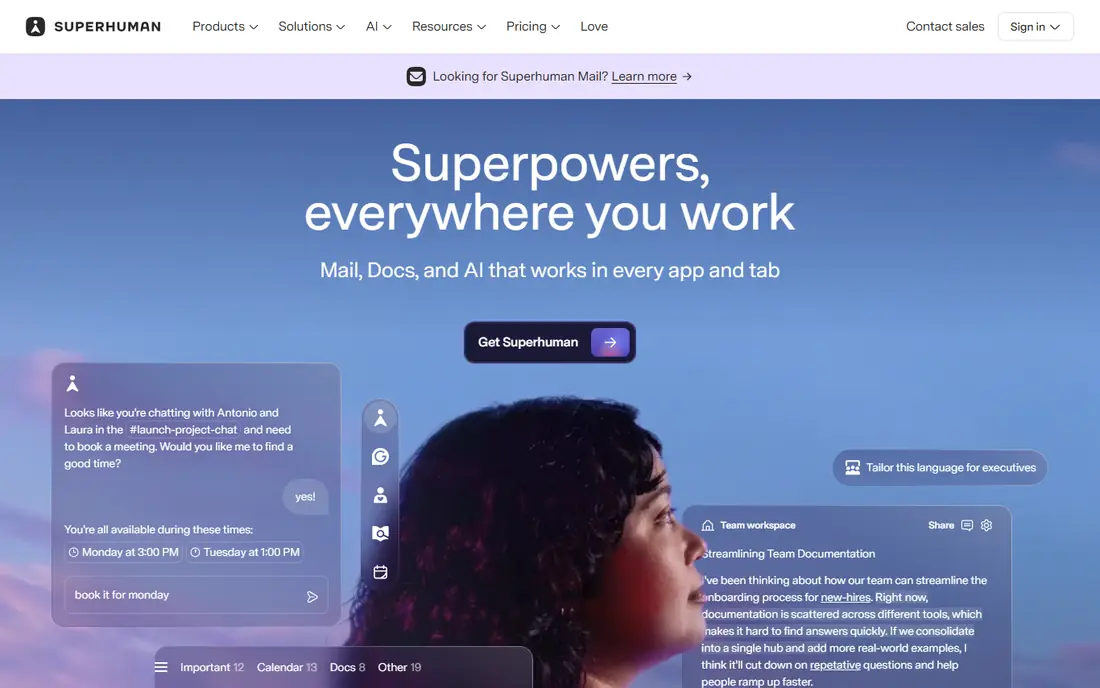
Superhuman is built for people who process hundreds of emails a week. Keyboard shortcuts, split inboxes, snippets for common replies, and read statuses let you clear mail faster than a mouse-driven client. AI drafting and editing help you write replies in your tone, and built-in calendar scheduling reduces back-and-forth on meeting times.
The price is the main barrier. Starter is listed at 30 dollars per month, or 25 dollars per month billed annually, with Business at 40 dollars per month, or 33 dollars billed annually, in recent vendor and review sources. Superhuman now sits inside a larger Grammarly-linked suite, so check the current plan page before you buy. If inbox speed is your job, Superhuman is worth a trial. If you check mail twice a day, it is more than you need.
- Very fast keyboard workflow
- AI drafting and editing
- Split inboxes and snippets
- No permanent free plan
- Price is high
- Gmail and Outlook only
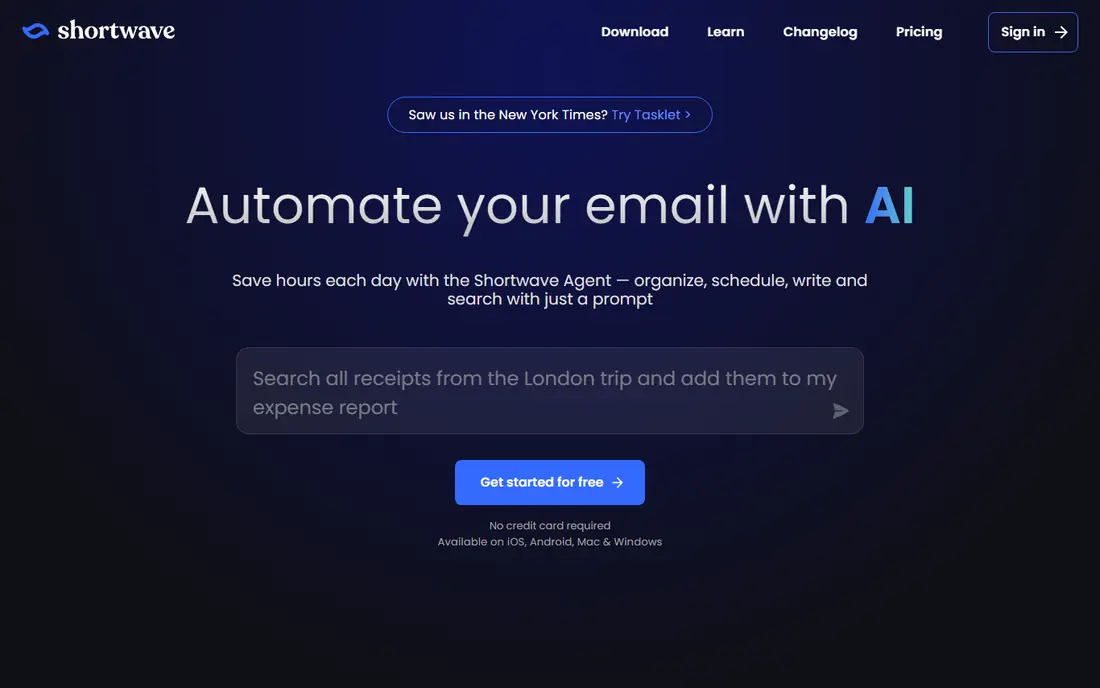
Shortwave is the most AI-native Gmail client on this list. You can ask it questions in plain words about past threads, get summaries of long conversations, and set up workflows that sort, label, or draft based on mail content. That search depth helps when you need a quote, a decision, or a file from months of mail without opening dozens of threads.
Shortwave works only with Gmail and Google Workspace, so Outlook users should look at Superhuman, Spark, or Copilot instead. Pricing in recent sources lists Pro at 18 dollars per month per seat, with Business and higher plans above that, and a 14-day trial rather than a lasting free plan. For Gmail power users, Shortwave offers the deepest AI help. For everyone else, its Gmail-only limit is decisive.
- Natural language search across mail history
- AI thread summaries
- Automated workflows
- Gmail and Google Workspace only
- No permanent free plan in recent pricing
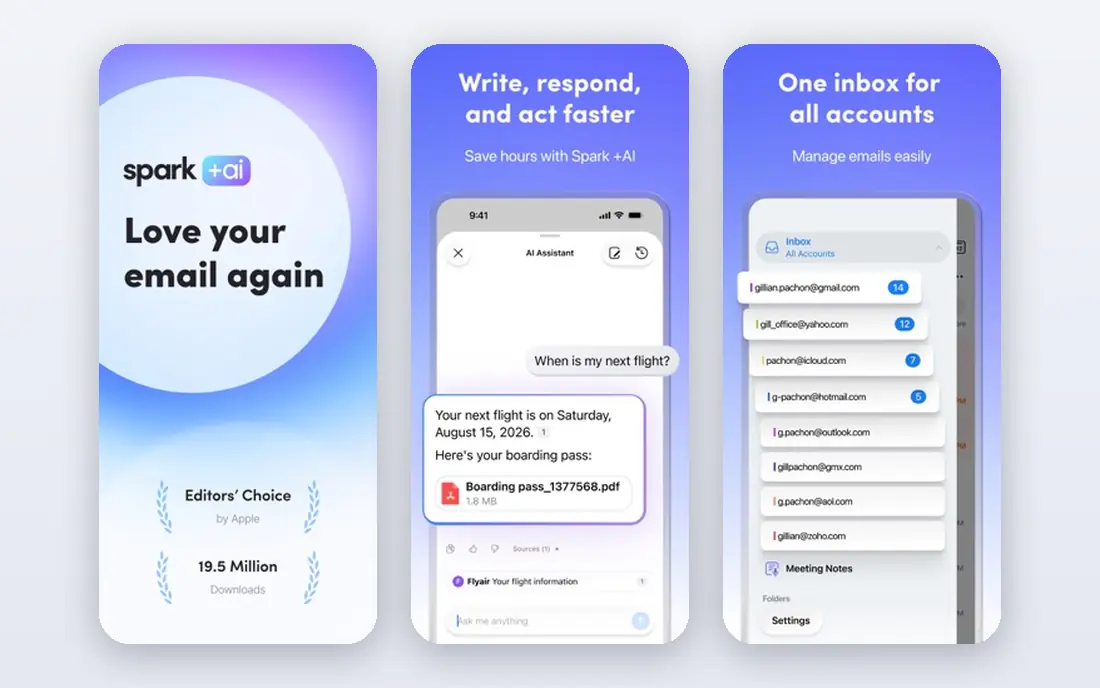
Spark, from Readdle, is the best value client for people with mail across providers. It unifies Gmail, Outlook, iCloud, Yahoo, Exchange, and IMAP in one smart inbox, with priority sorting, snoozing, and scheduling. Its AI features include writing help and summaries, with more advanced AI on paid plans. The free plan is genuinely usable, not just a demo.
Plus is listed at 10 dollars per month, or 8.25 dollars per month billed annually, with Pro at 20 dollars per month, or 16.58 dollars billed annually, in recent sources. Some headline Pro features have been marked as coming soon in reviews, so check the current feature page before you pay for Pro. For most readers, Spark free or Plus is the sensible starting point.
- Works with Gmail, Outlook, iCloud, Yahoo, and IMAP
- Smart inbox
- Useful free plan
- Some Pro AI features are still rolling out
- Team features need paid plans
SaneBox is different from the clients above: it does not ask you to switch apps. It works on the server side, sorting mail into folders such as SaneLater, SaneNews, and SaneCC inside the client you already use. That makes it ideal for Apple Mail, Outlook, Gmail web, or Thunderbird users who like their current app but hate the noise.
SaneBox is also notable for privacy: it analyzes headers rather than reading full message bodies for sorting in its stated approach. Pricing starts around 7 dollars per month for a basic plan in recent sources, with higher plans for more accounts and folders. If your problem is volume, not writing, SaneBox is the cheapest fix. If you need AI drafting, pair it with Gemini, Copilot, or a client such as Spark.
- Works with any email client
- Header-based sorting
- Low starting price
- No new client interface
- AI drafting is not its job
Fyxer works inside Gmail or Outlook and prepares reply drafts before you open your inbox, sorted and matched to your tone. It also helps with meeting notes and scheduling, which suits executives, founders, and assistants who face a full inbox each morning. The idea is simple: you review and send, rather than write from scratch.
The price reflects that hands-off approach. Pro is listed at 49 dollars per month, or 37 dollars per month billed annually, with Team plans higher, in recent sources. A free plan offers limited credits for chat and notes but not full drafting. Fyxer is a strong choice for high-volume inboxes where drafts save real time. For a normal inbox, Spark or SaneBox will do at a lower price.
- Pre-written reply drafts in Gmail or Outlook
- Sorting and meeting notes
- Tone-matched drafts
- High monthly price
- Full drafting needs Pro plan
- Free plan limits drafts
Gemini in Gmail is the easiest AI upgrade for Gmail users, because it is already in the app. It can summarize long threads, help draft replies, and answer questions about your mail, depending on your Google plan. Free Gmail users get some AI features, while fuller access comes with paid Google AI or Workspace plans, starting around 7 dollars per user per month for Workspace in recent sources.
The limit is scope. Gemini in Gmail helps with writing and summaries, but it does not replace a dedicated client for speed, nor a sorter such as SaneBox for volume. If you already pay for Workspace, try Gemini first before buying another tool. If you need cross-provider mail or a faster client, Spark or Superhuman will serve you better.
- Built into Gmail
- Summaries, drafting help, and search
- No new app to learn
- Full features need a paid Google plan
- Gmail only
Copilot in Outlook brings AI drafting, thread summaries, and meeting follow-up help into Outlook for Microsoft 365 users. It can draft a reply from a thread, summarize a long conversation, and help turn mail into tasks and meetings. That native fit matters for workplaces that run on Outlook, Teams, and SharePoint.
Copilot is not a standalone email client, and it needs a Microsoft 365 plan, with Copilot pricing listed around 21 dollars per user per month billed annually in recent sources for business plans. It also drafts only when prompted, unlike Fyxer, which prepares drafts in advance. If your workplace already pays for Microsoft 365, Copilot is the natural first AI step. If you use Gmail, Gemini is the equivalent.
- Built into Outlook
- Drafting and summarization
- Works with Microsoft 365 data
- Needs a Microsoft 365 plan
- Outlook only
- Drafts need prompting
Missive is for teams that share an inbox, such as support, sales, or operations. Teammates can assign conversations, chat internally on a thread without forwarding mail, and use AI assist to draft replies. It also brings SMS and some social channels into the same inbox, so a small team can handle several contact points in one place.
Missive is priced and built for teams, starting at 14 dollars per user per month in recent sources, with higher plans for more automation. Solo users will find it more complex and more costly than Spark or SaneBox. For a team inbox where two or more people handle the same mail, Missive is a strong choice that prevents duplicate replies and lost threads.
- Shared inboxes with internal chat
- AI assist for replies
- Email plus SMS and social channels
- Built for teams, not solo users
- Price adds up per seat
Clean Email solves inbox overload by cleanup, not by writing. It groups mail by sender and type, helps you unsubscribe in bulk, and creates auto-clean rules that archive or delete routine mail as it arrives. That makes it useful after years of newsletter sign-ups, or before a move to a new client.
Clean Email is not an AI drafting tool, and its rules need review so wanted mail is not hidden. Pricing is listed around 10 dollars per month in recent sources, with a free trial. Use Clean Email for a one-time inbox reset and ongoing rules, then add Spark, Gemini, or Copilot if you also need drafting help. For pure volume, Clean Email plus SaneBox is a powerful, low-cost pairing.
- Bulk unsubscribe and cleanup
- Auto-clean rules
- Works across providers
- Cleanup focus, not AI drafting
- Rules need review to avoid hiding wanted mail
How we picked these
We compared official pricing pages, feature pages, and recent AI email reviews, and we kept only tools that work in October 2026. We excluded Notion Mail, which shut down on 22 September 2026 according to recent reviews, since listing a closed product would mislead readers. We checked provider support, free plans, AI features, and privacy approach, and we wrote See website where pricing depends on a larger suite plan rather than a single published email price.
How to choose an AI email tool
Start with your inbox problem. If volume is the problem, start with SaneBox or Clean Email. If writing is the problem, start with Gemini, Copilot, or a client with drafting help. If speed is the problem, trial Superhuman. If search is the problem, trial Shortwave for Gmail. Buying a full client when you only need sorting wastes money, and buying a sorter when you need drafting leaves the real work undone.
Check provider support before you pay. Shortwave and Gemini are Gmail-only in practice, Copilot is Outlook-focused, and Superhuman covers Gmail and Outlook only. Spark covers the widest provider mix, while SaneBox and Clean Email work with your existing client. Test with your real inbox for a week, not a clean test account, since AI quality depends on your actual mail patterns.
Finally, check privacy. AI email tools read mail content to draft, summarize, or search, so read whether the vendor trains models on your mail, how long it stores data, and how to delete it. SaneBox stands out for header-based sorting, while other tools state that they do not train public models on private mail. If a tool cannot explain its data handling clearly, do not connect your main inbox to it.
Frequently asked questions
What is the best AI email tool for most people?
Spark is the best value for most people, with a free plan across many providers and useful AI help. Gmail users should try Gemini first, and Outlook users should try Copilot first, since those may already be included in a paid plan. Superhuman is best only for high-volume users who will use its speed daily.
What are the best AI email apps for Gmail?
Shortwave offers the deepest AI search and summaries for Gmail, while Gemini in Gmail offers the easiest built-in help. Spark also works well with Gmail and adds cross-provider support. Choose Shortwave for search depth, Gemini for built-in simplicity, and Spark for provider coverage.
What is the best AI email app for Outlook?
Copilot in Outlook is the natural choice for Microsoft 365 users, with drafting and summaries inside Outlook. Superhuman and Spark also support Outlook and offer a faster or cheaper client experience. Fyxer adds pre-written drafts in Outlook for high-volume users who want the most hands-off help.
Is there a free AI email tool?
Yes. Spark offers a free plan with limited AI, Gemini offers some AI features in free Gmail, and Fyxer offers a limited free plan. SaneBox, Superhuman, Shortwave, and Missive offer trials rather than lasting free plans. Start free, and pay only when the AI feature saves you time every week.
Are AI email tools safe for private mail?
Safety depends on the vendor. Check whether the tool trains models on your mail, how long it stores message content, and how to delete your data. SaneBox uses header-based sorting, which limits content exposure, while other vendors state that private mail is not used to train public models. Read the privacy policy before you connect a work or personal inbox.
Sources
See where you really rank - block by block
ProMapRanker scans Google Maps across a grid of your service area. Simple monthly plans from $19, white-label on every plan.
Start freeKeep reading
 zoro.to alternatives
Best Zoro.to Alternatives in 2026
We compare the best zoro.to alternatives in 2026, listing only legal licensed anime streaming services, from Crunchyroll to free options for fans today.
Read → zip alternatives
Best Zip Alternatives in 2026
We compare the best zip alternatives for buy now, pay later in 2026, covering pay-in-4 plans, fees, spending limits, and credit reporting options today.
Read → yesware alternatives
Best Yesware Alternatives in 2026
Compare the best yesware alternatives for sales email tracking, templates, and sequences, with current pricing and honest tradeoffs for small sales teams.
Read →