 ProMapRanker
10 Best AI Educational Platforms for Teachers for 2026


Teachers who want one toolkit for plans, rubrics, quizzes, and feedback · Pricing starts at: See website
Key takeaways
- The best teacher AI tools save time on planning, differentiation, and feedback, while leaving final judgment with the teacher.
- Student-data privacy varies by plan and district agreement, so check data processing terms before enabling student-facing features.
- Differentiation and in-document tools often deliver faster daily value than a general chatbot alone.
- Free tiers help with trials, but generation limits and missing district controls often push regular users to paid or school plans.
Quick comparison
| Pick | Great for | Pricing starts at | Free tier | |
|---|---|---|---|---|
| MagicSchool AI | Teachers who want one toolkit for plans, rubrics, quizzes, and feedback | See website | Yes | Visit |
 Brisk Teaching | Teachers who plan, grade, and differentiate inside Google Docs and Slides | See website | Yes | Visit |
 Khanmigo | Teachers who want curriculum-linked AI help tied to Khan Academy material | See website | Yes | Visit |
 Diffit | Teachers who need the same lesson at several reading levels for mixed classes | See website | Yes | Visit |
 Eduaide.AI | Teachers who want pedagogy details in the draft, not only a brief outline | See website | Yes | Visit |
 Curipod | Teachers who want live, interactive lessons with student responses | See website | Yes | Visit |
 SchoolAI | Teachers who want supervised student AI spaces with classroom controls | See website | Yes | Visit |
 TeachMateAI | Teachers who want planning, marking support, and classroom resources in one tool | See website | Yes | Visit |
 Canva for Education | Teachers who need visual lesson materials, slides, and classroom design | See website | Yes | Visit |
 Education Copilot | Teachers who need clean, print-ready lesson documents fast | See website | Yes | Visit |
The best AI educational platforms for teachers
MagicSchool AI
Great for: Teachers who want one toolkit for plans, rubrics, quizzes, and feedback
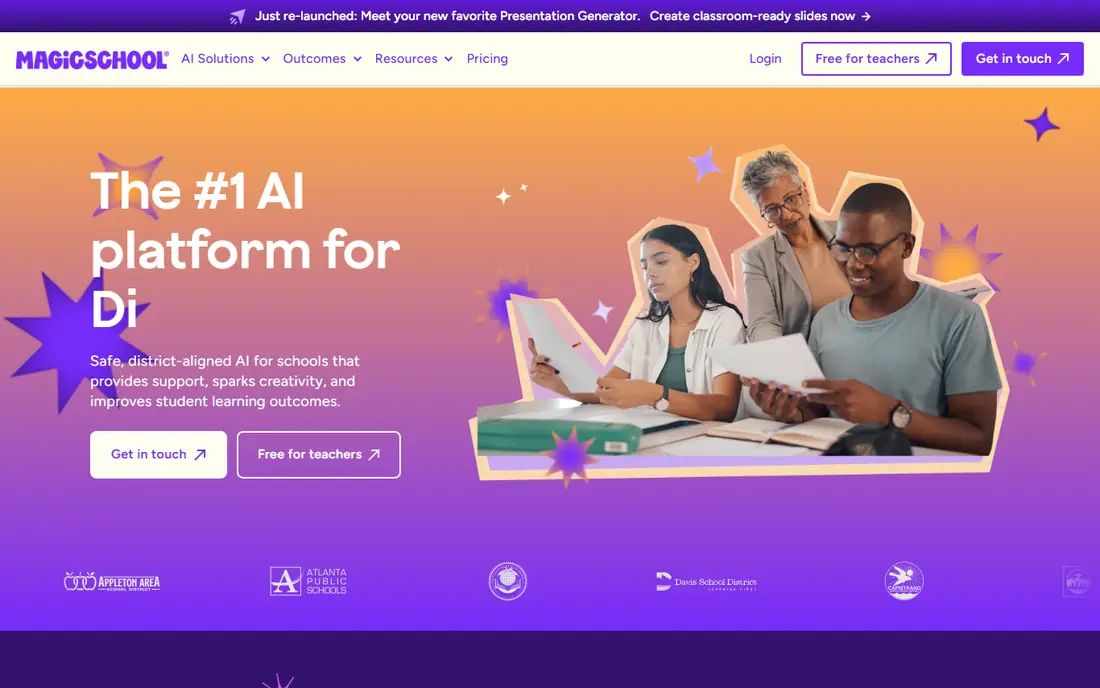
MagicSchool AI offers a wide set of teacher tools for lesson planning, rubrics, quizzes, writing feedback, report comments, and differentiation. Teachers describe a grade, subject, topic, and standards, then receive a structured draft that they can edit, rather than a vague outline. That structure saves time on routine planning, while still leaving content decisions with the teacher. Student tools can be managed through school controls, which matters for classroom use.
The breadth is both a strength and a learning task. New users should start with three or four tools that match their weekly workload, rather than trying the full library at once. Free tier limits also affect teachers who generate material daily. For teachers who want one dashboard for most planning work, MagicSchool is a strong starting point, provided privacy terms and district controls are checked first.
- Large library of teacher-specific tools, plus student tools that can be supervised
- Breadth can feel overwhelming at first, and free tier limits affect heavy users
Brisk Teaching
Great for: Teachers who plan, grade, and differentiate inside Google Docs and Slides
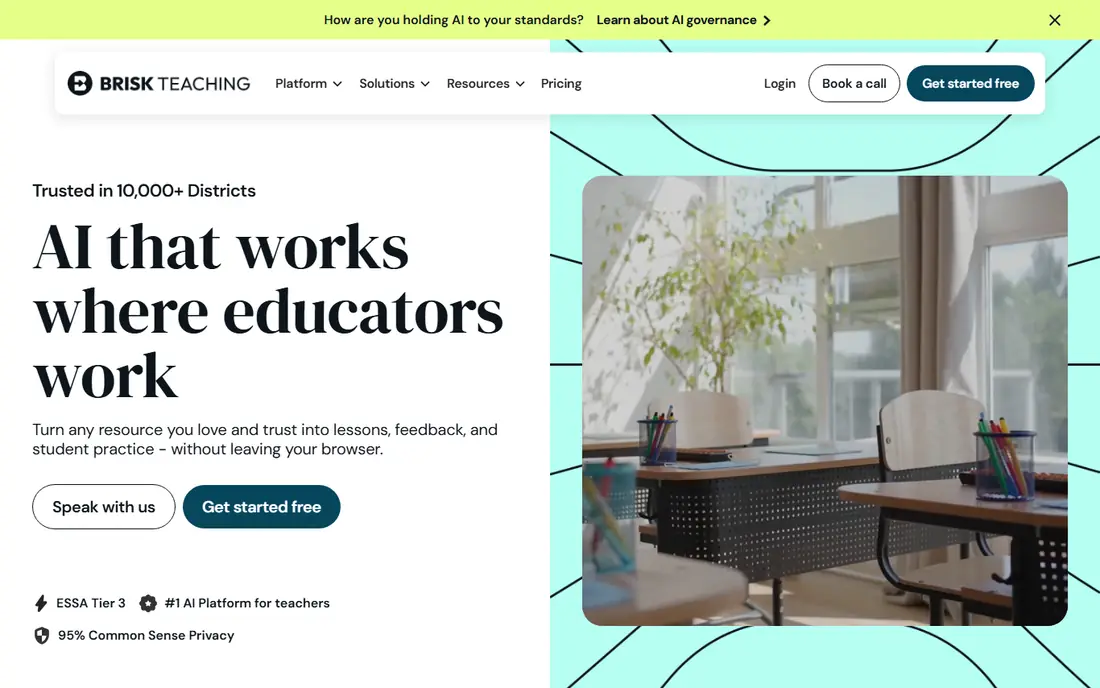
Brisk Teaching works as a browser extension inside Google Docs, Slides, PDFs, and learning platforms such as Canvas. Teachers can level a passage, create a quiz, draft feedback, or build a lesson activity without leaving the document they already use. That in-workflow design matters, because it removes the copy-and-paste step that slows many AI tools. For teachers who live in Google Workspace, Brisk often becomes a daily habit faster than a separate dashboard tool.
The main limit is workflow fit. Schools that do not use Google Docs or Canvas will get less value, and free plan limits apply to daily use. Brisk also includes writing inspection features that schools should review against their academic integrity policies. For Google-based classrooms, it is one of the most practical teacher AI tools available.
- Works inside existing documents, with fast leveling, quizzes, and feedback tools
- Best value is tied to Google workflows, and daily limits apply on the free plan
Khanmigo
Great for: Teachers who want curriculum-linked AI help tied to Khan Academy material
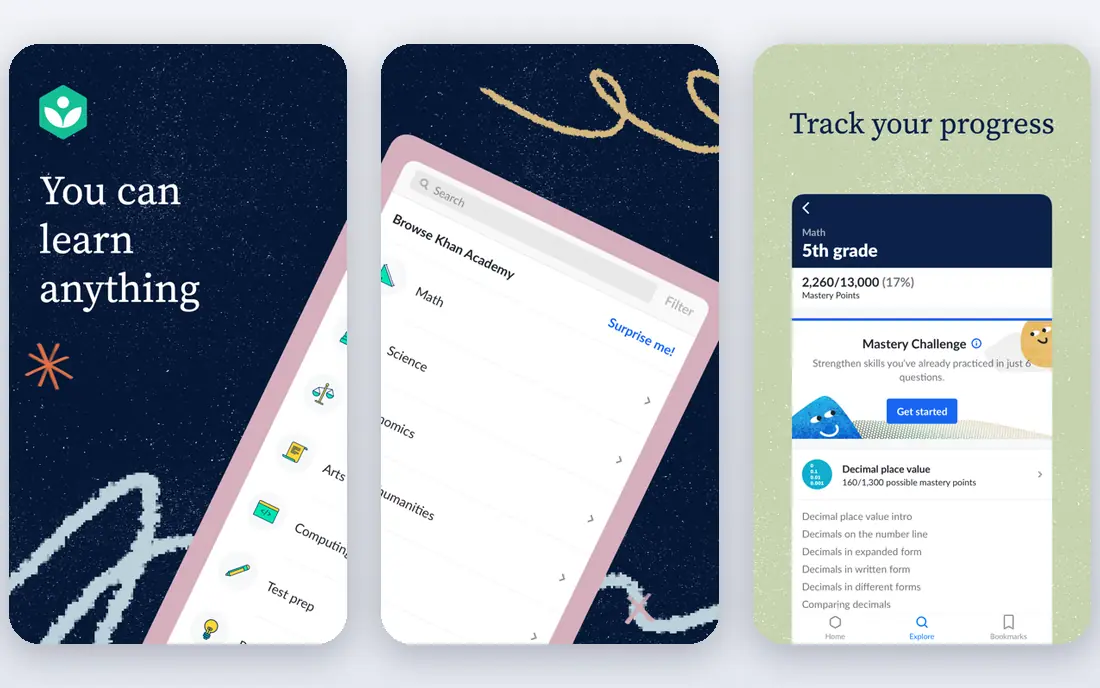
Khanmigo, from Khan Academy, supports teachers and learners with guided, tutoring-style help. For students, it is designed to prompt thinking and guide problem solving, rather than simply providing answers. For teachers, it offers planning and classroom support linked to Khan Academy lessons and practice material. That curriculum link helps teachers keep AI help close to what students are actually studying.
Khanmigo is free for US teachers in many cases, while learner and school pricing varies, so teachers should check current terms for their region. Its strength is also its boundary: it fits best in classrooms that already use Khan Academy or that value guided tutoring over open-ended generation. For those classrooms, it is a privacy-conscious and pedagogy-focused option.
- Free for US teachers in many cases, with tutoring-style support that guides rather than gives answers
- Strength is tied to Khan Academy content, and school plans vary by region
Diffit
Great for: Teachers who need the same lesson at several reading levels for mixed classes
Diffit helps teachers differentiate material quickly. A teacher can take a source text and produce versions at different reading levels, with vocabulary support and questions matched to each version. That workflow helps mixed-ability classrooms, English learners, and students with varied reading needs, without requiring the teacher to rewrite every passage by hand. Exports make it easy to use the material in print or in a learning platform.
Teachers should still review every leveled version. Reading level, factual accuracy, and tone can shift during adaptation, and a passage that looks simpler may lose a key detail. Diffit is therefore best as a drafting aid, with teacher review as the final step. For differentiation, it solves one of the most time-consuming classroom tasks directly.
- Leveled readings, vocabulary support, and multi-language options from one source text
- Output still needs teacher review for accuracy, reading level, and suitability
Eduaide.AI
Great for: Teachers who want pedagogy details in the draft, not only a brief outline
Eduaide.AI focuses on instructional design, producing lesson plans and resources that include objectives, activities, scaffolds, and assessment ideas. Teachers can request different formats, such as lesson plans, worksheets, and discussion prompts, from a structured input. That pedagogy-first approach helps teachers who want a draft they can teach from, rather than a generic summary they must rebuild.
Free generation limits mean regular users often need a paid plan, and output quality depends on how clearly the teacher describes grade, subject, standards, and student needs. Eduaide works best when teachers treat the draft as a starting point and edit for their class. For planning that needs more instructional detail than a chatbot outline, it is a useful specialist.
- Structured lesson drafts with objectives, scaffolds, and differentiation options
- Free generation limits apply, and output quality varies by prompt detail
Curipod
Great for: Teachers who want live, interactive lessons with student responses
Curipod helps teachers build interactive lessons with slides, polls, open responses, and checks for understanding. During a live lesson, students can respond, and teachers can see participation and misconceptions in real time. That feedback loop helps teachers adjust instruction during class, rather than waiting for a quiz result days later. AI-assisted slide creation speeds up lesson building for teachers who present frequently.
Curipod is less suited to teachers who mainly need printed plans or long-form resources. Free tier limits and class-size caps also affect regular use. For teachers who run interactive, discussion-led lessons, it adds engagement and formative insight that a static slide deck cannot provide.
- Interactive slides, polls, and checks for understanding during live lessons
- Live lesson focus means less value for teachers who mainly need planning documents
SchoolAI
Great for: Teachers who want supervised student AI spaces with classroom controls
SchoolAI lets teachers create supervised AI spaces for students, with controls over prompts, tools, and access. That supervised model matters for schools that want students to learn with AI safely, rather than banning it or leaving it unmanaged. Teachers can also use planning, feedback, and differentiation tools, so the platform covers both teacher work and guided student use.
Schools should review data processing terms, single sign-on, rostering, and whether student-facing features can be limited by class or teacher. Setup takes more care than a single-teacher tool, because controls must match school policy. For schools that want a managed path to student AI use, SchoolAI offers a structured and classroom-focused option.
- Teacher-controlled student spaces, plus tools for planning and feedback
- Setup and controls need school review, and pricing varies by school plan
TeachMateAI
Great for: Teachers who want planning, marking support, and classroom resources in one tool
TeachMateAI offers teacher tools for lesson planning, resources, reports, and marking support, with material that reflects UK classroom needs in many cases. Teachers can generate plans, worksheets, and communications, then edit them for their class. That breadth helps teachers who want one tool for several routine tasks, rather than a separate app for each job.
TeachMateAI is less widely adopted than MagicSchool or Brisk, so teachers should trial it on real planning tasks and check privacy terms, data handling, and school controls. Output still needs teacher review, especially for marking support and report comments. For teachers who want a broad, classroom-focused toolkit, it is worth a trial alongside the larger platforms.
- Wide teacher toolset with UK curriculum awareness in many resources
- Smaller presence than larger rivals, so trial and privacy checks matter
Canva for Education
Great for: Teachers who need visual lesson materials, slides, and classroom design
Canva for Education gives eligible K-12 teachers free access to design tools, templates, and AI-assisted creation for slides, worksheets, posters, and classroom media. Teachers can build visual material quickly, adapt templates to their subject, and share resources with students. That visual quality helps lessons feel clear and engaging, especially for younger learners and for material that relies on diagrams and images.
Canva is a design platform first, not a lesson planning or assessment system. Teachers still need planning tools for objectives, differentiation, and feedback, and they should check eligibility and district terms. For visual classroom material, however, Canva for Education is one of the most accessible and useful free options for teachers.
- Free for eligible K-12 teachers, with templates, AI design help, and easy sharing
- Design strength is not a substitute for lesson planning or assessment depth
Education Copilot
Great for: Teachers who need clean, print-ready lesson documents fast
Education Copilot focuses on speed and clean output. Teachers can generate lesson plans, handouts, and classroom documents that are ready to print or share, without spending time reformatting a chatbot response. That focus helps teachers who need a reliable document quickly, such as a substitute plan, a structured handout, or a standards-aligned draft for a single lesson.
The toolset is narrower than all-in-one platforms, so teachers who want rubrics, feedback, and student tools will need another app alongside it. Output also needs review for accuracy and fit to the class. For fast, clean lesson documents, Education Copilot is a practical specialist that does one job well.
- Fast lesson plans and handouts with a clean, printable format
- Narrower toolset than all-in-one platforms, and output needs teacher editing
How we picked these
We compared official feature pages, pricing pages, privacy policies, and public reviews. We kept only platforms that offer legitimate teaching help, that are sold and supported in October 2026, and that publish education-relevant privacy information or district options. We excluded tools designed to complete student work without teacher oversight, and we favoured tools with teacher controls, supervised student features, or clear district plans. Where pricing was unclear, we wrote See website rather than presenting a guessed figure.
How to choose an AI platform for teachers while protecting student data
Start with the privacy check before the feature check. Ask whether the vendor offers a signed data processing agreement, whether student data is used for model training, whether targeted advertising is disabled for education accounts, and whether administrators can control student-facing features. If a vendor cannot answer those questions clearly, do not enable student use, even if the teacher tools look strong.
Next, test the tool on real planning work. Draft a lesson for a topic you teach, differentiate a passage for two reading levels, and create a quiz with an answer key. Edit each output as you would for class, and note how much time you actually save after editing. A tool that produces long drafts you must rewrite is not saving time, even if its demo looks impressive.
Finally, set classroom rules for AI use. Decide which tasks AI may draft, which tasks need full teacher review, and how students may use supervised AI tools. Share those rules with students and parents where required, and keep final assessment decisions with the teacher. That structure lets AI help with routine work while keeping learning, grading, and student privacy under teacher control.
Frequently asked questions
Sources
See where you really rank - block by block
ProMapRanker scans Google Maps across a grid of your service area. Simple monthly plans from $19, white-label on every plan.
Start freeKeep reading
 worlds best local seo company
8 Worlds Best Local SEO Companies for Map Pack Growth in 2026
Compare the worlds best local seo company options for Google Business Profile work, citations, reviews, and multi-location rankings and reporting in 2026.
Read → world's best web hosting company
World's Best Web Hosting Company in 2026
Searching for the world's best web hosting company? We compared 10 hosts on price, renewal rates, speed, and support to help you choose well today in 2026.
Read → who's got the best nanny tax services
Who's Got the Best Nanny Tax Services in 2026
We answer who's got the best nanny tax services, comparing full filing, back taxes, software, and pricing so families can handle nanny taxes correctly.
Read →