 ProMapRanker
Best AI Design Tools Comparison in 2026

Key takeaways
- No single AI design tool wins every job: interface design, image generation, and finished marketing assets need different tools.
- Figma suits product teams, Canva suits non-designers and marketers, and Firefly suits teams that need commercially safer imagery.
- Midjourney still leads on artistic image quality, but it has no free plan and its workflow differs from a normal editor.
- Vector output, readable text, and brand controls are the features that separate a fun generator from a production tool.
- Test tools on a real brief before paying, because output style varies more than feature lists suggest.
Quick comparison
| Pick | Great for | Pricing starts at | Free tier | |
|---|---|---|---|---|
 Figma AI | Product and interface design | $15 per month | Yes | Visit |
 Canva Magic Studio | Finished marketing assets | $144 per year | Yes | Visit |
 Adobe Firefly | Commercially safer imagery | $9.99 per month | Yes | Visit |
 Midjourney | Artistic image generation | $10 per month | No | Visit |
 Ideogram | Readable text in images | $20 per month | Yes | Visit |
 Recraft | Vector and brand assets | $12 per month | Yes | Visit |
 Leonardo AI | Game and creator production | $12 per month | Yes | Visit |
 Uizard | Rapid UI prototyping | See website | Yes | Visit |
 Looka | Logo and brand kits | $20 one-time | No | Visit |
 Kittl | Print, merch, and typography | $10 per month | Yes | Visit |
The best ai design tools comparison
AI design tools fall into distinct jobs: generating images, designing interfaces, building brand assets, and finishing marketing content. This comparison groups tools by the job they do best, so a reader can pick a small stack instead of hunting for one tool that does everything.
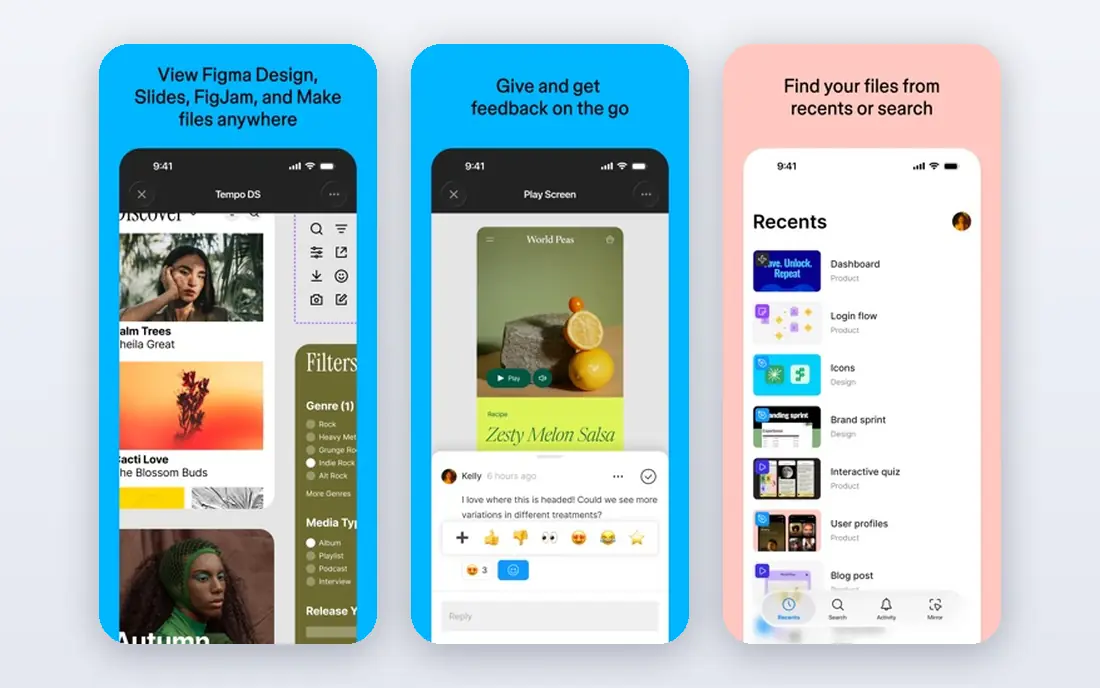
Figma AI sits inside the product design tool most interface teams already use, adding AI help for first drafts, renaming, content, and visual search, alongside features such as Figma Make for interactive prototypes. That placement is the point: a team can generate a screen, refine it against its design system, and hand it to developers without exporting to another tool. For product work, that continuity beats a prettier image generator every time.
The limits are audience and price. Figma is a professional design surface, so marketers who only need a social graphic will find it heavier than Canva, and full AI use sits on paid plans. Image generation is also a secondary job here, not the core. Figma fits product and design teams best, and it is our pick for interface work.
- Industry-standard UI surface with AI help
- Component and design system support
- Strong developer handoff
- AI features sit on paid plans for full use
- Learning curve for non-designers
- Image generation is secondary
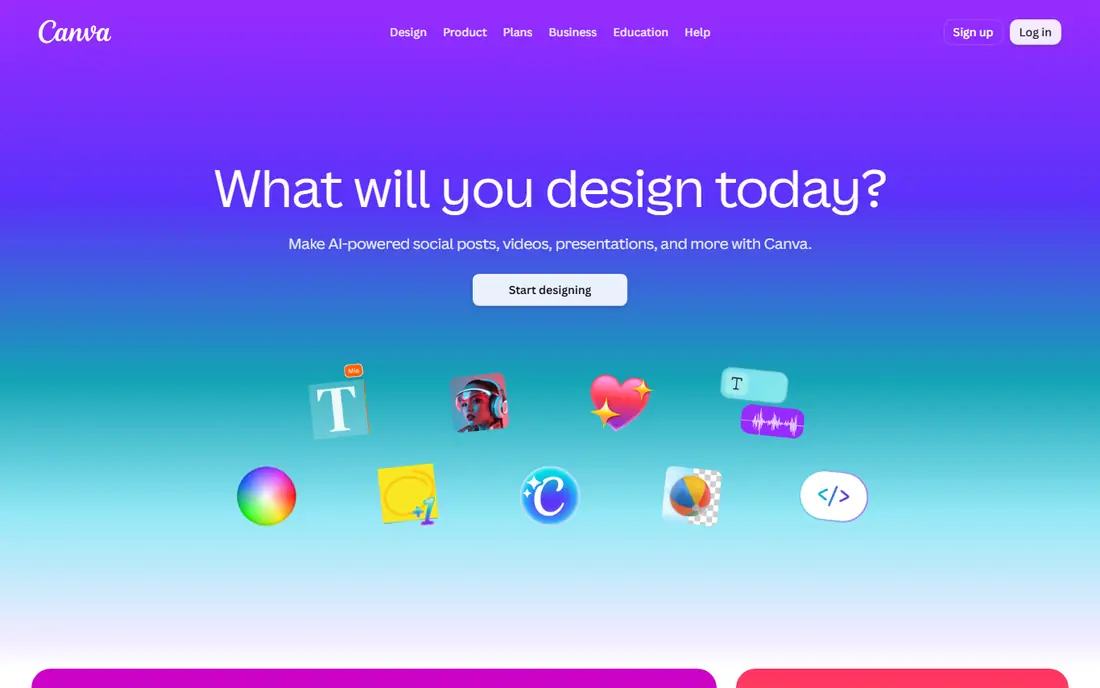
Canva Magic Studio bundles AI design help into the editor many non-designers already know: Magic Design drafts layouts from a prompt, Magic Media generates images, Magic Write drafts copy, and background removal and resize handle the finishing steps. That breadth makes Canva the best all-in-one choice for social graphics, presentations, flyers, and simple video, especially for small teams without a designer.
The trade-off is control. Canva cannot match Figma for interface systems or Photoshop-level photo editing, and AI allowance on the free plan is limited, with paid plans raising it. Teams with very heavy AI generation should check the allowance and any add-on before committing. Canva fits marketers, small businesses, and content teams best.
- Huge templates and easy editor
- Magic Design, image, and text tools in one place
- Strong resize and brand features on paid plans
- AI use capped on the free plan
- Less precise than professional tools for complex work
- Heavy AI use may need an add-on
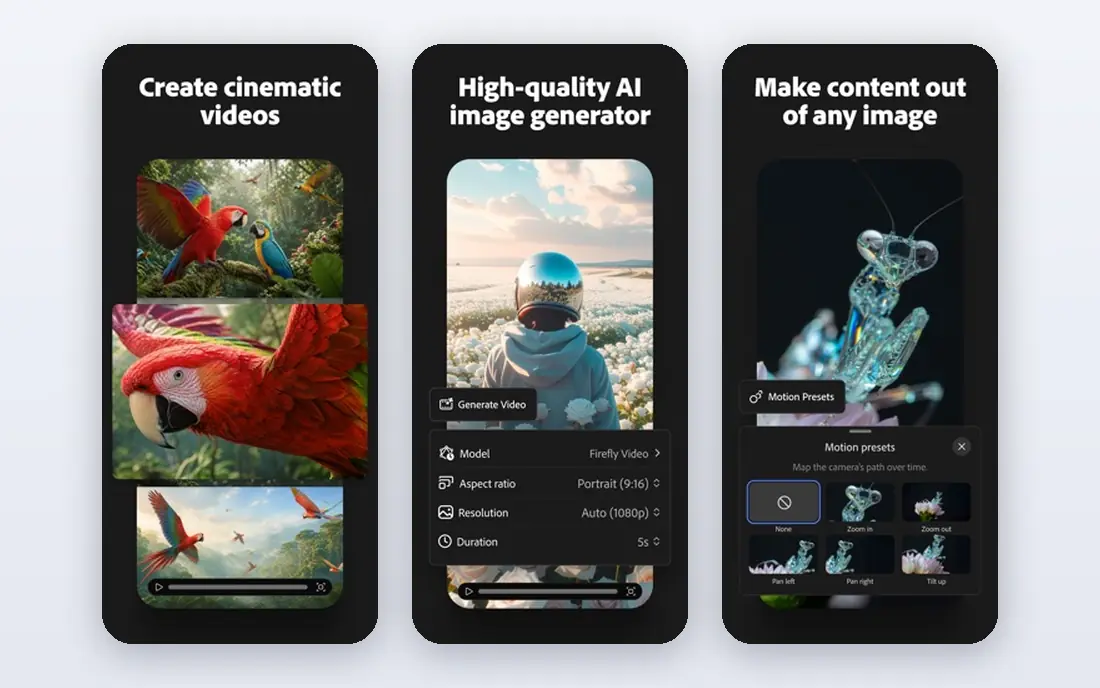
Adobe Firefly generates images, video elements, and design assets with an emphasis on commercial safety, and it integrates with Photoshop, Illustrator, and Adobe Express. Generative Fill in Photoshop remains one of the most practical AI editing features for professionals, because it edits a real photo in place rather than generating a fresh image that must then be rebuilt. For agencies and brands that worry about licensing, that positioning matters.
The limits are credits and ecosystem. Firefly plans use credits, so heavy users must track consumption, and the full value appears when the team already works in Adobe tools. A team outside Adobe may get similar images cheaper elsewhere, though with less licensing clarity. Firefly fits professional creatives and brand-conscious teams best.
- Adobe models trained with commercial use in mind
- Deep Creative Cloud integration
- Generative Fill in Photoshop
- Credit system needs tracking
- Best value requires Adobe workflow
- Some features need higher plans
Midjourney remains the reference point for artistic AI imagery, with a distinctive look that many campaign visuals, mood boards, and concept pieces still chase. Its plan ladder runs from a basic tier with limited fast generation time up to higher tiers for heavy users, which makes costs predictable once a team knows its volume. For pure image quality and style range, Midjourney is hard to beat on this list.
The drawbacks are practical. There is no regular free plan, the workflow has historically centred on a chat-style interface rather than a conventional editor, and commercial use terms depend on the plan, so business users must read them carefully. Midjourney fits artists, concept designers, and campaign teams best, as a source of imagery to refine elsewhere.
- Distinctive artistic image quality
- Strong for concept art and campaign visuals
- Clear plan ladder
- No free plan
- Workflow differs from a normal editor
- Commercial use terms vary by plan
Ideogram stands out for one persistent weakness of image generators: readable text. Posters, advertisements, logos, and social graphics with words in them come out cleaner here than from many general generators, which makes Ideogram a practical pick for marketing assets rather than only mood imagery. The free tier gives limited credits for testing, and paid plans add larger credit pools.
The trade-off is price and scope. The paid entry point is higher than several rivals, credits expire monthly, and Ideogram is an image generator, not a full layout editor, so finished designs still need assembly elsewhere. Ideogram fits marketers and designers who need text-heavy images best.
- Strong typography and readable text in generated images
- Good for posters and ads
- Free credits for trying
- Paid entry higher than some rivals
- Credits expire monthly on paid plans
- Less of a full design editor
Recraft generates images and, importantly, true vector output, which means logos, icons, and illustrations can scale without losing sharpness. That single feature makes it far more useful for brand assets than a generator that only produces flat pixels. Brand kit features help teams keep colours and styles consistent, and the free plan gives a way to test vector output before paying.
The limits are range and community. Recraft's style breadth for photographic or cinematic imagery is narrower than Midjourney, and its community and tutorial base is smaller than Canva or Adobe. Recraft fits brand designers, logo work, and teams that need scalable assets best.
- Native vector output for logos and icons
- Brand kit features
- Strong for scalable assets
- Smaller community than larger generators
- Advanced features need paid plans
- Image style range is narrower than Midjourney
Leonardo AI offers a range of models, canvas tools, and training options that suit game developers, character designers, and creators producing assets at volume. Its free tier gives a daily token allowance, which is more usable for regular testing than a one-time credit grant, and paid plans add larger token banks and private generation. For teams that iterate on characters, environments, and props, that volume matters.
The catch is complexity. Token costs vary by model and setting, so budgeting takes a learning period, and commercial use requires a paid plan. Output quality also depends on choosing the right model, which rewards experience. Leonardo fits game and creator production teams best.
- Generous free token allowance for trying
- Model variety and training options
- Good for game assets and characters
- Token math takes learning
- Commercial use needs a paid plan
- Output quality varies by model choice
Uizard turns ideas, sketches, screenshots, and text prompts into app and website screens, which makes it one of the fastest paths from an idea to a clickable prototype. Non-designers can test a flow with stakeholders before a product designer invests hours, and product teams can explore several directions quickly. That speed is the main reason to use it alongside, rather than instead of, a production design tool.
The limit is production depth. Uizard screens are starting points that need refinement for a real product, and its design system support is thinner than Figma. Pricing and plan limits should be confirmed on the vendor page, since they have changed over time. Uizard fits early-stage prototyping and stakeholder testing best.
- Turns sketches, screenshots, and prompts into UI screens
- Fast wireframe and prototype workflow
- Approachable for non-designers
- Output needs refinement for production UI
- Less design system depth than Figma
- Pricing and limits need checking
Looka generates logos and full brand kits, including colours, fonts, and social templates, from a short business description and style choices. For a new business that needs a presentable identity quickly and cheaply, the one-time logo purchase option is a clear advantage over a monthly subscription. The output is ready to use across common formats without design software.
The honest limits are originality and depth. AI logos can look generic, especially in crowded categories, and a Looka kit does not replace a designer-led identity process for a business that needs a distinctive brand. There is also no free plan for downloading full logo files. Looka fits startups and side projects that need a fast, affordable identity best.
- Fast logo generation with full brand kit output
- One-time purchase option for a logo
- Practical for new businesses
- No free plan for full logo files
- Generated logos can look generic without customization
- Brand depth is thinner than a designer-led process
Kittl focuses on typography-led design for print, merchandise, posters, and brand assets, with vector-based editing that keeps text and shapes sharp for production. Its text styling tools, including effects and vintage styles, suit creators selling shirts, posters, and stickers, as well as small brands that want a distinctive print look. The free plan gives a way to test the editor before paying.
The trade-off is scope. Kittl is not an interface design tool, commercial use requires a paid plan, and its template flavour leans toward print and merch rather than corporate decks. Kittl fits print, merch, and typography-led creators best.
- Strong typography and text styling
- Vector-based design for print and merch
- Approachable editor
- Less suited to interface design
- Commercial use needs a paid plan
- Template style can feel niche for corporate work
How we picked these
We compared official feature and pricing pages and recent October 2026 pricing guides that read those pages directly, and we kept only tools with a live AI design product in October 2026. We favoured tools that cover distinct jobs, so the list works as a stack, and we weighted output type, licensing clarity, export quality, and real monthly cost including credits. We left out code-first design frameworks, tools with no live product page, and single-model APIs with no design workflow.
What to check before you buy
Match the tool to the job, not to the demo. Run the same brief through two or three tools: a logo lockup, a social graphic with text, and an interface screen if relevant, then judge output quality, editing effort, and export sharpness. Check licensing terms for commercial use on the plan you would actually buy, because free and basic tiers often restrict it.
Building a small AI design stack
Most teams need two or three tools, not ten. A practical stack is Figma for interfaces, Canva for finished marketing assets, and one image generator for campaign imagery, chosen by whether text, vectors, or artistic style matters most. Add a logo or print tool only when that job recurs. Review credit use after the first month, because the cheapest plan on paper can become the most expensive plan once generation volume is real.
Frequently asked questions
Which AI design tool is best overall?
There is no single overall winner, because the jobs differ. Figma is best for interfaces, Canva for finished marketing assets, Firefly for commercially safer imagery, and Midjourney for artistic images. Pick by the job that slows your team down most.
Can AI design tools replace a designer?
No, for professional work they do not. They speed up first drafts, variations, and routine assets, but a designer still handles brand judgment, layout refinement, licensing checks, and final quality. For simple, low-stakes assets, they can reduce the need for outside help.
Which tool is best for logos?
Recraft suits vector logos that must scale cleanly, while Looka suits a fast, affordable brand kit for a new business. For a distinctive, long-term identity, a designer-led process still beats either generator alone.
Do I own the commercial rights to AI-generated images?
It depends on the tool and the plan. Some tools grant commercial use on paid plans, others restrict it on free tiers, and terms change. Read the licensing terms for the exact plan you buy, and keep a record of which tool and plan produced each commercial asset.
Which AI design tool has the best free plan?
Canva and Kittl offer usable free plans for general design, Leonardo AI offers a daily token allowance for image generation, and Recraft and Ideogram offer limited free credits. Midjourney and Looka have no regular free plan for full output, so budget for a paid tier if you choose them.
How do I avoid generic-looking AI designs?
Start with a specific brief, reference your brand colours and fonts, and edit the output rather than publishing the first generation. Mix generated imagery with original photography, custom type, and human layout choices, because unedited generator output is easy to recognise.
Sources
See where you really rank - block by block
ProMapRanker scans Google Maps across a grid of your service area. Simple monthly plans from $19, white-label on every plan.
Start freeKeep reading
 zoro.to alternatives
Best Zoro.to Alternatives in 2026
We compare the best zoro.to alternatives in 2026, listing only legal licensed anime streaming services, from Crunchyroll to free options for fans today.
Read → zip alternatives
Best Zip Alternatives in 2026
We compare the best zip alternatives for buy now, pay later in 2026, covering pay-in-4 plans, fees, spending limits, and credit reporting options today.
Read → yesware alternatives
Best Yesware Alternatives in 2026
Compare the best yesware alternatives for sales email tracking, templates, and sequences, with current pricing and honest tradeoffs for small sales teams.
Read →