 ProMapRanker
Best AI Design Tool in 2026: 9 Tools Compared

Key takeaways
- Canva is the best all-round tool for everyday graphics, while Firefly suits commercial image work and Midjourney suits artistic concepts.
- Figma is essential for product screens, Adobe Express and Microsoft Designer suit quick social work, and Leonardo suits volume image generation.
- Recraft suits editable vector logos, while Ideogram suits images where readable text matters most.
- Check AI allowances, credits, and export formats before you pay, because those limits decide how much you can actually produce each month.
Quick comparison
| Pick | Great for | Pricing starts at | Free tier | |
|---|---|---|---|---|
 Canva Canva | Everyday marketing graphics | Free | Yes | Visit |
 Adobe Firefly Adobe Firefly | Commercially safe image generation | $9.99 per month | Yes | Visit |
 Figma Figma | Product and interface design | Free | Yes | Visit |
 Midjourney Midjourney | Artistic image concepts | $10 per month | No | Visit |
 Adobe Express Adobe Express | Free quick social design | Free | Yes | Visit |
 Microsoft Designer Microsoft Designer | Microsoft 365 users | See website | Yes | Visit |
 Leonardo AI Leonardo AI | Volume image generation | $12 per month | Yes | Visit |
 Recraft Recraft | Editable vector logos and icons | See website | Yes | Visit |
 Ideogram Ideogram | Readable text in images | See website | Yes | Visit |
The best AI design tools
We compared editable design editors, image generators, and product design tools, so you can match the tool to the output you actually ship.
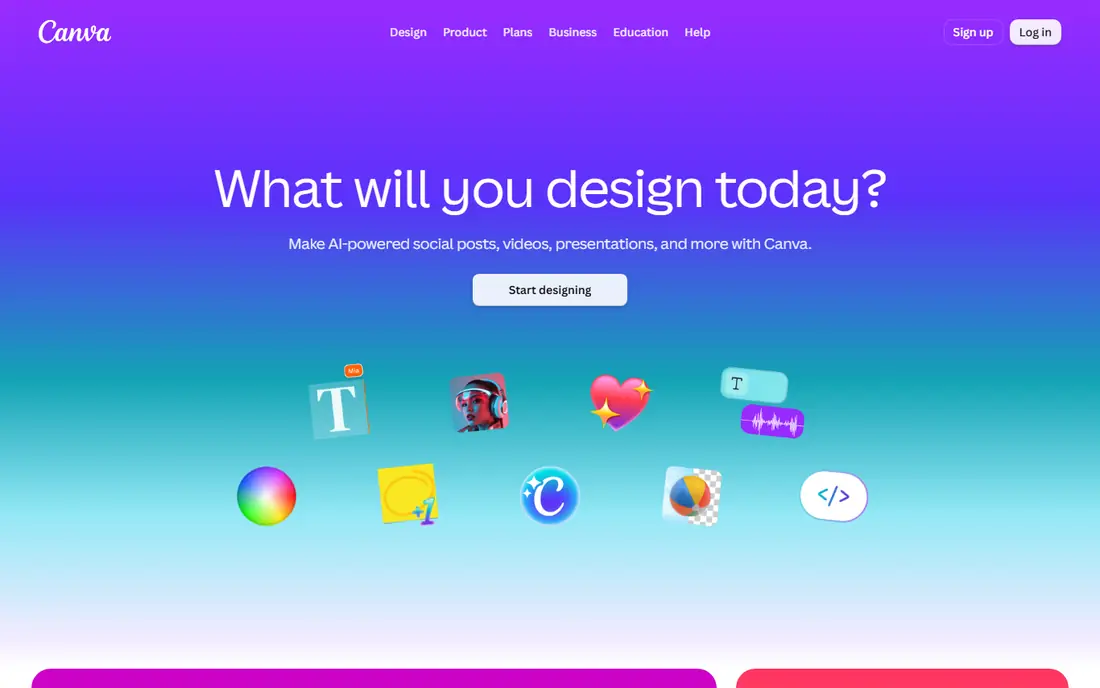
Canva is the easiest starting point for everyday design, with templates for social posts, presentations, ads, and documents, plus AI tools for generating designs, removing backgrounds, and resizing for different channels. Because output stays editable, you can fix text, colours, and layout after generation instead of starting again. That editable workflow is why many small teams use Canva daily.
The limit is metering: AI uses are counted, and heavy users need a paid plan for more allowance and premium assets. Canva also does not replace professional design software for complex brand or print work. For fast, consistent marketing graphics, Canva is the best all-round choice here.
- Templates and drag-and-drop editing
- Magic Design and resize tools
- Brand Kit on paid plans
- AI uses are metered
- Premium assets need a paid plan
- Not for complex professional design
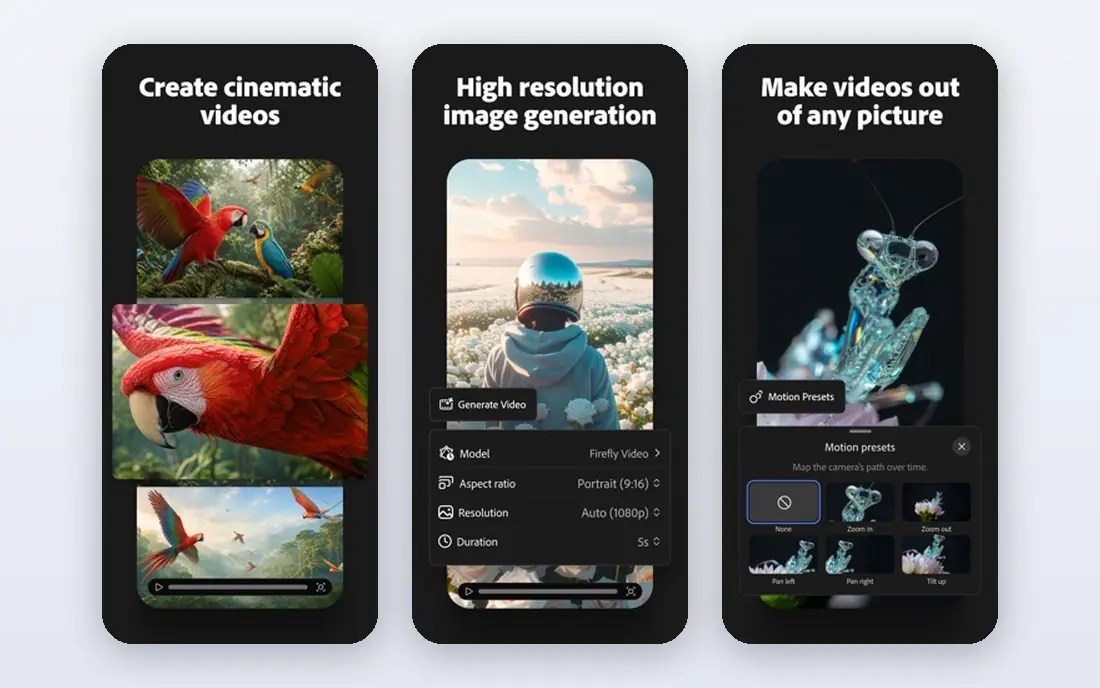
Adobe Firefly generates images from text prompts and powers Generative Fill in Photoshop, where you can add, remove, or extend parts of a photo. Adobe positions Firefly as trained on licensed content, which matters for commercial use where image rights are a real risk. That commercial focus, plus Adobe integration, makes Firefly attractive to professional teams.
Firefly generations are metered by credits, so heavy image work needs a paid plan with enough credits. Output is raster imagery, not an editable design file, so you still need an editor for layout and text. For commercial image generation inside Adobe workflows, Firefly is a strong, safer choice.
- Text-to-image and Generative Fill
- Trained on licensed content
- Integration with Adobe apps
- Credits limit generations
- Best value inside Adobe workflows
- Output is raster, not editable design
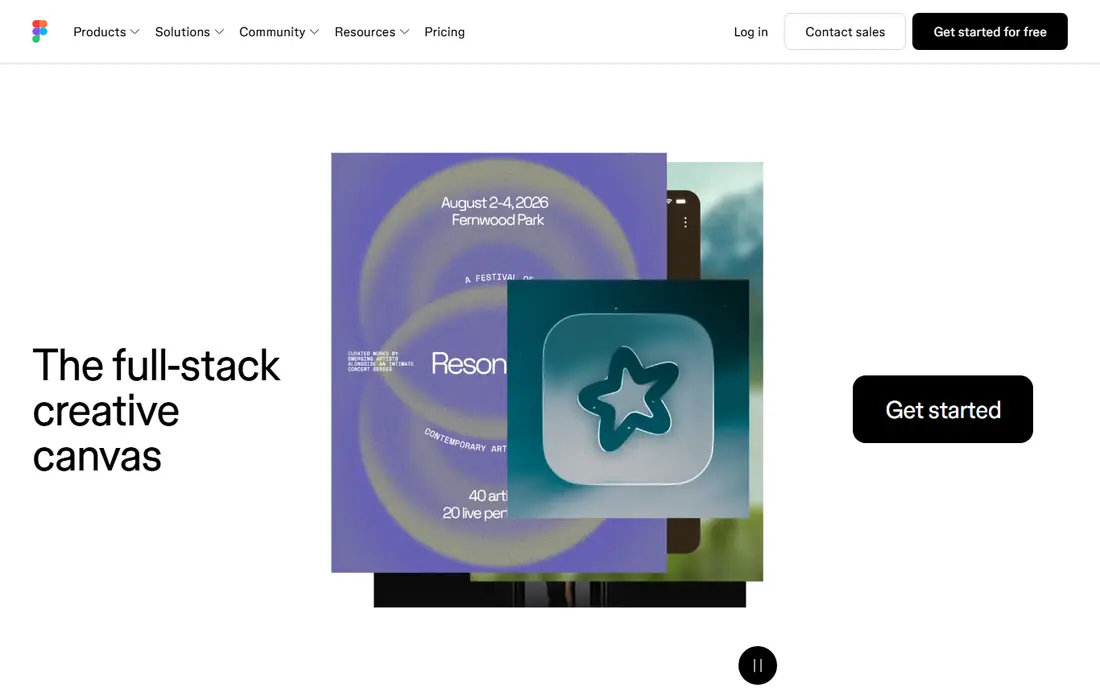
Figma is the standard for collaborative product design, where teams design app screens, websites, and prototypes in shared files. AI features help with first drafts, renaming layers, and generating UI content, while developer handoff turns designs into specs and code snippets. That workflow suits product teams that design, review, and ship interfaces together.
Figma is not primarily an image generator, so teams that need marketing imagery will still need Canva or Firefly. Full seats also cost more than free starter access, which matters for larger teams. For product screens and prototypes, Figma remains the centre of most design stacks.
- Collaborative interface design
- AI prototyping and rename tools
- Developer handoff
- Full seats cost more than viewer access
- Image generation is not its main strength
Midjourney is known for high-quality, artistic image generation from text prompts, with strong control over style, mood, and composition. Concept artists, marketers, and founders use it for mood boards, campaign visuals, and product concepts that need a distinctive look. Its community and style options help users learn prompting by example.
Midjourney has no free plan on its website, and output is flat imagery that needs an editor for text and layout. Results also depend on prompt skill, so first attempts may need several tries. For artistic concepts where image quality matters most, Midjourney is a leading choice.
- High-quality artistic image generation
- Strong style control
- Large creative community
- No free plan on its website
- Output is flat imagery
- Prompt skill affects results
Adobe Express is Adobe's quick design tool for social posts, flyers, and short videos, with templates, quick actions, and Firefly image generation. It is free to start, which makes it useful for creators who want Adobe-quality templates without a full Creative Cloud subscription. The interface is simpler than Photoshop or Illustrator.
Adobe Express is less deep than Canva for team brand controls and large template libraries, and premium features need a paid plan. It also suits quick social work better than complex product or brand design. For free, fast social graphics with Adobe tools, Express is worth trying.
- Free templates and quick actions
- Firefly image tools
- Easy social and video basics
- Premium features and credits need a paid plan
- Less deep than Canva for team brand controls
Microsoft Designer generates social graphics, presentations, and images from prompts, with templates and editing tools for quick marketing work. Users already paying for Microsoft 365 may find Designer included or available in their plan, which makes it a low extra-cost option. That integration suits teams that already live in Microsoft apps.
Feature access varies with Microsoft plans, so check what your subscription includes before you rely on it. Designer is also less of a full design suite than Canva, with fewer team brand controls. For Microsoft shops that need quick graphics, Designer is a convenient add-on.
- AI image and design generation
- Templates for social and presentations
- Microsoft integration
- Feature access varies with Microsoft plans
- Less of a standalone design suite than Canva
Leonardo AI is an image generation platform aimed at teams that need volume content, with different models for styles, fine-tuning options, and tools for consistent characters and elements. Marketers, game creators, and content teams use it to generate many images quickly for campaigns, stories, and concepts. Its controls suit users who want more than a single prompt box.
Leonardo output is still flat imagery, so layout and text need another editor. Credits limit generations, and learning fine-tuning takes time. For teams that generate images at volume and want style control, Leonardo is a strong alternative to Midjourney and Firefly.
- Image generation with fine-tuning options
- Models for different styles
- Commercial use options
- Output needs an editor for layout
- Credit limits apply
- Style learning takes time
Recraft stands out because it generates vector images, not just raster pictures, which means logos, icons, and illustrations stay editable and scalable. Designers and founders can generate a mark, adjust shapes and colours, and export a file that works at small and large sizes. That vector focus suits brand work better than flat image generators.
Vector output still needs design judgement to polish, and a generated logo is not a full brand identity on its own. Pricing and generation limits should be checked on the vendor site, because they vary by plan. For editable logos and icons, Recraft is a distinctive and useful tool.
- Vector image generation
- Editable logos, icons, and illustrations
- Style controls
- Vector output needs design skill to polish
- Pricing and limits need vendor checking
Ideogram is known for rendering readable text inside generated images, which is a common weakness for many image models. That strength makes it useful for wordmarks, posters, social graphics, and product labels where the words must be spelled correctly. Users can prompt for style, layout, and text placement with better results than many rivals.
Free generations are limited, and Ideogram output still needs an editor for final layout, brand colours, and print preparation. It is not a full design suite, so teams should pair it with Canva, Figma, or another editor. When text accuracy matters most, Ideogram is a smart specialist pick.
- Strong text rendering in generated images
- Wordmarks and posters
- Style options
- Free generations are limited
- Layout and brand work still need an editor
How we picked these
We compared official feature pages, pricing pages, and public reviews for AI design tools available in October 2026. We looked at output type, whether designs stay editable, text accuracy, commercial use terms, credit or allowance limits, and integration with editors teams already use. We favoured tools with a free plan or trial and a clear pricing page, and we wrote See website where pricing varied by plan or region. We did not treat a flat image generator as equal to an editable design editor, because the workflow after generation differs sharply.
How to choose an AI design tool
Start with the output you ship most. Social and marketing graphics need editable templates and resize tools. Product screens need collaborative interface design and developer handoff. Logos need vector output that scales. Artistic concepts need image quality and style control. When the output matches the tool, you spend less time fixing files after generation.
Next, check rights and credits. Commercial use terms matter when images appear in ads, packaging, or client work, and licensed training data can reduce risk. Credits and AI allowances also matter: a low monthly price with a small credit pool can cost more than a higher plan with enough generations. Test with real briefs, not just sample prompts, before you commit.
Everyday graphics versus specialist images
Use Canva, Adobe Express, or Microsoft Designer for daily graphics, because templates and editing save time. Add Firefly, Midjourney, Leonardo, or Ideogram only when you need better imagery, style, or text accuracy. A common solo stack is Canva for output plus one image specialist, which often costs less than a single freelance project.
Product design versus marketing design
Use Figma when you design screens, flows, and prototypes that developers will build. Use Canva or Express when you design posts, decks, and ads that marketers will publish. The two workflows overlap, but the handoff differs: Figma handoff is for code, while marketing handoff is for channels. Keep both tools if you do both jobs.
Brand, text, and export checks
Check that you can export the formats you need: PNG and JPG for social, PDF for print, SVG for logos, and editable files for future changes. Test text rendering, brand colours, and logo scaling before you adopt a tool for client work. A tool that looks good in a demo but exports poorly will cost you time on every project.
Frequently asked questions
What is the best AI design tool for beginners?
Canva is the best AI design tool for beginners because templates, drag-and-drop editing, and AI generation stay editable after creation. Adobe Express is a good free alternative for quick social graphics. Both let new users publish usable designs without learning professional software.
What are the best AI design tools for logos?
Recraft is a strong choice for logos because it generates editable vector output that scales well. Ideogram helps when a wordmark needs readable text in the image. For a full brand identity, pair either tool with a designer review, because a generated mark alone is not a complete brand.
What is the best AI app for design on a budget?
Canva and Adobe Express offer free plans that cover many everyday graphics, while Microsoft Designer may already be included in a Microsoft 365 plan. Midjourney and Leonardo need paid plans for regular use, so start free and upgrade only when volume justifies it.
What are the best AI tools for design for product teams?
Figma is the best AI tool for design for product teams, with collaborative screens, AI prototyping, and developer handoff. Pair Figma with Canva or Firefly for marketing imagery, because Figma is not primarily an image generator.
What is the best design AI app for social media?
Canva is the best design AI app for social media for most teams, with templates, resize tools, and Brand Kit features on paid plans. Adobe Express and Microsoft Designer are good alternatives for quick social posts, especially inside Adobe or Microsoft workflows.
Sources
See where you really rank - block by block
ProMapRanker scans Google Maps across a grid of your service area. Simple monthly plans from $19, white-label on every plan.
Start freeKeep reading
 zendesk alternatives
Best Zendesk Alternatives in 2026
Compare the best Zendesk alternatives in 2026, from budget help desks to AI-first support tools, with current pricing, free plans, and honest trade-offs.
Read → wordpress alternatives
Best WordPress Alternatives in 2026
Looking for the best WordPress alternatives? We compare 8 free and paid options for blogs, business sites, stores, and developer-led projects in 2026.
Read → which real estate company has the best training
Best Real Estate Company Training in 2026
Compare which real estate company has the best training, from Keller Williams and eXp to Compass and Coldwell Banker, by program, mentor, and fit in 2026.
Read →