 ProMapRanker
Best AI Culling Software in 2026


High-volume wedding and portrait culling · Pricing starts at: $10 per month
Key takeaways
- Aftershoot and Imagen suit high-volume wedding and portrait work, with Aftershoot the simpler value pick and Imagen the stronger choice for a personal editing style.
- FilterPixel suits deadline work that needs a score and a reason for each frame, while Narrative Select keeps the photographer in charge of every final pick.
- Local tools such as Aftershoot, Excire Foto, and Photo Mechanic keep files on your own machine, which matters on slow venue Wi-Fi.
- Lightroom Classic and Capture One are sensible when culling already sits inside the editor you use every day.
Quick comparison
| Pick | Great for | Pricing starts at | Free tier | |
|---|---|---|---|---|
| Aftershoot | High-volume wedding and portrait culling | $10 per month | Free trial (30 days) | Visit |
 Imagen | Culling that learns your personal taste | $12 per month | Free trial | Visit |
 FilterPixel | Genre-aware culling with explained scores | $14.99 per month | Yes | Visit |
 Narrative Select | Assisted culling with scene grouping | $10 per month | Free trial | Visit |
 Excire Foto 2027 | Local AI search and sorting with no subscription | $249 one-time | Free trial (14 days) | Visit |
 Photo Mechanic | Fast manual ingest for press deadlines | $14.99 per month | Free trial (30 days) | Visit |
 Adobe Lightroom Classic | Culling inside the Adobe editor | See website | Free trial (7 days) | Visit |
 Capture One | Studio and tethered culling | See website | Free trial | Visit |
The best ai culling software
Photo culling is the first pass through a shoot: removing duplicates, closed eyes, and missed focus so only strong frames reach the edit. These eight tools cover that job in plain terms, from fully automatic selection to fast manual sorting with AI help.
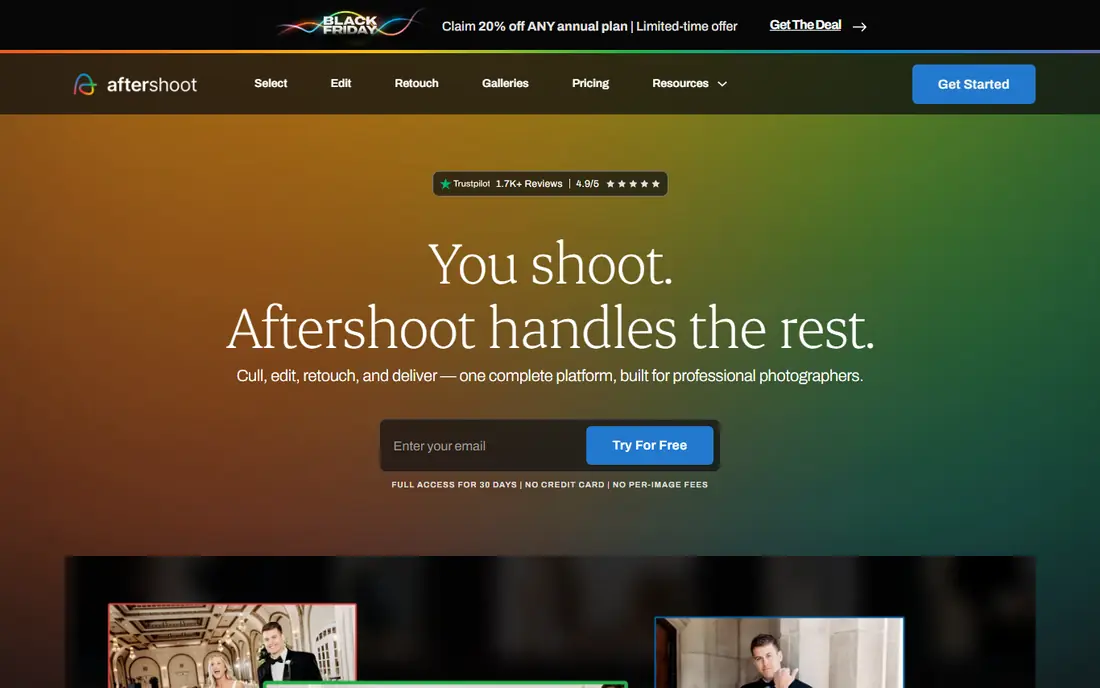
Aftershoot is built for photographers who come home with thousands of frames and need the first cut done quickly. It can run an automatic first pass or work in an assisted mode, and because processing is local, a weak hotel or venue connection does not stall the job. That local approach also keeps client files off a third-party server during the selection stage.
The practical catch is scope. Aftershoot is at its best as a culling and editing workflow tool, not as a replacement for your own taste. Wedding shooters with a consistent style will get the most from it, since similar frames and repeated poses are easier for the system to sort. Check that its export path matches your editor before you commit, and use the trial on a real past shoot rather than a small test set.
- Local processing that works offline
- Broad editor export
- Clear culling-only entry price
- AI picks still need a human review pass
- Editing features cost more on higher plans
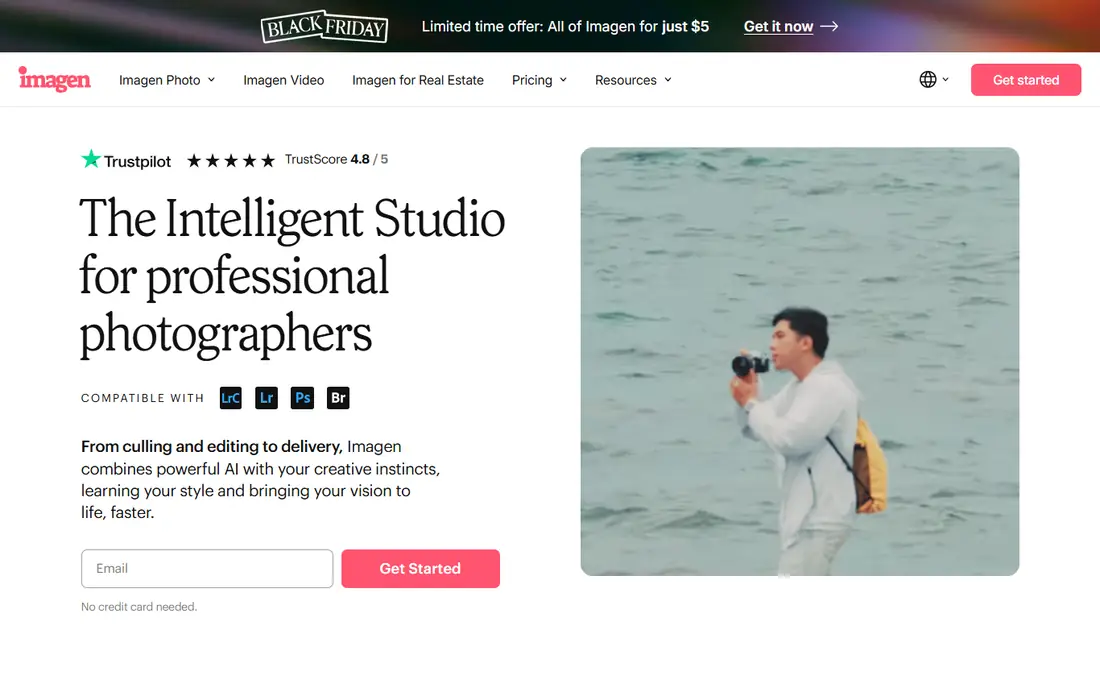
Imagen appeals to photographers who want the cull and the edit to feel consistent. Its system builds a profile from your past editing choices, so selection and grading draw on the same sense of what you keep. For portrait and wedding photographers with a defined look, that link between culling and editing can save repeated decisions.
The trade-off is that Imagen is a cloud-first workflow by design, so large shoots need upload time before work starts. Pricing also needs a close read, because culling and editing are billed in different ways across plans. It is a strong pick for steady, high-volume shooters, and a weaker one for anyone who mainly needs a quick local sort with no ongoing cost.
- Personal style profiles
- Culling plus editing in one place
- Lightroom Classic compatibility
- Cloud workflow needs uploads
- Editing costs are separate from culling on some plans
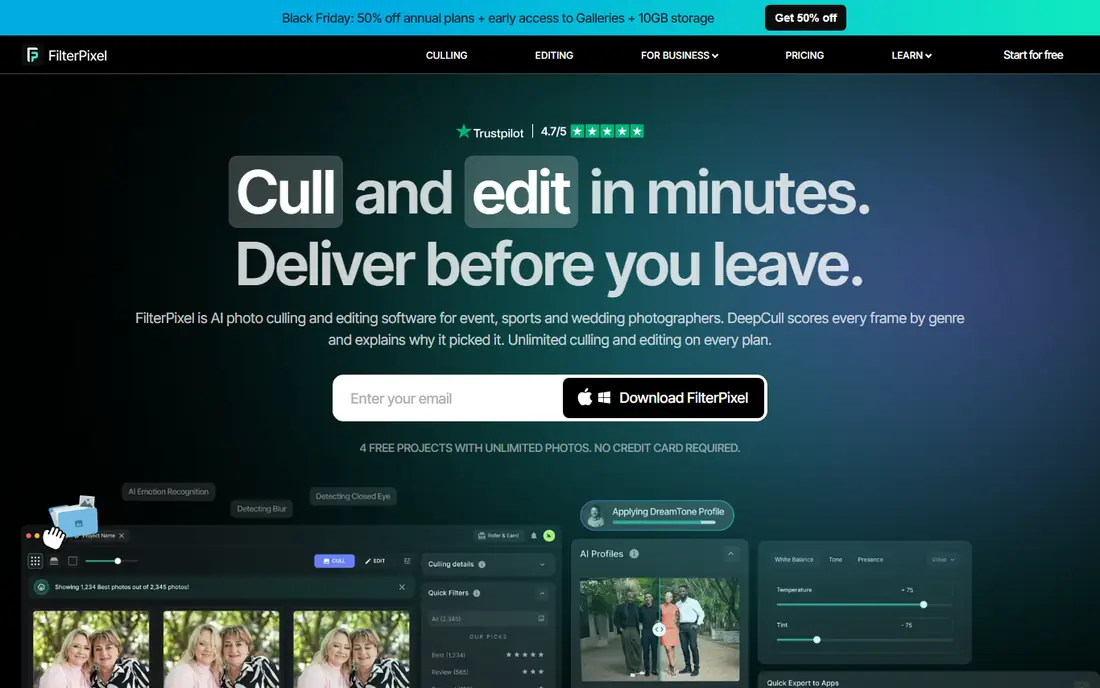
FilterPixel stands out because it explains itself. Each frame gets a score and a written reason, which makes it easier to trust a fast first pass at two in the morning with a delivery deadline near. Its genre modes are aimed at work such as sports, conferences, and concerts, where peak action and clean expressions matter more than a generic quality score.
The cost of that cloud speed is dependence on upload and connection quality. Photographers who cull on the road should test a full-size shoot over their usual connection before relying on it for a paid job. The free tier is useful for a genuine trial, since it lets you see the scoring style on your own images before paying.
- Score and reason for each frame
- Genre-specific DeepCull modes
- Export to Lightroom Classic and Capture One
- Cloud processing needs a good connection
- Higher entry price than the cheapest local tools
Narrative Select takes a different stance from fully automatic culling. It groups similar frames into scenes and scores them for focus and expression, then leaves the final choice to you. That suits photographers who distrust a fully automatic shortlist and want to move through a shoot scene by scene instead of frame by frame.
The price of that control is time. You will still review groups and make calls, so it will not cut a 4,000-frame wedding to a delivery set with no input from you. It fits portrait and wedding shooters who enjoy editing the selection and who already use Narrative for galleries, and it is less suited to someone who wants the software to decide alone.
- Scene grouping for faster review
- Eye and focus assessments
- Photographer keeps final control
- More hands-on than fully automatic tools
- Best value for users of the wider Narrative workflow
Excire Foto 2027 is for photographers who dislike subscriptions and want AI help inside their own library. It groups and sorts images with AI profiles, and its search tools help you find frames by content and keywords across a large archive. Because it runs locally, your files stay on your machine and speed does not depend on a server.
The honest limit is that Excire Foto is a search and organization tool, not a replacement editor. You will still send selects to Lightroom Classic, Capture One, or another editor for grading. The one-time price looks steep next to a monthly plan, but over several years it can cost less than a subscription you keep paying during quiet months.
- One-time purchase
- Local processing
- AI grouping and keyword search
- Upfront cost is high
- Not a full photo editor
Photo Mechanic is the manual option on this list, and it earns its place on speed alone. It reads the preview embedded in a RAW file, so frames open at once as you browse, tag, and sort. Sports and news photographers use it because a deadline does not wait for AI processing or uploads, and because captions and metadata can be applied during ingest.
The catch is plain: there is no AI selection here, so you do the choosing. That is a strength when editorial judgment matters and a weakness when you face 5,000 near-identical frames after a wedding. Pair it with an AI tool for the first pass if volume is your main problem, or use it alone when speed and control matter more than automation.
- Very fast preview and ingest
- Strong metadata and tagging
- Works with most editors through metadata
- No AI culling
- Editing must happen elsewhere
Lightroom Classic is the default choice for photographers already inside Adobe. Its assisted culling flags help with the first sort, and because selects never leave the catalog, there is no export or re-import step before editing. That simplicity matters when you shoot often and want one place for selection, editing, and delivery preparation.
It is not the fastest specialist culler, and its catalog system needs care with backups and file moves. Photographers with lighter volume, or with a strong preset and plugin setup, will find it enough. High-volume wedding shooters may still want a dedicated culling tool in front of it, then bring only the selects into Lightroom Classic.
- Assisted culling built into the editor
- No export step for selects
- Huge plugin and preset base
- Catalog workflow can feel heavy
- Subscription only for current versions
Capture One suits studio shooters who cull while they shoot. Its tethered workflow shows frames on a large screen as they arrive, and its cull mode groups images and highlights face focus so weak frames are easy to drop. For fashion, product, and portrait work in a studio, that live review can cut the later selection job sharply.
Outside the studio, Capture One is a capable editor with manual culling rather than a dedicated AI culler. New users should expect a learning period, and its pricing needs checking at purchase time because subscription and perpetual options have changed over time. It is our pick for tethered work, not for hands-off wedding culling.
- Strong tethered shooting workflow
- Face focus and grouping in cull mode
- High-quality RAW handling
- Manual culling rather than AI selection
- Learning curve for new users
How we picked these
We compared official feature pages, pricing pages, and public documentation for culling tools that are live in October 2026, and we kept only tools that handle real photographer workflows today. We looked for a clear culling method, a stated export path to a major editor, and pricing we could state plainly or mark as See website. We did not claim hands-on testing, and we left out tools whose pricing or availability we could not verify.
What to check before you pay
Start with your volume and your connection. A wedding photographer with 4,000 frames per job needs a different tool from a portrait shooter with 300 frames, and a cloud tool is a poor fit for venues with weak Wi-Fi.
Local or cloud processing
Local tools keep files on your machine and work offline, which suits travel and client privacy. Cloud tools can process large batches faster on modest hardware, but they need upload time and a stable connection. Ask how long a full shoot takes end to end, not just how fast a single image is scored.
How much control you keep
Fully automatic culling saves the most time and carries the most risk of dropping a frame you would have kept. Assisted tools that group scenes and show scores give you a faster review without handing over the final call. Try each style on a past shoot and count how many keeps you had to rescue.
Export and editor fit
A cull is only useful if selects move cleanly into your editor with ratings intact. Confirm support for Lightroom Classic, Capture One, or your editor of choice, and check whether the handoff is a plugin, a catalog sync, or a simple file export. A clumsy handoff can eat the time the AI saved.
Pricing against real volume
Monthly plans suit steady shooters, while per-image or usage billing can punish high-volume months. One-time tools look costly at first but can be cheaper over years of quiet seasons. Compare the total for a typical month of your work, including any editing add-ons, before you choose.
Frequently asked questions
What is AI culling software?
AI culling software sorts a photo shoot by technical quality and similarity, flagging duplicates, closed eyes, and missed focus so you review fewer frames. Most tools still leave the final creative choice to the photographer, and the best results come from using AI for the first pass and human judgment for the final set.
Can AI culling replace manual selection?
For technical rejects, it comes close, since blur and closed eyes are easy to detect. For creative selects, most professionals still review the shortlist themselves, because expression, story, and client taste are harder to judge from a score alone. Think of it as a faster first pass, not a replacement editor.
Do I need internet for AI culling?
Not always. Aftershoot and Excire Foto process locally and work offline, while FilterPixel and Imagen use cloud processing and need uploads. If you cull at venues with poor Wi-Fi, local processing is the safer choice, and you should test a full shoot before a paid deadline.
Will these tools work with Lightroom Classic?
Most of them will. Aftershoot, FilterPixel, Narrative Select, and Imagen are built to hand selects back to Lightroom Classic or Capture One, though the method varies from plugin to export. Check the exact handoff for your editor before you buy, since a smooth export matters as much as the culling itself.
How much does AI culling software cost?
Entry prices in this guide run from about $10 per month to $14.99 per month for subscription tools, with Excire Foto at $249 as a one-time purchase and Photo Mechanic at $14.99 per month or $149 per year. Compare the total for your volume, since editing add-ons and per-image charges can change the monthly cost.
Is AI culling good for sports photography?
Partly. Genre-tuned tools such as FilterPixel understand peak action, but many sports shooters still prefer Photo Mechanic for speed and control. AI is strongest for portraits and weddings, where expressions and duplicates dominate, and weaker where a single decisive moment sits among hundreds of near-identical frames.
Sources
See where you really rank - block by block
ProMapRanker scans Google Maps across a grid of your service area. Simple monthly plans from $19, white-label on every plan.
Start freeKeep reading
 zscaler alternatives
Best Zscaler Alternatives in 2026
Looking for zscaler alternatives? We compare 9 SASE and zero trust platforms on architecture, data protection, pricing, and fit for your network and team.
Read → zapier alternatives free
Best Zapier Alternatives Free in 2026
Nine automation tools for zapier alternatives free in 2026, all with genuinely free tiers, plus free plan limits, starting prices and upgrade paths explained.
Read → which platform is best for online reputation
Which Platform Is Best for Online Reputation in 2026
Wondering which platform is best for online reputation? We compare 8 review, listing, and response tools for small and multi-location businesses and agencies.
Read →