 ProMapRanker
6 Best AI Coding Tools for Large Existing Codebases for 2026

Direct answer
If you need agentic IDE flows, Windsurf is the first tool to look at here. For a different need, Amazon Q Developer covers AWS centred estates and Tabnine covers private and air gapped deployment. The full list of 6 tools follows, with prices and free plan facts.
Key takeaways
- Top of the list is Windsurf, which targets agentic IDE flows.
- Windsurf, Amazon Q Developer, Sourcegraph Cody, GitHub Copilot: these are the 4 tools out of 6 that offer a free plan.
- The cheapest monthly starting price in the list is $10 per user/month, offered by GitHub Copilot.
- One limit worth knowing about Amazon Q Developer: its centre of gravity is the AWS estate.
- GitHub Copilot is the one to check for enterprise default in your IDE.
Quick comparison
| Pick | Great for | Pricing starts at | Free tier | |
|---|---|---|---|---|
 Windsurf | Agentic IDE flows | $20 a month | Yes | Visit |
 Amazon Q Developer | AWS centred estates | $19 per user/month | Yes | Visit |
 Tabnine | Private and air gapped deployment | $39 per user/month | No | Visit |
 Augment Code | Context engine for huge codebases | $20 per month | No | Visit |
 Sourcegraph Cody | Monorepos indexed by Sourcegraph | See website | Yes | Visit |
 GitHub Copilot | Enterprise default in your IDE | $10 per user/month | Yes | Visit |
The best AI coding tools for large existing codebases
Choosing AI coding tools for large existing codebases usually comes down to price, fit and limits. This ProMapRanker guide sets 6 tools side by side on those three points, with the facts kept short and checkable.
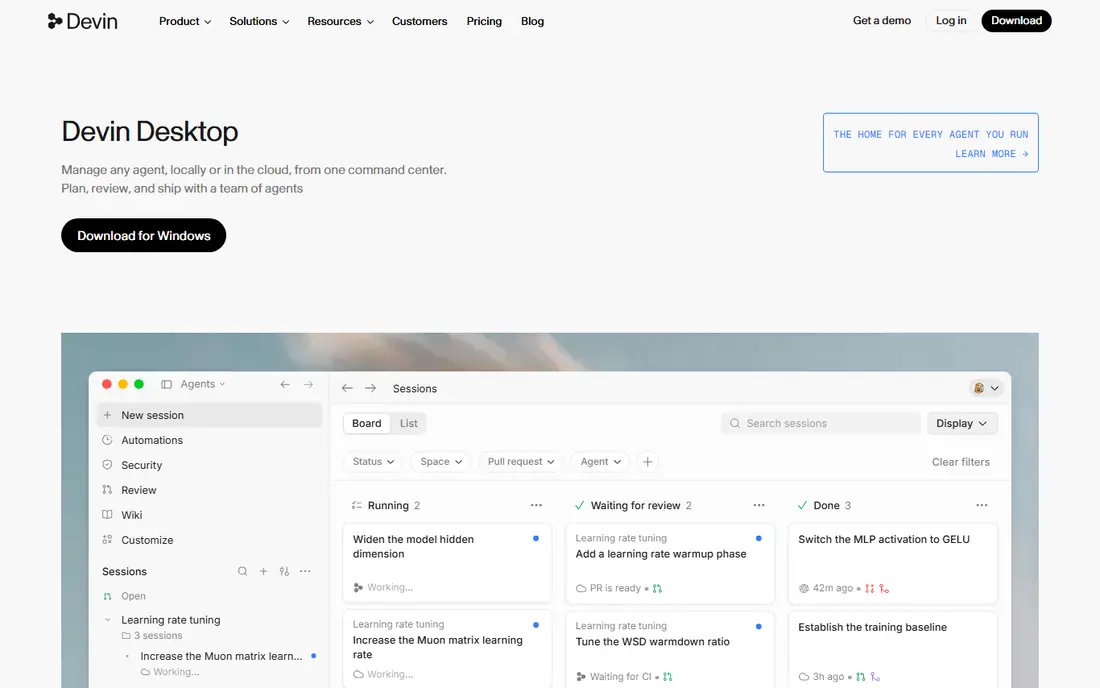
Think of Windsurf for agentic IDE flows. Windsurf's Cascade popularised the flowing agent inside an editor: state a goal, watch it plan, edit across files, run and repair.
Honest limits: Teams pricing in flux across current listings; Ownership and branding churn in 2026.
More specifically, as part of Cognition's Devin line, its future is tied to the most ambitious autonomous coding roadmap in the industry, which is either exciting or unsettling based on your procurement temperament. Windsurf pricing: $20 per month. Windsurf has a free plan.
- Now part of the Devin family under Cognition, with the product rebranded toward Devin Desktop in 2026 reporting
- An agentic IDE built around Cascade flows that plan and execute multi step changes, with a free level and Pro at $20 per month in current listings
- From $40 to $80 per seat based on source and date

In short, Amazon Q Developer is for AWS centred estates. Amazon Q Developer closes the list on the strength of one workload: modernising old estates on AWS. Buy it for the estate it was aimed at.
The trade is scope. As the assistant inside an AWS centred modernisation programme, it has home advantage no rival can copy. Entry price for Amazon Q Developer: $19 per user/month. Amazon Q Developer has a free plan.
- Java upgrades
- Architecture patterns and console aware help beside the code assistance
- Its centre of gravity is the AWS estate
Tabnine makes the most sense for private and air gapped deployment. The trade is capability gravity.
Drawbacks to consider: the agentic depth is newer than Claude Code's or Cursor's; should be sure control is what you need.
It is the correct trade exactly when the compliance is real. A pricey superstition when it is not, so let the security team's written requirements, not a general anxiety, make this call. Price to start with Tabnine: $39 per user/month. There is no free plan with Tabnine.
- The deployment menu nobody else matches: SaaS, VPC
- On premises or completely air gapped, with models that never train on your code
- You are paying for control
In short, Augment Code is for context engine for huge codebases. Where general tools sample the files you have open, Augment indexes everything and retrieves what the task touches, including the service three folders away that defines the interface you are about to break. In daily use, the trade is the meter and the niche.
Downsides: value concentrates on genuinely large codebases; a Standard level at $20 per month including $20 of usage and Business at $100 in current listings, which makes heavy agent use a meter to watch.
Usage based pricing means the agent's thoroughness bills you, so teams need budgets and habits, scoped tasks, reviewed diffs. And Augment is a focused company in a market of giants. The context engine is the moat, and buyers should test it on their ugliest repository before believing a word of this entry, ours included. Starting cost for Augment Code: $20 per month. Augment Code has no free plan.
- Made for large
- Enterprise positioning with the security review posture large firms need
- A smaller community and content ecosystem than Copilot or Cursor
Sourcegraph Cody is a good fit for Monorepos indexed by Sourcegraph. An enterprise already running Sourcegraph should evaluate Cody first. Beyond that, Cody shines brightest inside a Sourcegraph deployment and is a plainer assistant outside one.
An enterprise without it is really evaluating two purchases, and should price them together. Also, Cody is the monorepo answer with an unfair advantage: Sourcegraph has spent a decade indexing the largest codebases on earth, and Cody reads from that index. The trade is the prerequisite. Sourcegraph Cody does not show a starting price in this comparison, so check the vendor site for current pricing. Free access exists with Sourcegraph Cody.
What Sourcegraph Cody does well: a free level exists for individual use.
Where it falls short: The full value assumes a Sourcegraph estate, which is itself an enterprise purchase and deployment.
- Cody's context comes from Sourcegraph's code search index
- Not just the open one
- A smaller user community than the editor based rivals
GitHub Copilot works best for enterprise default in your IDE. For a large organisation, the difference between the best tool and the deployed tool is measured in quarters of security review, and Copilot starts the race at the finish line of that process.
Limits to weigh: quality varies by language more than the leaders.
Also, on the hardest comprehension tasks in a giant codebase, comparisons keep placing the specialists above it. Its context handling asks more of the developer, curating files, writing the prompt with the map included. What you pay to start with GitHub Copilot: $10 per user/month. You can start on GitHub Copilot without paying.
- The procurement friendly choice in any Microsoft or GitHub estate
- Visual Studio, Neovim, Xcode, with the broadest support in the category
- With context more dependent on what you open and reference
Selection criteria
Pricing pages, product documentation and feature lists were the main sources, and every entry carries at least one honest drawback. Figures are shown as the vendors publish them. Billing terms, seat minimums and add-ons can change the real cost. The ranking is editorial: typical fit first, then clear pricing, then free access. If your needs are unusual, read the profiles rather than relying on position.
Before you commit
- Confirm the entry price on the vendor page. For Sourcegraph Cody that means a quote rather than a fixed price.
- Read the fine print on the free plans from Windsurf, Amazon Q Developer, Sourcegraph Cody and GitHub Copilot; seat, project and feature caps differ.
- Check whether the features you need in Tabnine sit on the entry plan or only on higher tiers.
- Confirm that Amazon Q Developer connects to the apps your team already uses, on the plan you would actually buy.
- Involve the people who will use Sourcegraph Cody daily; a short pilot beats a long feature checklist.
Frequently asked questions
Is Windsurf the right pick for everyone comparing AI coding tools for large existing codebases?
No single tool suits every team. Windsurf comes first because it fits agentic IDE flows, while Amazon Q Developer suits AWS centred estates and Tabnine suits private and air gapped deployment. Match the tool to your own size, budget and workflow before deciding.
Can I try these tools before paying?
Often, yes. Windsurf, Amazon Q Developer, Sourcegraph Cody and GitHub Copilot have a free plan. Use your own data and a real task during the test, and check what the free tier or trial limits before you rely on it.
Do these tools publish their prices?
Not all of them. Sourcegraph Cody publishes no starting price, so expect a quote request for it. The rest, Windsurf included, show a starting price, though seats and billing terms still change the final cost.
What does a realistic enterprise rollout cost?
The bigger costs are the rollout itself: security review, rules and prompt libraries for your conventions. The evaluation harness from the guide above.
How are the tools for AI coding tools for large existing codebases ordered?
The order follows typical fit for AI coding tools for large existing codebases, with Windsurf first and GitHub Copilot last, then price clarity and free access. It is editorial judgement, not a score, so another team could rank the tools differently.
Agent or autocomplete for legacy code?
Both, for different moments. Autocomplete accelerates the typing an experienced engineer has already decided. Agents pay on comprehension heavy work: tracing behaviour, bounded refactors, test generation across a module.
Sources
See where you really rank - block by block
ProMapRanker scans Google Maps across a grid of your service area. Simple monthly plans from $19, white-label on every plan.
Start freeKeep reading
 zoho inventory alternatives
6 Alternatives to Zoho Inventory, Compared on Price and Fit
Zoho Inventory alternatives: 6 tools compared on price, free plans and fit. Katana leads the list for manufacturers. Fit and flaws are laid out for each entry.
Read → zoho crm alternatives
Best Zoho CRM Alternatives (2026)
Need Zoho CRM alternatives? We compare 7 tools on cost, free access and who each suits. Every pick gets a straight assessment. Built for quick decisions.
Read → zelle alternatives
Best Zelle Alternatives in 2026
Compare the best Zelle alternatives for sending money to friends, paying sellers and moving funds abroad, with honest notes on fees, speed and safety in 2026.
Read →