 ProMapRanker
Best AI Coding Tools Comparison in 2026

Key takeaways
- Cursor and Claude Code suit developers who want an agent to work across many files at once.
- GitHub Copilot suits teams already in VS Code, JetBrains, or GitHub, with the lowest switching cost.
- Codex suits ChatGPT-centered teams that want cloud and terminal agents alongside an editor.
- Tabnine suits regulated teams that need on-premises or air-gapped deployment options.
- Cline and Antigravity are useful free routes, but you still pay for the model behind Cline.
Quick comparison
| Pick | Great for | Pricing starts at | Free tier | |
|---|---|---|---|---|
 Cursor | AI-native editing | $20 per month | Yes | Visit |
 GitHub Copilot | Inline help in your IDE | $10 per month | Yes | Visit |
 Claude Code | Terminal agentic coding | $20 per month | No | Visit |
 OpenAI Codex | ChatGPT-centered agents | See website | Yes | Visit |
 Windsurf | Agentic editor workflow | $20 per month | Yes | Visit |
 Tabnine | Private and regulated teams | $39 per user per month | No | Visit |
 Cline | Open-source agent extension | Free | Yes | Visit |
 Google Antigravity | Free agent-first IDE | Free | Yes | Visit |
The best ai coding tools comparison
We compared editors, terminal agents, and extensions on workflow, model choice, privacy controls, and pricing as listed in October 2026. Prices in this fast-moving area change often, so treat the figures below as a starting point and confirm at checkout.
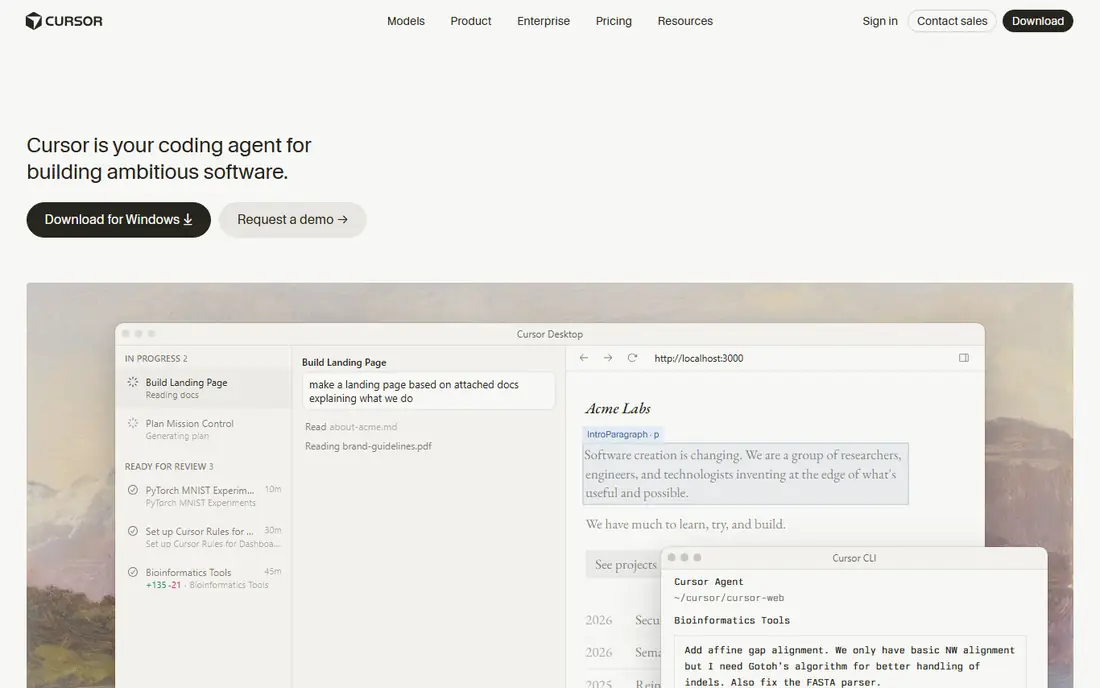
Cursor is an AI-first editor built as a VS Code fork, and it suits developers who want the agent in the editor, not in a side chat. You can ask it to change several files, follow a plan, and review the diff before you accept anything. Model choice helps when one model suits a task better than another.
The pricing catch is usage. Recent listings show a Pro tier near 20 dollars a month, with higher tiers for heavier agent use, and power users often report hitting caps. Start on Pro, track how fast credits go on your real projects, and only move up if the work clearly needs it.
- Agent editing across many files
- Model choice
- Codebase context and search
- Heavy agent use can push you to higher tiers
- Credit caps frustrate power users in recent listings
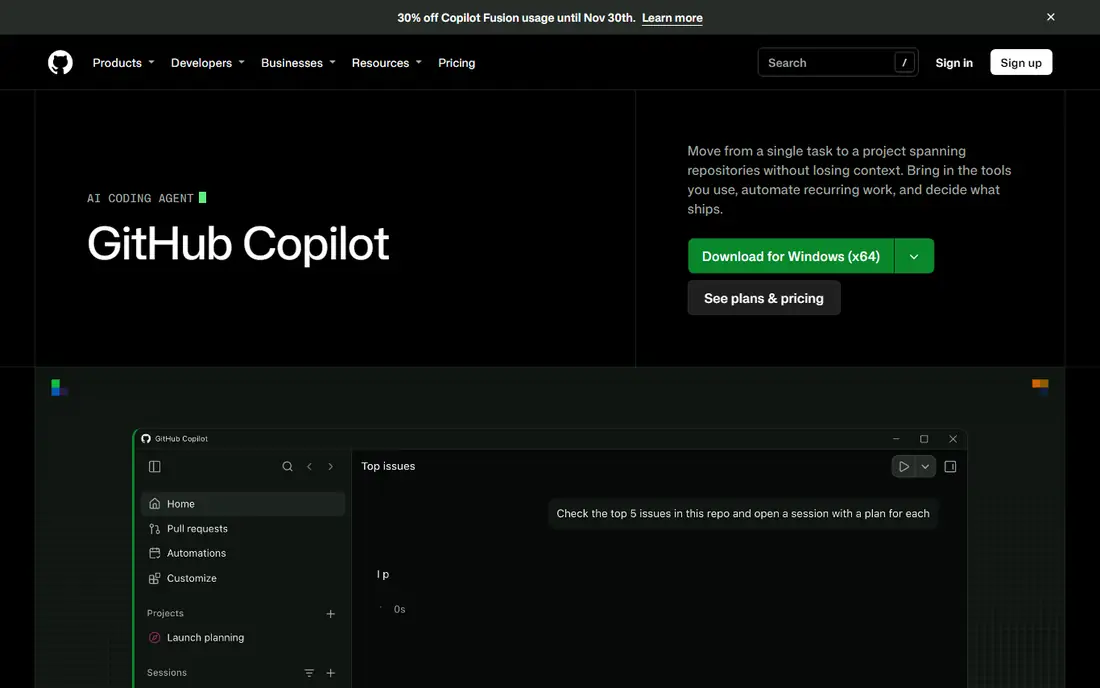
GitHub Copilot is the lowest-friction choice for developers already in VS Code, JetBrains, Visual Studio, or GitHub itself. Inline completions appear as you type, chat can explain code, and agent mode can take on multi-step edits. Pull request and review integration also helps teams that already live in GitHub.
It is less of a dedicated agent editor than Cursor or Claude Code, and newer plans meter premium requests, so heavy agent use needs a higher tier. For everyday completions plus occasional agent work, though, the 10-dollar Pro entry point in recent listings is hard to beat on value.
- Fast inline completions
- Chat and agent mode
- Deep GitHub integration
- Premium request metering applies on newer plans
- Agent depth varies by task
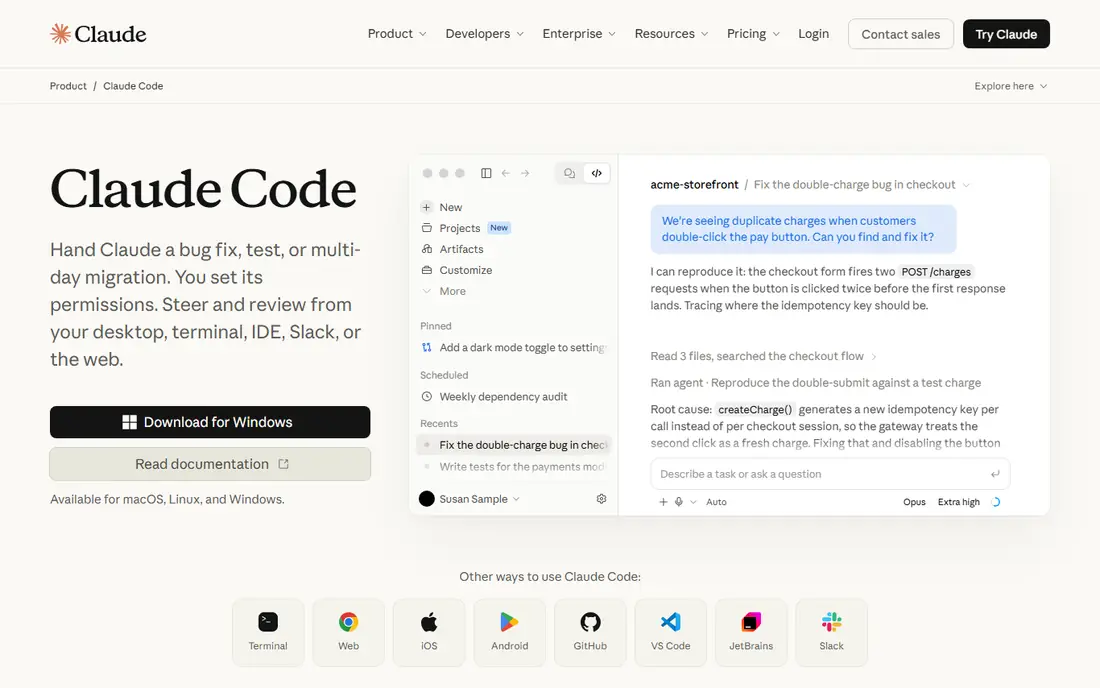
Claude Code suits developers who are happy in the terminal and want an agent that can read a large codebase, plan changes, and run checks. It works in the terminal, through IDE extensions, and on the web, so you are not tied to one editor. For large refactors, that breadth matters.
There is no generous free tier for the agent itself, with access tied to Claude plans starting near 20 dollars a month in recent listings. Usage limits also apply, so long autonomous runs need watching. Review every diff, since agent edits can look plausible while breaking an edge case.
- Strong multi-file reasoning
- Terminal-first workflow
- IDE extensions and web access
- No free tier beyond a limited Claude plan in some listings
- Usage limits apply
Codex is OpenAI coding agent, available through a command-line tool, IDE extension, desktop and web access, and GitHub pull request work. That range suits teams that want an agent to work on a task in the cloud while they keep coding locally. ChatGPT plan bundling also simplifies billing for teams already on ChatGPT.
Limits vary by tier, and recent listings do not agree on a single entry price, so we list See website here. If your team does not use ChatGPT, the bundling advantage fades, and a standalone editor or terminal agent may fit better.
- CLI, IDE, cloud, and pull request agents
- Useful for unattended tasks
- ChatGPT plan bundling
- Limits vary by ChatGPT tier
- Less useful if your team does not use ChatGPT
Windsurf is an agentic editor with Cascade flows that can plan and carry out multi-step changes across files. Recent listings describe unlimited base completions on the free tier, which makes it a strong trial for students and open-source contributors. The full editor experience suits developers who want agent help without leaving their workspace.
Recent 2026 listings also report a rebrand and ownership change linked to the Devin line, so check the current product name and pricing page before you buy. Premium agent quota on free is limited, so regular agent work will need a paid tier near 20 dollars a month in recent listings.
- Cascade agent flows
- VS Code fork editor
- Generous free completions in recent listings
- Branding and ownership details have shifted in 2026 listings
- Premium agent quota is limited on free
Tabnine is the pick when privacy and deployment control matter more than the lowest price. It offers SaaS, private cloud, on-premises, and fully air-gapped deployment, which suits banks, health teams, and government suppliers. It also works across the main IDEs, so teams do not need to switch editors to adopt it.
The entry price near 39 dollars per user per month, billed annually in recent listings, is higher than Copilot or Cursor. There is no free tier in those listings. For a small team without strict data rules, that premium may not pay off, but for regulated work, deployment choice can be the deciding factor.
- Strong privacy controls
- SaaS, VPC, on-premises, and air-gapped options
- Broad IDE support
- No free tier in recent listings
- Entry price is higher than consumer rivals
Cline is an open-source agent extension for VS Code, with a command-line and SDK route as well. Its approval-gated steps help you see and approve file changes, tool calls, and commands before they run, which builds trust in agent work. Bring-your-own-model support lets you pick a provider and control costs directly.
The core extension is free, but model use is not, so total cost depends on your provider and usage. Setup also takes more care than a bundled editor, since you must add API keys and choose models. For developers who want transparency and control, that trade is worth it.
- Open-source core
- Approval-gated agent steps
- Bring your own model provider
- You pay your model provider separately
- Setup takes more care than a bundled editor
Google Antigravity is an agent-first IDE that is free for individuals in recent listings, which makes it an easy trial for developers curious about agent coding. It offers multi-model choice and a desktop app, plus command-line and SDK routes, so you can test agent workflows without a subscription.
Higher limits sit behind Google AI Pro or Ultra plans, so heavy daily agent use may still cost money. As a newer product, some workflows and integrations are still maturing compared with Cursor or Copilot. Try it on a real project, not just a demo, before you move a team to it.
- Free for individuals in recent listings
- Agent-first design
- Multi-model choice
- Higher limits need a Google AI plan
- Newer product, so workflows are still maturing
How we picked these
We compared official product and pricing pages with October 2026 roundups, and we favored tools with a live product, a clear workflow difference, and a stated privacy or deployment story. We did not claim hands-on testing. Where listings disagreed, especially on Cursor, Windsurf, and Codex pricing, we used the most commonly reported entry figure or See website, and we told readers to confirm at checkout.
How to choose an AI coding tool
Match the tool to your workflow
Inline completions, chat help, and full agent edits are different jobs. Copilot suits inline help, Cursor and Windsurf suit editor agents, and Claude Code and Codex suit terminal and cloud agents. Pick the workflow you will use daily, not the most powerful demo you saw.
Check privacy before you paste code
Read the data rules for your plan, especially for private code. Paid tiers often promise no training on your code, while free tiers may differ. Regulated teams should shortlist Tabnine or a vendor with a clear private deployment option before they test on real code.
Test on your own codebase
Benchmarks do not predict results on your code. Give each shortlisted tool the same real task, such as a small refactor or a bug fix, and compare the diff quality, test results, and time spent reviewing. A tool that looks fast but needs heavy review may not save time at all.
Review every change
AI tools can introduce subtle bugs, wrong API use, or security gaps that look plausible. Run tests, read diffs, and keep human review in the loop, especially for auth, payments, and data handling. Treat the agent as a fast junior helper, not a reviewer.
Frequently asked questions
What is the best ai coding tool comparison for beginners?
GitHub Copilot is often the easiest start, since it works inside editors beginners already use and gives inline help as they type. Cursor is a good next step if you want agent editing across files. Start with a free tier, learn to review diffs, and only pay when you hit a real limit.
Is Cursor better than GitHub Copilot?
It depends on the job. Cursor suits agent work across many files in a dedicated editor, while Copilot suits inline help and GitHub-centered teams at a lower entry price. Many developers use Copilot for daily completions and an agent editor for larger refactors, so the choice is not always either or.
Can I use AI coding tools for free?
Yes, with limits. Cursor, Copilot, Windsurf, Cline, and Antigravity all offer free routes in recent listings, though agent quotas and premium requests are capped. Cline core is free, but you pay your model provider. For heavy daily agent work, a paid plan is usually needed.
Are AI coding tools safe for private code?
Safety depends on the plan and vendor rules. Paid business tiers often promise no training on customer code and add admin controls, while free tiers may have different terms. Regulated teams should use Tabnine private deployment or a vendor with written data controls, and avoid pasting secrets or sensitive code into any tool.
Do AI coding tools replace developers?
No, they change the work. They speed up boilerplate, completions, and first drafts, but humans still need to design systems, review diffs, run tests, and own security and product decisions. Teams that review carefully get more value than teams that accept every suggestion.
Sources
See where you really rank - block by block
ProMapRanker scans Google Maps across a grid of your service area. Simple monthly plans from $19, white-label on every plan.
Start freeKeep reading
 zscaler alternatives
Best Zscaler Alternatives in 2026
Looking for zscaler alternatives? We compare 9 SASE and zero trust platforms on architecture, data protection, pricing, and fit for your network and team.
Read → zapier alternatives free
Best Zapier Alternatives Free in 2026
Nine automation tools for zapier alternatives free in 2026, all with genuinely free tiers, plus free plan limits, starting prices and upgrade paths explained.
Read → which platform is best for online reputation
Which Platform Is Best for Online Reputation in 2026
Wondering which platform is best for online reputation? We compare 8 review, listing, and response tools for small and multi-location businesses and agencies.
Read →