 ProMapRanker
Best AI Code Security Tools in 2026


Developer-first scanning across code and dependencies · Pricing starts at: $25 per month
Key takeaways
- Snyk and Semgrep are the easiest starting points for small teams, because both offer a free tier and clear per-developer pricing for paid plans.
- GitHub Advanced Security and SonarQube make the most sense when code quality, pull request checks and existing workflows matter as much as raw finding counts.
- Enterprise tools such as Checkmarx and Veracode add policy controls and audit reporting, but they require a sales conversation and a longer rollout.
- AI features help most with triage and suggested fixes, not with replacing review, and every suggested fix still needs a human check before it reaches production.
- The best ai code security platform for a given team depends on team size, language mix, hosting rules and how much alert noise the team can handle.
Quick comparison
| Pick | Great for | Pricing starts at | Free tier | |
|---|---|---|---|---|
| Snyk Code | Developer-first scanning across code and dependencies | $25 per month | Yes | Visit |
 Semgrep Semgrep | Custom rules and fast scans | $30 per contributor per month | Yes | Visit |
 GitHub Code Security GitHub Code Security | Teams already working in GitHub | $30 per active committer per month | No | Visit |
 SonarQube Cloud SonarQube Cloud | Code quality and security in one gate | See website | Yes | Visit |
 Checkmarx One Checkmarx One | Regulated enterprise programs | See website | No | Visit |
 Veracode Veracode | Audit-ready enterprise scanning | See website | Free trial | Visit |
 Aikido Security Aikido Security | Small teams wanting one broad platform | See website | Yes | Visit |
 Socket Socket | Blocking risky open source packages | See website | Yes | Visit |
 Endor Labs Endor Labs | Cutting dependency alert noise | See website | Yes | Visit |
The best ai code security tools
We compared tools that scan code, dependencies and secrets, and that use AI to explain, rank or fix findings. Each pick below earns its place for a different kind of team.
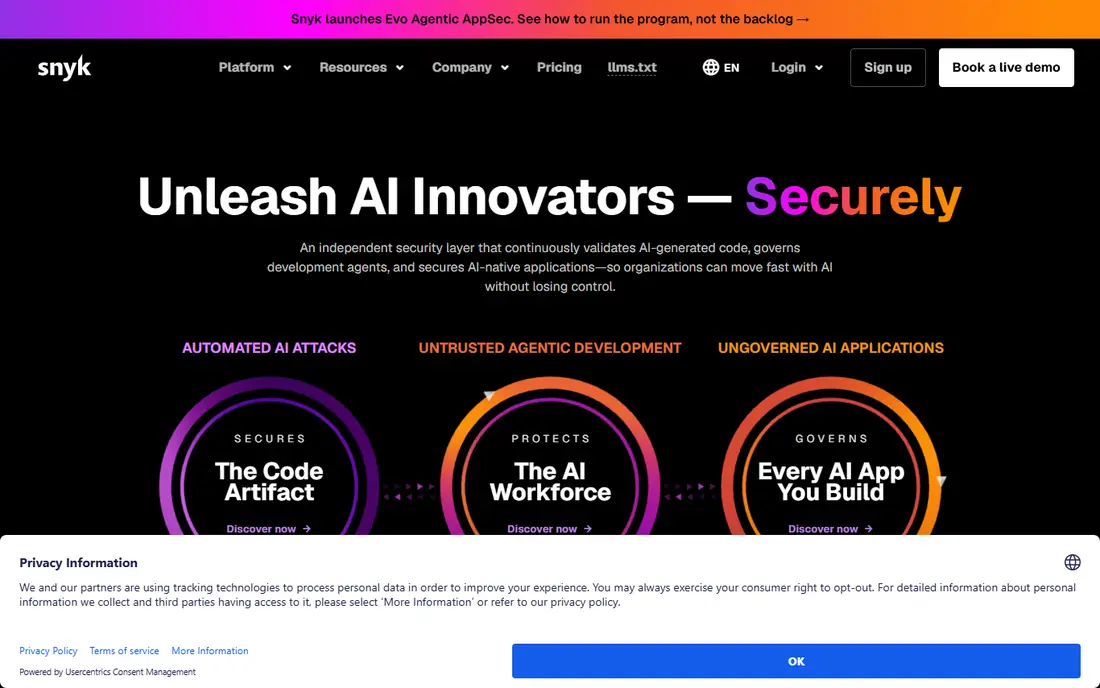
Snyk Code sits inside a wider Snyk platform, and that breadth is its main draw. A developer can get a finding in an editor or a pull request, then follow the same workflow for dependencies, containers and infrastructure files.
The catch is volume. The free plan has monthly test limits, and the paid Team plan raises those limits rather than removing them entirely. Teams with many private projects should count projects and expected scans before they pick a tier, and they should trial the AI fix suggestions on their own code. The fixes can speed up routine work, but they are suggestions, not proof that a change is safe.
- IDE and pull request feedback
- Broad platform covering code, dependencies, containers and infrastructure
- AI-assisted fixes
- Test limits can bite on busy repos
- Enterprise pricing moves to a credit model that is harder to forecast
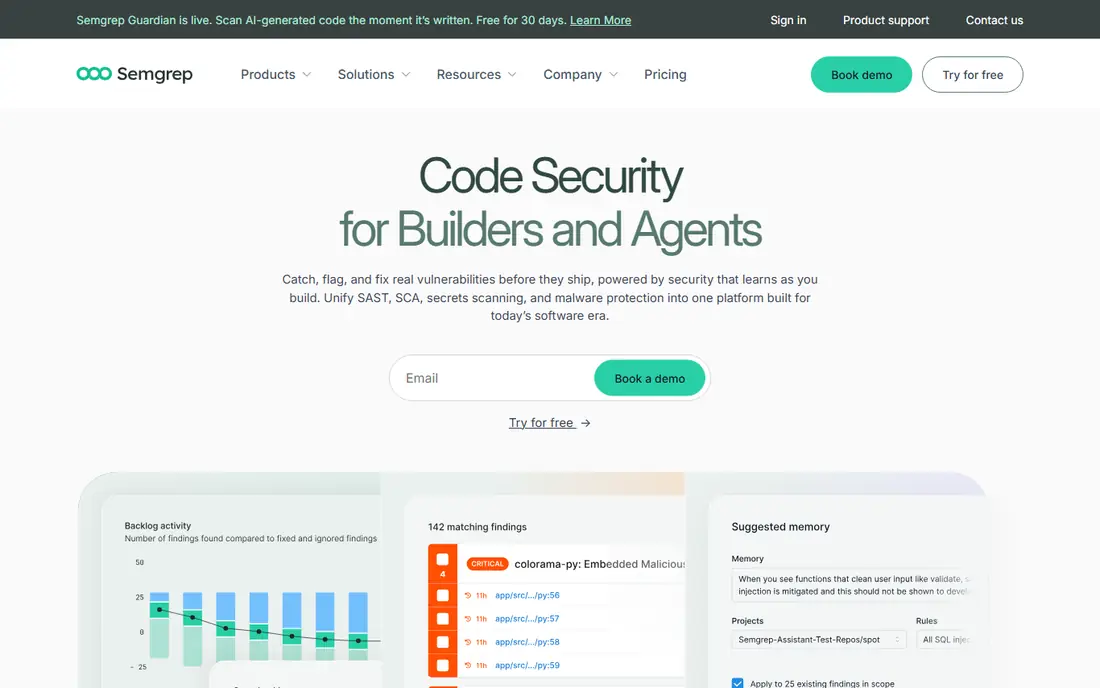
Semgrep wins fans for a simple reason: its rules read much like the code they search for. A team can write a rule for an internal pattern, such as a banned function or a risky internal API, without learning a separate query language in depth. That makes it a strong fit for teams with house rules that off-the-shelf scanners miss.
The free edition covers code and supply chain scanning for up to 10 contributors, with 60 AI credits included, which is a generous way to test the platform. Paid Teams plans start at $30 per contributor per month for Code, with Supply Chain at the same rate and Secrets at $15. The main trade-off is maintenance. Community rules help at the start, but a custom rule set still needs someone to review false positives and update rules when code patterns change.
- Readable custom rules
- Fast scans in CI
- Free edition for up to 10 contributors
- Custom rules need upkeep
- Advanced cross-file analysis sits in paid tiers
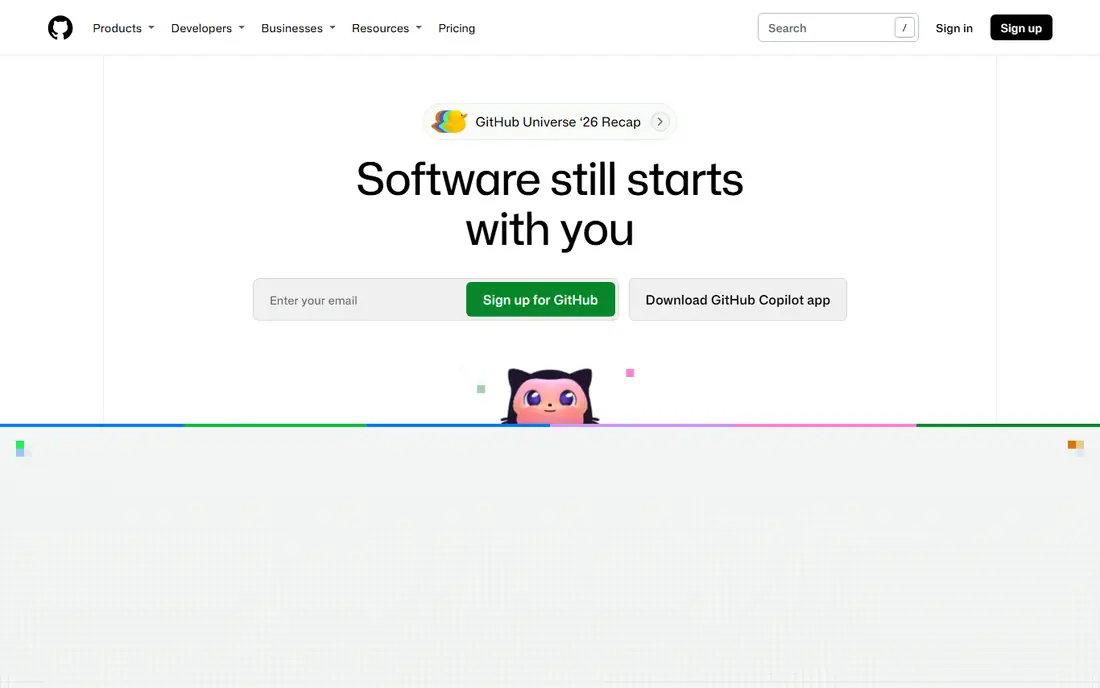
For a team that already lives in GitHub, this is the lowest-friction option on this list. Scans run where code is reviewed, findings appear in pull requests, and developers do not need to learn a separate console for day-to-day work. CodeQL gives the platform a strong static analysis core, and secret protection adds a separate layer for leaked credentials.
The limit is scope. If a team uses several hosting platforms, or needs a standalone security console, a vendor-neutral tool may fit better. Pricing also needs care, because it is charged per active committer rather than per named seat. Teams with many occasional contributors should check how that count is calculated before they budget.
- Deep GitHub and pull request integration
- CodeQL analysis
- Copilot Autofix for flagged issues
- Best value stays inside GitHub
- Pricing is per active committer, so costs follow contributor counts
SonarQube has long been a code quality tool first, and its security checks now sit alongside that work. That combination suits teams that want one gate for bugs, code smells, coverage and security findings, rather than separate tools that each block a merge in a different way. Pull request analysis and quality gates give reviewers a clear pass or fail signal.
The pricing model is the main thing to check. Cloud pricing is based on lines of code analyzed, not on seats, so a large codebase can cost more than a seat-based tool even with a small team. The free Community Build is useful for self-hosted teams, but it lacks some paid features, so teams should compare editions against the languages and checks they actually need.
- Quality gates for pull requests
- Wide language coverage
- Self-hosted Community Build available
- Pricing follows lines of code, which can be hard to forecast
- Advanced security features sit in higher tiers
Checkmarx One is built for organizations that need a full application security program, not just a scanner. It covers static analysis, open source, infrastructure and API security in one platform, with policy controls that security teams can enforce across many projects. That breadth matters when auditors ask for consistent coverage and reporting.
The trade-off is effort. Pricing is custom, onboarding is heavier, and teams should expect time spent tuning rules and policies before results feel clean. Smaller teams that want a quick free start will likely prefer Snyk or Semgrep. Larger teams in regulated sectors, where compliance reporting is a requirement rather than a nice extra, will get more value from the extra structure.
- Broad enterprise AppSec coverage
- Policy and compliance reporting
- IDE assistance for developers
- Sales-led pricing
- Rollout and tuning take longer than developer-first tools
Veracode suits teams that must prove security work to customers, auditors or regulators. Its static analysis has a long track record, and its reporting is geared toward attestation rather than just developer feedback. The platform also includes training, which helps when the goal is to reduce repeat mistakes across a whole engineering group.
That enterprise focus comes with a cost. There is no free tier for ongoing use, trials are limited, and pricing requires a sales discussion. Teams should run a proof of concept on their own code, measure false positives, and confirm which scan types are included in the quote, because enterprise bundles can differ a lot from one customer to the next.
- Deep static and binary analysis
- Compliance and attestation reporting
- Secure code training included in the wider platform
- No public self-serve free tier
- Pricing is custom and can be high for small teams
Aikido takes a platform approach at a scale that smaller teams can actually use. Instead of buying separate tools for code, dependencies, secrets and cloud misconfigurations, a team can start with one console and one set of findings. The free developer tier covers a small number of users and repos, which makes it easy to test without a sales call.
The honest catch is gating. Some of the most useful workflow features, such as pull request security review, require a paid plan. Teams should also weigh maturity: Aikido is newer than Checkmarx or Veracode, so large enterprises with strict procurement rules may want extra references. For startups and small product teams, the breadth per dollar is attractive.
- Covers code, dependencies, secrets, containers and cloud in one place
- Free developer tier
- Flat-style plans for growing teams
- Pull request review features sit in paid plans
- Newer vendor with a smaller enterprise track record than incumbents
Socket answers a different question from most tools on this list. Instead of asking whether code has a bug, it asks whether a dependency itself can be trusted. It looks for signs of malicious packages, risky install scripts, protestware and other supply chain problems that a normal vulnerability scan can miss. That focus makes it a strong companion to a SAST tool, not a replacement for one.
Open source projects can use Socket for free, which is a clear plus for maintainers. Commercial teams should confirm paid pricing for their contributor count and check how Socket fits into their install and CI workflow. Teams that rarely add new dependencies will see less value than teams that pull in new packages every week.
- Focus on malicious and risky dependencies
- Free for open source
- Real-time protection for installs
- Narrower than a full SAST platform
- Paid pricing is per contributor and needs a quote check
Endor Labs focuses on a pain every large team knows: hundreds of dependency alerts, most of which cannot actually be reached from running code. Its reachability analysis checks whether a vulnerable function is called, which helps security teams spend time on findings that matter first. That triage effect is where the value shows up, in fewer wasted hours rather than in a new scan type.
The platform also offers AI-assisted review for developers, which fits teams already using AI coding tools. The limit is breadth. Endor Labs is strongest on supply chain risk, so teams that also need deep static analysis for their own code will still need a SAST tool alongside it. Used together, the pair covers both custom code and third-party risk with less noise.
- Reachability analysis filters unreachable findings
- AI-assisted review
- Free developer tier
- Strongest for dependency risk, not general code scanning
- Enterprise features require a sales conversation
How we picked these
We compared official feature pages, pricing pages, app and platform documentation, privacy and security pages, and public reviews for tools that are actively maintained in October 2026. We favored tools that clearly support AI-assisted triage, fixing or review, that scan code or dependencies rather than only running applications, and that publish enough pricing or plan detail to compare fairly. Where a vendor did not publish a price, we wrote See website rather than guessing a number from a third-party roundup.
We also weighed fit for different team sizes. A tool that works well for a five-person startup may fail an enterprise audit, and a tool built for audits may slow a small team. That is why this list mixes free developer tools with enterprise platforms.
What to check before you buy
A good AI code security tool should fit your workflow, not force your workflow to fit it. Start with the checks below, and run a short trial on a real repo before you commit.
Match the scan to the risk
Static analysis finds bugs in your own code. Supply chain scanning finds problems in dependencies. Secrets detection finds leaked keys. Most teams need at least the first two, plus secrets scanning, and some also need container and infrastructure checks. Make a short list of the scan types you need, then drop any tool that cannot cover them without a costly add-on.
Test AI output on your own code
AI triage and fixes sound similar across vendors, but results differ by language, codebase style and rule set. Run each finalist on the same repo, count false positives, and check whether suggested fixes compile and pass tests. A tool that looks fast in a demo can still create review work if its fixes need heavy editing.
Count the real cost
Per-seat, per-contributor, per-committer and per-lines-of-code pricing all behave differently as a team grows. Count active contributors, private repos and lines of code, then model a year of growth. Add the cost of tuning rules and reviewing findings, because that staff time often exceeds the subscription price.
Check hosting and data rules
Some teams can send code to a cloud scanner. Others need code to stay in their own environment, or need data residency and audit logs. Check whether a tool offers local scanning, a broker for self-hosted repos, or on-prem options, and read its policy on whether code is used for model training. Get those answers in writing for regulated work.
Frequently asked questions
What is the best ai code security platform for a small team?
For most small teams, Semgrep or Snyk Code is the best starting point. Both have free tiers, fast setup and clear paid plans, and both give developers feedback in editors and pull requests. Start with the free tier, scan a real repo, and only move to a paid plan when test limits or team features become a real block.
Do these tools replace manual code review?
No. AI code security tools catch known patterns, risky dependencies and leaked secrets at scale, but they miss business logic flaws and design problems that a reviewer would catch. Use them to clear routine findings early, so human review can focus on logic, access control and changes that affect money, data or safety.
How accurate are AI fixes for security findings?
Accuracy varies by language, finding type and code context. Simple fixes, such as updating a dependency version or changing a risky function call, tend to work well. Complex fixes that span several files need more care, and every fix should run through tests and review before merging. Treat AI fixes as draft patches, not as approved changes.
Which tool is best for GitHub users?
GitHub Code Security is the most direct fit, because scans, findings and fixes live inside pull requests and the GitHub workflow. Teams that want a vendor-neutral option can still use Snyk, Semgrep or SonarQube with GitHub, and many teams run one of those alongside GitHub secret scanning. The right choice depends on whether you want one workflow or one console for several hosts.
Is a free AI code security tool enough?
A free tool can be enough for a solo developer, an open source project or a very small team with a few repos. Limits usually appear as test caps, repo caps, contributor caps or missing governance features. When scans start failing from limits, or when you need SSO, audit logs or policy controls, it is time to price a paid plan.
Should we use more than one tool?
Many teams do, and for good reason. A SAST tool covers custom code, a supply chain tool covers dependencies, and a secrets scanner covers credentials. Overlap is fine if each tool owns a clear job. Avoid stacking two tools that do the same scan in the same way, because that doubles alert noise without adding coverage.
Sources
See where you really rank - block by block
ProMapRanker scans Google Maps across a grid of your service area. Simple monthly plans from $19, white-label on every plan.
Start freeKeep reading
 zendesk alternatives
Best Zendesk Alternatives in 2026
Compare the best Zendesk alternatives in 2026, from budget help desks to AI-first support tools, with current pricing, free plans, and honest trade-offs.
Read → wordpress alternatives
Best WordPress Alternatives in 2026
Looking for the best WordPress alternatives? We compare 8 free and paid options for blogs, business sites, stores, and developer-led projects in 2026.
Read → which real estate company has the best training
Best Real Estate Company Training in 2026
Compare which real estate company has the best training, from Keller Williams and eXp to Compass and Coldwell Banker, by program, mentor, and fit in 2026.
Read →