 ProMapRanker
Best AI Classroom Tools in 2026

Key takeaways
- MagicSchool AI is the broadest teacher toolkit, while Khanmigo is the strongest guided tutor for students.
- Brisk Teaching wins for teachers who already work in Google Docs, since its tools sit inside the document.
- Diffit leads for differentiation, turning one text into readings at several levels.
- School safety, data controls, and district approval matter as much as features, especially for student-facing tools.
- AI should support teaching and learning, not replace teacher judgment or student thinking.
Quick comparison
| Pick | Great for | Pricing starts at | Free tier | |
|---|---|---|---|---|
 MagicSchool AI | Broad teacher toolkit | Free | Yes | Visit |
 Khanmigo | Guided student tutoring | Free | Yes | Visit |
 Brisk Teaching | Feedback inside Google Docs | Free | Yes | Visit |
 Diffit | Differentiation and leveled reading | Free | Yes | Visit |
 Eduaide | Pedagogy-first planning | Free | Yes | Visit |
 Curipod | Live interactive lessons | Free | Yes | Visit |
 Canva for Education | Classroom visuals and slides | Free | Yes | Visit |
 Gradescope | AI-assisted grading | See website | Free trial | Visit |
The best ai classroom tools
We compared tools built for classrooms, not general chatbots, on planning, tutoring, feedback, differentiation, and grading. Our pick for most teachers is MagicSchool AI for breadth, with Khanmigo as the pick for student tutoring and Brisk Teaching as the pick for Google Workspace schools.
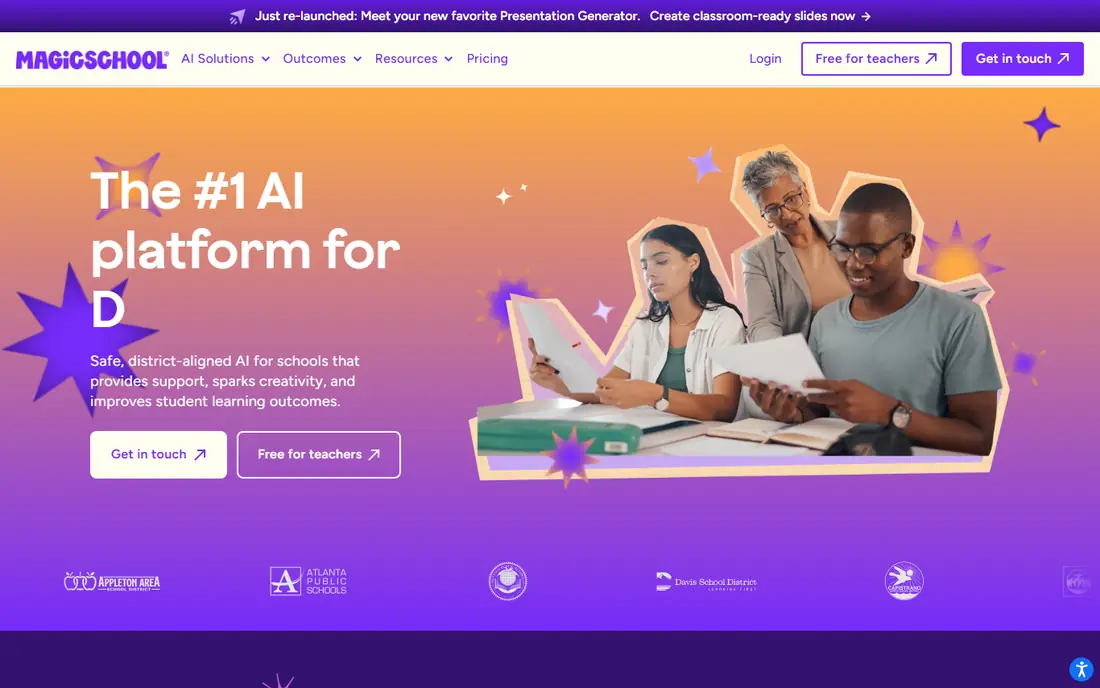
MagicSchool AI packs lesson planning, rubrics, quizzes, writing feedback, report-card comments, and differentiation tools into one dashboard built for educators. A teacher can describe a class by grade, subject, and standards, then get a structured draft to edit, rather than starting from a blank page. That breadth is why it suits teachers who need help across many small tasks each week.
The trade-off is uneven depth. Some tools are stronger than others, so teachers should still review and adapt every output for their class. The free plan covers normal weekly planning for many teachers, while Plus is commonly listed from $8.33 per month on annual billing, or $12.99 month to month, for heavier use. For breadth and classroom safety controls, MagicSchool AI is the best starting point.
- More than 80 teacher tools in one place
- Lesson plans, rubrics, and feedback drafts
- Education-specific safety controls
- Depth varies across tools
- Usage limits on the free plan
- Paid plan needed for heavy use
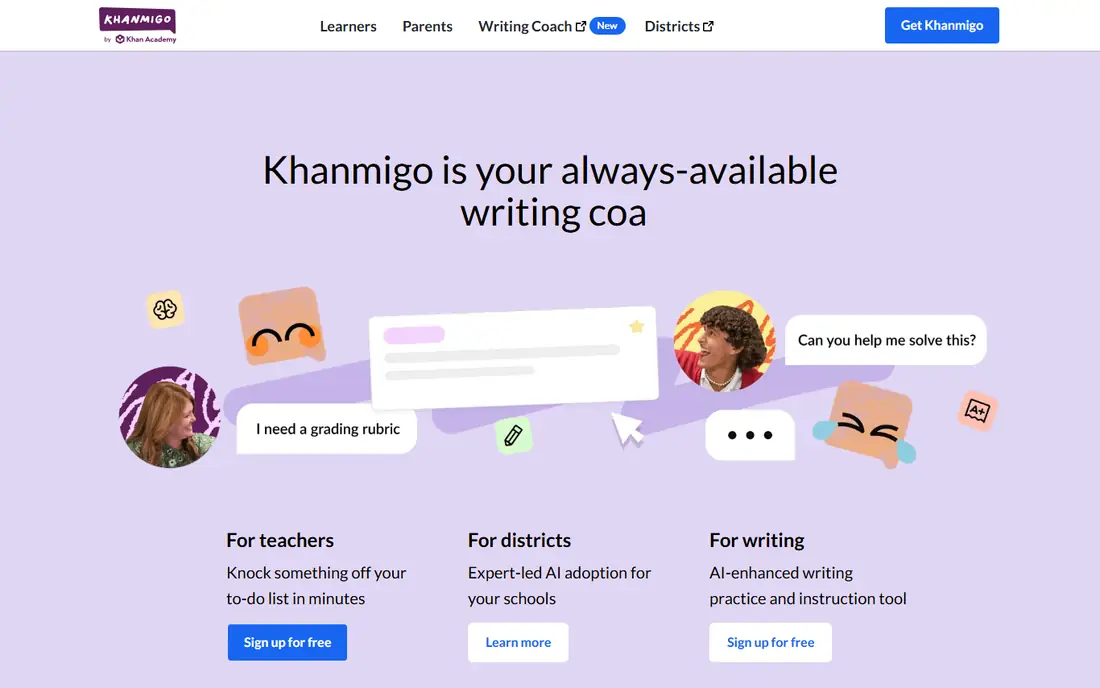
Khanmigo is a guided AI tutor that coaches students through problems step by step instead of handing over the answer. That Socratic approach helps students practice thinking, which is the point of tutoring in the first place. It is free for teachers in the US, with learner pricing commonly listed from $4 per month for individual learners, and district options for schools.
Khanmigo is tied to Khan Academy content, so it suits math and other subjects covered there better than a general lesson planner. Teachers who need broad planning, grading, or admin tools should pair it with MagicSchool AI or Brisk Teaching. For student-facing tutoring that respects learning, Khanmigo is the strongest pick in this list.
- Tutors step by step without giving answers away
- Free for teachers
- Aligned to Khan Academy content
- Tied to Khan Academy content
- Learner pricing applies outside teacher use
- Less of a general planning tool
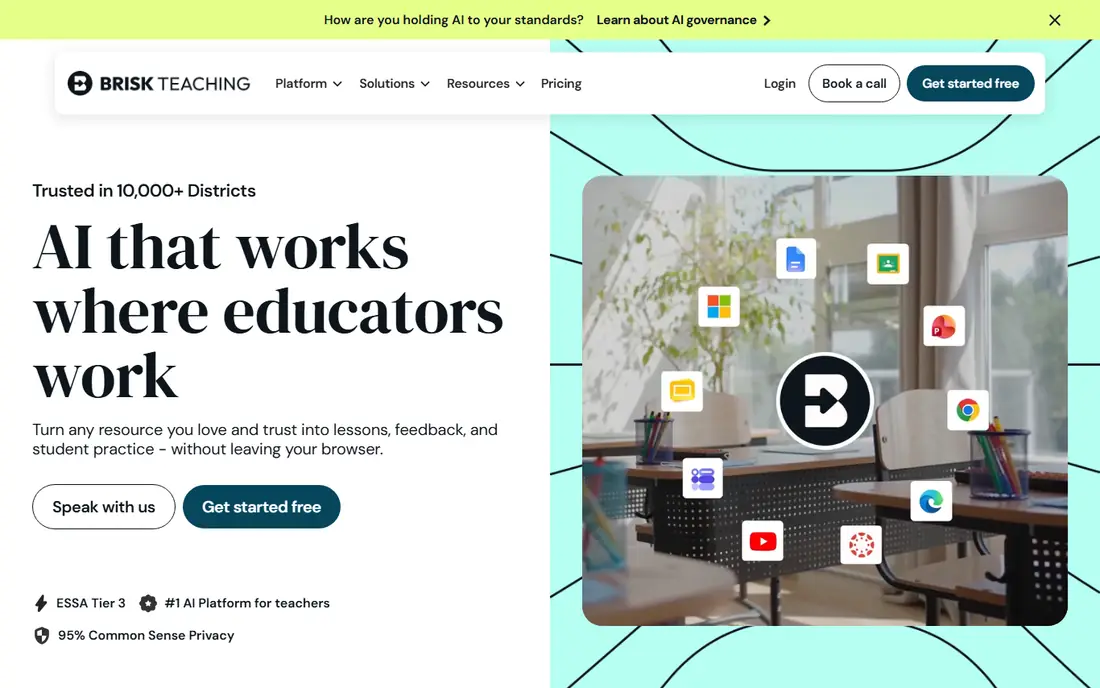
Brisk Teaching suits schools that already live in Google Workspace. Its Chrome extension adds AI tools where teachers already work, so feedback, text leveling, lesson resources, and quizzes can be created inside Google Docs and Slides without opening another app. That low friction matters, since teachers adopt tools they can use in their existing workflow.
The limit is the ecosystem. Schools that do not use Google Workspace will get less value, and some features need a paid Pro plan, commonly listed around $99.99 per year in some listings. District plans are quoted. For Google schools, Brisk Teaching is the fastest way to add AI feedback and differentiation to daily work.
- Works inside Chrome and Google Docs
- Fast rubric-based feedback
- Text leveling and translation tools
- Tied to Chrome and Google tools
- Some features need a paid plan
- District features are quoted
Diffit solves one classroom problem well: one text does not fit every reader. It adapts a passage to several reading levels, builds worksheets and questions from it, and supports translation for multilingual learners. That makes it valuable for mixed-ability classes, English learners, and intervention groups where the same content must reach students at different levels.
Diffit is narrower than MagicSchool AI, so it works best as a specialist tool alongside a broader platform. Paid pricing is commonly listed from $14.99 per month or $149.99 per year for individuals, with school plans available. Teachers should still review leveled texts for accuracy and tone, since leveling can simplify meaning as well as vocabulary.
- Re-levels text for different reading levels
- Builds adapted worksheets
- Supports multilingual learners
- Narrower than a full platform
- Paid plan needed for regular heavy use
- Outputs still need teacher review
Eduaide suits teachers who plan from pedagogy first, not from a blank prompt. It offers many resource types, from lesson plans and graphic organizers to games and assessments, and it supports frameworks such as 5E, universal design for learning, and backward design. That structure helps teachers who want AI drafts that already reflect how they teach.
Eduaide is a smaller brand than MagicSchool AI, and its paid Pro plan is commonly listed around $49.99 per year, with school plans available. Some teachers may need a short learning period to find the right resource type. For pedagogy-led planning with a wide resource set, Eduaide is a strong, affordable alternative to the larger platforms.
- More than 75 resource types
- Pedagogy frameworks such as 5E and backward design
- Leveled readings included
- Smaller brand than MagicSchool AI
- Paid plan needed for full use
- Interface takes a little learning
Curipod turns a lesson into a live, interactive session where students respond on devices and get AI feedback on their writing in real time. That format suits whole-class discussion, writing practice, and formative checks, since a teacher can see responses as they arrive and adjust the lesson. A free tier lets teachers try live lessons before committing to a school plan.
Curipod needs student devices and a classroom setup that supports live interaction, so it suits schools with device access better than paper-first classrooms. School and district pricing is quoted, which makes budgeting less transparent for individuals. For engagement and live feedback, Curipod is the most interactive pick here.
- Live lessons with student responses
- AI feedback on student writing
- Engaging for whole-class work
- School and district pricing is quoted
- Needs student devices
- Less suited to solo planning work
Canva for Education gives eligible teachers and schools free access to Canva's design tools, including templates for slides, posters, worksheets, and videos. Its AI design features help teachers create clear, attractive classroom materials quickly, even without design skills. Students can also use it for presentations and projects under teacher guidance.
Canva for Education is not a tutor, planner, or grader, so it complements rather than replaces MagicSchool AI, Khanmigo, or Gradescope. Eligibility rules apply, so schools should check that they qualify. For classroom visuals, slides, and student projects, it is the best free design pick in this list.
- Free for eligible educators and schools
- Huge template set for slides and visuals
- AI design tools included
- Not a tutoring or grading tool
- AI features are design-focused
- Eligibility rules apply
Gradescope suits instructors with large classes, especially in STEM, where grading hundreds of papers by hand is slow and inconsistent. AI-assisted grouping and rubric-based workflows help graders apply the same standard across many submissions and give feedback faster. That consistency matters when several graders share one course.
Pricing is institutional and quoted, so individual teachers should check whether their school already licenses it. Setup also takes planning, including rubrics and assignment design. For large courses where grading time and consistency are the bottleneck, Gradescope is the strongest pick here.
- AI-assisted grading for large classes
- Rubric-based workflows
- Strong for STEM and written work
- Institutional pricing is quoted
- Setup takes planning
- Best value for larger courses
How we picked these
We compared official pricing pages, product documentation, and public reviews for AI tools built for classrooms in October 2026. We kept tools that serve a distinct classroom job, from planning to tutoring to feedback to grading, and we noted where pricing is free for teachers, where it is quoted for schools, and where student data controls matter. We favored tools with education-specific safety features and clear teacher controls.
How to choose AI tools for a classroom
Start with the job, not the tool. Planning points to MagicSchool AI or Eduaide, tutoring points to Khanmigo, feedback inside Docs points to Brisk Teaching, differentiation points to Diffit, live lessons point to Curipod, visuals point to Canva for Education, and grading points to Gradescope. Most teachers end up with two or three tools, not one, because no single tool does every job well.
Next, check safety and approval. Ask whether student data is used for model training, whether the tool supports school data agreements, and whether your district already approves it. Student-facing tools need stricter checks than teacher-only planning tools. Set clear classroom rules too: AI can draft, suggest, and give feedback, but students should still show their thinking and teachers should still review final work.
Finally, trial with a real class. Use the free tier for a week of real planning, feedback, or tutoring, and note whether it saves time without lowering quality. If a tool creates extra review work or confuses students, it is not saving time, even if the demo looked impressive. Keep the tools that survive real lessons, and drop the rest.
Frequently asked questions
Which ai tools are best for classrooms?
MagicSchool AI is best for broad teacher planning, Khanmigo is best for student tutoring, Brisk Teaching is best for feedback in Google Docs, and Diffit is best for differentiation. Most classrooms do best with a small set of tools, each chosen for one job, rather than a single tool for everything.
What are the best ai tools for the classroom on a budget?
MagicSchool AI, Brisk Teaching, Diffit, Eduaide, Curipod, and Canva for Education all offer free tiers, and Khanmigo is free for teachers. Start free, check usage limits, and only pay for the tool you use weekly. District plans are often cheaper per teacher than individual plans.
What are the best ai tools for classrooms that use Google Workspace?
Brisk Teaching is the strongest pick for Google Workspace schools because it works inside Chrome, Docs, and Slides. MagicSchool AI and Canva for Education also integrate well with Google tools. Check your district's Google admin settings before rolling out any extension school-wide.
Is Khanmigo free for teachers?
Khanmigo is free for teachers in the US, according to Khan Academy, while individual learner pricing is commonly listed from $4 per month. District pricing is separate. Teachers should check current eligibility on the Khanmigo site, since terms can change.
Are AI classroom tools safe for students?
Safety depends on the tool and how it is used. Favor tools with education-specific data controls, school data agreements, and teacher oversight, and avoid entering sensitive student information into general chatbots. Always follow your school or district policy, and review AI outputs before sharing them with students.
Can AI tools replace teachers?
No. AI tools can draft plans, give feedback, tutor step by step, and speed up grading, but they do not replace teacher judgment, relationships, or knowledge of individual students. The best classroom use pairs AI efficiency with teacher review, discussion, and care for each learner.
Sources
See where you really rank - block by block
ProMapRanker scans Google Maps across a grid of your service area. Simple monthly plans from $19, white-label on every plan.
Start freeKeep reading
 zscaler alternatives
Best Zscaler Alternatives in 2026
Looking for zscaler alternatives? We compare 9 SASE and zero trust platforms on architecture, data protection, pricing, and fit for your network and team.
Read → zapier alternatives free
Best Zapier Alternatives Free in 2026
Nine automation tools for zapier alternatives free in 2026, all with genuinely free tiers, plus free plan limits, starting prices and upgrade paths explained.
Read → which platform is best for online reputation
Which Platform Is Best for Online Reputation in 2026
Wondering which platform is best for online reputation? We compare 8 review, listing, and response tools for small and multi-location businesses and agencies.
Read →