 ProMapRanker
8 Best AI Chatbot Apps for Small Business Options for 2026

Direct answer
If you need freshworks users, Freshchat is the first tool to look at here. ManyChat is better for Instagram and Messenger, and Crisp is better for flat price small teams. The other 5 tools in the list cover narrower or pricier cases.
Key takeaways
- Freshchat sits first on this list: freshworks users.
- The main caution on Crisp: AI features sit on higher priced plans.
- For the cheapest start, look at ManyChat: $15 per month.
- HubSpot suits CRM linked chat.
Quick comparison
| Pick | Great for | Pricing starts at | Free tier | |
|---|---|---|---|---|
 Freshchat | Freshworks users | $19 per agent/month | Yes | Visit |
 ManyChat | Instagram and Messenger | $15 per month | Yes | Visit |
 Crisp | Flat price small teams | See website | Yes | Visit |
 Tidio | Small online keeps | $29 per month | Yes | Visit |
 Intercom | AI first support teams | $29 per seat/month | Free trial (14 days) | Visit |
 LiveChat | Live chat with bot add on | $19 per agent/month | Free trial (14 days) | Visit |
 Chatbase | Website answers from your content | $40 a month | Free trial (14 days) | Visit |
 HubSpot | CRM linked chat | See website | Yes | Visit |
AI Chatbot Apps for Small Business, one by one
Choosing AI chatbot apps for small business usually comes down to price, fit and limits. This ProMapRanker guide sets 8 tools side by side on those three points, with the facts kept short and checkable.
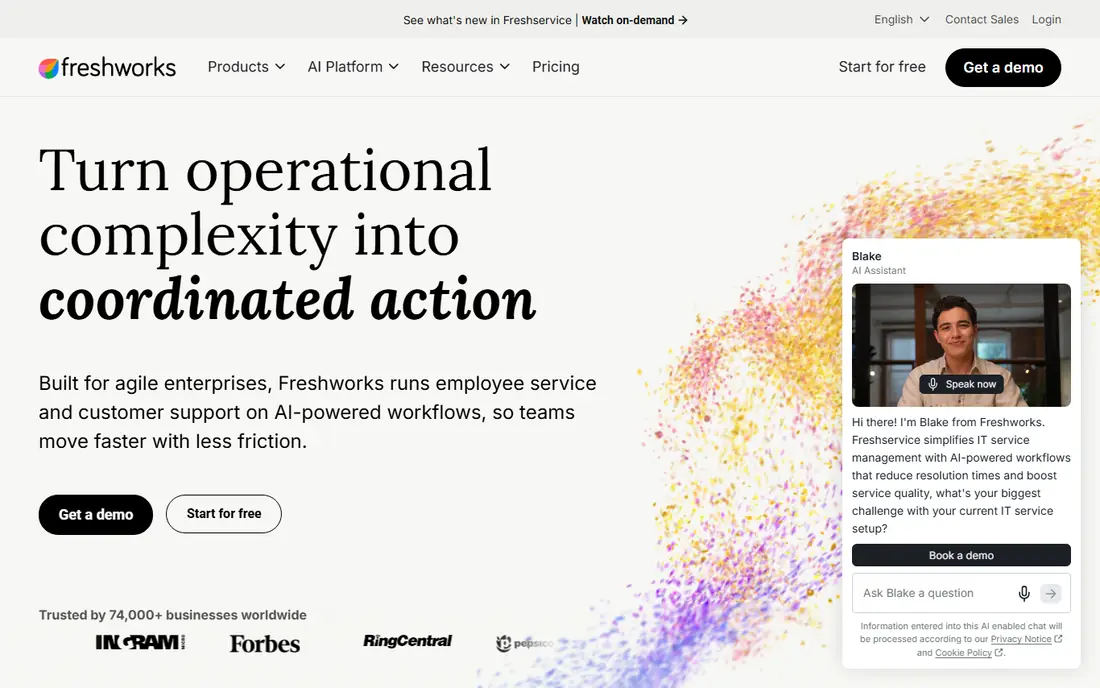
Freshchat is designed for freshworks users. The free plan includes entry-level live chat for a small team, and premium plans from $19 per agent a month add more automation and reporting.
As for the details, the detail to check is AI billing. Freshchat cost at the entry level: $19 per agent/month. Free access exists with Freshchat.
Points against: Freddy sessions are billed separately.
Reasons to shortlist it: Web.
- Free plan for up to 10 agents in its entry-level form
- WhatsApp and Instagram channels
- Advanced automation sits on higher plans
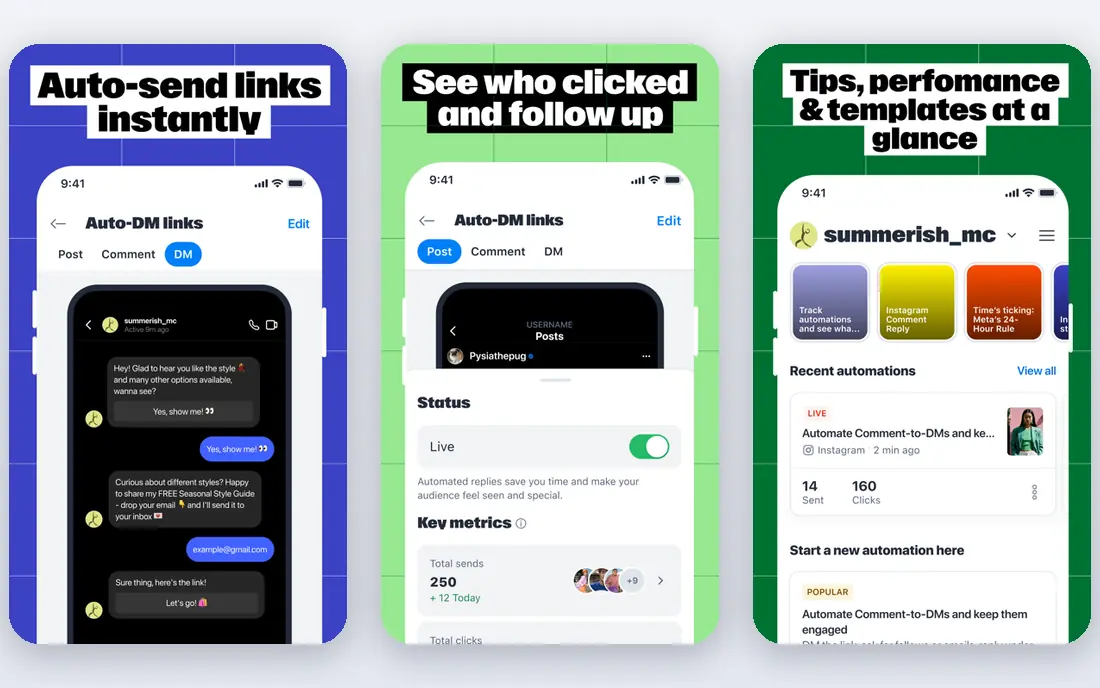
ManyChat is a good fit for Instagram and Messenger. ManyChat is not a website chatbot, and that distinction is the entire point. It automates Instagram direct messages, Facebook Messenger and WhatsApp flows, including comment to DM campaigns, keyword replies and lead capture.
On top of that, for a small business that gets most enquiries from social media, it can answer immediately at hours when no staff member is online. Use ManyChat when social is your primary channel. ManyChat pricing: $15 per month. ManyChat offers a free plan.
The main drawbacks: Social only, so website visitors need another tool.
- Capable Instagram comment to DM and Messenger flows
- Free plan for up to 1,000 contacts
- No website live chat inbox
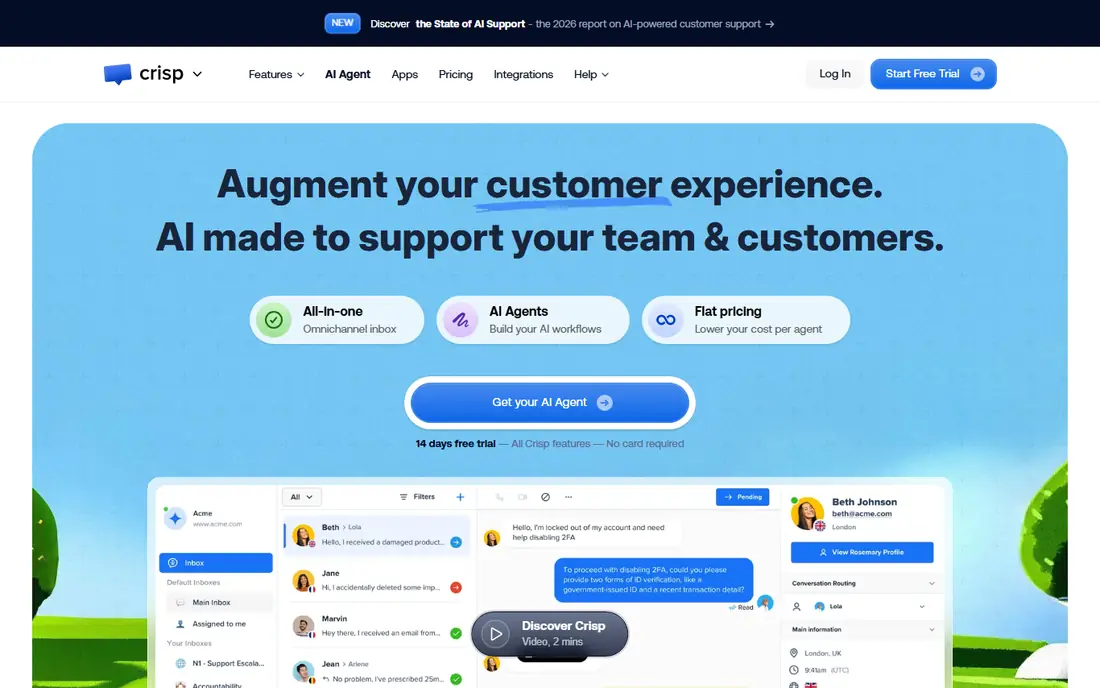
Crisp is built with flat price small teams in mind. A built in knowledge base lets a bot answer from your own articles. The inbox covers chat, email and social messages in one place.
Watch-outs: AI features sit on higher priced plans.
Crisp appeals to small teams that dislike per agent maths. Its pricing is per workspace instead of per seat on multiple plans. Its free plan handles two seats with live chat and an entry-level inbox. AI is the limit. Crisp is still a decent pick for a team of two to four people who want a clean inbox, predictable pricing and a straightforward setup, without the weight of a full helpdesk. Crisp does not show a starting price in this comparison, so check the vendor site for current pricing. You can start on Crisp without paying.
- Built in knowledge base
- Free plan for two seats
- Smaller integration range than Zendesk or Intercom
In short, Tidio is for small online keeps. Tidio is designed for the small store owner who answers the same questions every day: shipping times, returns, order status and product details. The Starter plan is $29 a month, but Lyro conversations are charged in addition.
The main drawbacks: AI conversations are billed on top of the base plan.
So a busy store can pay more than the headline price. Even with that caveat, Tidio remains the easiest balance of price, setup speed and e-commerce features for a team of one to five people. For everyday use, the price to watch is AI usage. In daily use, the free plan lets a new store test live chat and entry-level automation before paying. Price to start with Tidio: $29 per month. Tidio has a free plan.
- Capable Shopify and WooCommerce links
- Free plan for small volumes
- Higher volumes need the Growth plan
In short, Intercom is for AI first support teams. In practice, essential seats start at $29 per seat a month when billed yearly, and Fin outcomes are $0.99 each on top.
Also, a solo founder with low volume will find Tidio or Crisp less expensive. For everyday use, the shared inbox, help centre and workflow tools mean an expanding team does not need a second helpdesk soon. The starting price for Intercom: $29 per seat/month. As for free access: Free trial (14 days).
Limits to weigh: Seat fees plus $0.99 per Fin outcome add up. Best features of Intercom: Fin AI agent resolves plenty of routine questions.
- Help centre and automation in one place
- Capable integrations
- Setup needs more care than a straightforward widget
LiveChat was built for live chat with bot add on. LiveChat is the pick for a team whose central job is answering chats well, with a bot as a helper instead of the entire system. For a team that lives in live chat, the quality justifies the price.
There is a 14 day trial but no permanent free plan. On top of that, pricing needs care. LiveChat begins at $19 per agent a month, and the chatbot product is priced separately. So the combined cost is higher than the headline figure. Starting cost for LiveChat: $19 per agent/month. Trial and free access: Free trial (14 days).
Drawbacks to consider: AI chatbot is a separate product with its own price.
- Quick agent tools and canned replies
- Refined live chat inbox
- No permanent free plan
Chatbase works best for website answers from your content. Setup is quick, and the answers stay close to your own material rather than generic web knowledge.
In daily use, the trade off is scope. More specifically, for a brochure site, a course site or a small shop that needs instant answers, Chatbase is a focused and budget-friendly choice. On cost, Chatbase starts like this: $40 per month. Free access: Free trial (14 days).
Limits to weigh: Message limits can force an upgrade as traffic grows.
Main advantages: WhatsApp channel on some plans.
- Trains on your website
- Straightforward website widget
- AI only, with no full live chat depth
Choose HubSpot for CRM linked chat. Its free chat tools include entry-level bots that can greet visitors, ask qualifying questions and book meetings, and every conversation is saved against the contact record. That link between chat and CRM helps sales and support teams see the full customer story.
Drawbacks to consider: Setup grows complicated as HubSpot use grows.
Worth adding: HubSpot is not the cheapest chatbot alone. On top of that, advanced AI, deeper automation and reporting need premium Service Hub or other Hub plans, and prices rise with seats and features. HubSpot shows no starting price here, so confirm the cost on the vendor site. HubSpot includes a free tier.
- Free chat and bot tools linked to CRM records
- Visitor history in one place
- Advanced AI and automation need premium Hubs
How the list was put together
We compared the tools on published pricing, free plan or trial availability, feature coverage for AI chatbot apps for small business, and the limits each vendor documents. Prices and plan limits come from vendor pages and can change, so confirm them on the vendor site before you buy. Tools are placed by general fit for AI chatbot apps for small business, with price clarity and free access as tie-breakers. A different team can reasonably rank them differently.
Things to verify first
- Get a written quote from Crisp and HubSpot; the list shows no starting price for them.
- Check what the free option really includes: Freshchat, ManyChat, Crisp and others offer a free plan, and usage caps differ.
- Run a trial of Intercom, LiveChat and Chatbase with real work before paying for a year; your own workflow is the best test.
- Read the limits listed for Freshchat first: Freddy sessions are billed separately.
- Test how quickly Chatbase answers a pre-sales question; it hints at how support will feel later.
- Confirm you can export your data from ManyChat, so leaving later does not mean losing records.
Frequently asked questions
Do I still need staff for support?
Yes. A bot manages routine questions and out of hours enquiries, but refunds, complaints and complicated cases still need people. The goal is fewer repetitive tickets, not zero staff.
Which options for AI chatbot apps for small business have a free plan?
Freshchat, ManyChat, Crisp, Tidio and HubSpot offer a free plan in this list. Free plans usually cap users, projects or features, so check the limits on the vendor page. Several others offer a trial instead.
Is Freshchat the right pick for everyone comparing AI chatbot apps for small business?
No single tool suits every team. Freshchat comes first because it fits freshworks users, while ManyChat suits Instagram and Messenger and Crisp suits flat price small teams. Match the tool to your own size, budget and workflow before deciding.
How are the tools for AI chatbot apps for small business ordered?
The order follows typical fit for AI chatbot apps for small business, with Freshchat first and HubSpot last, then price clarity and free access. It is editorial judgement, not a score, so another team could rank the tools differently.
Can I try these tools before paying?
Often, yes. Freshchat, ManyChat, Crisp and others have a free plan and Intercom, LiveChat and Chatbase offer a free trial. Use your own data and a real task during the test, and check what the free tier or trial limits before you rely on it.
Sources
See where you really rank - block by block
ProMapRanker scans Google Maps across a grid of your service area. Simple monthly plans from $19, white-label on every plan.
Start freeKeep reading
 zscaler alternatives
Best Zscaler Alternatives in 2026
Looking for zscaler alternatives? We compare 9 SASE and zero trust platforms on architecture, data protection, pricing, and fit for your network and team.
Read → zapier alternatives free
Best Zapier Alternatives Free in 2026
Nine automation tools for zapier alternatives free in 2026, all with genuinely free tiers, plus free plan limits, starting prices and upgrade paths explained.
Read → which platform is best for online reputation
Which Platform Is Best for Online Reputation in 2026
Wondering which platform is best for online reputation? We compare 8 review, listing, and response tools for small and multi-location businesses and agencies.
Read →