 ProMapRanker
Best AI Calendar App in 2026: 9 Apps Compared

Key takeaways
- Reclaim is the best free start for focus time and habit protection in Google Calendar or Outlook.
- Motion is the strongest full auto-scheduler for task-heavy users who want the app to build the day.
- Calendly and Cal.com are booking tools, not auto-schedulers, and they suit people who take external meetings.
- Morgen is the best choice for users with calendars across Google, Outlook, and iCloud in one view.
- Clockwise is excluded because it shut down on 27 March 2026, so do not buy or rely on it now.
Quick comparison
| Pick | Great for | Pricing starts at | Free tier | |
|---|---|---|---|---|
 Reclaim | Focus time and habit protection | Free | Yes | Visit |
 Motion | Full auto-scheduling of tasks | $29 per month | Free trial | Visit |
 Calendly | Booking links and external meetings | $10 per month | Yes | Visit |
 Cal.com | Open booking links and teams | Free | Yes | Visit |
 Morgen | Calendars across many providers | $15 per month | Free trial | Visit |
 Akiflow | Task consolidation and time blocking | $19 per month | Free trial | Visit |
 Sunsama | Guided daily planning ritual | $20 per month | Free trial | Visit |
 Fantastical | Natural language calendar on Apple devices | See website | Yes | Visit |
 Trevor AI | Low-cost AI task scheduling | $5 per month | Yes | Visit |
The best AI calendar apps
We kept only tools that work in October 2026 and that add real scheduling help beyond a plain calendar view. Some auto-schedule tasks, some protect focus time, and some only handle bookings, so the intro to each product says which job it does.
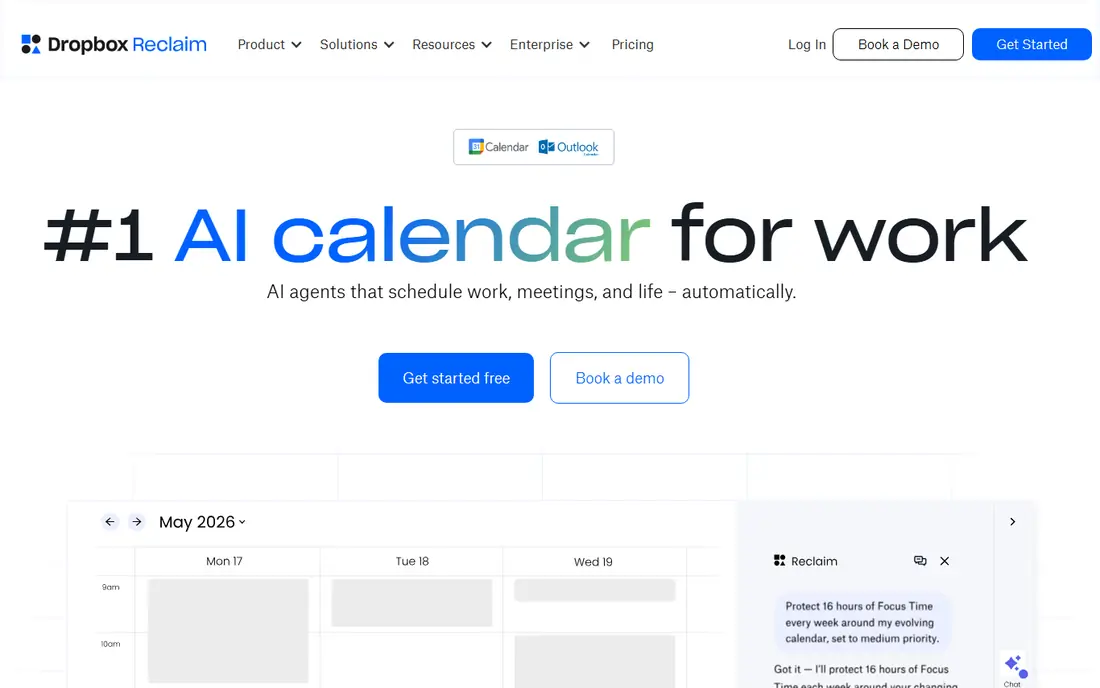
Reclaim works inside your existing Google Calendar or Outlook calendar, which is its main advantage. You set habits, focus blocks, and tasks with priorities and deadlines, and Reclaim finds time for them, moves them when meetings change, and defends the blocks you mark as important. That makes it useful for people whose calendars fill up with other people's meetings.
The free Lite plan covers the core habit and focus features for individuals, while Starter is listed at 10 dollars per seat per month billed annually. Reclaim does not replace a full project tool, so teams that need tasks, docs, and projects in one place should look at Motion. For focus protection at low or no cost, Reclaim is our first pick.
- Free Lite plan
- Auto-schedules tasks and habits
- Works with Google Calendar and Outlook
- Full team features need a paid plan
- No native task manager of its own
Motion is the closest thing on this list to a calendar that plans itself. You add tasks with deadlines and durations, and Motion places them on your calendar, reprioritizes them as new work arrives, and rebuilds the day when a meeting overruns. It also includes projects and docs, so a small team can run work and schedule in one workspace.
The price is the barrier. Individual plans are listed at 29 dollars per month billed annually, or 49 dollars month to month, with team plans around 19 dollars per seat per month billed annually in recent vendor and review sources. There is only a trial, not a free plan. If your day is driven by many tasks with hard deadlines, Motion can earn that price. If you mainly need focus blocks, Reclaim does the job for less.
- Auto-schedules tasks by deadline and priority
- Combines tasks, projects, and calendar
- Auto-reschedules when plans change
- No permanent free plan
- Individual price is high
- AI features use credits on some plans
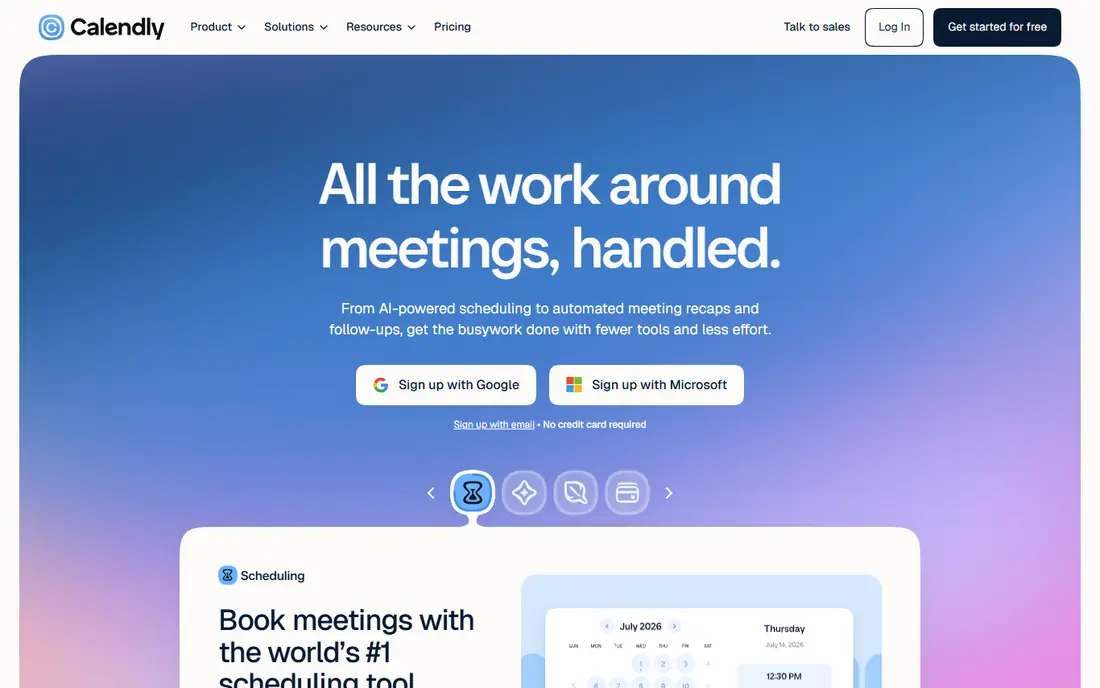
Calendly solves a different problem from Motion and Reclaim: letting other people book you without email back-and-forth. You share a link, the other person picks a time that fits your availability, and the event lands on your calendar with video details. Round-robin routing and team pages help sales and support teams share inbound meetings fairly.
Calendly does not decide what you should work on, and it does not protect focus time on its own. Its free plan covers basic booking, while Standard is listed at 10 dollars per seat per month. Choose Calendly if most of your scheduling pain comes from external bookings. Choose Reclaim or Motion if most of your pain comes from your own tasks and focus time.
- Simple booking links
- Round-robin and group scheduling
- Wide calendar and video integrations
- Does not auto-schedule your own tasks
- Advanced routing needs higher plans
Cal.com is the open booking alternative to Calendly. A solo user gets a free plan with unlimited event types, and teams pay around 12 dollars per user per month for team features. Routing forms screen inbound requests and send them to the right person or team, and the open source base allows self-hosting for teams with privacy or control needs.
Cal.com is still a booking tool, not an auto-scheduler. It will not place your tasks on your calendar or defend focus time the way Reclaim does. For freelancers, consultants, and small teams who want booking links without a monthly fee for one user, Cal.com is excellent value. For internal task scheduling, pair it with Reclaim or Motion.
- Free solo plan with unlimited event types
- Routing forms
- Self-hosting option
- Interface can feel technical
- Auto-scheduling of tasks is not its job
Morgen is for people whose calendars live in several places at once. It brings Google, Outlook, iCloud, and other calendars into one view, so you can see work, personal, and family commitments without switching apps. Its AI daily planner, listed as a beta feature, suggests where tasks could fit, and task integrations pull work into the same daily view.
The beta status matters. AI suggestions are helpful, but they are not yet a full auto-scheduler like Motion. Pricing is listed around 15 dollars per month, with annual billing lower in some sources. Choose Morgen if calendar unification is your main pain. Choose Reclaim if focus protection in one calendar is your main pain.
- Google, Outlook, iCloud, and more in one view
- AI daily planner in beta
- Task integration
- AI planner is still in beta
- Price is high for calendar viewing alone
Akiflow is a command center for people whose tasks live in many tools. It pulls tasks from sources such as Asana, Todoist, Gmail, and Slack into one inbox, then lets you drag them onto your calendar as time blocks. Keyboard shortcuts make that daily planning fast, and support for Google, Outlook, and iCloud covers most setups.
Akiflow does not auto-schedule tasks for you in the Motion sense. You still choose the order and the time, which some users prefer and others will find slow. Pricing is listed around 19 dollars per month billed annually for Premium. If you want control over every block, Akiflow is strong. If you want the app to decide, Motion is the better fit.
- Pulls tasks from many tools
- Keyboard-first time blocking
- Google, Outlook, and iCloud support
- Time blocking is manual rather than fully automatic
- No permanent free plan
Sunsama turns daily planning into a short guided ritual. Each morning you pull tasks from connected tools, choose what fits today, place them on your calendar, and review the day at the end. That structure helps people who feel busy but finish the day unsure what they achieved. It works with Google and Outlook calendars and pulls tasks from common project tools.
Sunsama is honest about its limits: it guides planning, it does not auto-schedule with AI in the Motion sense. Pricing is listed at 20 dollars per month billed annually, with monthly billing higher. A 14-day trial lets you test whether the ritual sticks. If a guided daily review helps you focus, Sunsama is worth the trial. If you want automation, Reclaim or Motion will do more for you.
- Guided daily planning flow
- Pulls tasks from many tools
- Calendar and task view in one place
- Planning is manual
- Price is high for a planning ritual alone
Fantastical, from Flexibits, is a polished calendar app for Apple users. You can type an event in plain words, such as lunch with Sam on Tuesday at noon, and Fantastical parses it into a calendar event. Calendar sets let you switch between work, personal, and family views, and widgets keep the day visible on phone and Mac.
Fantastical is not a full AI scheduler. It does not auto-place tasks by priority or defend focus time the way Reclaim does. Pricing is shown on the Flexibits site and in app stores, and it varies by plan, so check the current rate before you subscribe. For Apple users who want a better calendar view and fast entry, Fantastical is a good upgrade. For auto-scheduling, look elsewhere on this list.
- Natural language event entry
- Strong Apple device apps
- Calendar sets and widgets
- Best on Apple devices
- AI scheduling is limited compared with Motion and Reclaim
Trevor AI is the budget entry point for AI task scheduling. It places tasks on your calendar based on your preferences and learns from how you schedule, with a limited free plan and a paid plan listed at 5 dollars per month. That price makes it easy to test AI scheduling without committing to Motion pricing.
The feature set is narrower. Trevor AI focuses on tasks and scheduling, not projects, docs, or team booking. Its AI is lighter than Motion's full auto-scheduler, so users with complex team schedules may outgrow it. For a solo user who wants simple AI scheduling at a low price, Trevor AI is a sensible first paid step after Reclaim's free plan.
- Low monthly price
- AI task scheduling for individuals
- Google and Outlook support
- Smaller feature set than Motion or Reclaim
- Task scheduling only, not full project management
How we picked these
We compared official pricing pages, feature pages, and recent scheduling reviews, and we kept only tools that work in October 2026. We excluded Clockwise after confirming its shutdown on 27 March 2026, since listing a closed product would mislead readers. We checked whether each tool auto-schedules tasks, protects focus time, handles bookings, or only shows a calendar, and we recorded prices from vendor pages where they were clear, writing See website where pricing varies by store or plan.
How to choose an AI calendar tool
Start with the job, not the brand. If external bookings eat your time, start with Calendly or Cal.com. If focus time disappears into meetings, start with Reclaim. If a long task list with deadlines drives your day, trial Motion. If your calendars are split across providers, trial Morgen. A tool that solves the wrong job will feel like extra work, even if its AI is strong.
Test one tool for two full work weeks before you pay for a year. Connect only your main calendar at first, set a few habits or tasks, and watch how it handles a meeting that moves or a task that slips. Check whether it respects your working hours, your time zone, and your existing calendar events. If it double-books, ignores focus blocks, or needs daily fixing, it is not saving time.
Finally, check privacy and calendar access. These tools read your calendar to schedule well, so read what data they store, whether they use calendar data for training, and how to revoke access. A tool that needs full calendar access should offer clear controls and a simple way to disconnect. Keep a backup of your calendar data, and do not grant access to calendars you do not want scheduled.
Frequently asked questions
What is the best AI calendar app for most people?
Reclaim is the best start for most people, because it works inside Google Calendar or Outlook, offers a free Lite plan, and protects focus time and habits. Motion is better if you want full auto-scheduling of a large task list, but it costs more and has no free plan.
What are the best AI calendar tools for teams?
Reclaim and Motion both offer team plans, with Reclaim focused on focus time and Motion focused on tasks and projects. Calendly and Cal.com suit teams that take many external bookings. Pick based on whether your team pain is focus, task overload, or inbound meetings.
What is the best AI scheduling assistant software for booking meetings?
Calendly and Cal.com are the strongest booking assistants, with links, availability rules, and team routing. They do not auto-schedule your own tasks, so pair them with Reclaim if you also need focus protection. Cal.com is the better free solo choice, while Calendly is the more widely recognized booking brand.
Is Clockwise still available?
No. Clockwise shut down on 27 March 2026 after its team joined Salesforce, according to its shutdown notice and later reviews. Do not buy, renew, or plan around Clockwise now. Reclaim is the closest replacement for focus time protection.
Do AI calendar apps work with Outlook and Google Calendar?
Most tools on this list work with Google Calendar and Outlook, including Reclaim, Motion, Calendly, Cal.com, Morgen, and Akiflow. Fantastical is strongest on Apple devices and also supports Google and other providers. Check the provider list on the vendor site before you subscribe, especially if you use iCloud as your main calendar.
Sources
See where you really rank - block by block
ProMapRanker scans Google Maps across a grid of your service area. Simple monthly plans from $19, white-label on every plan.
Start freeKeep reading
 zoro.to alternatives
Best Zoro.to Alternatives in 2026
We compare the best zoro.to alternatives in 2026, listing only legal licensed anime streaming services, from Crunchyroll to free options for fans today.
Read → zip alternatives
Best Zip Alternatives in 2026
We compare the best zip alternatives for buy now, pay later in 2026, covering pay-in-4 plans, fees, spending limits, and credit reporting options today.
Read → yesware alternatives
Best Yesware Alternatives in 2026
Compare the best yesware alternatives for sales email tracking, templates, and sequences, with current pricing and honest tradeoffs for small sales teams.
Read →