 ProMapRanker
Best AI Budgeting Tool in 2026

Key takeaways
- Monarch Money is the best all-round household dashboard, with budgeting, net worth, investments, and shared access in one place.
- YNAB is the best choice for hands-on budgeters who want a strict method, not just tracking after money is spent.
- Rocket Money and PocketGuard are the best starting points for users who want a free tier and a quick view of subscriptions and safe spending.
- Copilot Money leads on design and AI questions for Apple users, but Android users should pick a cross-platform rival instead.
Quick comparison
| Pick | Great for | Pricing starts at | Free tier | |
|---|---|---|---|---|
 Monarch Money | Household dashboard | $99.99 per year | No | Visit |
 YNAB | Hands-on zero-based budgeting | $109 per year | No | Visit |
 Copilot Money | Apple users and AI questions | $95 per year | No | Visit |
 Rocket Money | Subscription tracking | Free | Yes | Visit |
 PocketGuard | Safe-to-spend number | Free | Yes | Visit |
 Cleo | Conversational budgeting | Free | Yes | Visit |
 Quicken Simplifi | Simple all-in-one tracking | $5.99 per month | No | Visit |
 Empower | Free net worth tracking | Free | Yes | Visit |
 Goodbudget | Envelope budgeting without bank links | Free | Yes | Visit |
The best AI budgeting tools
This is not financial advice, and no budgeting tool can promise savings or returns. Results depend on your income, spending, debts, and whether you act on what the app shows. We compared official pricing pages, feature pages, and app store listings for each tool below, and we focused on bank syncing, categorization, forecasting, and how much manual work each app still needs.
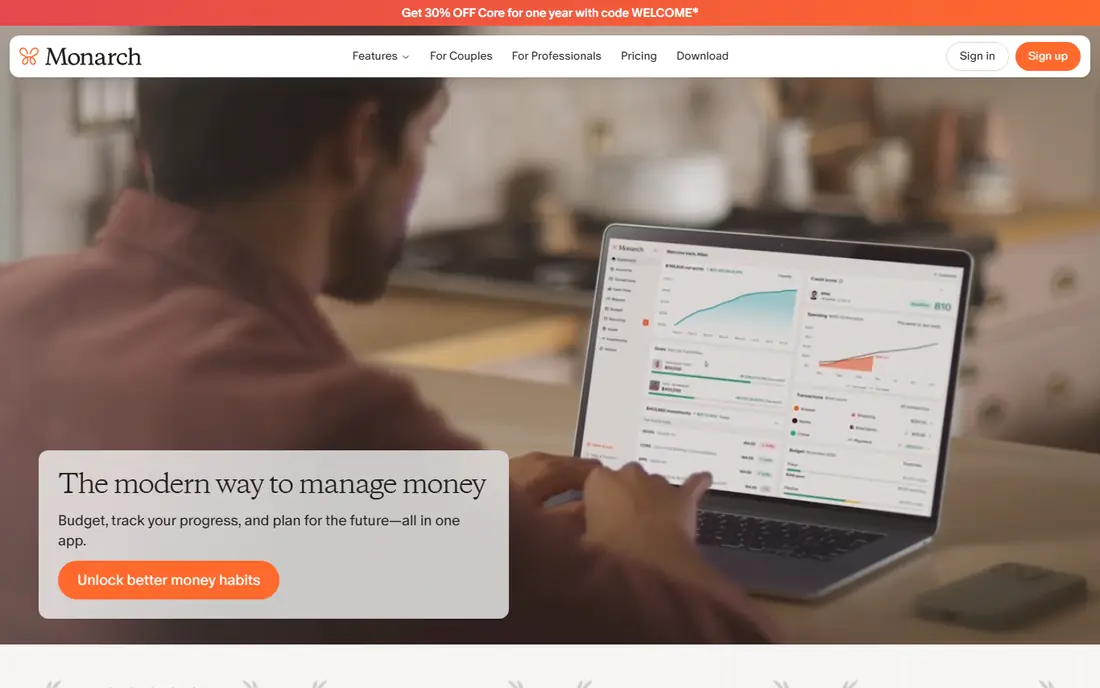
Monarch Money is our pick for most households that want one money dashboard. You can link accounts, set category targets, track cash flow, and view net worth and investments without jumping between apps. The AI assistant lets you ask questions in plain language, such as how much you spent on dining last quarter, and get a direct answer from your own data.
The main drawback is price and the lack of a free tier. At $99.99 per year on many listings, with a short trial, Monarch costs more than a simple tracker. For a couple or household that will actually use shared access and investment views, that price is reasonable. For a solo user who only wants a spending list, a free tool will do the same basic job.
- Budgeting, net worth, and investments in one dashboard
- Shared household access
- AI assistant for plain-language money questions
- No free tier, only a trial on many listings
- Price is higher than simple trackers
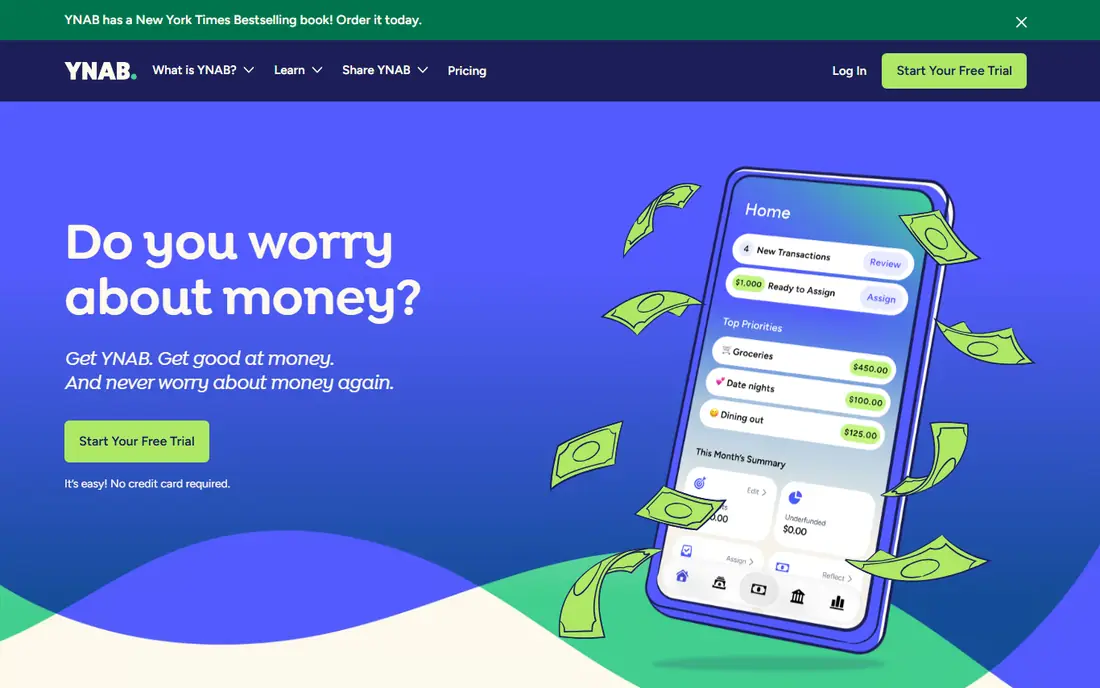
YNAB, short for You Need A Budget, is different from most tools here because it asks you to plan before you spend. Every dollar gets a job, categories are funded from money you already have, and overspending in one category must be covered from another. That discipline is why many long-term users stick with it, even when simpler trackers are free.
The trade-off is effort. YNAB works best when you check it often, adjust categories, and learn its method, and its $109 per year price on many listings reflects that depth. If you want a tool that quietly tracks spending in the background, Monarch or PocketGuard will feel easier. If you want a method that changes spending habits, YNAB is the strongest choice.
- Clear zero-based method that assigns every dollar a job
- Strong category and goal tools
- Long free trial on many listings
- Requires regular manual attention
- Higher annual price
- Learning curve for new budgeters
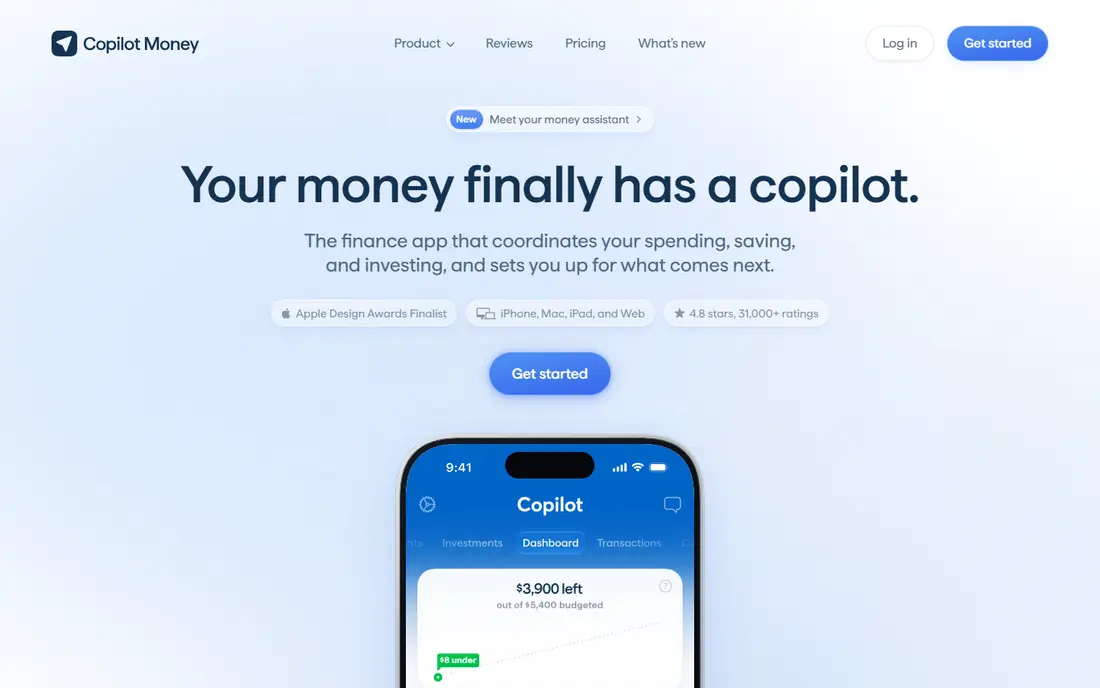
Copilot Money is the design-led pick, and its AI depth is a real strength. Users can ask questions about spending, trends, and upcoming bills in plain language, and the app surfaces insights such as a bill that rose compared with last month. The interface is clean, fast, and pleasant to open daily, which matters for a tool you need to use often.
The limit is platform. Copilot is built for Apple devices and web, with no Android app in its listings, so Android households should look elsewhere. At $95 per year on many listings, it is also a paid-only tool after a trial. For iPhone and Mac users who value design and AI answers, it is excellent. For mixed-device households, Monarch is a better fit.
- Polished design
- Natural-language AI questions about spending
- Strong categorization and insights
- No Android app in vendor listings
- No free tier, only a trial
Rocket Money is best known for finding subscriptions you forgot. It scans linked accounts, lists recurring charges, and helps you cancel ones you no longer want, which is a common first win for new budgeters. Paid premium adds budgeting tools, credit monitoring features, and bill negotiation help, with a pay-what-you-want model from about $7 per month on many listings.
The catch is that premium cost is not fixed, and bill negotiation services take a fee when they succeed, so read those terms before using them. The free tier is still useful for tracking and subscription views. For users whose main problem is forgotten subscriptions, Rocket Money is the best first tool to try.
- Free tier with account tracking
- Subscription detection and cancellation help
- Bill negotiation service on paid plans
- Premium is pay-what-you-want from about $7 per month, so total cost varies
- Negotiation fees apply to some services
PocketGuard answers one question well: after bills, goals, and necessities, how much can you safely spend. That single number is easier to act on than a full dashboard for many users, especially between paychecks. The app categorizes transactions, tracks bills, and flags subscriptions, with a paid Plus tier for deeper features.
The limit is scope. PocketGuard is not a full wealth dashboard like Monarch, and its planning tools are simpler than YNAB. For a user who wants a quick, honest spending guardrail without a complex budget, it is ideal. For a household that wants net worth, investments, and detailed forecasting, a paid all-rounder fits better.
- Free tier with a clear safe-to-spend number
- Bill and subscription tracking
- Simple interface
- Less depth for investment and goal planning
- Paid Plus needed for full features
Cleo takes a conversational approach, working like a chat assistant that reviews spending, sets aside savings, and nudges you about habits. That style suits younger users and beginners who find traditional budgets cold or confusing. The free tier covers core tracking and chat, with paid tiers adding more features and higher savings automation.
The trade-off is depth and tone. Users who want detailed envelopes, investment views, or a formal budget may find Cleo too light, and its cash advance features should be used with care, since advances are not free money. For a friendly first budgeting habit, Cleo is a strong, low-pressure start.
- Free tier with chat-based budgeting
- Spending nudges and savings automation
- Friendly tone for beginners
- Chat style is not for everyone
- Deeper budgeting tools sit in paid tiers
- Cash advance features need careful use
Quicken Simplifi is the value all-rounder in this list. It offers spending plans, cash flow forecasting, bill tracking, and account views at a lower monthly price than Monarch or YNAB on many listings, billed annually at $5.99 per month. That combination suits users who want forecasting without paying a premium dashboard price.
The downside is polish. Simplifi is capable but less visually refined than Copilot or Monarch, and it has no free tier, only a trial on many listings. For a budget-conscious household that wants a capable, no-frills tracker with forecasting, Simplifi is hard to beat on price. For a design-first user, Copilot or Monarch will feel better daily.
- Spending plans, cash flow forecasts, and bill tracking
- Clear monthly price on many listings
- Long Quicken track record
- No free tier
- Interface is plainer than Copilot or Monarch
Empower, formerly Personal Capital, offers one of the best free money dashboards available. You can link accounts, view net worth, track investments, and see spending in one place without a subscription. That makes it a good companion to a dedicated budget app, or a standalone tracker for users who mainly want a clear financial overview.
The limit is budgeting depth. Empower tracks well, but it does not offer the same category planning, goal tools, or AI budgeting depth as Monarch, YNAB, or Copilot. It also markets wealth management services to some users, which can feel intrusive. For free net worth and investment tracking, it is excellent. For daily budgeting, pair it with a tool higher on this list.
- Free dashboard for accounts, net worth, and investments
- Spending views included
- No subscription for core tracking
- Budgeting tools are lighter than dedicated budget apps
- Some users receive wealth service marketing
Goodbudget is the manual envelope pick. Instead of linking bank accounts, you fill digital envelopes for groceries, rent, transport, and other categories, then record spending against them. That manual step slows spending down in a useful way for many users, and it avoids bank-linking concerns entirely.
The trade-off is effort and limits. Manual entry takes time, the free tier limits envelopes and accounts, and you will not get automatic AI categorization. Paid Plus, near $80 per year on many listings, lifts those limits. For users who distrust bank linking or who love envelope budgeting, Goodbudget is the best fit. For users who want automation, a linked app will save time.
- Free tier with envelope budgeting
- No bank linking required
- Works across phones and web
- Manual entry takes time
- Free tier limits envelopes and accounts
- No automatic AI categorization like linked rivals
How we picked these
We compared official pricing pages, feature pages, and app store listings for each tool, and we checked that each tool still offers budgeting, tracking, or forecasting in October 2026. We favored tools with a clear job, current pricing, and honest limits, and we excluded tools with only vague AI claims and no real budgeting product. This article is not financial advice, and no tool here guarantees savings, debt payoff, or investment returns.
What to check before you choose
Decide first whether you want bank linking or manual entry, since that choice rules out half this list. Next, check device support, especially Android if you need it, and check whether the AI features you want are in the free tier or only in a paid plan. Finally, try the trial or free tier for a full pay cycle, so you can see real categorization and bill detection, not just a demo.
Frequently asked questions
What is the best AI budgeting tool?
Monarch Money is the best all-round AI budgeting tool for households, while YNAB is best for hands-on budgeters and Copilot Money is best for Apple users who want AI questions. Rocket Money and PocketGuard are the best free starting points for subscription and spending checks.
What are the best AI budgeting apps?
Monarch Money, YNAB, Copilot Money, Rocket Money, PocketGuard, Cleo, Quicken Simplifi, Empower, and Goodbudget all offer AI or automated budgeting features, with different strengths. The best app depends on whether you want a dashboard, a method, a chat assistant, or a free tracker.
What are the best AI tools for budgeting without linking a bank?
Goodbudget is the best manual option, since it uses envelope budgeting without bank linking. Card-based trackers that use manual entry also avoid linking, but they offer less automation. Check each app privacy policy and permissions before you link any account.
Is there a free AI budgeting app?
Yes. Rocket Money, PocketGuard, Cleo, Empower, and Goodbudget all offer free tiers, with paid upgrades for deeper features. Free tiers usually cover basic tracking and categorization, while forecasting, AI assistants, and full account sync often need a paid plan.
Can an AI budgeting tool help me save money?
A tool can show where money goes, flag forgotten subscriptions, and help you set and track goals, but it cannot promise savings. Savings depend on your income, spending choices, and debts, and you should treat any app estimate as a guide, not a guarantee.
Sources
See where you really rank - block by block
ProMapRanker scans Google Maps across a grid of your service area. Simple monthly plans from $19, white-label on every plan.
Start freeKeep reading
 zscaler alternatives
Best Zscaler Alternatives in 2026
Looking for zscaler alternatives? We compare 9 SASE and zero trust platforms on architecture, data protection, pricing, and fit for your network and team.
Read → zapier alternatives free
Best Zapier Alternatives Free in 2026
Nine automation tools for zapier alternatives free in 2026, all with genuinely free tiers, plus free plan limits, starting prices and upgrade paths explained.
Read → which platform is best for online reputation
Which Platform Is Best for Online Reputation in 2026
Wondering which platform is best for online reputation? We compare 8 review, listing, and response tools for small and multi-location businesses and agencies.
Read →