 ProMapRanker
Best AI Automation Tools in 2026


Simple automations for non-technical teams · Pricing starts at: $19.99 per month
Key takeaways
- Zapier is the easiest place to start, but its per-task pricing gets expensive when workflows have many steps.
- Make gives visual, branching workflows at a lower entry price than Zapier for most mid-size workloads.
- n8n is the best ai automation platform for technical teams that want code, self-hosting and agent-style workflows.
- Microsoft Power Automate is the natural pick for teams already paying for Microsoft 365.
- Check how each tool counts usage before you buy, because tasks, operations and executions are not the same thing.
Quick comparison
| Pick | Great for | Pricing starts at | Free tier | |
|---|---|---|---|---|
| Zapier | Simple automations for non-technical teams | $19.99 per month | Yes | Visit |
 Make | Visual workflows with branching logic | $9 per month | Yes | Visit |
 n8n | Technical teams and AI agent workflows | Free | Yes | Visit |
 Microsoft Power Automate | Microsoft 365 and Teams workflows | $15 per user per month | No | Visit |
 Pipedream | Developer workflows with code | Free | Yes | Visit |
 Activepieces | Small teams on a tight budget | Free | Yes | Visit |
 Lindy | AI agents for sales and support tasks | See website | Free trial | Visit |
 Gumloop | AI workflows for messy documents and data | See website | Yes | Visit |
 Relay.app | Workflows with human approval steps | See website | Yes | Visit |
The best ai automation tools
We compared the best ai automation software on ease of setup, app coverage, AI features, pricing units and limits. The best ai tools for automation are not all alike, so pick by team skill and volume, not by headline price alone.
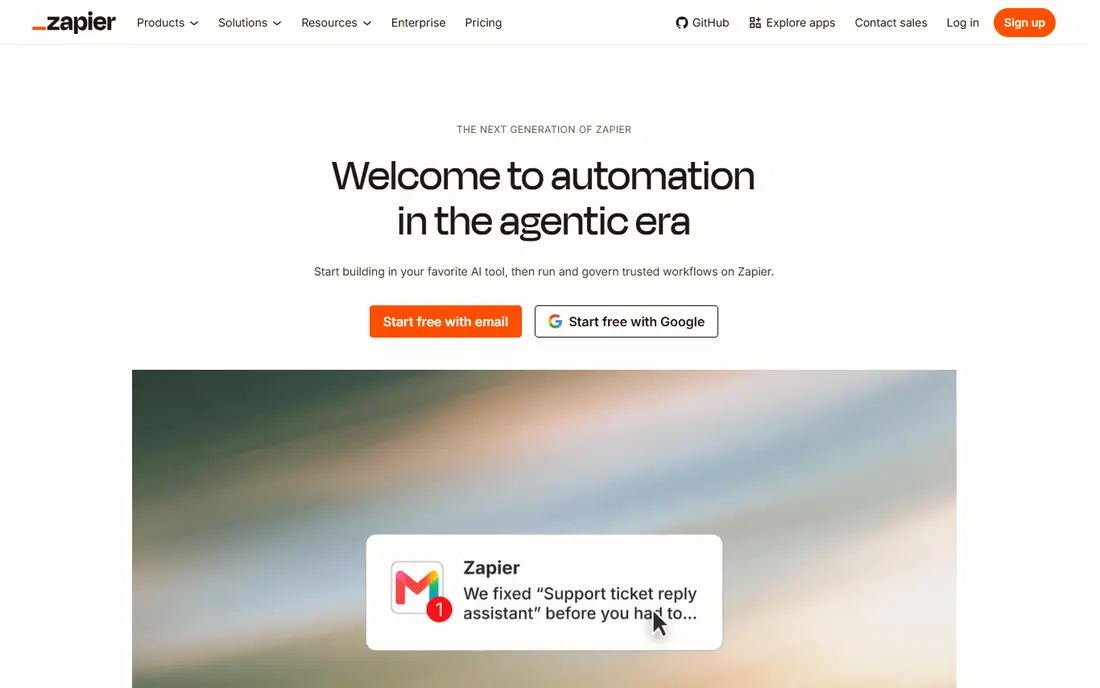
Zapier remains our pick for most people who want a result this week and do not want to learn a new system. You connect two or more apps, describe the trigger and the action, and Zapier moves the data between them. The library covers thousands of apps, so common jobs like adding form leads to a CRM, posting new orders to Slack, or saving attachments to Drive are usually ready in minutes.
The catch is the billing unit. Zapier counts each action step as a task, so a five-step workflow that runs 200 times uses 1,000 tasks. That makes the free plan, with 100 tasks a month, a trial in practice rather than a working plan for a busy business. For simple, low-volume jobs, Zapier is hard to beat. For heavy, branching work, compare its monthly total with Make or n8n before you commit.
- Very large app library
- Fast setup with plain-language prompts
- AI agents and AI actions built in
- Per-task pricing rises fast on multi-step workflows
- Advanced logic costs more than on Make or n8n
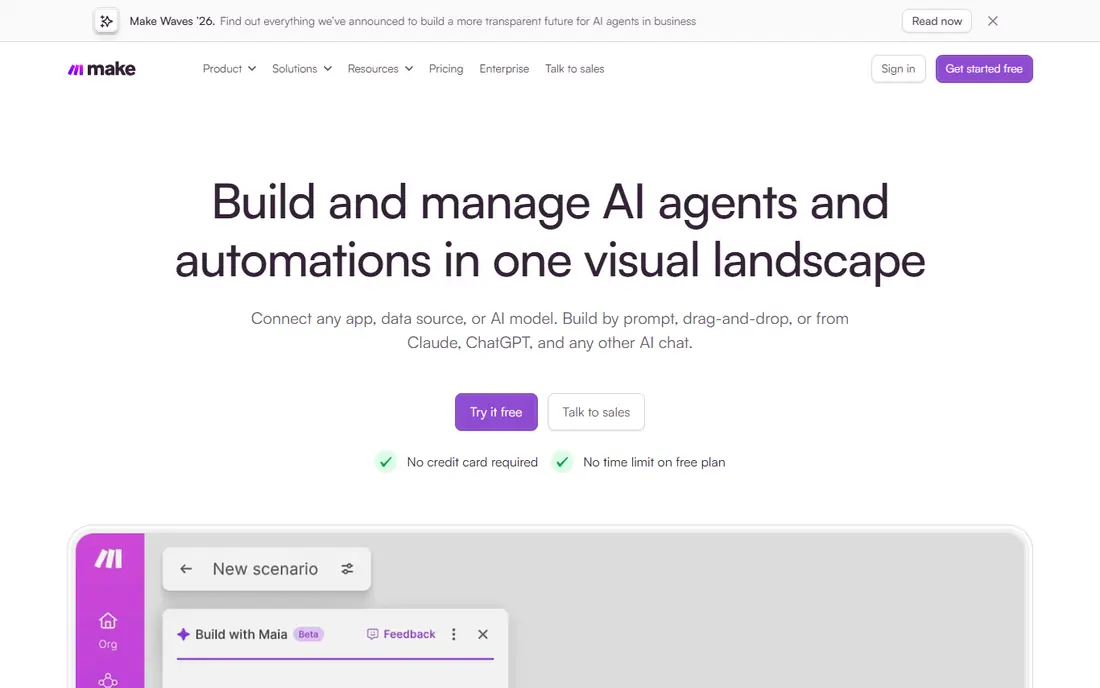
Make is the best ai automation platform for teams that have outgrown simple two-app links but do not want to write code for every job. Each workflow is a scenario on a canvas, and you can see data pass through each module when a run is tested. That view makes it much easier to find why a step failed, which matters when a workflow touches orders, leads or customer records.
The free plan includes 1,000 operations a month, and the paid Core plan starts at $9 a month for 10,000 operations on annual billing in recent vendor listings. Operations are counted per module run, so multi-step workflows still add up, but the math is usually kinder than Zapier at similar volume. Make connects to thousands of apps and can reach others through HTTP modules. If your team is comfortable with a visual builder, Make is often the best value in this list.
- Clear visual canvas with branches, filters and error paths
- Lower entry price than Zapier
- AI agents and scenario building help
- No self-hosted option
- Learning curve is steeper than Zapier for complete beginners
n8n is the best platform for ai automation when your team can handle code and wants control over data and cost. It offers native AI nodes, agent workflows, memory for multi-step agents, and connections to common language models and vector stores. You can also drop in JavaScript or Python where a visual node is not enough, which is a real advantage for data cleaning and API work.
Pricing is the other reason technical teams choose it. The community edition is free to self-host, so you pay for your own server rather than per step. Cloud plans start at a paid tier for teams that do not want to run a server, with pricing by workflow execution. The trade-off is responsibility. You need someone to watch failed runs, update the install and manage credentials. For a small team without that person, Make or Zapier will be calmer.
- Free self-hosted edition
- Full code nodes and AI agent building
- Pricing by execution, not by step
- Steeper learning curve
- Support is more community-led than on Zapier or Make
Power Automate makes sense when your business already lives in Microsoft tools. Approvals in Teams, forms in Microsoft Forms, rows in Excel and files in SharePoint can be tied together without buying a separate integration platform for every job. Standard connectors are included with many Microsoft 365 plans, and the standalone premium plan is listed at $15 per user per month for premium connectors and other advanced features.
The limit is scope. If most of your stack is Google, Shopify or niche tools, Zapier or Make will cover more apps with less friction. Power Automate also charges per user on its standalone plan, so a large team needs to count seats, not just workflows. For a Microsoft-centred office, though, it removes a whole layer of copying, pasting and chasing approvals.
- Deep links to Outlook, Teams, SharePoint and Excel
- Included in some Microsoft 365 plans
- Desktop flows for older apps
- Standalone premium pricing adds up per user
- Less friendly for teams outside the Microsoft stack
Pipedream is built for people who think in code and APIs. You can build a workflow from prebuilt components, then add Node.js or Python where you need custom logic. That makes it a strong choice for webhooks, data syncs, alerts and small internal tools that would be awkward to force into a drag-and-drop builder.
The free tier covers small daily use, and paid plans are listed from $29 a month in recent comparisons. The honest limit is audience. A marketer or office manager will likely prefer Zapier or Make, where the whole job is visible on a canvas. A developer who wants to ship a reliable integration fast, and who wants to read logs and test code directly, will feel at home here.
- Code-first workflows with a large app library
- Quick API work without servers
- Generous free daily use for small jobs
- Not a friendly first tool for non-technical users
- AI features are less packaged than in Lindy or Gumloop
Activepieces is worth a look when budget is the main constraint and your workflows are simple. The open-source edition can be self-hosted at no licence cost, and the cloud plans are priced to suit small teams. The builder is plain and direct, with triggers, actions and basic branching, so a small business can automate lead capture, notifications and simple record updates without a large monthly bill.
The trade-off is breadth. You will not find the same depth of app coverage or AI agent tooling as in the leaders above, and some jobs will need a generic HTTP step. For a team with a handful of stable workflows, that is a fair trade. For a team that needs hundreds of niche integrations, Zapier or Make will save more time than Activepieces saves money.
- Open-source option with self-hosting
- Simple flow builder
- Low cost for a small, fixed set of flows
- Smaller app library than Zapier or Make
- AI features are less deep than in n8n
Lindy sits in a different category from Zapier and Make. Instead of a fixed chain of steps, you describe an outcome and give an agent tools to reach it, such as email, calendar and CRM access. That works well for jobs like triaging an inbox, booking meetings from replies, drafting follow-ups and qualifying inbound leads, where the exact path changes from case to case.
Because AI steps cost credits, the monthly bill depends on how much the agent actually does, not just how many workflows you own. Start with a small pilot, watch credit use for two weeks, and set limits before you hand an agent a busy inbox. Lindy is a strong pick for best ai automations tools when the job needs judgment, and a weaker pick when the job needs exact, auditable steps every time.
- Agents that can handle email, calls and follow-ups
- Templates for common sales and support jobs
- Plain-language agent setup
- AI steps use credits, so costs vary with use
- Less suited to strict, step-by-step data pipelines
Gumloop is aimed at work that starts with messy input. Think of pulling details from PDFs, scraping a set of pages, enriching a lead list, or turning a pile of documents into a structured sheet. The visual builder includes AI steps for extraction and summarising, so a non-technical team can build a research workflow without writing scrapers by hand.
The free tier is useful for testing, and paid plans are credit-based, so check the cost of a typical run before you scale it. Gumloop is not the first choice for simple app-to-app syncs, where Zapier or Make are faster and cheaper. It earns its place when the hard part is reading and structuring content, not just moving a clean record from one app to another.
- Built for unstructured data such as PDFs, web pages and spreadsheets
- Visual builder with AI nodes
- Useful for research and enrichment
- Credit-based pricing makes heavy jobs harder to forecast
- Smaller integration library than Zapier
Relay.app is the pick when a workflow should pause for a person. Many automations fail in practice because they try to handle every case alone. Relay lets a step wait for approval, a choice, or a short human task, then continue automatically. That fits jobs like approving a discount, checking a lead before it enters the CRM, or reviewing an AI draft before it is sent.
The builder is clear and team-friendly, and AI steps can draft messages or summarise a thread for the approver. The limit is scale of integrations. If your stack is unusual, check that Relay covers your key apps before you build around it. For approval-heavy work in a small team, it is one of the most practical best automation ai tools in this list.
- Human-in-the-loop steps built into workflows
- Clean builder for team approvals
- AI steps for drafting and summarising
- Smaller ecosystem than the leaders
- Pricing varies by plan and usage
How we picked these
We compared official feature pages, pricing pages and app listings, plus public comparisons checked in October 2026, and kept only tools that are available to sign up for today and that fit AI automation in a practical sense. That meant real AI steps, agent features or AI-assisted building, not just a marketing claim. We favoured tools with a free plan or trial, clear pricing units and a range of skill levels, from no-code to code-first. We did not claim hands-on testing that did not happen, and we left out tools that were trial-only demos or that lacked a working product page.
What to check before you pay
Count the billing unit, not just the price
A $9 plan that counts every module can cost more than a $20 plan that counts whole runs, depending on your workflow shape. Build your busiest workflow, run it for a week, and multiply the real usage before you choose a tier.
Start with one painful job
Pick a single repeated task, such as lead routing or invoice chasing, and automate that first. A tool that handles that job well is a better signal than a long feature list. Add more workflows only after the first one runs without daily fixes.
Keep a human step where it matters
AI agents are useful for drafting and triage, but money, customer messages and hiring decisions deserve a review step. Tools with approvals, like Relay.app, or simple Slack alerts for failed runs, reduce the risk of a quiet error reaching a customer.
Frequently asked questions
What is the best ai automation platform for a small business?
For most small businesses, Make is a strong middle ground, with Zapier the easiest start and n8n the cheapest long-term option for technical teams. The right choice depends on how many steps your workflows have and how often they run.
What is the best ai automation software for non-technical users?
Zapier is usually the easiest, because setup is guided and the app library is very large. Make is the next step up when you need branches and error handling, and Lindy suits teams that want an agent to handle email or follow-ups.
Are the best ai tools for automation free to start?
Yes, several are. Zapier, Make, n8n (self-hosted), Pipedream, Activepieces, Gumloop and Relay.app all offer a free tier or trial. Free tiers have usage caps, so they suit testing and light use rather than heavy production work.
How is n8n different from Zapier and Make?
n8n is more technical, can be self-hosted for free, and charges cloud plans by workflow execution rather than by step. Zapier and Make are cloud-only and easier for non-technical teams, but their per-step pricing rises faster on complex workflows.
Do I need an AI agent, or just automation?
You need plain automation when the steps are fixed and the data is clean, such as copying form entries to a CRM. You need an agent when the input varies, such as triaging emails or reading documents, and the system must decide what to do next.
Sources
See where you really rank - block by block
ProMapRanker scans Google Maps across a grid of your service area. Simple monthly plans from $19, white-label on every plan.
Start freeKeep reading
 outreach alternatives
Outreach Alternatives in 2026
Compare outreach alternatives for 2026, from Salesloft and Apollo to HubSpot and Lemlist, with pricing, channels, features, limits, and honest trade-offs.
Read → best web conference tools
Best Web Conference Tools in 2026
Compare the best web conference tools for meetings, webinars and team calls, with current pricing, free plans and honest limits for each option here today.
Read → best voice cloning tools
Best Voice Cloning Tools in 2026
Compare the best voice cloning tools in 2026, from ElevenLabs and Descript to Resemble and Cartesia, with consent rules, pricing, licenses, and limits.
Read →