 ProMapRanker
Best AI Apps for Students Free in 2026

Key takeaways
- ChatGPT and Gemini cover everyday tutoring and drafting for free, with study modes that guide rather than just answer.
- NotebookLM is the best free tool for studying your own course materials, since it grounds answers in your sources.
- Grammarly, Quizlet and Photomath cover the specific jobs of writing polish, memorisation and maths practice.
- Check your school policy before using AI for assessed work, and never submit AI output as your own work.
Quick comparison
| Pick | Great for | Pricing starts at | Free tier | |
|---|---|---|---|---|
 ChatGPT | Everyday tutoring and study mode | Free | Yes | Visit |
 Gemini | Google Docs and study help | Free | Yes | Visit |
 NotebookLM | Studying your own sources | Free | Yes | Visit |
 Claude | Long readings and writing feedback | Free | Yes | Visit |
 Perplexity | Research with cited sources | Free | Yes | Visit |
 Grammarly | Grammar and writing polish | Free | Yes | Visit |
 Quizlet | Flashcards and memorisation | Free | Yes | Visit |
 Khanmigo | Guided maths and subject tutoring | $4 per month | Yes | Visit |
 Photomath | Step-by-step maths help | Free | Yes | Visit |
The best AI apps for students free
Free AI tools for students now cover tutoring, research, writing and revision, but free tiers differ in caps and features. We compared vendor pages and student guides checked in October 2026, and we kept only tools with a genuinely useful free tier. A note on integrity applies throughout: use these tools to learn, check your school policy for assessed work, and never submit AI output as your own work.
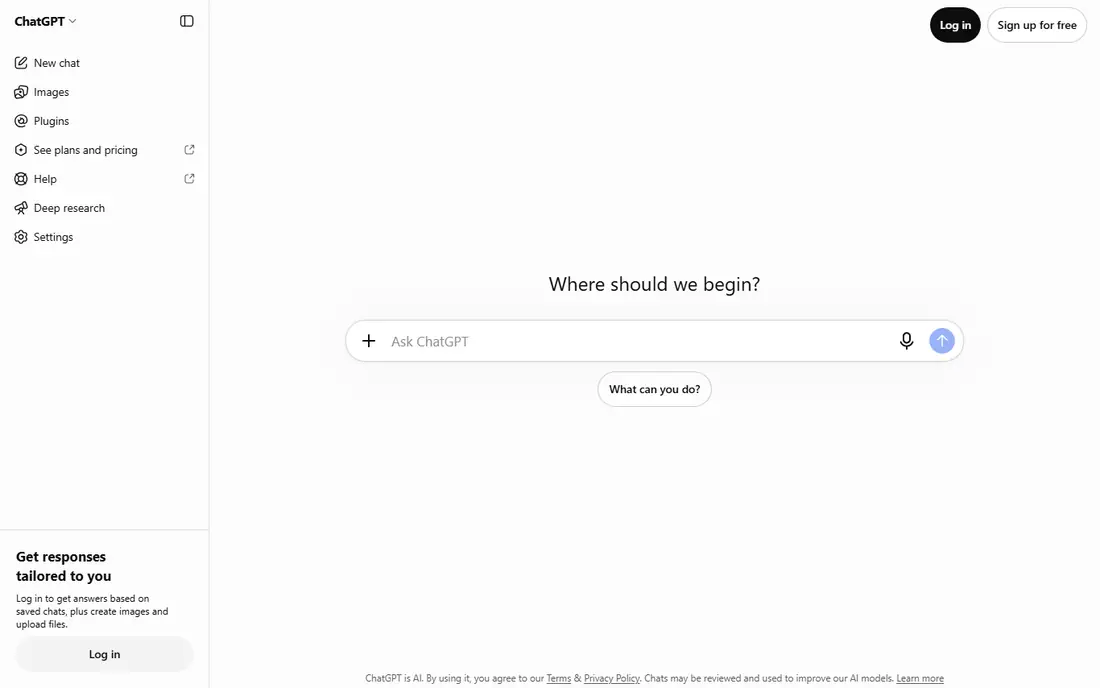
ChatGPT is the best starting point for most students because it covers so many jobs. Study Mode guides you through problems step by step instead of handing over an answer, and you can ask for quizzes, flashcards and plain-language explanations of hard topics. The free tier covers everyday text chats well.
The limits bite on uploads, image creation, voice and deep research, which are capped on free. Always verify facts, formulas and citations against your course materials, since ChatGPT can sound confident while being wrong. For a first free tutor, though, it is hard to beat.
- Free text chats with Study Mode
- Quizzes and flashcards
- Wide subject coverage
- Advanced tools and uploads are capped on free
- Answers can contain errors
- Paid tiers start at $8 per month
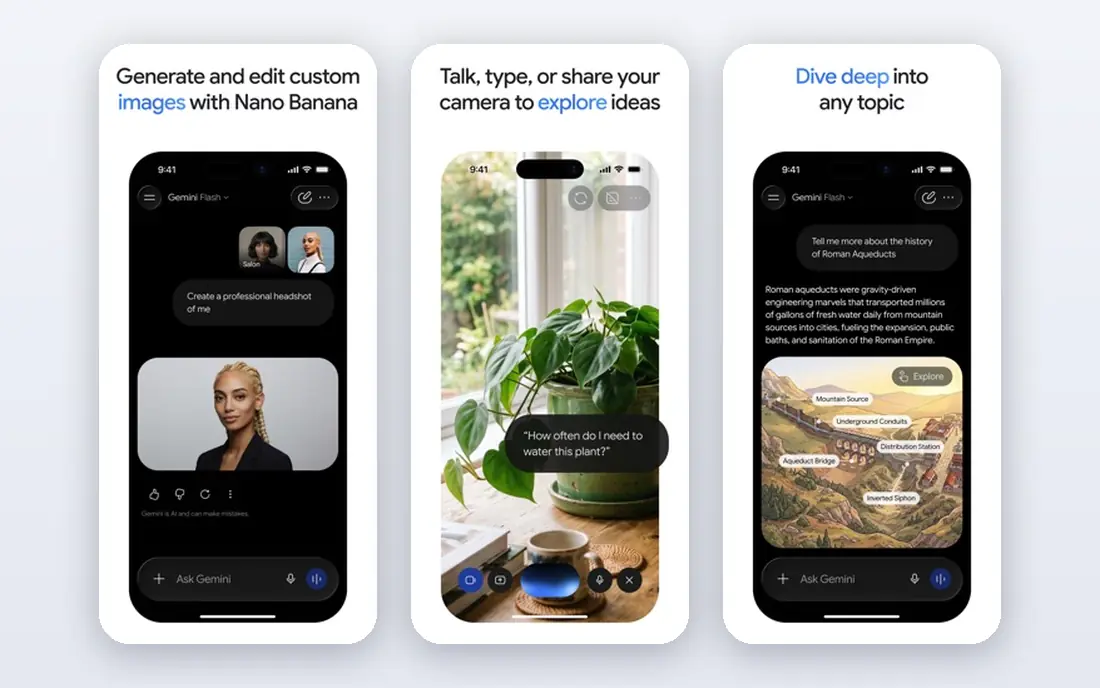
Gemini suits students already living in Google Docs and Drive. Guided Learning works like a tutor mode, walking through steps rather than giving answers outright, and the free tier covers everyday questions and study help. US college students have also been offered a free year of Google AI Pro, with renewal at list price unless cancelled.
As with any chatbot, check important answers against textbooks and lecture notes. Gemini is best as a study partner for understanding, not as a source to quote in an essay without verification.
- Free with a Google account
- Guided Learning mode
- Works inside Docs and Drive workflows
- Quality varies by topic
- Student Pro offers renew at full price if not cancelled
- Paid tiers add cost
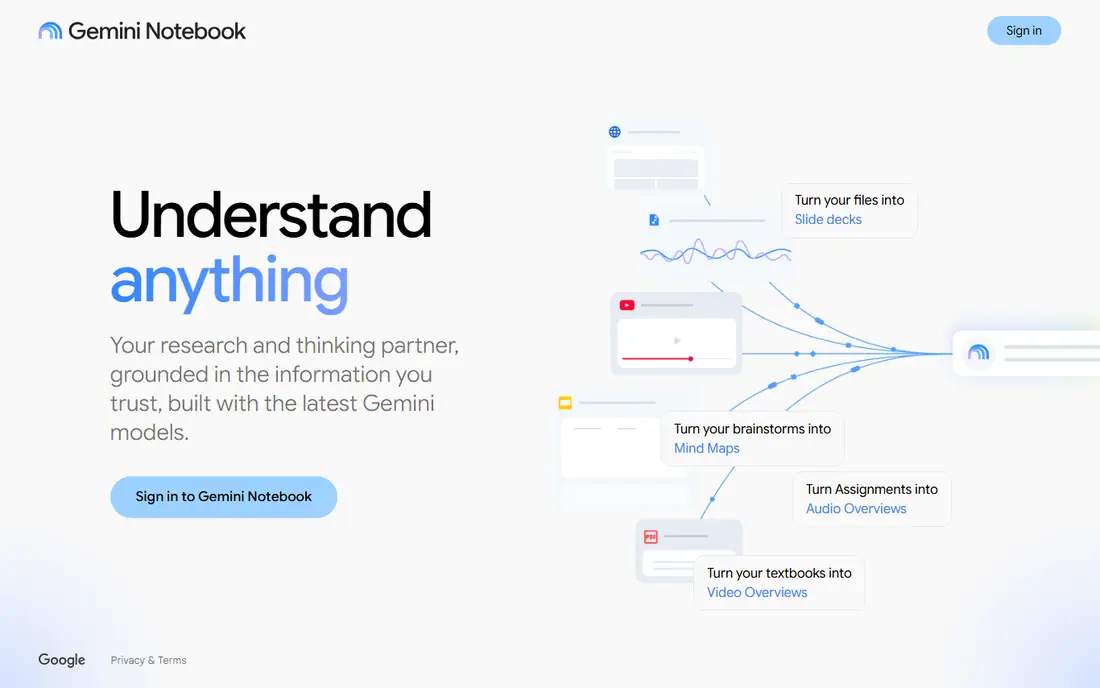
NotebookLM, now also called Gemini Notebook, is the most useful free study tool in this list for revision. You upload lecture notes, readings and slides, then ask questions that it answers from those sources, with citations back to them. Audio overviews turn a set of notes into a listenable revision session.
It cannot replace reading. If your sources are thin or wrong, its answers will be too, and free use has daily caps on chats and overviews. For exam revision from your own materials, however, it keeps you closer to the syllabus than a general chatbot does.
- Answers grounded in your uploaded sources
- Audio overviews for revision
- Free with a Google account
- Only as good as your uploads
- Daily caps on chats and overviews
- Paid tiers raise limits
Claude suits students working with long readings and drafts. The free tier handles file uploads, projects and web search, and it gives careful feedback on structure and argument rather than just surface edits. That makes it a good second tool alongside ChatGPT for essay work.
Free use is session-based, so heavy days will hit limits. It is also not a fact-checker, so verify claims and sources yourself. For reading a dense paper and getting honest feedback on a draft, Claude is a strong free choice.
- Strong free tier for long documents
- File uploads and web search
- Thoughtful feedback on drafts
- Session-based limits on free
- No student-only individual plan beyond the free tier
- Paid Pro starts at $20 per month
Perplexity is the best free research starting point when you need sources. It answers with citations, so you can follow through to the original page and judge it yourself. That habit matters for essays, since a summary alone is not evidence.
Free Pro searches are limited each day, and deep research features sit behind the paid tier. Verified students can get an education discount on Pro, but the free tier already covers everyday research if you use it to find sources, not to copy answers.
- Cited answers for research
- Free searches each day
- Education Pro discount for verified students
- Pro searches are limited on free
- Summaries are not a substitute for sources
- Paid Pro costs more
Grammarly is the best free polish tool for student writing. The free tier catches grammar, spelling and tone issues in browsers and documents, which helps drafts read cleanly. Students can also get a discount on Pro, though the free tier covers the core job.
It has clear limits. Free AI prompts are capped, and it cannot rescue an essay with a weak argument or missing evidence. Use it after you have done the thinking and drafting, not as a substitute for either.
- Free grammar, spelling and tone checks
- Works across browser and documents
- Student discount on Pro
- Free AI prompts are capped each month
- Plagiarism and AI detection are paid features
- It will not fix a weak argument
Quizlet remains the simplest free memorisation tool. You can make your own flashcard sets, use learn and test modes, and browse shared sets for common subjects. For vocabulary, definitions and formulas, spaced repetition through flashcards is a proven revision method.
Check shared sets before you trust them, since quality varies and errors creep in. Making your own set also helps you learn, so treat shared sets as a starting point, not a finished revision plan.
- Free flashcards and basic study modes
- Large library of shared sets
- Learn and test modes for revision
- Ads on free
- Advanced study features need Plus
- Quality of shared sets varies
Khanmigo is the best guided tutor in this list for students who are behind in maths or science. It works through problems step by step and asks questions, rather than handing over solutions, and it sits on top of Khan Academy free practice. That slower style is deliberate, and it helps understanding stick.
It is not fully free for every learner, since the learner plan costs $4 per month, while teachers get it free. For families who can pay that small amount, it is one of the best-value tutors available. Check age and purchase rules for younger students before signing up.
- Socratic tutoring that does not just give answers
- Built on Khan Academy practice
- Free for teachers
- Learner plan costs $4 per month
- Slower by design
- Needs a parent purchase for younger learners in some cases
Photomath suits maths homework checks. Scan a printed problem, see the steps, and compare them with your own working. That step view is what makes it useful for learning, rather than just answer-getting.
Use it as a checker, not a replacement for practice. If you copy steps without working through them, exam performance will not improve. The free core solver covers most homework checks, while Plus adds deeper explanations for students who want them.
- Free core solver by scanning a problem
- Step-by-step explanations
- Useful for checking homework
- Plus upsells deeper help
- Scanning struggles with messy handwriting
- It can become a shortcut if misused
How we picked these
We compared vendor pricing and help pages with student guides checked in October 2026, and we kept only tools with a free tier that survives real deadline use. We weighed free limits, student discounts, subject coverage and academic integrity, and we noted where a free offer renews at full price. Where pricing was unclear, we used the vendor site figure or Free rather than inventing a number.
How to build a free AI study stack
Start with three tools, not nine. Use ChatGPT or Gemini for everyday tutoring, NotebookLM for revision from your own notes, and one specialist for your weakest subject, such as Photomath for maths or Grammarly for writing. That stack covers most needs at no cost.
Next, learn the caps before deadline week. Free tiers limit uploads, Pro searches, AI prompts and daily chats, so test your stack on a normal assignment first. If you hit a cap, a student discount or a single paid month during exams may be cheaper than stacking several subscriptions all year.
Finally, keep academic integrity in the plan. Ask your teacher or university what AI use is allowed for each assignment, cite sources you actually read, and do the final writing yourself. A tool that helps you understand is a study aid, while a tool that writes your submission for you is a policy risk.
Frequently asked questions
What are the best AI tools for students free?
ChatGPT, Gemini and NotebookLM form the strongest free core, with Claude for long readings, Perplexity for cited research, and Grammarly, Quizlet and Photomath for specific jobs. Start free, then add a paid tier only when you hit a real limit.
What are the best free AI tools for students for studying?
NotebookLM is best for studying your own notes, since it grounds answers in your sources. Quizlet suits memorisation, Khanmigo suits guided tutoring, and ChatGPT Study Mode suits step-by-step explanations across subjects.
Is ChatGPT free for students?
Yes, ChatGPT offers a free tier with text chats and Study Mode, though uploads, images, voice and deep research are capped. Paid tiers start at $8 per month for higher limits, with Plus at $20 per month for more advanced models.
Can students use AI for homework?
It depends on your school policy and the assignment. Using AI to understand a topic, check working or polish grammar is usually acceptable, while submitting AI-written work as your own is usually not. Ask your teacher when in doubt, and keep your own notes and drafts.
What is the best free AI app for essay writing?
Grammarly helps polish grammar and tone for free, while Claude gives thoughtful feedback on drafts. Neither should write the essay for you, and both need you to verify facts and sources before submission.
Sources
See where you really rank - block by block
ProMapRanker scans Google Maps across a grid of your service area. Simple monthly plans from $19, white-label on every plan.
Start freeKeep reading
 zoho inventory alternatives
6 Alternatives to Zoho Inventory, Compared on Price and Fit
Zoho Inventory alternatives: 6 tools compared on price, free plans and fit. Katana leads the list for manufacturers. Fit and flaws are laid out for each entry.
Read → zoho crm alternatives
Best Zoho CRM Alternatives (2026)
Need Zoho CRM alternatives? We compare 7 tools on cost, free access and who each suits. Every pick gets a straight assessment. Built for quick decisions.
Read → zelle alternatives
Best Zelle Alternatives in 2026
Compare the best Zelle alternatives for sending money to friends, paying sellers and moving funds abroad, with honest notes on fees, speed and safety in 2026.
Read →