 ProMapRanker
Best AI Apps in 2026: 9 Apps Compared

Key takeaways
- ChatGPT is the safest single subscription for most people, with a free tier, a $8 Go plan, and a $20 Plus plan.
- Claude suits long documents, careful writing, and coding, while Gemini suits people who already live in Gmail, Docs, and Drive.
- Microsoft Copilot makes most sense inside Word, Excel, Outlook, and Teams, rather than as a standalone chat app.
- Perplexity is the strongest pick when you need cited research, and DeepSeek is worth trying when budget matters most.
- Free tiers are genuinely useful, so use one for a few weeks before paying, and check privacy settings before pasting sensitive work.
Quick comparison
| Pick | Great for | Pricing starts at | Free tier | |
|---|---|---|---|---|
 ChatGPT ChatGPT | Everyday assistant | Free | Yes | Visit |
 Claude Claude | Writing and coding | Free | Yes | Visit |
 Gemini Gemini | Google workspace users | Free | Yes | Visit |
 Microsoft Copilot Microsoft Copilot | Microsoft 365 work | Free | Yes | Visit |
 Perplexity Perplexity | Cited research | Free | Yes | Visit |
 DeepSeek DeepSeek | Low-cost reasoning | Free | Yes | Visit |
 Poe Poe | Multi-model access | Free | Yes | Visit |
 Midjourney Midjourney | AI images | $10 per month | No | Visit |
 Canva Canva | Design with AI help | Free | Yes | Visit |
The best ai apps
The best AI app depends on where you already work. A writer, a coder, a student, and a small business owner need different strengths, even when the headline prices look alike. The nine apps below cover general assistants, research, coding help, images, and design, with free tiers where they exist.
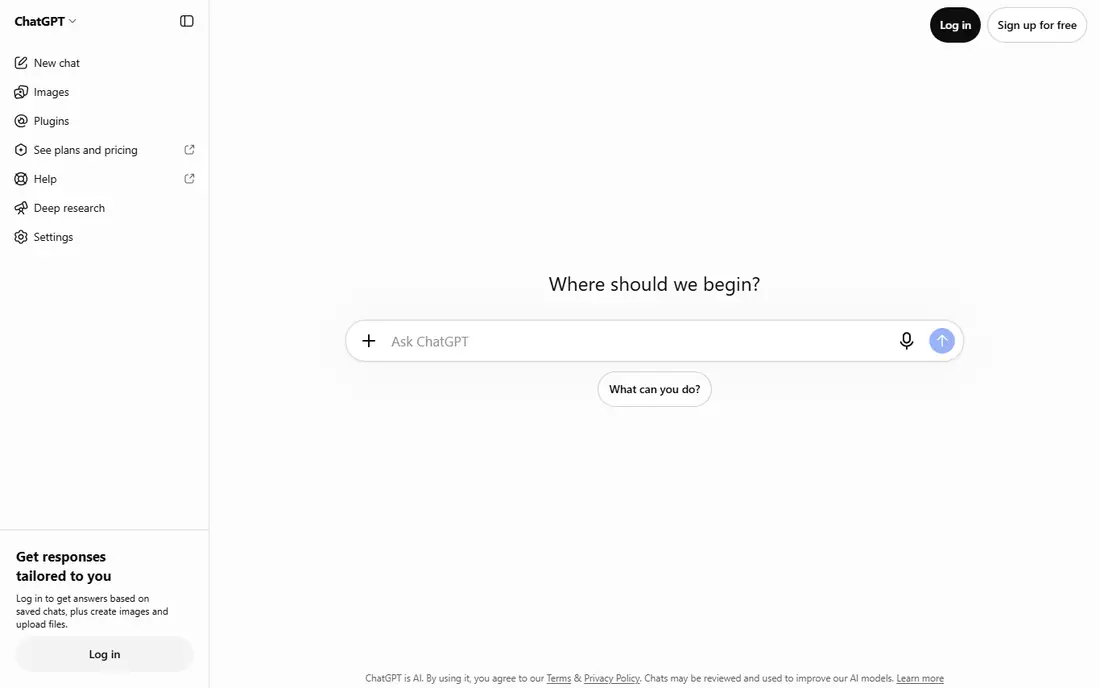
ChatGPT is our pick for most readers because it handles the widest mix of everyday jobs. You can draft an email, brainstorm ideas, explain a document, plan a trip, generate an image, and ask follow-up questions in one conversation. The free tier offers unlimited text chats subject to guardrails, with limits on uploads, image creation, voice, and deep research.
Paid plans start with Go at $8 per month, Plus at $20 per month, and Pro tiers from $100 per month. Plus adds expanded reasoning, uploads, image creation, deep research, memory, projects, and custom GPTs. ChatGPT is the best AI tool for people who want one subscription and do not want to think about which model to pick each time. Check the model picker and limits on your account before relying on a specific feature for client work.
- Broadest range of tools in one app
- Voice, image, and deep research features
- Large library of custom GPTs and integrations
- Usage limits apply on every tier
- Model and feature availability changes over time
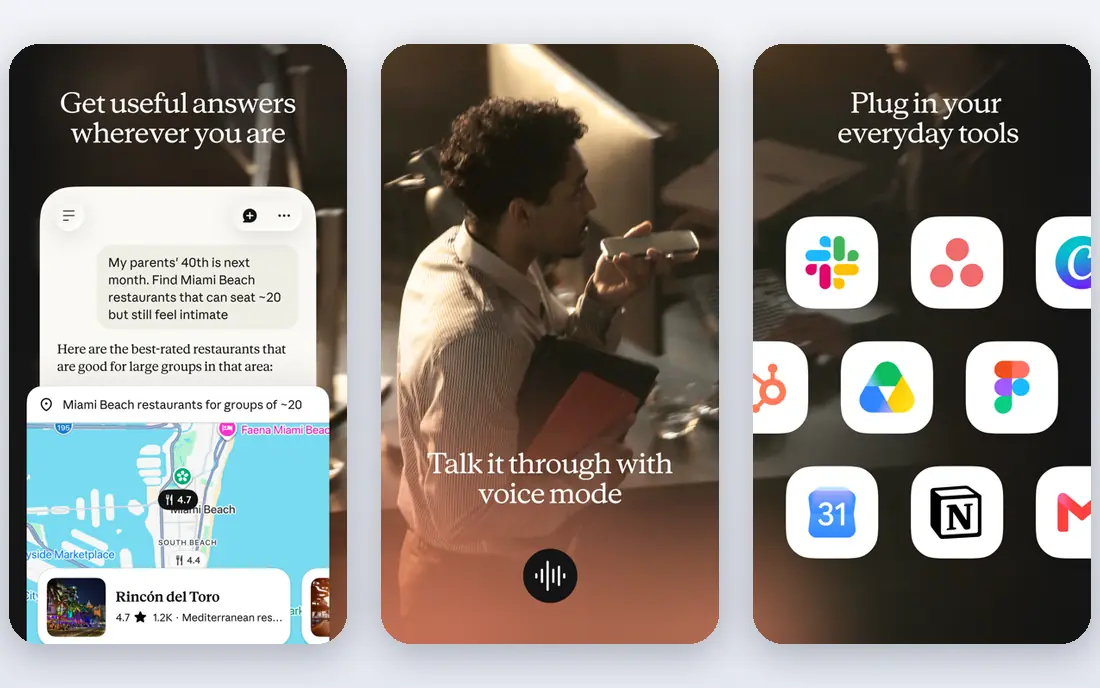
Claude is the best AI app for readers who work with long texts, careful drafts, and code. It handles large documents, summaries, rewrites, and analysis with a steady tone, and its project features help organize chats and files around a single job. Claude Code extends that strength to terminal and editor workflows for developers.
The free tier covers chat on web, iOS, Android, and desktop, with web search, memory, and file work. Pro is listed at $20 per month billed monthly, or $17 per month on annual billing, and adds more usage, Claude Code, research, and more models. Max tiers start at $100 per month for much higher usage. Choose Claude if writing quality and long-context work matter more than image generation or a huge app library.
- Strong long-document handling
- Careful, structured writing
- Claude Code for coding work
- Usage limits apply
- Some features are tied to higher tiers or specific surfaces
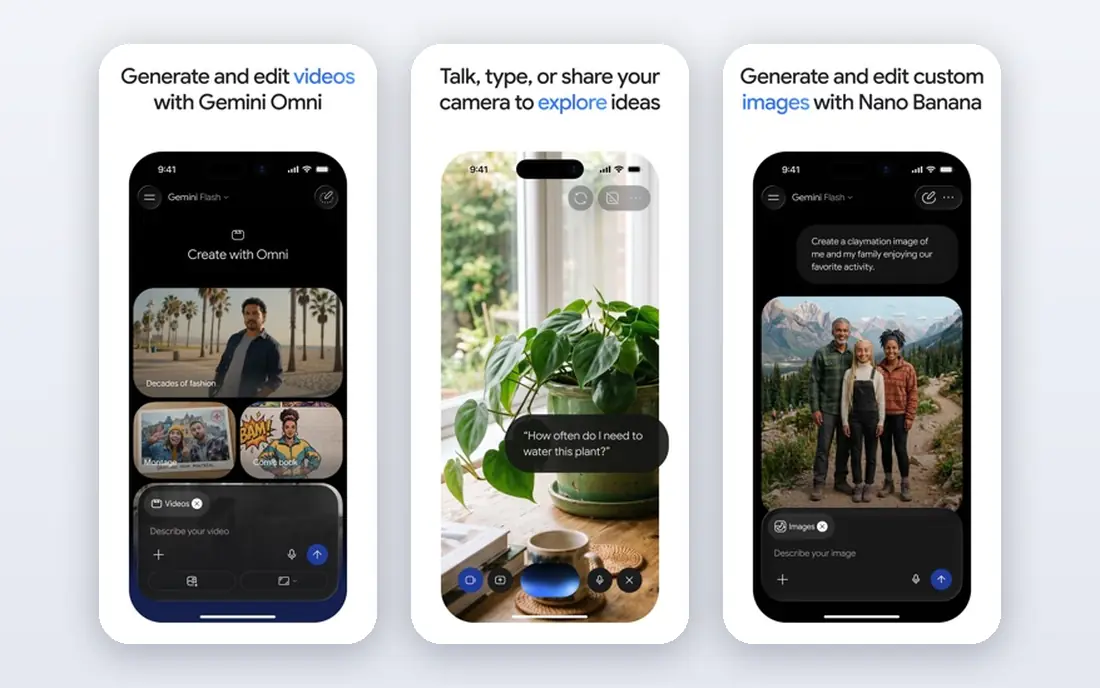
Gemini is the natural pick if your work already lives in Google apps. It can summarize a Gmail thread, draft in Docs, work with Drive files, and search the web from the same assistant, which saves the copy-and-paste steps that slow down other tools. Its free tier is generous for everyday questions, writing, and image work.
Google AI Pro is listed at $19.99 per month in current listings, and bundles higher limits with Google storage and other Google benefits, depending on the plan. Lower-cost AI Plus options have appeared in some regions at $4.99 per month, so check the plan shown for your account. Gemini is the best AI platform for Google-first users, while ChatGPT and Claude may suit people who work across many different apps.
- Deep Gmail, Docs, Drive, and Search integration
- Strong multimodal features
- Long context for large files
- Best value sits inside Google paid plans
- Some features vary by app and region
Microsoft Copilot is best judged as part of Microsoft 365, not as a standalone chat app. Inside Word it can draft and rewrite, inside Excel it can explain and analyze data, inside Outlook it can summarize threads, and inside Teams it can recap meetings. That context is the point, since Copilot can see the document or email you are already working on.
The free Copilot app covers web chat and basic features. Paid access now comes through Microsoft 365 Premium at $19.99 per month in current listings, with higher business tiers above that. If you already pay for Microsoft 365, Copilot is an easy addition. If you do not use Office apps daily, ChatGPT, Claude, or Gemini will likely give you more for the same money.
- Works inside Word, Excel, PowerPoint, Outlook, and Teams
- Good for drafting, summaries, and spreadsheet help
- Full value needs a Microsoft 365 plan
- Less useful outside the Microsoft ecosystem
Perplexity is the best AI tool for research because it treats sources as part of the answer. Each response links to pages you can open, which makes it easier to check a claim, follow a citation, and avoid repeating an AI error in your own work. That habit matters for students, journalists, researchers, and anyone writing about health, money, or law.
The free tier covers basic searches with limits on Pro queries. Pro is listed at $20 per month and adds unlimited or higher-limit Pro searches, more models, and file analysis. Perplexity is not the best pick for long creative writing or heavy coding, where Claude and ChatGPT lead. Use it as your research layer, then draft in the assistant that fits your writing style.
- Answers include sources you can check
- Good for research and fact-checking
- Clean search-style interface
- Less strong for creative writing and coding than ChatGPT or Claude
- Pro queries are limited on the free tier
DeepSeek is worth trying if you want strong reasoning without a $20 subscription. Its chat app offers free access to its models for everyday questions, math, logic, and coding help, and its API pricing has made it popular with developers who want lower token costs. The interface is plain, which suits people who want answers without a large app ecosystem.
Pricing for the chat app is free to start, with API costs billed by tokens for developers, so we list the starting price as Free rather than a subscription figure. DeepSeek is the best AI app for budget-conscious users who are comfortable with a smaller integration library. If you need deep Google or Microsoft integration, or a large custom app library, Gemini, Copilot, or ChatGPT will fit better.
- Free chat access
- Strong reasoning and coding for the price
- Simple interface
- Fewer integrations than larger rivals
- Feature availability and limits can change
Poe solves a common problem: you want to compare ChatGPT, Claude, Gemini, and other models without paying for each one separately. Poe offers chat access to multiple models under one account, with bots built for writing, coding, image work, and other jobs. That makes it useful for testing which model handles your work best.
The free tier covers basic access with limits. Paid plans start at $4.99 per month in current listings, with higher tiers for more usage. Poe is the best AI platform for curious users, students, and small teams who want model choice without several subscriptions. If you settle on one model, a direct subscription to that model may give you deeper features and higher limits.
- One subscription can access several models
- Good for comparing answers
- Bots for specific jobs
- Limits depend on model and plan
- Not a replacement for a native app if you need deep integrations
Midjourney is the best AI tool on this list for images alone. It produces detailed, stylized artwork from text prompts, and its community gallery makes it easy to learn prompt styles that work. Designers, marketers, and hobby artists use it for concepts, illustrations, social images, and mood boards, even when a general assistant handles their writing.
Plans start at $10 per month for the Basic plan in current listings, with higher tiers for faster generation and more usage. There is no ongoing free tier, so budget for at least a month to test it properly. Midjourney does not write, code, or research like the assistants above, so pair it with ChatGPT, Claude, or Gemini if you need both text and images.
- Distinctive, high-quality image styles
- Strong community prompts and examples
- Good for art and design exploration
- No free tier for new users in current listings
- Works mainly through its own site and chat interface
Canva is the best AI app for small businesses that need good-looking marketing material fast. Templates for social posts, presentations, flyers, and videos, plus AI help for writing, image generation, background removal, and resizing, let a non-designer produce on-brand work in minutes. Team folders and brand kits keep colors, fonts, and logos consistent.
The free tier covers basic design and AI tools with limits. Pro is listed at $12.99 per month in current listings for individuals, with team pricing above that. Canva is not a replacement for ChatGPT or Claude for long writing or coding, but for a small business that needs posts, decks, and flyers each week, it may save more time than any general assistant alone.
- Easy design templates for social, slides, and print
- AI tools for text, images, and background removal
- Good team sharing
- AI writing is lighter than a dedicated assistant
- Best features sit in Pro
How we picked these
We compared official feature pages, pricing pages, and app listings, plus public reviews for reliability and ease of use. We favored apps with a clear job, a usable free tier or trial where offered, and pricing a reader can verify on the vendor site. We also weighed integration fit, since an AI app that lives inside your email or docs often beats a stronger model that sits outside your workflow. We did not claim hands-on testing, and model availability and limits change often, so check the vendor page before you pay.
Choose by your workflow, not by hype
Match the app to the suite you use
If you live in Gmail and Docs, start with Gemini. If you live in Word and Outlook, start with Copilot. If you work across many apps, start with ChatGPT or Claude. That one choice removes most friction, because the assistant can see the files, emails, and docs you already use, instead of asking you to paste everything by hand.
Use free tiers to find your limit
Most people do not need a paid plan on day one. Use a free tier for a few weeks and note where you hit a limit: uploads, image creation, deep research, coding sessions, or model choice. Pay for the tier that removes the limit you actually hit, not the tier with the longest feature list. Poe can help here, since it lets you compare models before you commit to one.
Keep sensitive work out of prompts by default
AI apps can store conversations, use data for training depending on settings, and share data with third parties under their policies. Read the privacy settings for the app you choose, turn off training use where offered, and avoid pasting client data, health records, passwords, or unpublished business plans into a general chat app. For sensitive business work, use a business or enterprise tier with clearer data controls, or keep that work in your own systems.
Combine a general assistant with a specialist
One subscription rarely covers every job well. A common setup is ChatGPT or Claude for writing and coding, Perplexity for cited research, and Midjourney or Canva for images and design. That mix costs more than one plan, so start with one general assistant and add a specialist only when a weekly job clearly needs it.
Frequently asked questions
What is the best AI app?
ChatGPT is the best AI app for most people because it covers writing, coding, images, voice, and research in one place. Claude is better for long writing and coding, Gemini is better for Google users, and Copilot is better for Microsoft 365 users. Try the free tier of two apps for a week and keep the one that fits your daily work.
What are the best AI tools for business?
For business, the best AI tools are usually a general assistant plus tools tied to your suite. Microsoft Copilot suits Microsoft 365 teams, Gemini suits Google Workspace teams, and ChatGPT Business suits teams that work across many apps. Add Canva for marketing design and Perplexity for research, and check data controls before using any tool with client data.
What is the best AI tool for productivity?
ChatGPT Plus and Claude Pro are the strongest general productivity picks, because they handle drafting, summaries, planning, and coding in one app. Gemini helps most inside Google apps, Copilot helps most inside Microsoft apps, and Poe helps when you want to compare models. The best AI tool for productivity is the one that sits closest to the work you already do.
Is there a best free AI app?
Yes, for many jobs. ChatGPT Free, Claude Free, Gemini Free, Perplexity Free, and DeepSeek Free all cover everyday questions, writing help, and basic research. DeepSeek is notable for free reasoning and coding help, while Perplexity is notable for free cited answers. Pay only when you hit a limit that blocks weekly work.
What is the best AI software for images?
Midjourney is the best AI software for distinctive images and art styles, while Canva is better for finished designs with text, templates, and brand kits. ChatGPT and Gemini also generate images, which suits people who want text and images in one app. Choose Midjourney for art quality, Canva for marketing output, and a general assistant for occasional images.
How do I avoid AI errors in my work?
Check important facts against a primary source, use Perplexity for cited research, and ask the assistant to show its reasoning for math and code. Do not paste an AI answer into client work, a report, or a public post without reading it first. For health, legal, and financial topics, confirm the answer with a qualified professional or an official source.
Sources
See where you really rank - block by block
ProMapRanker scans Google Maps across a grid of your service area. Simple monthly plans from $19, white-label on every plan.
Start freeKeep reading
 youtube alternatives
Best YouTube Alternatives in 2026
Looking for youtube alternatives in 2026? We compare Vimeo, Dailymotion, Twitch, Rumble, and more on price, audience, monetization, control and privacy.
Read → what's the best ai tool for photo editing
What Is the Best AI Tool for Photo Editing in 2026
What is the best AI tool for photo editing? We compare ten tools for 2026, from Photoshop and Lightroom to Luminar, Topaz, Canva and mobile editors today.
Read → twitter alternatives
Best Twitter Alternatives in 2026
Compare the best twitter alternatives for 2026, from Bluesky, Threads, and Mastodon to Reddit, Tumblr, and Micro.blog, with free plans and audience notes.
Read →