 ProMapRanker
Best AI App to Make Videos for Free in 2026

Key takeaways
- Free does not mean unlimited: most generators limit credits, length, or exports, and some watermark free videos, so check the free terms before a project.
- CapCut and Canva are best for finished social videos, while Pika, Runway, Kling, and Luma are best for generating new clips from prompts.
- InVideo suits script-led drafts, HeyGen suits avatar presenters, and Veed suits captions and browser editing.
- Always check commercial use and watermark terms before using a free video for business or monetised content.
Quick comparison
| Pick | Great for | Pricing starts at | Free tier | |
|---|---|---|---|---|
 CapCut | Mobile-first editing with AI tools, free | Free | Yes | Visit |
 Canva | Branded social videos in a design editor | Free | Yes | Visit |
 InVideo | Script-to-video drafts for YouTube and social | Free | Yes | Visit |
 Pika | Short creative clips from text and images | Free | Yes | Visit |
 Runway | Cinematic text-to-video experiments | Free | Yes | Visit |
 Kling | Realistic motion from prompts and images | Free | Yes | Visit |
 Luma Dream Machine | Realistic short clips from prompts or photos | Free | Yes | Visit |
 HeyGen | Avatar presenter videos without a camera | Free | Yes | Visit |
 Veed | Editing, captions, and AI tools in the browser | Free | Yes | Visit |
The best AI apps to make videos for free
Free AI video apps do two different jobs. Some generate new video from a text prompt or a photo, which suits short creative clips. Others assemble and edit a finished video from a script, photos, or existing footage, which suits social posts, tutorials, and marketing videos. The list below covers both, because most creators need one of each, not a single tool that does everything.
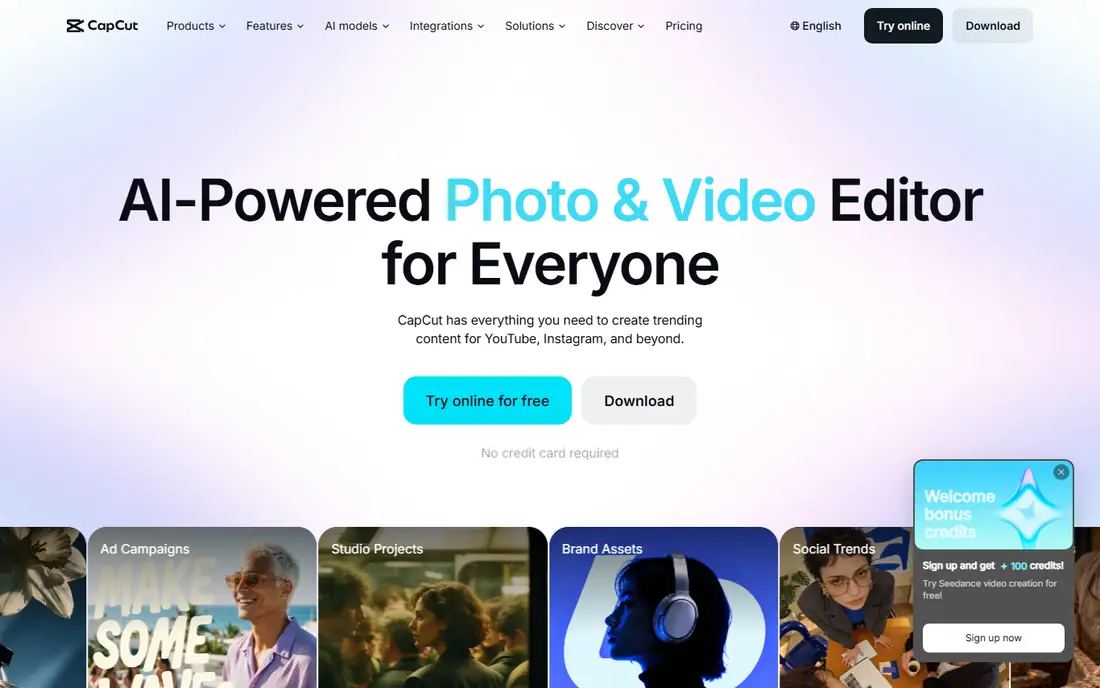
CapCut is the best free starting point for finished social videos. Its free plan covers editing, templates, auto-captions, and many AI effects without a watermark on many exports in listings, which makes it practical for TikTok, Reels, and Shorts creators who publish daily.
It is an editor first, not a prompt-to-video generator, so it will not create a cinematic clip from text alone the way Runway or Pika can. Some advanced AI features sit behind a paid plan. For turning footage, photos, and text into a polished short video for free, CapCut is hard to beat.
- Generous free editing tools
- Auto-captions and AI effects
- Templates for short-form video
- Some AI features need a paid plan
- Prompt-to-video generation is limited compared with specialist generators
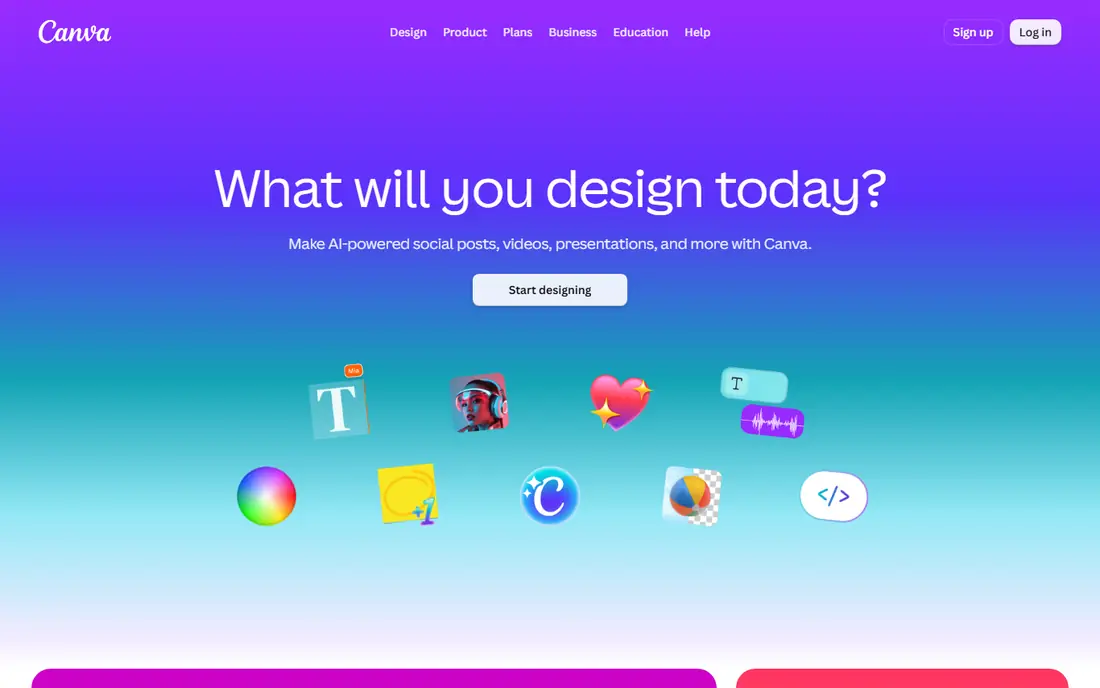
Canva suits small businesses and creators who need branded videos fast. You pick a template, add your colours and logo, use the AI allowance for video or design elements, and export a social video without learning an editor. That workflow is why non-editors often prefer it.
The free AI allowance is shared across Canva features, so heavy video generation will exhaust it quickly. It is not a cinematic text-to-video tool. For marketing videos, announcements, and social posts with consistent branding, Canva is the most approachable free option here.
- Video templates and brand kits
- AI allowance on the free plan
- Easy text, music, and layout tools
- AI generation allowance is shared across features
- Generation limits are modest on the free plan
- Not a cinematic generator
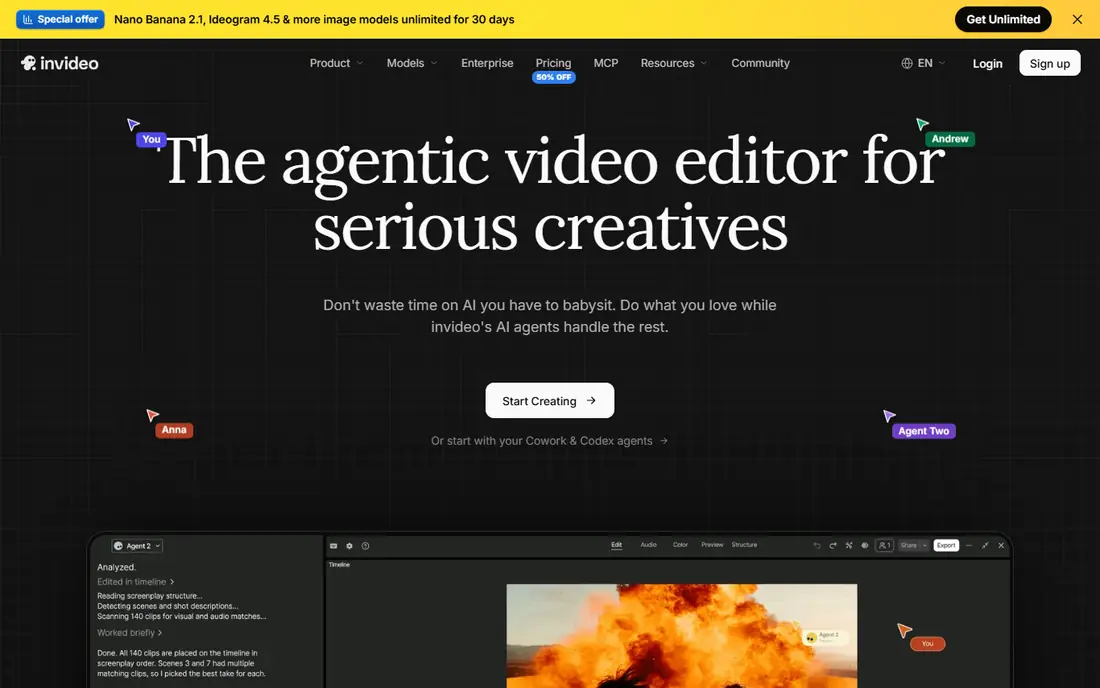
InVideo suits creators who think in scripts. You paste or write a script, pick a style, and InVideo assembles a draft with stock footage, text, and voiceover, which is ideal for faceless YouTube videos, explainers, and social drafts that need a fast first cut.
Free exports are limited and watermarked in many listings, and weekly generation limits apply, so it is a drafting tool on the free plan rather than a finished export tool. Paid plans remove those limits. If you need a script turned into a watchable draft quickly, InVideo is a strong free start.
- Script-to-video workflow
- Templates and stock footage
- Voiceover and text-to-speech options
- Free exports are limited and watermarked in listings
- Weekly generation limits apply
- Editing control is lighter than CapCut
Pika is built for short creative clips. You can turn a text prompt or a still image into a moving clip, apply effects and transformations, and test ideas quickly on a free account. That makes it popular for social experiments, memes, and short-form creative work.
Free credits are limited and have varied over time in listings, so check your account balance before planning a series. Clips are short, and commercial terms on the free plan need checking before business use. For creative generation at no cost, Pika remains one of the most accessible options.
- Text-to-video and image-to-video generation
- Creative effects and transformations
- Free account for testing
- Free credits are limited and vary over time
- Commercial terms on the free plan need checking
- Clips are short
Runway is the cinematic pick in this list. Its generative models produce polished, film-like clips with camera control, and the surrounding editing suite lets you refine a clip without switching apps. That quality is why filmmakers and agencies test Runway first.
The free allowance is a one-time credit deposit in listings, not a monthly renewal, so it suits testing rather than ongoing free production. Paid plans are higher than some rivals. If you want the best-looking generated clip and you are willing to pay once the free credits run out, Runway leads.
- High-quality generative video models
- Camera control and creative tools
- Full editing suite beside generation
- Free credits are a one-time allowance that does not renew in listings
- Paid plans start above free rivals
- Learning curve is higher
Kling is known for realistic motion in generated video. Clips show natural movement, camera motion, and physics that many rivals struggle with, which makes it a strong free pick for product shots, character motion, and short realistic scenes.
Free access in listings comes with daily credits and may include a watermark, with higher resolution behind paid plans. Check your account terms, since free allowances vary. For realistic motion at no cost, Kling is one of the best free generators to test alongside Pika and Runway.
- Realistic motion and physics in generated clips
- Image-to-video and text-to-video
- Daily free access in listings
- Free outputs may carry a watermark in listings
- Daily allowance varies
- Higher resolution needs a paid plan
Luma Dream Machine turns a prompt or a photo into a short realistic clip with minimal setup. Its simple workflow suits creators who want to animate a product photo or test a scene idea without learning a complex generation interface.
Free generations are limited per month in listings, and clips are short, so it suits testing and occasional social clips rather than daily production. Higher quality and volume need a paid plan. For a quick realistic clip from a photo, Luma is a clean free starting point.
- Realistic motion from text or images
- Simple prompt workflow
- Standard-quality exports without watermark in some listings
- Free generations are limited per month in listings
- Clips are short
- Higher quality needs a paid plan
HeyGen suits presenters who do not want to film themselves. You type a script, pick an avatar, and get a presenter video in many languages, which works for training, onboarding, and marketing videos where a human presenter would otherwise need a studio.
The free plan in listings allows only a few videos per month, with watermarks, so it is a trial rather than a production plan. Avatar realism varies by model and script. For occasional avatar videos, it is a useful free test. For regular publishing, a paid plan is needed.
- AI avatars and voice cloning
- Multilingual presenter videos
- Templates for training and marketing
- Free videos are limited per month and watermarked in listings
- Avatar realism varies
- Paid plans needed for regular use
Veed is a browser editor that suits captions and quick edits. You can upload footage, add subtitles automatically, clean audio, and export a social-ready video without installing software. That browser workflow helps teams on shared or locked-down computers.
Free exports in listings are limited and watermarked, and AI generation is lighter than specialist generators. Veed is best as a free editing and captioning tool, paired with a generator such as Pika or Kling for the footage itself. For subtitles and polish, it is a practical free start.
- Browser editing with captions and subtitles
- AI tools for cleaning audio and creating clips
- Templates
- Free exports are limited and watermarked in listings
- Video length and quality limits apply
- Generation is lighter than Pika or Runway
How we picked these
We compared official feature pages, pricing pages, and app store listings, and we checked public reviews for recurring complaints. We kept only tools that are available in October 2026 and that fit the topic directly, and we left out tools that only partly match the job. Where a price could not be confirmed on the vendor site during our checks, we wrote See website rather than guessing a figure.
Our pick for most people is the option that covers the common case well without forcing a paid plan for basic use. That does not mean it suits every group, budget, or workflow, so use the comparison table to match the best fit to your own needs before you sign up.
How to make free AI videos without hitting limits
Start by separating generation from editing. Use a generator for the short clips you cannot film, then use a free editor such as CapCut or Veed to assemble, caption, and export the finished video. That split lets you use each free tier for what it does best, instead of exhausting one tool on every step.
Next, plan around credits. Short clips, lower resolution for drafts, and reusing a good clip across several posts all stretch a free allowance. Generate a draft at low settings, check motion and framing, and only render a final version at higher settings when the draft works. That habit saves credits on failed generations.
Finally, check export terms before you publish. Confirm whether the free export has a watermark, what resolution it allows, and whether commercial use is permitted on the free plan. If a video will be monetised or used for a client, a paid plan or a different tool with clear commercial terms is safer than hoping a free watermark will go unnoticed.
Frequently asked questions
What is the best app to make AI videos free?
CapCut is the best free app for finished social videos, because its free editing tools are generous and practical for daily publishing. For generating new clips from prompts, Pika and Kling offer accessible free access, while Runway offers higher cinematic quality with a one-time free credit allowance.
What is the best free app to make AI videos without a watermark?
CapCut and Luma Dream Machine are listed as offering watermark-free exports on some free tiers, though terms vary by plan and export type. InVideo, HeyGen, and Veed watermark many free exports in listings, so check the export screen for your specific video before you publish.
Can I make a full YouTube video with a free AI app?
Yes, for a draft or a short video, by combining tools: InVideo for a script draft, a generator for clips, and CapCut or Veed for editing and captions. Long, polished YouTube videos usually need a paid plan for higher resolution, longer exports, and watermark removal, so budget for that if you publish regularly.
How long can free AI generated videos be?
Most free generators produce clips of a few seconds to about ten seconds per generation, while editors such as CapCut and Canva can assemble much longer finished videos from those clips and other footage. If you need a long single generated shot, you will need to stitch clips or pay for a higher tier.
Are free AI videos safe for commercial use?
It depends on the tool and plan. Some free plans allow commercial use within their terms, while others restrict it to personal use or require a paid plan. Always read the terms for the plan you use, keep a record of the tool and plan, and avoid using a free watermarked video for a client project.
Sources
See where you really rank - block by block
ProMapRanker scans Google Maps across a grid of your service area. Simple monthly plans from $19, white-label on every plan.
Start freeKeep reading
 galaxy.ai alternatives with lifetime access
Best Galaxy.ai Alternatives With Lifetime Access in 2026
Looking for galaxy.ai alternatives with lifetime access? We compare 7 pay-once AI tools for chat, writing, images, video and SEO work in 2026, in detail.
Read → best workforce management software
Best Workforce Management Software in 2026
Compare the best workforce management software for scheduling, time tracking, and payroll, with prices, free plans, and picks by team size and industry.
Read → best wms software
Best WMS Software in 2026: 8 Systems Compared
Compare the best WMS software for warehouses of every size in 2026, from enterprise systems like SAP and Manhattan to mid-market options for growing brands.
Read →