 ProMapRanker
Best AI App for Home Interior Design in 2026

Key takeaways
- Photo restyle apps are fastest for ideas, while Planner 5D, Homestyler and Foyr Neo are better when you need a plan you can build from.
- RoomGPT is the cheapest way to test one style idea, and REimagineHome is stronger for chat edits and shoppable products.
- Free access usually means a few credits or a limited catalogue, not unlimited high-resolution renders.
- AI images can move walls, windows and furniture, so check every render against your real room before you buy anything.
- Credit costs vary widely, so compare the cost of the output you need, not just the monthly price.
Quick comparison
| Pick | Great for | Pricing starts at | Free tier | |
|---|---|---|---|---|
 RoomGPT | Quick room style experiments | $9 one-time | Yes | Visit |
 Planner 5D | DIY floor plans and room layouts | $19.99 per month | Yes | Visit |
 Homestyler | Free 3D design with a large model library | $6.80 per month | Yes | Visit |
 Interior AI | Style variety and virtual staging | $29 per month | No | Visit |
 REimagineHome | Chat edits and shoppable product ideas | $19 per month | Yes | Visit |
 Spacely AI | Iterative renders and design team work | $25 per month | Free trial | Visit |
 HomeDesigns AI | Interior, exterior and garden concepts | $22 per month | Free trial | Visit |
 DecorMatters | Room ideas with community inspiration | See website | Yes | Visit |
 Foyr Neo | Professional 3D interior design | $39 per month | Free trial (14 days) | Visit |
The best AI apps for home interior design
We compared apps that restyle a photo, build a floor plan or do both. The best AI home interior design app depends on whether you want inspiration, a shopping list or a measured plan.

RoomGPT is the simplest way to answer one question: what would this room look like in another style? Upload a photo, pick a style, and get a restyled image in seconds. A credit pack costs $9 for 30 credits, with each generation using one to four credits depending on the model, so occasional use stays cheap.
RoomGPT is not a design tool in the planning sense. You cannot move a wall, check measurements or edit a floor plan, and the AI can alter windows, doors and proportions. For a fast style test before you talk to a designer or shop for furniture, it is excellent value. For a renovation plan, pair it with a planning app below.
- Very cheap entry
- Simple photo upload
- Many styles
- No subscription needed for credit packs
- One free credit only
- No editable floor plan
- Results can change room structure
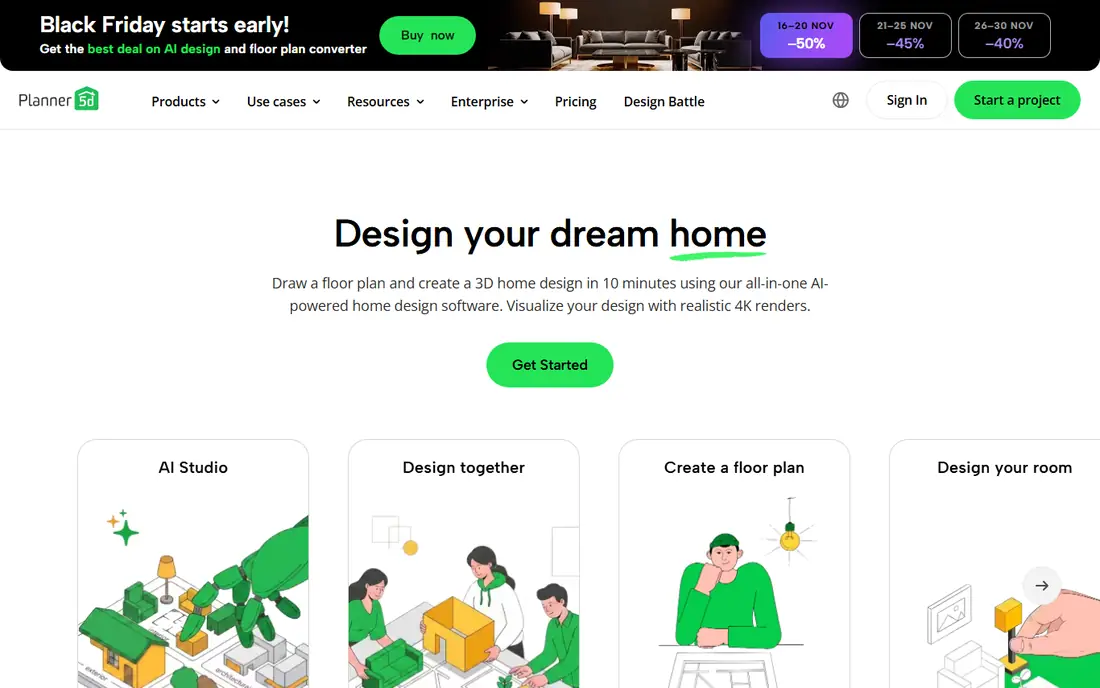
Planner 5D is the planning pick for homeowners who want to test a layout, not just a look. You draw a floor plan, place furniture, switch between 2D and 3D views, and see whether a sofa, table or bed actually fits. The free plan allows unlimited projects with about half the furniture catalogue, which is enough to test a layout.
Paid plans start at $19.99 per month or $59.99 per year and open up the full catalogue and advanced rendering, including AI design tools. If you only want a pretty photo, RoomGPT is faster. If you want to know whether furniture fits before you order it, Planner 5D is the better tool.
- Unlimited free projects
- 2D and 3D views
- Large furniture catalogue on paid plans
- AI design tools on paid plans
- Full catalogue and advanced rendering are paid
- AI features are not on the free plan
- Learning curve for detailed plans
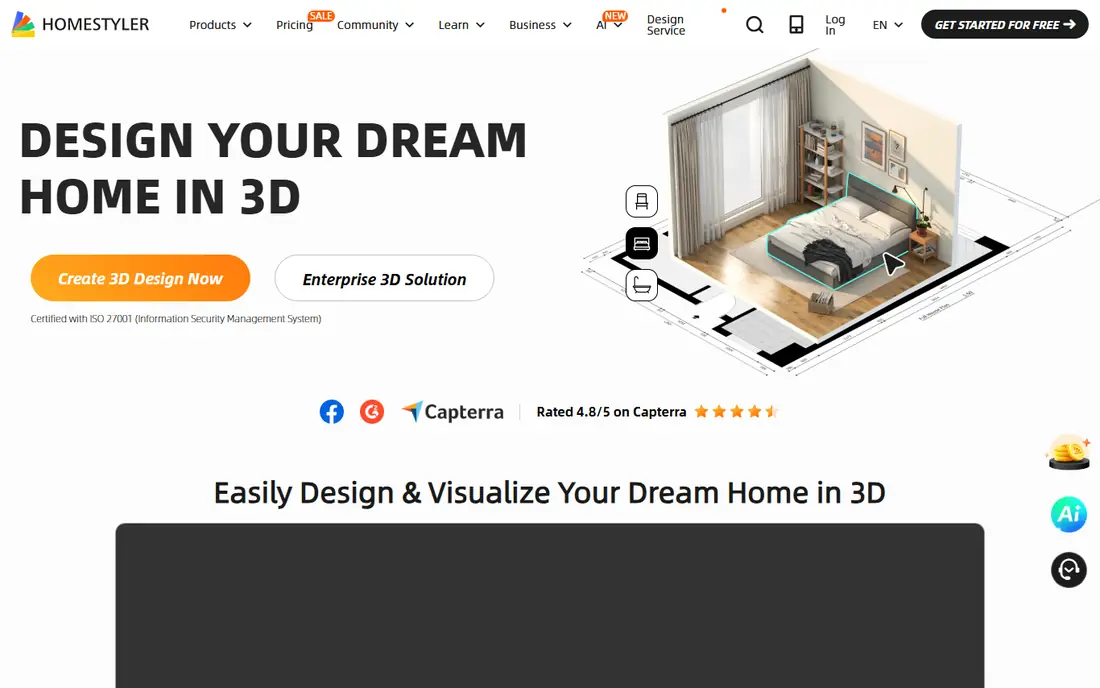
Homestyler is a cloud-based 3D design suite that suits hands-on planners. You build a room in 3D, choose from a large library of furniture models, and render the result, with a free Basic plan that includes unlimited 1K renders. Paid plans start from $6.80 per month and add higher resolutions, more AI credits and watermark removal.
Homestyler is weaker as a photo restyler, because you build the room rather than uploading a photo and getting an instant new look. Its AI credits on the free plan are also limited, so a single AI staging image can cost more credits than the free allowance covers. For building and visualising a room from scratch, it is one of the best free starting points.
- Free Basic plan
- Unlimited 1K renders on free plan
- Huge model library
- Floor plan tools
- Free AI credits are limited
- Higher-resolution renders are paid
- Photo restyling is not its strength
Interior AI is a photo-based tool with a wide style menu, covering interiors, exteriors and virtual staging for property listings. Its structure-keeping modes aim to preserve your room layout while changing furniture, colours and finishes, which matters when you want ideas for your actual room rather than a fantasy version of it.
Pricing is the drawback. Interior AI lists paid plans from $29 per month on annual billing in recent comparisons, with no ongoing free plan, and staging features start on higher tiers. If you need many styles and you stage properties regularly, the variety may justify the price. For one-off home ideas, cheaper credit-based tools make more sense.
- Many styles
- Interior and exterior redesign
- Virtual staging options
- Structure-keeping modes
- No free plan in many listings
- Staging starts on higher tiers
- AI can still alter room details
REimagineHome stands out for conversation. You upload a room photo, describe changes in plain language, and refine the result through chat, rather than re-running a single style prompt and hoping for the best. Five free designs let you test the workflow without a card, and Essential starts at $19 per month for 30 credits.
Real product matching, which links a rendered item to something you can actually buy, sits on Pro plans starting at $36 per month in recent listings, so the shoppable version costs more than the basic redesign. Product availability also varies. If you want to iterate by talking to the tool, REimagineHome is the most natural photo app here.
- Five free designs
- Conversational edits
- Real product matching on higher plans
- Interior and exterior
- Chat and real products need Pro plans
- Credit limits apply
- Product availability varies by region
Spacely AI suits users who want to iterate. It restyles photos, works from sketches and 3D models, and supports selective edits, so you can change one part of a room without redoing the whole image. A 40-credit trial lets you test quality before paying, and Personal starts at $25 per month for 500 credits.
Higher plans are needed for Pro tools, 4K output and some team features, and each generation can use several credits, so the headline credit total is not the same as the number of renders. For architects, designers and serious renovators who iterate a lot, Spacely is a strong mid-priced choice. For a single room idea, a cheaper credit pack elsewhere is enough.
- 40 trial credits
- Sketch and 3D model inputs
- Team workflows
- Selective edits
- Pro tools and 4K need higher plans
- Credit cost varies by generation
- Monthly price has risen
HomeDesigns AI covers more ground than most photo tools, with interior redesign, exterior and garden concepts, and a large style library. Standard starts at $22 per month for 100 credits, with Pro and Expert plans adding commercial output and more credits. That breadth suits homeowners planning both inside and outside changes.
The trial terms need care, because some listings describe a 7-day trial that needs payment details and renews at a higher monthly rate if not cancelled. Confirm the current trial and renewal terms on the vendor site. If you want one tool for house, garden and exterior ideas, HomeDesigns AI is a capable all-rounder.
- Broad room and style coverage
- Interior, exterior and garden tools
- Commercial output on higher plans
- Trial needs payment details in some listings
- Prices vary by billing period
- Credit limits apply
DecorMatters is a lighter, more social entry on this list. It offers room design ideas, community designs to browse, and furniture and decor browsing, with a free app that suits casual inspiration and mood-board style planning. For a renter or first-time decorator who wants ideas rather than a technical plan, that low barrier matters.
DecorMatters is not the strongest pure AI restyler, and its premium pricing and features vary by platform and region, so we list its starting price as See website. Use it for inspiration and early ideas, then move to Planner 5D or Homestyler when you need measurements, or to a photo restyler when you want to see your own room changed.
- Free app access
- Room design ideas
- Community designs
- Furniture and decor browsing
- Less focused on AI photo restyling
- Pricing and premium features vary
- Shopping links vary by region
Foyr Neo is the professional tool on this list, built for interior designers who need measured floor plans, 3D models, photorealistic renders and client-ready presentations. Basic starts at $39 per month, or $33 per month billed yearly, with Standard and Premium plans adding more renders and features. A 14-day trial lets you test it, but there is no ongoing free tier.
For a homeowner redecorating one room, Foyr Neo is more tool and more money than needed. For a designer handling clients, its plan-to-render workflow, elevations and presentation exports justify the price. If you are choosing between a photo app and a pro platform, ask whether you need a plan a contractor can build from. If the answer is yes, Foyr Neo is the serious option here.
- Professional 3D planning
- Photorealistic renders
- Floor plans and elevations
- Client presentation tools
- Highest entry price here
- No ongoing free tier
- Overkill for casual home ideas
How we picked these
We compared official pricing pages, free credit terms and recent October 2026 comparisons for AI interior tools that still operate and produce usable room designs. We favoured tools that cover different jobs: quick photo restyles, editable floor plans, free 3D planning, shoppable ideas and professional design. We excluded tools that only generate unrelated images, and we note where free access is a trial or a small credit allowance rather than unlimited use.
What to check before you pay
Start with the output you need. A photo restyle gives you an image, not a plan, and it cannot tell you whether furniture fits, whether a wall is load-bearing, or whether a colour will look the same in your light. A floor plan tool gives you measurements and layout, but it takes more time to build. Many homeowners do best with both: a photo app for style direction, and a planning app for layout.
Next, test with your own photo, not a sample image. AI tools handle bright, tidy, well-lit rooms far better than dark, cluttered or oddly shaped ones. Run the same photo through two tools on their free credits and keep the result that still looks like your room. Check windows, doors, ceiling height and fixed features, because an AI render that moves them is misleading, however attractive it looks.
Finally, compare credit maths. A monthly price means little until you know how many credits each render uses, what resolution costs extra, and whether commercial use needs a higher plan. If you stage properties for sale, disclose virtually staged photos where listing rules require it, and keep an unstaged photo available. For structural changes, always confirm with a qualified contractor or designer before you commit money.
Photo restyle or floor plan
Photo apps are fast and inspiring. Floor plan apps are slower and more useful for buying furniture and planning work. Choose the photo app for style, the plan app for fit, and do not expect one tool to do both jobs perfectly.
Credits and resolution
Free credits run out fast, and high-resolution downloads often cost extra credits. If you need print-quality or listing-quality images, check the resolution tier before you subscribe, not after you have spent your credits.
Frequently asked questions
What is the best AI app for home interior design for free?
Homestyler offers the most useful free plan for planning, with a free Basic plan and unlimited 1K renders. RoomGPT offers one free credit for a quick style test, and REimagineHome offers five free designs. No tool here offers unlimited free high-resolution AI renders, so free access is best for testing, not for a full project.
What is the best AI home interior design app for a real room photo?
REimagineHome and Interior AI are strong photo choices, with structure-keeping modes and, on higher plans, product matching. RoomGPT is cheaper for a single style test, while Spacely AI is better for iterative edits. Test the same photo in two tools, because AI can move windows and furniture, and keep the render that still matches your room.
Can AI interior design apps create a floor plan I can build from?
Planner 5D, Homestyler and Foyr Neo can, because they build measured 2D and 3D plans you can edit. Photo restyle apps cannot, because they return an image rather than a measured model. If a contractor needs dimensions, use a planning tool and confirm structural work with a professional.
How much do AI interior design apps cost?
Entry prices here range from a $9 one-time RoomGPT credit pack and $6.80 per month for Homestyler, to $39 per month for Foyr Neo. Most photo tools use credits, so the real cost depends on how many renders you need and what resolution you want. Confirm current prices on the vendor site, because credit allowances change often.
Do AI renders show furniture I can actually buy?
Sometimes. REimagineHome offers real product matching on higher plans, and other tools link to catalogues or shopping where available. Many renders show generic furniture that looks plausible but is not a specific product. Treat a render as inspiration, and confirm dimensions, price and availability before ordering anything shown in it.
Is virtual staging allowed for property listings?
Virtual staging is widely used, but listing rules and platforms often require disclosure that a photo is virtually staged, and an unstaged photo should be available. Check your local listing rules and platform terms before publishing a staged image. A staged photo should not hide defects or misrepresent the size or condition of a room.
Sources
See where you really rank - block by block
ProMapRanker scans Google Maps across a grid of your service area. Simple monthly plans from $19, white-label on every plan.
Start freeKeep reading
 zoho inventory alternatives
6 Alternatives to Zoho Inventory, Compared on Price and Fit
Zoho Inventory alternatives: 6 tools compared on price, free plans and fit. Katana leads the list for manufacturers. Fit and flaws are laid out for each entry.
Read → zoho crm alternatives
Best Zoho CRM Alternatives (2026)
Need Zoho CRM alternatives? We compare 7 tools on cost, free access and who each suits. Every pick gets a straight assessment. Built for quick decisions.
Read → zelle alternatives
Best Zelle Alternatives in 2026
Compare the best Zelle alternatives for sending money to friends, paying sellers and moving funds abroad, with honest notes on fees, speed and safety in 2026.
Read →