 ProMapRanker
Best AI App Development Platforms in 2026

Key takeaways
- Cursor, GitHub Copilot, Windsurf, and Claude Code suit developers who already have a codebase and want AI help inside real code.
- Lovable, Bolt.new, v0, Replit, and Base44 suit founders and small teams that want a working app from a prompt, with hosting included.
- FlutterFlow suits teams that need a real native mobile app with code they can export and maintain.
- Code ownership matters: prompt builders are great for a prototype, but check export, hosting, and database terms before you build a business on one.
Quick comparison
| Pick | Great for | Pricing starts at | Free tier | |
|---|---|---|---|---|
 Cursor | Developers building in an IDE | See website | Yes | Visit |
 GitHub Copilot | Teams already on GitHub | $10 per month | Yes | Visit |
 Replit | Browser-based full-stack builds | $20 per month | Yes | Visit |
 Bolt.new | Fast prompt to live app | $25 per month | Yes | Visit |
 Lovable | Non-technical founders and MVPs | $25 per month | Yes | Visit |
 v0 | React interfaces and components | $30 per month | Yes | Visit |
 Windsurf | AI coding in an IDE | See website | Yes | Visit |
 Claude Code | Terminal-based coding agent | $20 per month | No | Visit |
 Base44 | Backend-heavy internal tools | $20 per month | Yes | Visit |
 FlutterFlow | Native mobile apps with export | $39 per month | Yes | Visit |
The best ai app development platforms
AI app development platforms fall into two groups: AI coding tools that work on your own codebase, and prompt builders that generate a full app plus hosting. The ten options below cover both, so you can pick by skill level, code ownership, and whether you need web, mobile, or internal tools.
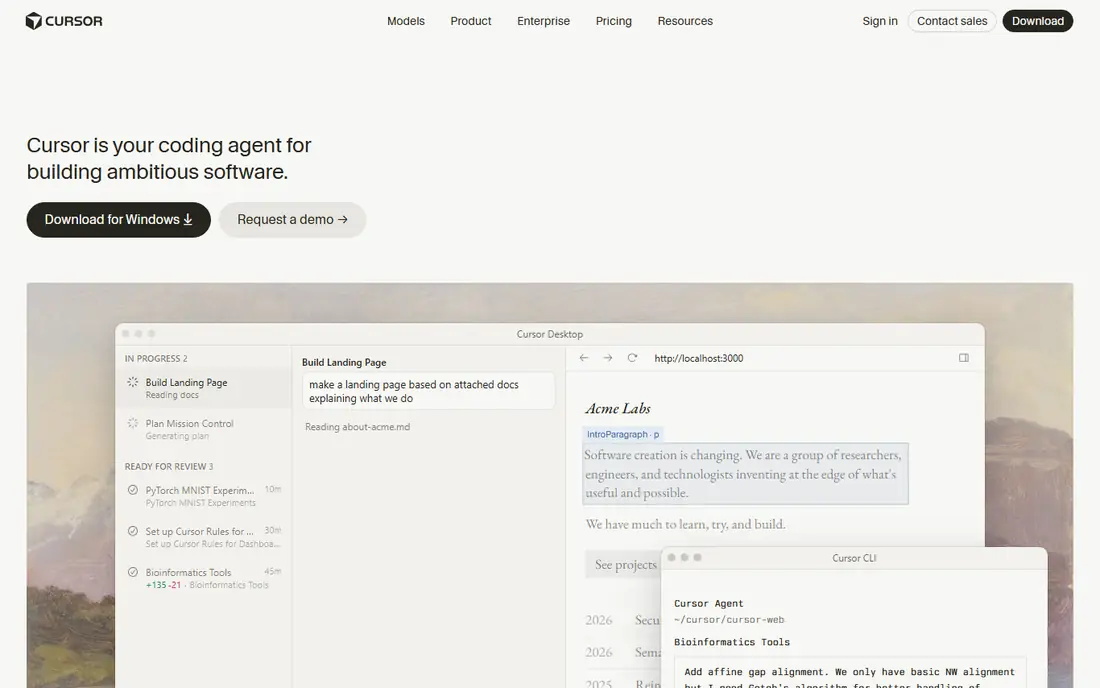
Cursor is an AI code editor built for professional developers, with agent features that can read a codebase, make multi-file changes, and run checks. Because it works on your own code, you keep full ownership and can hand the project to any team later. That control is the main reason developers pick Cursor over a prompt builder for a serious product.
Pricing has changed during 2026, with new tiers and model-based usage rules, so check the current Cursor pricing page before you buy. A free tier with limited AI use lets you test the editor first. For a developer building a real product in code, Cursor is our pick for most people on this list.
- AI agent coding inside a full IDE
- Works on your own codebase
- Background and foreground agents
- Pricing and model rules have changed often
- Heavy AI use can cost more than the base plan
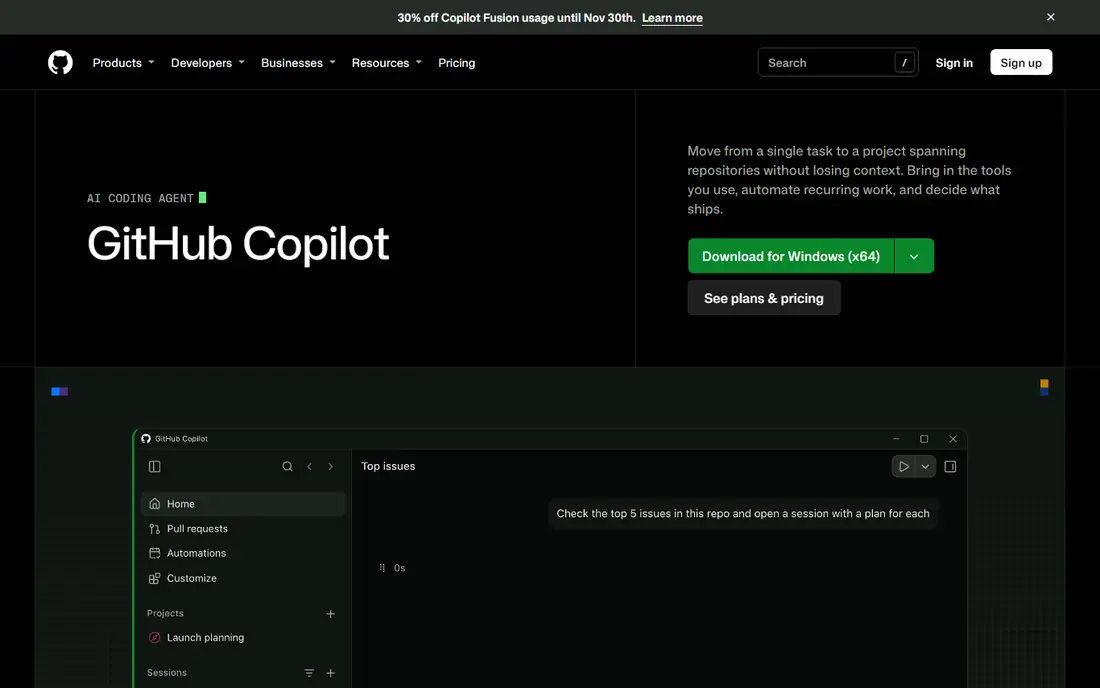
GitHub Copilot adds AI completions, chat, and agent features to the editor you already use, with deep GitHub integration for pull requests, issues, and code review. Teams already on GitHub get the most from it, since Copilot can use repository context and fit into existing review habits. A free tier offers limited completions each month for individual users.
Paid Pro pricing is often listed around $10 per month, with higher tiers for more agent use and credits, so check the current GitHub page. Copilot is less of a full app builder than Lovable or Bolt.new, and more of a daily coding helper. For a team that already lives on GitHub, it is the lowest-friction AI coding tool to adopt.
- Completions and agent features inside your editor
- GitHub integration
- Free tier with limits
- Agent depth varies by plan
- Best value comes with a GitHub workflow
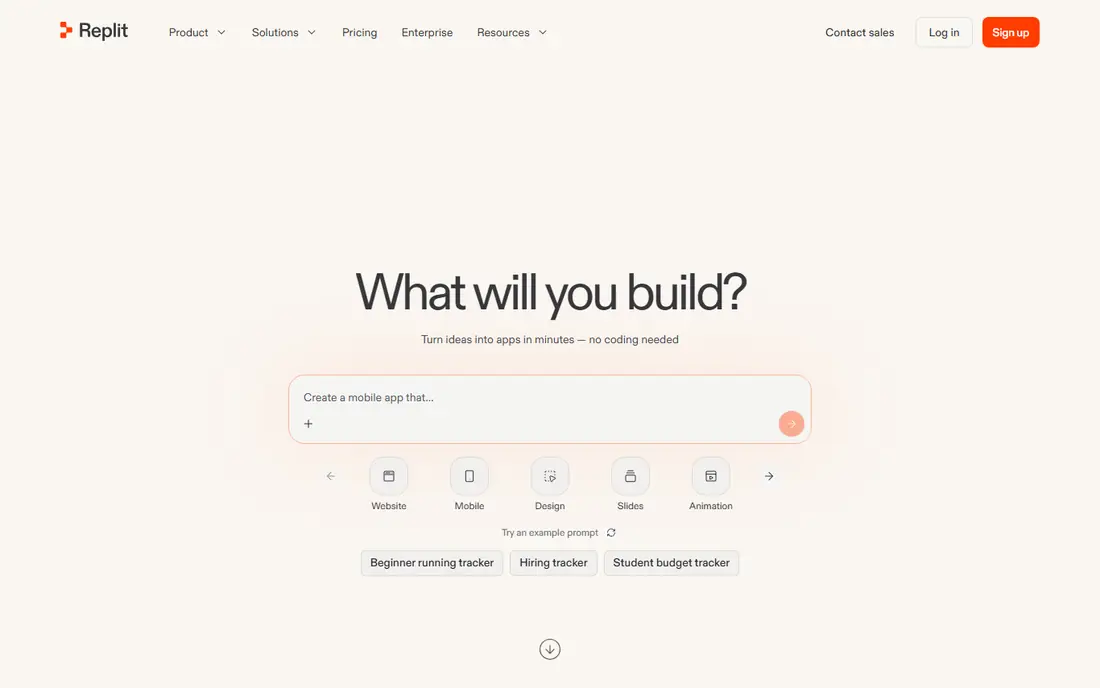
Replit is a browser-based IDE with an AI agent that can scaffold a full-stack app, plus hosting and deployment in the same place. That all-in-one setup suits indie developers, students, and small teams that want to build and share an app without local setup. The free tier includes a daily agent allowance and limited cloud credits for testing.
Core pricing is often listed around $20 per month, or lower on annual billing, with $20 in credits for stronger models, and higher tiers for heavier use. Active builders should budget above the base price, since usage is metered. For a fast, hosted build in the browser, Replit remains a practical choice.
- Full-stack builds and hosting in the browser
- AI agent for scaffolding
- Good for learning and prototypes
- Usage costs can rise above the base plan
- Hosted model suits prototypes more than large production apps
Bolt.new, from StackBlitz, turns a prompt into a working full-stack app in the browser, with a live URL and code you can export. That speed suits founders validating an idea in a weekend, or developers who want a scaffold to refine by hand. The free tier offers a monthly token allowance for testing, with a daily cap on some plans.
Pro pricing is often listed around $25 per month, or lower on annual billing, with a larger token allowance and rollover on some tiers. Token use grows with app size and revisions, so large apps need a higher budget. For idea-to-URL speed with code export, Bolt.new is one of the strongest prompt builders here.
- Fast prompt to working app
- Code you can export
- Stack flexibility for prototypes
- Prototype quality needs review before production
- Token use can rise fast on large apps
Lovable is a prompt builder aimed at non-technical founders, with a friendly workflow, good default visuals, and a Supabase backend for data and auth. Apps can be exported to GitHub, which helps when a developer later takes over. That mix of ease and export makes Lovable a popular choice for web MVPs.
The free tier offers a small daily credit allowance, and Pro pricing is often listed around $25 per month for 100 credits, with higher tiers for more. Credits are spent per change, so heavy iteration uses them fast. For a founder who needs a clean MVP without hiring a developer first, Lovable is our pick in the prompt builder group.
- Friendly prompt workflow
- Good default design
- Supabase backend and GitHub export
- Credit use limits iteration on the entry plan
- Production apps need review and hardening
v0, from Vercel, generates React interfaces and components from prompts, with code you can copy or pull into a Next.js project. Frontend developers and Vercel-based teams use it to build polished UI fast, then wire up data and logic by hand. Deployment through Vercel keeps the path from component to live page short.
The free tier offers a daily message allowance, and Plus pricing is often listed around $30 per month per user, with credits included. v0 is not a full backend builder, so teams that need auth, databases, and complex logic should pair it with a backend tool or a full-stack builder. For UI work, though, v0 output quality is hard to beat.
- Strong React and Next.js output
- Clean component code
- Vercel deployment path
- Interface focused, not a full backend builder
- Per-user pricing adds up for teams
Windsurf is an AI code editor with an agent, known as Cascade, that can plan and carry out multi-step changes across a codebase. Like Cursor, it works on your own code, so you keep ownership and can maintain the project with any team. A free tier with limited usage lets developers test the agent before paying.
Windsurf changed ownership during 2026, and its product direction has shifted since, so check the current Windsurf page for pricing, plans, and terms before you commit a project to it. Paid plans have been listed around $15 to $20 per month in past guides, but current terms may differ, so we list it as See website. For developers who want an agent IDE alternative to Cursor, Windsurf is still worth testing.
- AI agent coding in an IDE
- Cascade agent for multi-step work
- Free tier for testing
- Ownership and roadmap changed during 2026
- Check current vendor terms before committing
Claude Code is a terminal-based coding agent from Anthropic that works on your own codebase, handling complex, multi-file tasks with a focus on correctness. Developers use it for refactoring, feature work, and large changes that need careful reasoning across files. Because it runs in the terminal, it fits developers who already work there.
Access runs through Claude plans, with Pro often listed around $20 per month and Max tiers at $100 or $200 for heavier use, so check the current Claude page. There is no free tier in the usual sense, which makes it a paid choice from the start. For correctness-first agent work on a real codebase, Claude Code is a strong, if developer-only, pick.
- Strong agent for complex, multi-file work
- Works in your terminal and codebase
- Clear usage limits
- No free tier
- Terminal workflow suits developers more than non-technical founders
Base44 is a prompt builder aimed at backend-heavy apps and internal tools, where data, integrations, and workflows matter more than a marketing landing page. Teams use it for dashboards, internal operations tools, and business apps that need real data handling. A free tier with message and integration limits lets you test a use case before paying.
Starter pricing is often listed around $20 per month, or lower on annual billing, with higher tiers for more messages and integrations. Apps are platform-hosted, so code ownership is weaker than with Cursor, Bolt.new, or FlutterFlow. For an internal tool that needs to work fast and stay hosted, Base44 is a practical choice.
- Strong for internal tools with data and integrations
- Free tier for testing
- Hosted apps
- Platform-hosted model limits code ownership
- Less suited to consumer mobile apps
FlutterFlow is a low-code platform for building native mobile and web apps from a shared project, with a visual editor and exportable Flutter code. That export matters: unlike a purely hosted builder, you can take the code, maintain it by hand, and deploy to iOS, Android, and the web from one codebase. It suits teams that need a real mobile app, not just a responsive website.
The free tier lets you build and test, while paid plans start around $39 per month for code download and fuller features, so check the current page. Building app logic still takes learning, especially for auth, data, and payments. For a native mobile product with code ownership, FlutterFlow is the strongest pick on this list.
- Visual builder for iOS, Android, and web
- Exportable Flutter code
- Real native app output
- Learning curve for app logic
- Paid plan needed for code download and full features
How we picked these
We compared official product pages and pricing pages, plus current 2026 builder guides, and we favored platforms that are still offered in October 2026 and that truly generate or assist app development. We kept AI IDEs, terminal agents, prompt builders, and a native mobile platform, so developers and non-developers can both find a fit. We did not claim hands-on testing that did not happen. Instead we weighed code ownership, hosting, backend support, mobile output, and price transparency, and we marked changing pricing as See website.
How to choose between a builder and a coding tool
Start with who will maintain the app in six months. If a developer will own it, pick a coding tool such as Cursor, GitHub Copilot, Windsurf, or Claude Code, since the code stays yours and fits normal engineering habits. If no developer is available yet, pick a prompt builder such as Lovable, Bolt.new, Replit, or Base44 for a prototype or MVP, and plan a handover to code once the idea proves itself.
Prototype vs production
Prompt builders excel at prototypes, but a production app needs auth, data rules, error handling, payments, and tests, all reviewed by a human. Budget time for that hardening, even when the first demo looks complete. A prototype you throw away after validation is a success, not a failure, if it taught you what to build. Do not try to stretch a quick prototype into a production system without a rebuild or a careful review.
Cost, export, and hosting
Compare cost on usage, not just headline price. Prompt builders charge by credits, tokens, or messages, and heavy iteration costs more than the entry plan suggests. Check export terms, database access, and hosting lock-in before you build a business on a platform. The safest path is a tool that lets you export code and data, so you can move hosts if pricing or terms change.
Frequently asked questions
What are the best AI app development platforms?
For developers, Cursor, GitHub Copilot, Windsurf, and Claude Code lead for AI-assisted coding on a real codebase. For founders without a developer, Lovable, Bolt.new, Replit, and Base44 lead for prompt-built apps with hosting. FlutterFlow leads for native mobile apps with exportable code, and v0 leads for React interfaces.
Can I build an app with AI without knowing how to code?
Yes, for a prototype or a simple MVP. Lovable, Bolt.new, Replit, and Base44 let you describe an app in plain language and get a working version with hosting. You will still need help for production concerns such as security, payments, data rules, and long-term upkeep. Treat the AI build as a starting point, not a finished product.
Do AI app builders let me own my code?
It depends on the tool. Cursor, GitHub Copilot, Windsurf, and Claude Code work on your own codebase, so you own it fully. Bolt.new, Lovable, and FlutterFlow offer code export, which helps a developer take over later. Some hosted builders keep the app on their platform, so check export and data terms before you commit to one.
How much do AI app development platforms cost?
Entry prices on this list run from free tiers with limits to around $10 to $39 per month for paid plans, with higher tiers for heavier use. Prompt builders add credit, token, or message costs, so active building can exceed the base price. Check the current vendor pricing page, since several platforms changed tiers during 2026.
Which AI platform is best for mobile apps?
FlutterFlow is the best pick here for a real native mobile app, since it builds for iOS, Android, and web with exportable Flutter code. Prompt builders such as Lovable and Bolt.new mainly produce web apps, which can work on mobile browsers but are not native apps. Choose FlutterFlow when you need app store distribution and native performance.
Is AI-generated code safe to ship?
AI-generated code needs the same review as human code: tests, security checks, and a human owner for each change. Check auth, data handling, and payment logic with care, and do not ship AI output that you have not read and tested. With that review in place, AI tools can speed up development a lot, but they do not remove responsibility for the shipped code.
Sources
See where you really rank - block by block
ProMapRanker scans Google Maps across a grid of your service area. Simple monthly plans from $19, white-label on every plan.
Start freeKeep reading
 zoro.to alternatives
Best Zoro.to Alternatives in 2026
We compare the best zoro.to alternatives in 2026, listing only legal licensed anime streaming services, from Crunchyroll to free options for fans today.
Read → zip alternatives
Best Zip Alternatives in 2026
We compare the best zip alternatives for buy now, pay later in 2026, covering pay-in-4 plans, fees, spending limits, and credit reporting options today.
Read → yesware alternatives
Best Yesware Alternatives in 2026
Compare the best yesware alternatives for sales email tracking, templates, and sequences, with current pricing and honest tradeoffs for small sales teams.
Read →