 ProMapRanker
7 Best AI Agent Platforms for Business Automation Options for 2026

Direct answer
This list puts Dify first for low-code agent studio. Look at Gumloop for visual workflow agents, and at Lindy for no-code business agents. The other 4 tools in the list cover narrower or pricier cases.
Key takeaways
- This list starts with Dify, which is built for low-code agent studio.
- One limit worth knowing about Lindy: per user pricing brings up.
- Make has the lowest monthly starting price in this list: $9 per month.
- Make suits automation with AI steps.
- 6 of the 7 tools have a free plan, including Dify, Gumloop, Lindy and Zapier Agents.
Quick comparison
| Pick | Great for | Pricing starts at | Free tier | |
|---|---|---|---|---|
 Dify | Low-code agent studio | $59 a month | Yes | Visit |
 Gumloop | Visual workflow agents | $97 a month | Yes | Visit |
 Lindy | No-code business agents | $49.99 a month | Yes | Visit |
 Zapier Agents | Agents on Zapier integrations | $33.33 per month | Yes | Visit |
 Microsoft Copilot Studio | Microsoft 365 teams | See website | No | Visit |
 CrewAI | Developer multi-agent systems | Free | Yes | Visit |
 Make | Automation with AI steps | $9 a month | Yes | Visit |
AI Agent Platforms for Business Automation profiles
Choosing AI agent platforms for business automation usually comes down to price, fit and limits. This ProMapRanker guide sets 7 tools side by side on those three points, with the facts kept short and checkable.
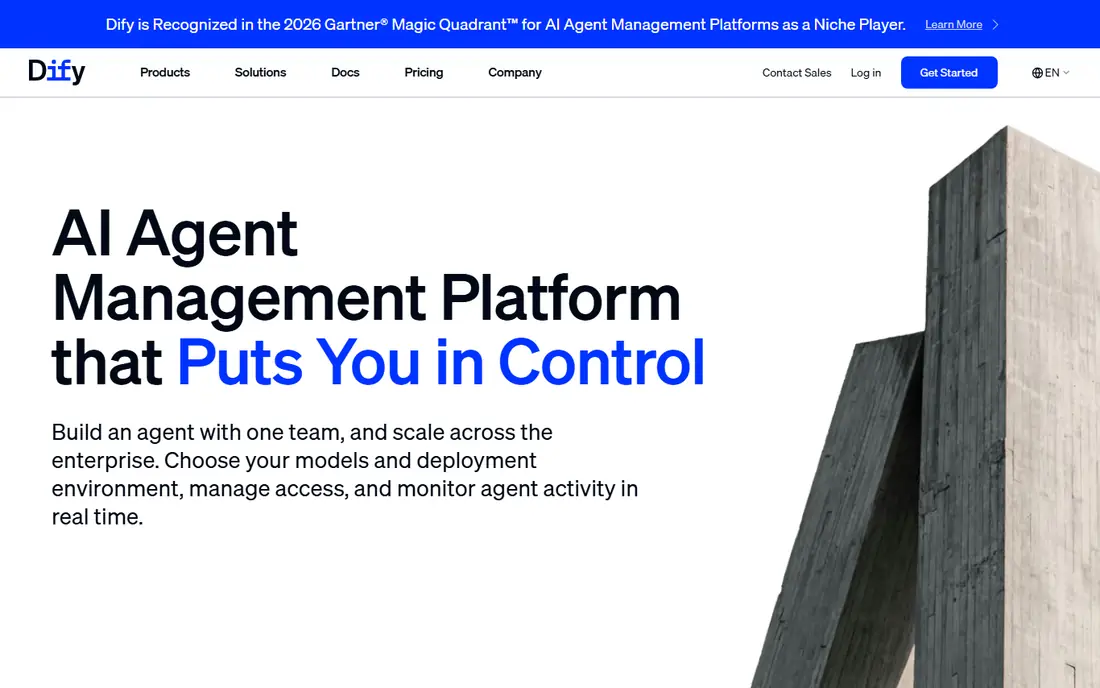
Where Dify fits: low-code agent studio. Cloud pricing is higher than some rivals, and you still have to plan for model usage costs on top of the product fee. In daily use, the open source core can be self-hosted at no cost, whereas the cloud professional plan starts near $59 per workspace a month.
That mix appeals to teams that want control over models and data without writing a full framework from scratch. Dify is a low-code studio for building LLM apps and agents, with a visual workflow builder and support for multiple model providers. Dify cost at the entry level: $59 per month. Free access exists with Dify.
Where it is weaker: Setup and model costs need planning.
- Visual agent and app builder
- Supports many models
- Higher cloud entry price
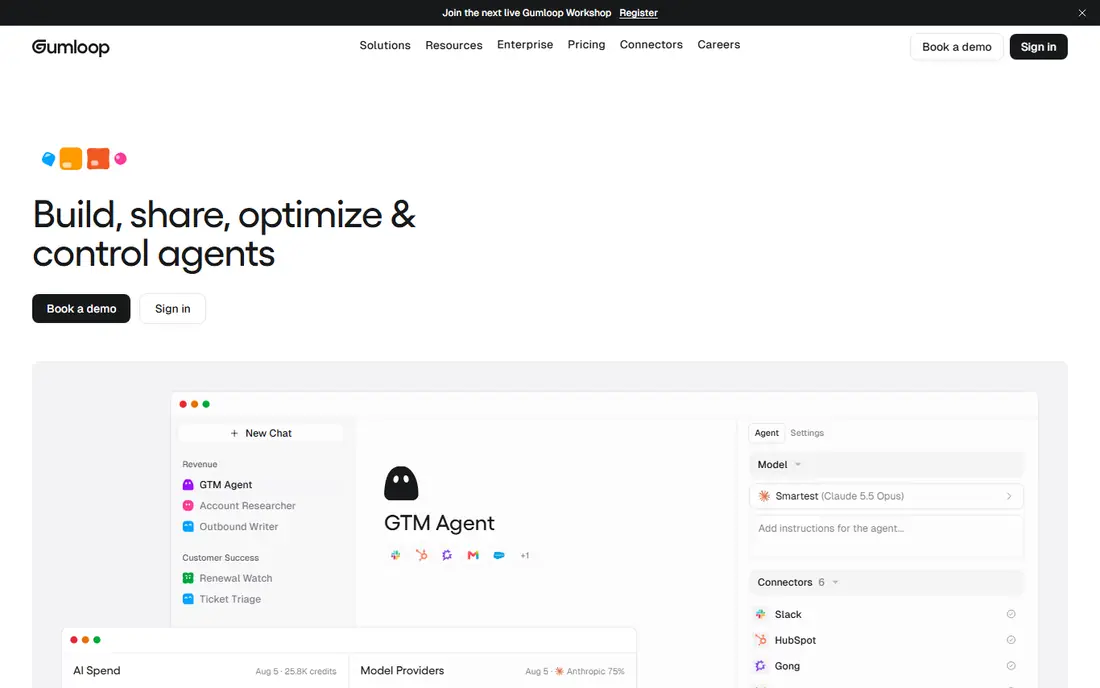
Where Gumloop fits: visual workflow agents. Gumloop provides technical founders and operators a visual canvas for building agents that scrape, process, and act on data.
Very non-technical users may also prefer Lindy templates. Worth adding: if you like visual workflows and you want AI agents with real data processing, Gumloop is worth a trial. Gumloop cost at the entry level: $97 per month. Gumloop offers a free plan.
Honest limits: Higher starting price.
- Templates for typical tasks
- Visual workflow builder with AI nodes
- Less suited to straightforward no-code business users
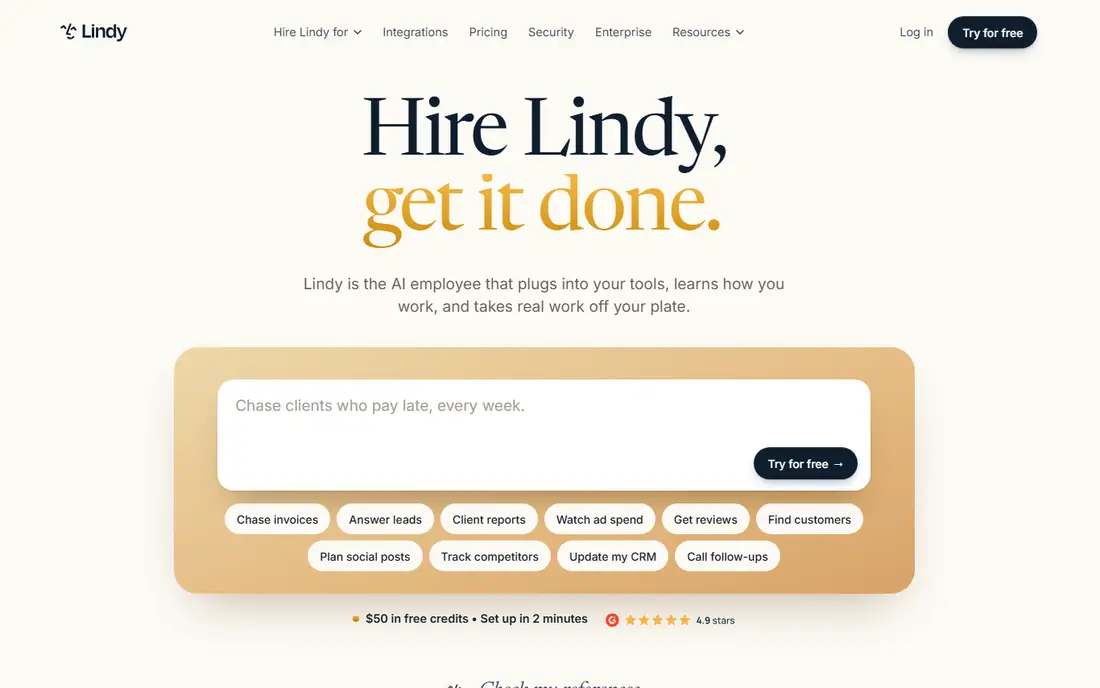
Lindy is designed for no-code business agents. The agent can draft replies, book meetings, and update records, which handles a large share of repetitive office work.
From a buyer's view, very custom workflows with numerous branches may also feel constrained next to a code based tool. The starting price for Lindy: $49.99 per month. Lindy includes a free tier.
Downsides: Per user pricing brings up.
- Manages email, scheduling, leads
- No-code builder
- Complicated custom logic can hit limits
Zapier Agents is built with Agents on Zapier integrations in mind. If your business already uses Zapier, the ramp-up time is short, and the free level lets you test a small agent before paying.
For Zapier heavy teams, this is a natural next step. For teams with no Zapier history, a dedicated agent builder may be more straightforward. The starting price for Zapier Agents: $33.33 per month. A free plan is available with Zapier Agents.
What to check first: Agent autonomy needs careful limits.
- Familiar Zapier setup
- Works across thousands of Zapier apps
- Premium agent plans cost more than entry-level Zapier
Microsoft Copilot Studio is built with Microsoft 365 teams in mind. If your business runs on Microsoft, Copilot Studio is a serious enterprise choice. Worth adding: the downside is complexity and fit.
For everyday use, Microsoft Copilot Studio lets teams build agents that work inside Microsoft 365, Teams, SharePoint, and related business apps. That matters for firms that already live in Outlook, Teams, and Dynamics, since an agent can use company data with the same access controls as the user. For everyday use, credit based pricing can be hard to forecast, and a team outside Microsoft will not get the same value. Pricing for Microsoft Copilot Studio is not stated here, so ask the vendor for current figures. No free plan comes with Microsoft Copilot Studio.
Where it is weaker: Best value only inside the Microsoft ecosystem.
- Deep Microsoft 365 and Teams integration
- Credit based pricing
- Pricing is complicated
Pick CrewAI if this describes you: developer multi-agent systems. CrewAI is designed for developers who want multiple agents working together, for instance one agent to research, one to draft, and one to check the result. This is not a tool for non-technical teams.
In practice, if you have developers and a multi-step problem, CrewAI hands you structure that a straightforward workflow tool lacks. You need Python skills, testing, and monitoring, and enterprise pricing needs a quote. CrewAI starts at: Free. A free plan is available with CrewAI.
What to check first: Enterprise pricing is custom and unclear at the start.
- Python framework for multi-agent crews
- Good for complicated research and workflows
- Needs developers
Pick Make if this describes you: automation with AI steps. Make is best known for visual automation, and its AI modules let you add language model steps to existing workflows. That makes it a practical choice if you already link apps for invoicing, CRM updates, or notifications and you want an AI step to draft, classify, or summarize inside that flow.
Where it is weaker: Usage limits need watching.
If your automation already lives in Make, adding AI there is commonly smarter than buying a separate agent tool. The free plan and low entry price make testing cheap. Make cost at the entry level: $9 per month. Make includes a free tier.
- Visual scenario builder
- Numerous app integrations
- Agent features are workflow based, not completely autonomous
What AI agent platforms for business automation costs
Start with one task and one limit. In practice, check logs, data access, and retention policies, since an agent that reads email or CRM data needs the same care as any employee with that access. Compare total cost, not only the headline price.
Our selection method
The comparison looks at four things: starting price, free access, how well the feature set matches AI agent platforms for business automation, and the main limit of each tool. Where a price is missing, the vendor does not list one publicly or ties it to a quote. Always confirm before budgeting. Order on the page follows fit for the typical buyer first, then price transparency and free access. Your own requirements should decide the final pick.
Questions to settle before buying
- Get a written quote from Microsoft Copilot Studio; the list shows no starting price for them.
- Look at free plan limits closely: Dify, Gumloop, Lindy and others have one, and the caps decide whether it is usable for real work.
- Read the limits listed for Dify first: higher cloud entry price.
- Involve the people who will use Lindy daily; a short pilot beats a long feature checklist.
- Confirm that Microsoft Copilot Studio connects to the apps your team already uses, on the plan you would actually buy.
Frequently asked questions
Do these tools publish their prices?
Not all of them. Microsoft Copilot Studio publishes no starting price, so expect a quote request for it. The rest, Dify included, show a starting price, though seats and billing terms still change the final cost.
How much do AI agent systems cost?
Usage, seats, and model costs can raise the total, so check the vendor pricing page and test volume before you commit to an annual plan.
How are the tools for AI agent platforms for business automation ordered?
The order follows typical fit for AI agent platforms for business automation, with Dify first and Make last, then price clarity and free access. It is editorial judgement, not a score, so another team could rank the tools differently.
What is the best AI agent platform for a small business?
This list starts with Dify, which fits low-code agent studio. For other needs, Gumloop is aimed at visual workflow agents, and Lindy at no-code business agents. Check each tool's price and main limit first.
What is the cheapest option for AI agent platforms for business automation in this list?
On published monthly entry prices, Make is the lowest here at $9 per month. Entry price is only part of the cost, because seats, add-ons and billing terms can change the total.
Can I try these tools before paying?
Often, yes. Dify, Gumloop, Lindy and others have a free plan. Use your own data and a real task during the test, and check what the free tier or trial limits before you rely on it.
Sources
See where you really rank - block by block
ProMapRanker scans Google Maps across a grid of your service area. Simple monthly plans from $19, white-label on every plan.
Start freeKeep reading
 zoho inventory alternatives
6 Alternatives to Zoho Inventory, Compared on Price and Fit
Zoho Inventory alternatives: 6 tools compared on price, free plans and fit. Katana leads the list for manufacturers. Fit and flaws are laid out for each entry.
Read → zoho crm alternatives
Best Zoho CRM Alternatives (2026)
Need Zoho CRM alternatives? We compare 7 tools on cost, free access and who each suits. Every pick gets a straight assessment. Built for quick decisions.
Read → zelle alternatives
Best Zelle Alternatives in 2026
Compare the best Zelle alternatives for sending money to friends, paying sellers and moving funds abroad, with honest notes on fees, speed and safety in 2026.
Read →