 ProMapRanker
Best Agentic AI Platforms in 2026

Key takeaways
- LangChain and LangGraph suit code-first teams that want full control over how an agent reasons and uses tools.
- CrewAI suits multi-agent work, with role-based agents that hand tasks to each other.
- Microsoft Copilot Studio and Salesforce Agentforce suit teams already living in Microsoft 365 or Salesforce.
- UiPath suits companies modernising existing automation with agents that can act in business systems.
- n8n suits technical teams that want self-hosting and visual workflows with AI steps added.
Quick comparison
| Pick | Great for | Pricing starts at | Free tier | |
|---|---|---|---|---|
 LangChain | Code-first agent development | Free | Yes | Visit |
 CrewAI | Multi-agent teams | Free | Yes | Visit |
 Microsoft Copilot Studio | Microsoft 365 teams | See website | Free trial | Visit |
 Salesforce Agentforce | Salesforce customers | See website | No | Visit |
 UiPath | Agentic automation at work | $25 per month | Yes | Visit |
 Google Vertex AI Agent Builder | Google Cloud teams | Pay as you go | Free trial | Visit |
 Amazon Bedrock Agents | AWS teams | Pay as you go | No | Visit |
 n8n | Self-hosted visual agents | $24 per month | Yes | Visit |
The best agentic ai platforms
Agentic AI platforms build agents that plan steps, use tools, and act in systems, rather than chatbots that only answer questions. That power needs guardrails: human approval for sensitive actions, audit logs, and limits on what an agent can change. We compared frameworks, low-code builders, and enterprise platforms on control, governance, and fit for a given stack.
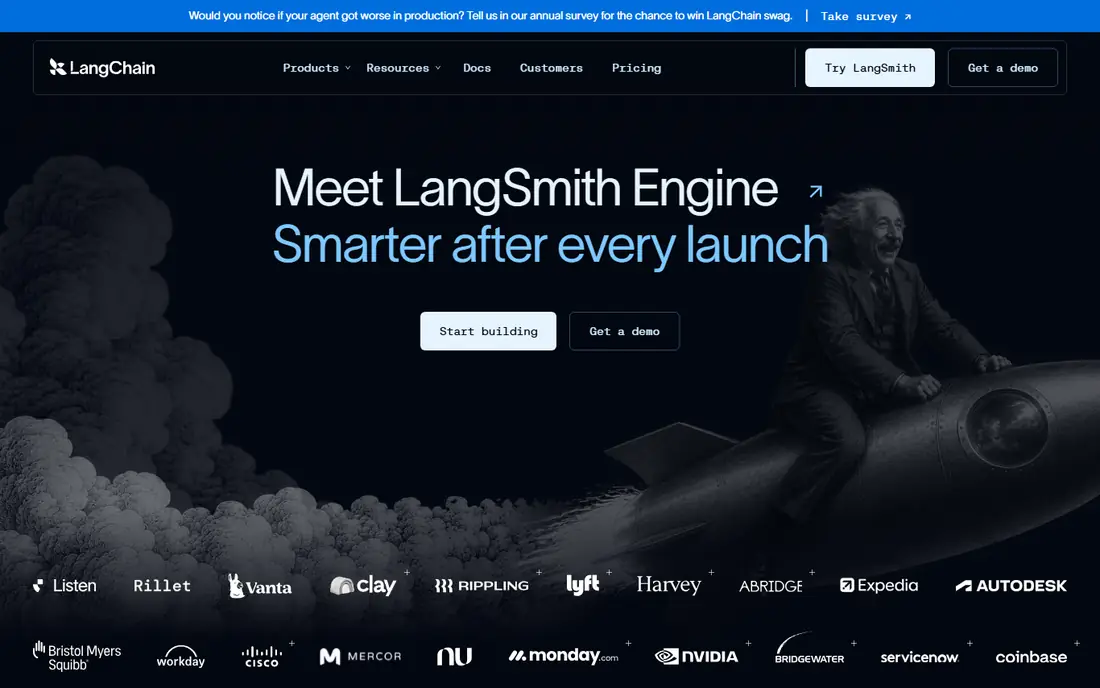
LangChain is the default starting point for building an agent in code. LangGraph handles stateful, multi-step agents with clear control flow, while LangSmith adds tracing, evaluation, and monitoring for agents in production. The ecosystem covers many models, tools, and data sources, so a team can swap a model or a tool without rebuilding the whole agent.
The trade-off is that LangChain is a framework, not a finished product. There is no built-in user interface, multi-tenant access control, or audit system; those parts are the application your team builds. LangSmith Plus costs $39 per seat per month for teams that need its paid tier. For engineering teams that want control over the reasoning loop, LangChain remains the strongest base.
- Open-source framework
- LangGraph for stateful agents
- LangSmith for tracing and evaluation
- Engineers only
- No built-in user interface or tenancy
- Setup is your job
CrewAI organises agents as a crew, with roles, goals, and tasks that agents hand to each other. That pattern fits work that naturally splits across roles, such as research, drafting, and review, and it makes the division of labour explicit rather than hidden inside one long prompt. The framework supports production workflows, memory, and guardrails for agents that run on a schedule or on demand.
Like LangChain, CrewAI is aimed at developers, and a business user without code will find it hard to use alone. The open-source framework is free, while enterprise plans are quoted through sales. For a team building multi-agent systems in Python, CrewAI gives the cleanest role-based structure in this list.
- Clean role-based multi-agent design
- Production workflows
- Memory and guardrails
- Code-first
- Less suited to non-technical teams
- Enterprise pricing is quoted
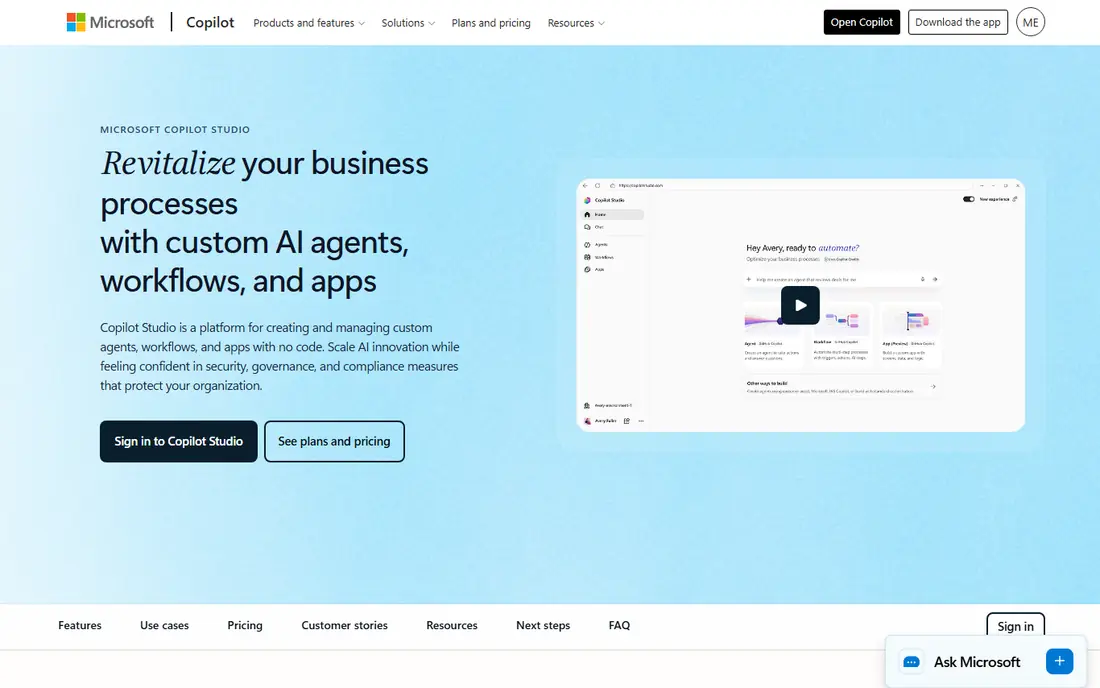
Microsoft Copilot Studio lets business users build agents with a low-code builder and connect them to Microsoft 365 data, Teams, SharePoint, and Outlook. That tight fit is the reason to choose it: an agent can answer from company documents, trigger a Power Automate flow, and work inside the tools staff already open each day. Governance and admin controls suit larger organisations.
Pricing is consumption-based, with Copilot Credits sold in bundles, and a free trial licence lets you build but not publish an agent. Teams outside Microsoft 365 will get less value, since the deepest integrations sit inside that stack. For a Microsoft-centred company, Copilot Studio is the fastest path to a working agent.
- Tight Teams, SharePoint, and Outlook integration
- Low-code builder
- Governance controls
- Best value inside the Microsoft ecosystem
- Publishing needs a paid licence
Salesforce Agentforce builds agents that work from Salesforce records, so a service agent can check an order, a case, and a customer history before replying, and a sales agent can qualify a lead against real CRM data. Templates for service and sales shorten the build, and governance controls cover what an agent can see and do. For a Salesforce shop, that native context is hard to match with a generic platform.
Pricing is consumption-based, with Flex Credits and per-conversation rates reported in vendor and comparison pages, so a team should model its expected conversation volume before committing. Agentforce also makes most sense when the data already lives in Salesforce. Outside that stack, a more general platform will fit better.
- Native CRM context
- Governance built in
- Service and sales agent templates
- Consumption pricing can be hard to forecast
- Needs Salesforce data to shine
UiPath combines its robotic process automation heritage with agent building, so an agent can plan work and hand repetitive steps to robots that act in legacy systems. Agent Builder and Maestro orchestrate agents, robots, and people in one process, which suits companies modernising existing automation rather than starting from scratch. The basic tier starts at $25 per month for one user with limited agents.
Metering is the catch. Agent Units per model call and tiered agent plans mean the bill depends on usage in a way that is harder to forecast than a flat seat price. Larger deployments need enterprise planning and governance design. For a company with a large automation estate, UiPath is the most practical agentic platform here.
- Combines agents with RPA
- Visual builder
- Strong governance and audit
- Metering adds complexity
- Full platform needs enterprise planning
Google Vertex AI Agent Builder gives engineering teams on Google Cloud a production runtime for agents, with monitoring, tool connections, and access to Gemini models plus other models. Agents can search company data, call tools, and run at cloud scale, with the security and deployment controls that come with Google Cloud. For a team already standardised on Google Cloud, the fit is natural.
Non-technical teams will find it less approachable than Copilot Studio or a low-code builder, since building and deploying agents still needs engineering skill. Pricing is infrastructure and usage-based, with trial credits for new accounts, so costs scale with model use and traffic. For cloud-native engineering teams, it is a strong, scalable choice.
- Production runtime on Google Cloud
- Monitoring and tool ecosystem
- Gemini models
- Less friendly for non-technical teams
- Pricing is usage-based and complex
Amazon Bedrock Agents lets AWS teams build agents that use foundation models from Anthropic, Meta, Mistral, and others, inside a private cloud setup. Agents can retrieve knowledge, call Lambda functions, and act in AWS systems, with the access controls and audit trails that regulated teams need. That model choice and private deployment are the main draws.
There is no simple low-code builder for business users, so building agents still needs developers and AWS knowledge. Pricing is token and usage-based, with no free tier for the agent runtime itself, though model pricing varies by provider. For an AWS-first company, Bedrock Agents keep agent work inside the cloud it already trusts.
- Choice of Anthropic, Meta, and Mistral models
- Private cloud deployment
- AWS integrations
- No low-code builder for business users
- Costs scale with model use
n8n is a low-code workflow tool with AI nodes that let technical teams build agents as visual workflows. A workflow can take a trigger, call a model, use tools, and write results back to a system, with code nodes for steps that need custom logic. Self-hosting gives teams full control over data and costs, while the cloud plan starts at $24 per month.
The trade-off is setup overhead. n8n is more flexible than a pure no-code agent builder, but it asks more of the builder, since agent behaviour is expressed as workflow logic. Teams that already automate with n8n will find the AI nodes a natural extension. Teams that want a finished agent product with no workflow design should look at Copilot Studio or Agentforce instead.
- Visual workflows with code nodes
- Self-hosting option
- Broad integrations
- More setup than pure no-code tools
- Agent logic needs workflow design skill
How we picked these
We compared vendor documentation, pricing pages, and public comparisons, and we favoured platforms that are actively maintained, offer a real way to build and run agents, and fit a distinct stack or team type. We left out pure chatbots, tools with no agent runtime, and platforms that had closed or merged without a clear successor. Where pricing is consumption-based or quoted, we say so rather than inventing a flat rate.
How to choose the best platform for agentic ai
Start with your stack. A Microsoft 365 company should trial Copilot Studio, a Salesforce company should trial Agentforce, a Google Cloud team should trial Vertex AI, and an AWS team should trial Bedrock. That single choice removes most of the list, since the deepest integrations and the easiest governance come from the platform that already holds your data.
Decide who builds the agent
Code-first teams should choose LangChain or CrewAI, since those give full control over tools, memory, and control flow. Business users should choose a low-code builder such as Copilot Studio, while technical teams that want visual workflows plus self-hosting should choose n8n. A mismatch here is the most common failure: a business team handed a framework will stall, and an engineering team handed a closed builder will hit its limits.
Put guardrails in before the first live run
List the actions an agent may take without approval, the actions that always need a human, and the systems it may never touch. Check for audit logs, approval steps, and spend limits on every platform you trial. Run the agent on a small, low-risk workflow first, review every action it takes, and widen its scope only after the logs look clean.
Model the real cost
Seat prices tell only part of the story. Add model token costs, per-conversation charges, and agent unit metering, then run a realistic workload through the trial. A platform that looks cheap per seat can cost more at volume, while a quoted enterprise platform may include governance and support that a framework team would have to build. Price the workload, not just the licence.
Frequently asked questions
What is the best agentic ai platform for a small business?
For a small business without developers, Microsoft Copilot Studio or a low-code tool such as n8n is the most practical starting point, depending on your stack. Code-first small teams can start free with LangChain or CrewAI. Enterprise platforms such as Agentforce and UiPath suit larger companies with existing CRM or automation estates.
What is the difference between an AI chatbot and an agentic ai platform?
A chatbot answers questions in a conversation. An agentic platform builds agents that plan steps, use tools, read systems, and take actions, such as updating a record or booking a meeting. That action-taking ability is why guardrails, approvals, and audit logs matter more for agents than for chatbots.
Which agentic ai tools are free to start with?
LangChain and CrewAI offer free open-source frameworks, n8n offers a free self-hosted option, and UiPath offers a free community path. Copilot Studio and Vertex AI offer trials or credits, while Agentforce and Bedrock are paid and usage-based. Free frameworks still need engineering time, so the total cost includes the team that builds and runs the agent.
How does agentic process automation differ from normal automation?
Normal automation follows fixed if-then rules. Agentic process automation lets an agent decide steps based on context, use tools to gather information, and adapt when a case differs from the plan. UiPath and Automation Anywhere use this term for agents that work alongside robots in business processes, with human approval for sensitive steps.
Is agentic AI safe for business data?
It can be, when the platform offers access controls, audit logs, and approval steps, and when the team limits what the agent can change. Check where data is processed, which models are used, and whether the platform supports private deployment or data residency for your region. Start with read-only or low-risk actions, and review logs before widening access.
Sources
See where you really rank - block by block
ProMapRanker scans Google Maps across a grid of your service area. Simple monthly plans from $19, white-label on every plan.
Start freeKeep reading
 outreach alternatives
Outreach Alternatives in 2026
Compare outreach alternatives for 2026, from Salesloft and Apollo to HubSpot and Lemlist, with pricing, channels, features, limits, and honest trade-offs.
Read → best web conference tools
Best Web Conference Tools in 2026
Compare the best web conference tools for meetings, webinars and team calls, with current pricing, free plans and honest limits for each option here today.
Read → best voice cloning tools
Best Voice Cloning Tools in 2026
Compare the best voice cloning tools in 2026, from ElevenLabs and Descript to Resemble and Cartesia, with consent rules, pricing, licenses, and limits.
Read →