 ProMapRanker
How to Pick After School Attendance Software


Licensed childcare at scale and multi-site school districts · Pricing starts at: Quote
Direct answer
Procare leads the list, best for licensed childcare at scale and multi-site school districts. Alternatives: AfterSchool HQ for nonprofits and community programs managing several sites, and OneTap for after-school programs that want fast QR check-in with a defensible record. Details, prices and limits for the rest of the 6 tools are below.
Key takeaways
- Procare is the opening pick, best for licensed childcare at scale and multi-site school districts.
- One limit worth knowing about OneTap: it is attendance only, so programs that also need billing, enrolment, and parent payments must run a second tool alongside it.
- Classcard is the one to check for activity-based after-school academies with scheduling, fees, and attendance in one place.
- OneTap stands alone as the one tool in this list with a free plan.
- The cheapest monthly starting price in the list is $25 per month, offered by KidCheck.
Quick comparison
| Pick | Great for | Pricing starts at | Free tier | |
|---|---|---|---|---|
| Procare | Licensed childcare at scale and multi-site school districts | Quote | No | Visit |
 AfterSchool HQ | Nonprofits and community programs managing several sites | Quote | No | Visit |
 OneTap | After-school programs that want quick QR check-in with a defensible record | $49.99 a month, billed annually | Yes | Visit |
 KidCheck | Programs where pickup security and guardian authorisation matter most | $25 a month | No | Visit |
 Brightwheel | Childcare and after-school programs that want billing | Quote | No | Visit |
 Classcard | Activity-based after-school academies with scheduling, fees, and attendance in one place | $99 a month | No | Visit |
The best after school attendance software
ProMapRanker compared 6 tools for after school attendance software. The goal is a practical shortlist: published prices, free plan facts, best-fit use cases and honest limits for every entry.
Procare
Great for: Licensed childcare at scale and multi-site school districts

In short, Procare is for licensed childcare at scale and multi-site school districts. Procare suits organisations that require the most feature-complete system available and have the staff time to set it up properly.
Procare sells by quote instead of a published price. Procare does not include a free plan.
Limits to weigh: the depth of the system means setup and training take longer than a focused attendance app.
- Full billing and compliance in one system
- Used by more than 40,000 programs over 30 years
- No published price
AfterSchool HQ
Great for: Nonprofits and community programs managing several sites
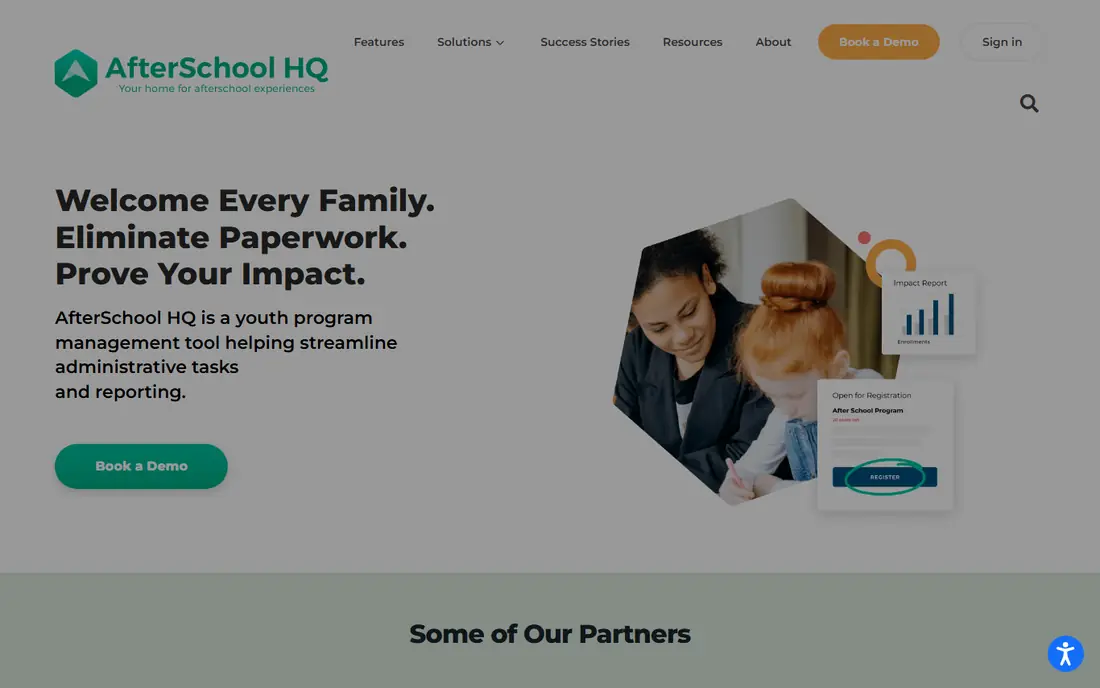
AfterSchool HQ is built with nonprofits and community programs managing multiple sites in mind. The Autopilot service manages the technical side of setup, from enrolment data migration to report configuration, which helps small nonprofit teams with no IT staff.
Downsides: the system is geared toward bigger organisations, so a single-site enrichment program may find it more than it needs.
There is no list price for AfterSchool HQ, so a quote is the way in. AfterSchool HQ has no permanent free option.
What works well: QR or PIN check-in.
- Autopilot implementation service manages setup and migration
- Made for out-of-school-time programs
- No published price
OneTap
Great for: After-school programs that want quick QR check-in with a defensible record

OneTap works best for after-school programs that want fast QR check-in with a defensible record. OneTap is an attendance app designed for programs that check in the same people session after session, including after-school programs, youth programs, and camps. Each person scans a single QR code, the check-in lands on a shared register that staff see in live.
Trade-offs to know: It is attendance only, so programs that also need billing, enrolment.
Every session keeps its own record with date, method, and who was there. Also, OneTap suits small and mid-sized programs moving off paper registers. The check-in QR refreshes every 20 seconds, so a screenshot passed to a friend expires before it can be used, and checkout can capture a signature with a timestamp. Price to start with OneTap: $49.99 per month, billed yearly. A free plan is available with OneTap.
- Proof of presence with location, time, photo, signature
- Exports to Excel, CSV
- Parent payments must run a second tool alongside it
KidCheck
Great for: Programs where pickup security and guardian authorisation matter most
Where KidCheck fits: programs where pickup security and guardian authorisation matter most. KidCheck is a secure children check-in system used by churches, schools, and after-school programs to make sure children only leave with an authorised guardian.
It supplies mobile express check-in, roster check-in, volunteer scheduling, and communication tools, with a 90-day money-back guarantee and live personal support six days a week, including Sunday mornings. On top of that, KidCheck suits programs where the pickup record is the priority, notably community and faith-based programs that require guardian authorisation enforced at sign-out. The starting price for KidCheck: $25 per month. There is no free plan with KidCheck.
The main drawbacks: there is no free plan.
- Secure children check-in with guardian records
- Live support six days a week including Sunday mornings
- The system was aimed at churches and ministries first, so after-school programs may have to adapt its language and workflows
Brightwheel is a good fit for childcare and after-school programs that want billing, messaging, and learning in one app. It manages enrolment, automatic billing, parent messaging, lesson planning, and digital check-in with health checks and room ratio tracking, plus staff scheduling and payroll.
There is no fixed entry price for Brightwheel; pricing comes through a quote. Brightwheel has no free tier.
Watch-outs: the product is made for licensed childcare centres first, so after-school-only programs pay for features they may never use.
- All-in-one product with enrolment, billing, messaging, learning
- Capable parent communication
- No published price
Classcard
Great for: Activity-based after-school academies with scheduling, fees, and attendance in one place
Classcard is aimed squarely at activity-based after-school academies with scheduling, fees, and attendance in one place. Classcard is a class management product for activity-based companies and programs, including dance schools, martial arts academies, music schools, and after-school activity programs.
Classcard suits after-school academies running structured, multi-activity programs with enrolment and fees to run. Price to start with Classcard: $99 per month. There is no free plan with Classcard.
Drawbacks to consider: the system is designed for class providers, so pure drop-in programs may not use its booking depth.
Reasons to shortlist it: branded student app included at no additional cost.
- Online booking and memberships
- Calendar and attendance in the core workflow
- The $99 starting price is higher than attendance-only apps
A practical way to choose after school attendance software
QR code check-in asks each child or parent to scan a code on arrival, normally from a phone. It clears a line rapidly since plenty of people can scan at once. The most solid setups combine both, with a QR code for the rush and a staff tablet for walk-ins and exceptions.
Worth adding: choose the method your least technical staff member can run on a wet Tuesday afternoon.
A closer look at after school attendance software
A standalone attendance app is enough when your only problem is the paper register: who arrived, who left. A clean export at the end of the month. Beyond that, if you are unsure, start with the attendance problem and add modules only when a second job is plainly suffering.
More on after school attendance software
After school attendance software should record who arrived, when they arrived, who picked them up, and when they left, with a timestamp that cannot be edited after the fact. As for the details, if a tool only keeps a daily headcount with no per-child history, it will not survive an audit or a grant report.
How we built this list
Each tool was reviewed on what its vendor publishes: price, plan limits, core features and stated drawbacks. We did not run hands-on tests. Figures are shown as the vendors publish them. Billing terms, seat minimums and add-ons can change the real cost. We ordered the tools by general fit, then by how clearly pricing is shown, then by free access. A buyer with unusual needs may reorder them.
What to check before you buy
- Ask Procare, AfterSchool HQ and Brightwheel for a written quote, since no starting price is shown.
- Test the free plan from OneTap against your real workload before relying on it.
- Before choosing Procare, weigh its main limit: no published price, and the depth of the product means setup and training take longer than a focused attendance app.
- Look at the renewal terms for OneTap: auto-renewal, notice periods and price changes can matter more than the first-year price.
- Ask Brightwheel which support channels and response times come with the plan you would buy.
Frequently asked questions
Is Procare the right pick for everyone comparing after school attendance software?
No single tool suits every team. Procare comes first because it fits licensed childcare at scale and multi-site school districts, while AfterSchool HQ suits nonprofits and community programs managing multiple sites and OneTap suits after-school programs that want fast QR check-in with a defensible record. Match the tool to your own size, budget and workflow before deciding.
How are the tools for after school attendance software ordered?
Procare sits first and Classcard last because the order follows typical fit for after school attendance software, then price clarity and free access. It is a judgement call, so read each profile for fit and limits.
Do these tools publish their prices?
Not all of them. Procare, AfterSchool HQ and Brightwheel publish no starting price, so expect a quote request for those. The rest, OneTap included, show a starting price, though seats and billing terms still change the final cost.
Can parents check children in and out themselves?
OneTap and KidCheck both support parent-driven check-in with a timestamped record. The key control is pickup authorisation: the system should only release a child to a guardian listed on the record. The checkout should capture who collected them and when.
Which options for after school attendance software have a free plan?
OneTap is the only tool in this list with a free plan. Free plans usually cap users, projects or features, so check the limits on the vendor page.
Sources
See where you really rank - block by block
ProMapRanker scans Google Maps across a grid of your service area. Simple monthly plans from $19, white-label on every plan.
Start freeKeep reading
 zscaler alternatives
Best Zscaler Alternatives in 2026
Looking for zscaler alternatives? We compare 9 SASE and zero trust platforms on architecture, data protection, pricing, and fit for your network and team.
Read → zapier alternatives free
Best Zapier Alternatives Free in 2026
Nine automation tools for zapier alternatives free in 2026, all with genuinely free tiers, plus free plan limits, starting prices and upgrade paths explained.
Read → which platform is best for online reputation
Which Platform Is Best for Online Reputation in 2026
Wondering which platform is best for online reputation? We compare 8 review, listing, and response tools for small and multi-location businesses and agencies.
Read →