 ProMapRanker
Best Additive Manufacturing Software in 2026


Industrial build preparation · Pricing starts at: See website
Key takeaways
- Materialise Magics remains the industrial standard for build preparation, while Autodesk Netfabb suits teams already working in Autodesk tools.
- For simulation-heavy metal work, Ansys Additive and nTopology cover different needs: process simulation versus complex geometry and lattices.
- Hobbyists and small shops can start free with PrusaSlicer or Bambu Studio and still get reliable, well-supported slicing.
- Formlabs PreForm and Stratasys GrabCAD Print are printer-specific, so they make sense only if you use those printer brands.
- Always confirm file format support, printer compatibility, and license terms before you buy, since enterprise tools are usually quote-only.
Quick comparison
| Pick | Great for | Pricing starts at | Free tier | |
|---|---|---|---|---|
| Materialise Magics | Industrial build preparation | See website | No | Visit |
 Autodesk Netfabb | Design integration and build prep | See website | Free trial | Visit |
 Ansys Additive | Metal process simulation | See website | No | Visit |
 nTopology | Complex geometry and lattices | See website | No | Visit |
 PrusaSlicer | Free, reliable slicing | Free | Yes | Visit |
 Bambu Studio | Bambu Lab printer users | Free | Yes | Visit |
 Simplify3D | Detailed print control | See website | No | Visit |
 Formlabs PreForm | Formlabs resin and SLS printing | Free | Yes | Visit |
 Stratasys GrabCAD Print | Stratasys printer workflows | Free | Yes | Visit |
The best additive manufacturing software
We compared official product pages and documentation for tools that cover design, build preparation, simulation, and slicing for additive manufacturing. The list mixes industrial platforms with accessible slicers, so readers can match the tool to their printer type and production stage.
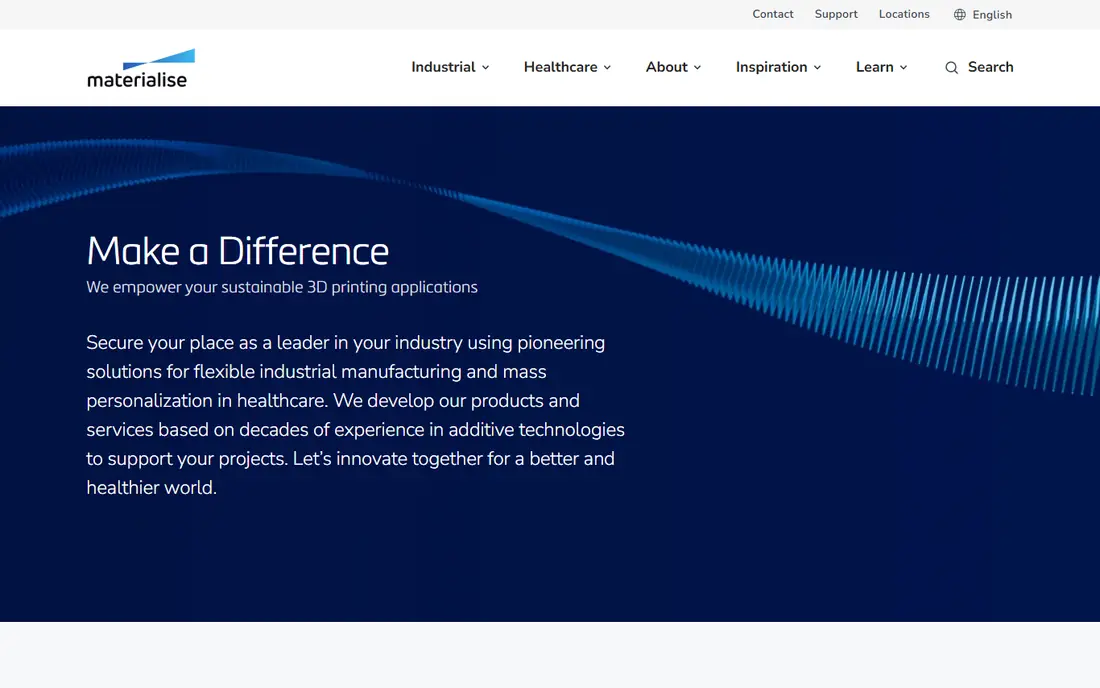
Materialise Magics is the tool many service bureaus and industrial teams reach for first. It handles mesh repair, part orientation, support generation, and build platform layout in one workflow, which helps reduce failed builds. Its long history in production printing also means most common problems already have a documented fix.
The downside is access. Pricing is quote-based, and new users face a real learning curve, especially if they come from a simple desktop slicer. For production work where a failed build wastes costly material and machine time, that depth is usually worth the investment.
- Long track record in industrial printing
- Strong mesh repair and build preparation
- Broad printer and format support
- Quote-only pricing
- Learning curve for new users
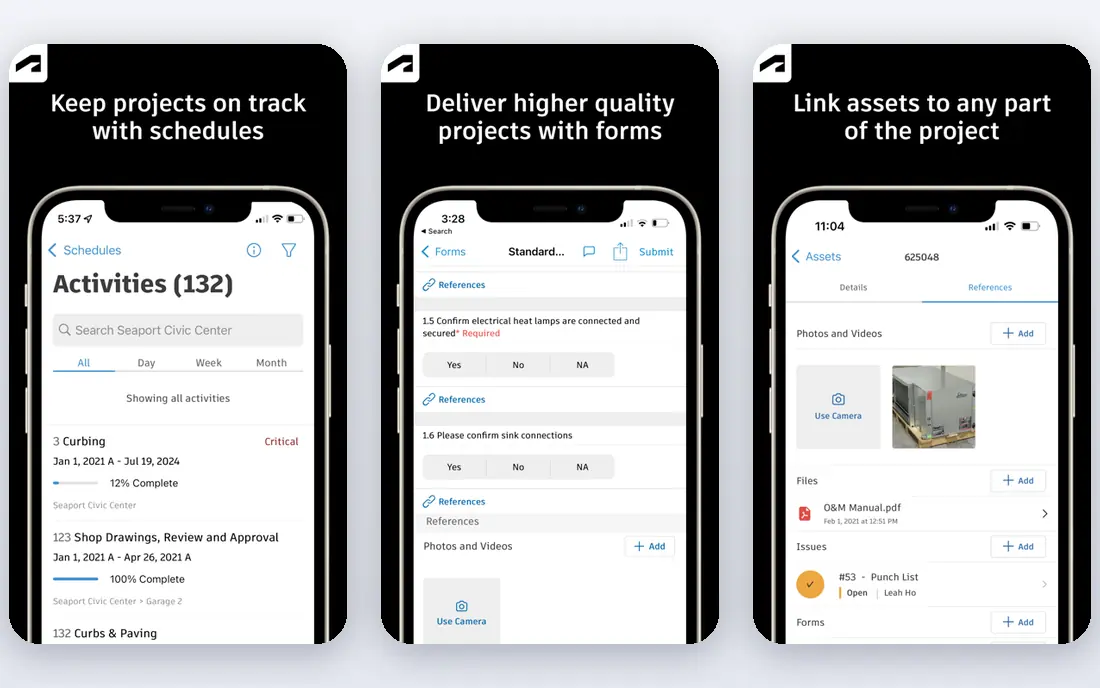
Netfabb suits engineering teams that already design in Autodesk software. Models move from design to build preparation with fewer format conversions, and tools for repair, packing, supports, and lattices are built for production use. Higher tiers add simulation and toolpath control for more demanding metal work.
Netfabb is not a casual slicer, and its subscription cost reflects its professional focus. Teams that print occasionally on desktop machines will find simpler tools enough. For teams printing functional parts on industrial machines, the integration and control pay off.
- Strong repair, packing, and lattice tools
- Works well with Fusion and other Autodesk products
- Metal simulation options
- Subscription pricing can add up
- Some advanced features need higher tiers
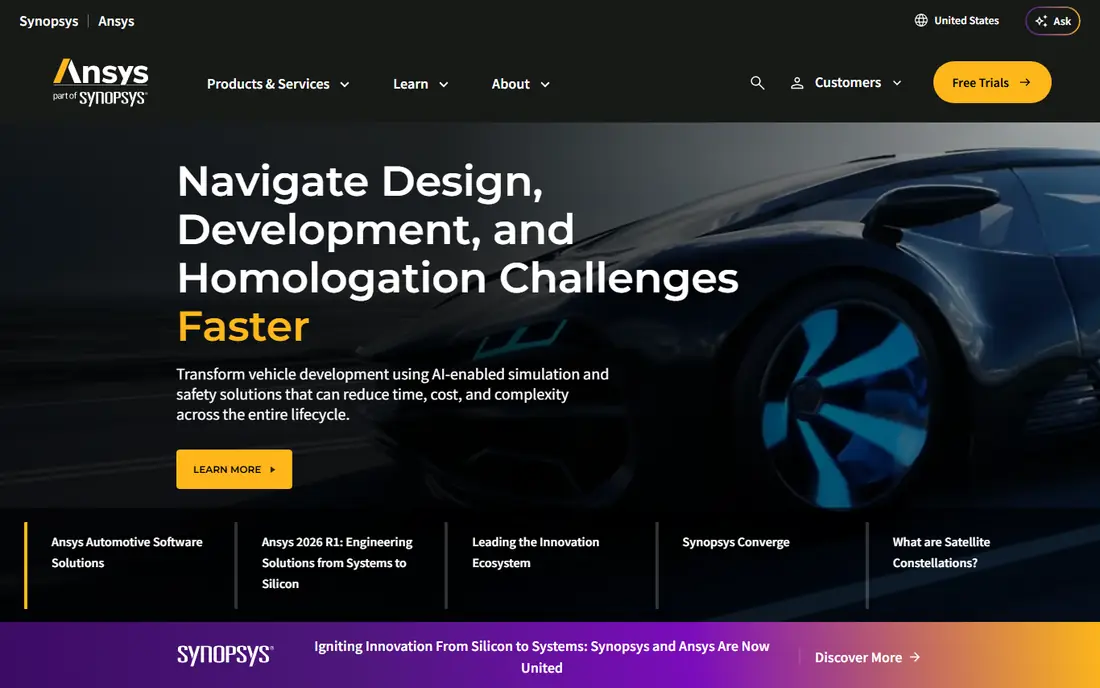
Ansys Additive helps metal printing teams predict problems before they commit to a build. Simulation can show likely distortion, residual stress, and support needs, which saves trial builds on expensive machines and materials. That value grows in aerospace, medical, and other fields where part qualification matters.
This is specialist software, not a general slicer. It requires users who understand simulation, and pricing is enterprise-level. Teams that print a few metal prototypes a year may not need it, but teams qualifying production metal parts often will.
- Detailed metal process simulation
- Helps predict distortion and stress
- Links to wider Ansys engineering tools
- Enterprise pricing
- Needs trained simulation users to get full value
nTopology takes a different approach to design. Instead of editing meshes or solid features directly, users build reusable workflows that generate lattices, lightweight structures, and complex shapes. That method suits parts where weight, airflow, or mechanical performance drives the design.
The workflow takes time to learn, and it will feel unfamiliar to teams used to traditional CAD. Pricing is also custom. For teams designing heat exchangers, lightweight brackets, or medical implants, nTopology opens design options that standard CAD tools handle poorly.
- Powerful implicit modeling for lattices and lightweight parts
- Design automation through reusable workflows
- Good for performance-driven parts
- Quote-only pricing
- Different workflow from traditional CAD
PrusaSlicer is the best free starting point for fused filament printing. It slices models, manages supports and infill, and offers ready profiles for Prusa printers plus settings for many other machines. Updates arrive often, and a large user community shares profiles and fixes.
It does not try to manage a factory floor or simulate metal processes, and that is fine for its audience. Small shops, schools, and hobbyists get a dependable slicer with no license cost. If you later move to industrial machines, you can keep PrusaSlicer for desktop work alongside a production tool.
- Free and open source
- Regular updates
- Strong profiles for many printers
- Less suited to industrial build management
- Support tools are simpler than industrial prep tools
Bambu Studio is the companion slicer for Bambu Lab printers, and that close pairing is its strength. Profiles, multi-color handling, and printer controls are tuned for those machines, so setup is fast and prints tend to work with little tuning. The interface is clear enough for new users while still offering advanced settings.
The trade-off is hardware lock-in. Other printers can use the slicer in some cases, but the smoothest experience stays with Bambu Lab machines. If you already own or plan to buy that hardware, Bambu Studio is the obvious slicer choice.
- Free
- Tuned for Bambu Lab printers
- Multi-color and multi-material support
- Best value is tied to Bambu Lab hardware
- Fewer options for other printer brands
Simplify3D appeals to users who want control over every part of a print. Custom supports, multiple processes in one model, and detailed speed and temperature settings give experienced users room to tune difficult prints. It supports a wide range of printer models, which helps shops with mixed hardware.
Newer free slicers have caught up in many areas, and Simplify3D charges for a license while rivals are free. Its interface also shows its age. Users who value its specific control tools still find it worth paying for, but casual users should try a free slicer first.
- Fine control over supports, processes, and print settings
- Supports many printer models
- Long-standing user base
- Paid license with no free plan
- Interface feels older than newer slicers
PreForm is the print preparation software for Formlabs printers. It handles orientation, support generation, and print settings for resin and selective laser sintering machines, with profiles matched to Formlabs materials. That pairing reduces guesswork, especially for detailed or dental and jewelry work.
Its value ends outside the Formlabs ecosystem, since it is built for those machines. Material and printer costs are separate, so free software does not mean free printing. For Formlabs owners, PreForm is not really optional, and it does its job well.
- Free with Formlabs printers
- Tuned resin and powder workflows
- Automatic orientation and supports
- Only useful with Formlabs printers
- Resin and material costs remain separate
GrabCAD Print manages printing on Stratasys machines, from model preparation to tray layout and printer scheduling. Because it connects directly to Stratasys printers and materials, settings stay consistent and operators spend less time on manual setup. Shops running several Stratasys machines benefit from the shared queue view.
Like other vendor slicers, it only makes sense with that vendor's hardware. It also does not replace design or simulation software. For Stratasys shops, it is a solid, free part of the workflow, and it pairs well with industrial prep tools for complex builds.
- Free for Stratasys users
- Direct printer and material integration
- Tray and schedule management
- Tied to Stratasys hardware
- Not a general design or simulation tool
How we picked these
We checked vendor product pages and documentation for tools that are live in October 2026 and that serve a clear stage of additive work: design, preparation, simulation, or slicing. We excluded tools that only edit general CAD models without additive features, and we kept a mix of industrial and accessible options. Where vendors do not publish prices, we wrote See website rather than guessing a figure from a reseller listing.
What to check before you choose
Start with your printer and material, not with a feature list. Printer-specific slicers only help if you own that brand, while industrial prep tools matter most when failed builds are costly. Check which file formats each tool accepts, including mesh and CAD formats, and test a real part from your own work, not just a demo model.
Next, check support generation and repair quality on a difficult model with thin walls or overhangs. Ask about license terms, including whether the price covers one seat or a team, and whether simulation or lattice features need a higher tier. Finally, confirm training and support options, since industrial tools repay training time but punish teams that buy them and never learn them properly.
Frequently asked questions
What is the best additive manufacturing software for beginners?
PrusaSlicer or Bambu Studio, depending on your printer, are the best starting points. Both are free, well documented, and supported by large user groups. Move to an industrial tool only when desktop slicing limits your production work.
Which tool is best for metal additive manufacturing?
Ansys Additive suits teams that need process simulation, while Netfabb and Materialise Magics cover build preparation for metal machines. Many metal shops use preparation and simulation together, rather than relying on one tool for both jobs.
Is free slicing software good enough for small business printing?
Yes, for most filament and resin desktop work. PrusaSlicer, Bambu Studio, and vendor tools such as PreForm handle everyday production well. Industrial prep software becomes worth its cost when you manage many builds, costly materials, or strict quality checks.
Do I need simulation software for 3D printing?
Not for most plastic desktop printing, where a test print is cheap. Simulation matters for metal printing and for parts where distortion or failure would waste significant time, material, or machine capacity. Start with good preparation, then add simulation when test builds show repeatable problems.
Can one tool handle design, preparation, and printing?
Some platforms cover several stages, but most teams use more than one tool. Design software creates the model, preparation software fixes and lays out the build, and a slicer or printer tool sends it to the machine. Choose tools that pass files cleanly between stages.
Why do enterprise tools hide their prices?
Enterprise additive tools are often licensed by seat, module, and support level, so a single list price would mislead buyers. Request a quote that lists each module, the number of seats, and support terms, and compare that total across vendors.
Sources
See where you really rank - block by block
ProMapRanker scans Google Maps across a grid of your service area. Simple monthly plans from $19, white-label on every plan.
Start freeKeep reading
 zoro.to alternatives
Best Zoro.to Alternatives in 2026
We compare the best zoro.to alternatives in 2026, listing only legal licensed anime streaming services, from Crunchyroll to free options for fans today.
Read → zip alternatives
Best Zip Alternatives in 2026
We compare the best zip alternatives for buy now, pay later in 2026, covering pay-in-4 plans, fees, spending limits, and credit reporting options today.
Read → yesware alternatives
Best Yesware Alternatives in 2026
Compare the best yesware alternatives for sales email tracking, templates, and sequences, with current pricing and honest tradeoffs for small sales teams.
Read →