 ProMapRanker
Best ACH Processing Companies in 2026


platforms that need bank payments by API · Pricing starts at: See website
Key takeaways
- ACH moves money between US bank accounts at a lower cost than cards in many cases, but settlement is slower unless you pay for faster options.
- Dwolla and Stripe suit developers and platforms that need bank payments built into software, while Melio and BILL suit bill paying and accounting workflows.
- Melio starts free with five ACH payments a month, which makes it an easy first test for a small business with few vendors.
- This is not financial advice. Fees, limits, and settlement times vary by provider and account history, so confirm them before you move real payroll or vendor money.
- Same-day ACH, next-day ACH, and standard ACH are different speeds with different costs, so match the speed to how urgent each payment is.
Quick comparison
| Pick | Great for | Pricing starts at | Free tier | |
|---|---|---|---|---|
| Dwolla | platforms that need bank payments by API | See website | No | Visit |
 Stripe | online businesses that also take cards | See website | No | Visit |
 Melio | small businesses paying vendors by bank transfer | Free | Yes | Visit |
 BILL | accounting teams automating payables | See website | No | Visit |
 Square | small sellers that want payments in one place | See website | No | Visit |
 PayPal | businesses whose customers already use PayPal | See website | No | Visit |
 Zil Money | small firms that want ACH, checks, and wires together | See website | No | Visit |
 Authorize.net | businesses that need a payment gateway with ACH | See website | No | Visit |
The best ACH processing companies
ACH processing covers bank-to-bank payments in the United States, including vendor bills, payroll, subscriptions, and platform payouts. The right provider depends on whether you pay a few vendors by hand, run payroll for staff, or build payments into your own software.
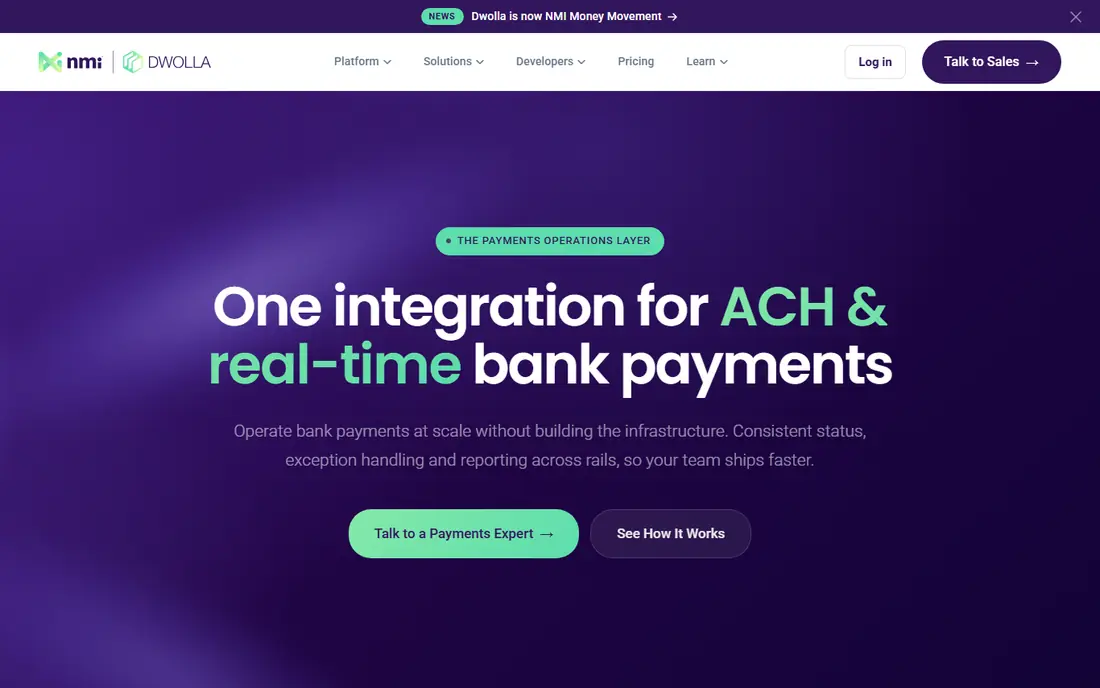
Dwolla fits software platforms, marketplaces, and finance apps that need to move money between bank accounts without building bank connections from scratch. Its API covers account verification, transfers, and payouts, and it supports faster payment rails alongside ACH. That focus makes it a natural pick when bank payments are part of the product itself.
The trade-off is that Dwolla is not a simple bill pay app. A small firm that just wants to pay five vendors each month will find the setup heavier than Melio or BILL. Pricing also depends on volume and plan, so get a written quote and confirm which transfer speeds are included before you build around it.
- Built for ACH and bank payouts by API
- Supports standard, next-day, and same-day ACH options
- Bank account verification tools
- Developer-focused, so non-technical teams may need help
- Pricing is quote-based for larger plans
- US bank accounts only
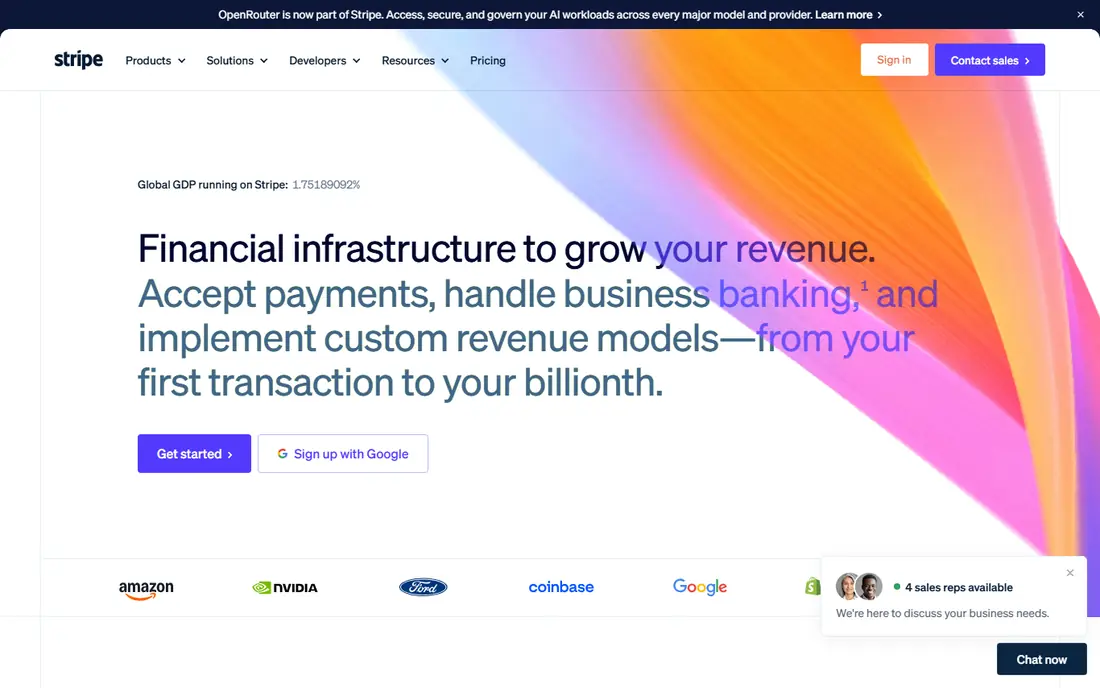
Stripe suits an online business that wants ACH as one option among cards and other payment methods. Customers can pay from a bank account, and the business keeps billing, subscriptions, and payouts in one dashboard. That breadth saves time when a company already uses Stripe for cards.
The catch is that ACH through Stripe is not instant, and new accounts may face limits on ACH volume until a history is built. Check the current ACH fee schedule and settlement timing for your account type, since both affect cash flow. For a business that only needs bank payments, a specialist like Dwolla may be simpler.
- ACH debits beside cards, wallets, and subscriptions
- Strong developer docs
- Broad fraud and reporting tools
- ACH limits can apply to new accounts
- Fees and payout timing vary
- Support is largely online for smaller accounts
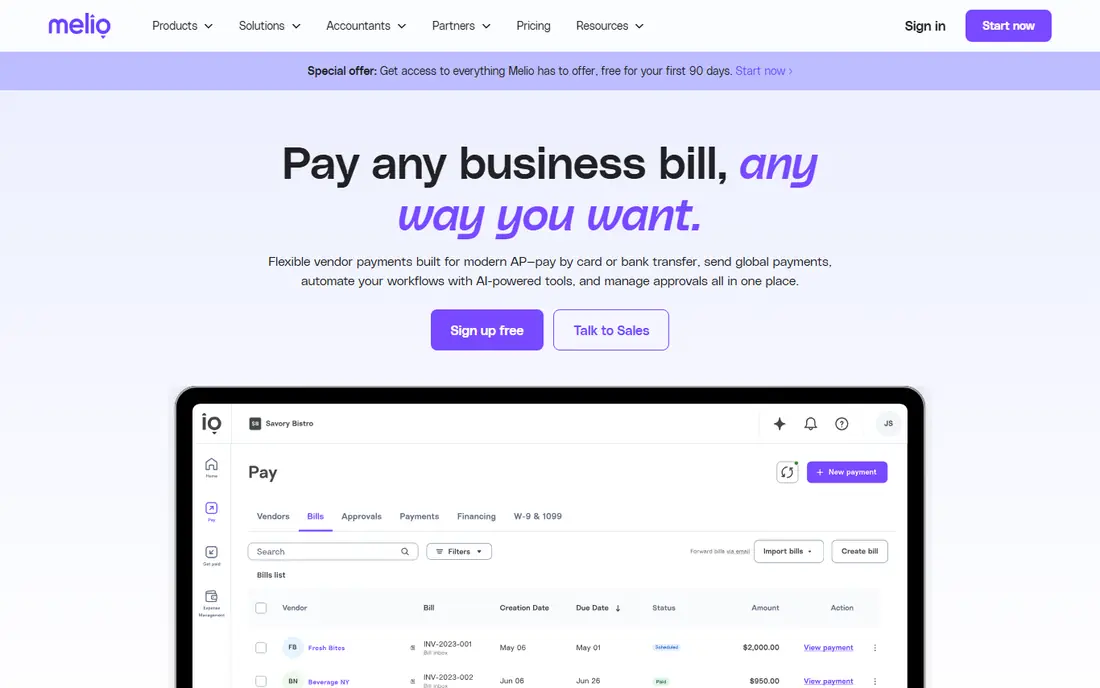
Melio is the easiest starting point for a small business that pays vendors by bank transfer. The free Go plan includes five ACH payments a month and core bill pay features, while paid plans raise the allowance to 20, 50, or unlimited ACH payments. Bills can be imported or scanned, approvals can be assigned, and payments can be scheduled in advance.
The limit shows up at volume. Once you pass the included allowance, each extra ACH payment costs $0.50, and paying by card to earn rewards costs 2.9%. Melio also lacks purchase order matching, which larger accounting teams may need. For a firm with a modest vendor list, the free and low-cost tiers are hard to beat.
- Free Go plan with five ACH payments a month
- Bill capture and approvals
- Syncs with QuickBooks Online and Xero
- Extra ACH payments cost $0.50 each beyond the plan allowance
- Card payments carry a 2.9% fee
- No purchase order matching
BILL suits a finance team that processes many invoices and needs control around approvals, audit trails, and accounting sync. Invoices move through capture, approval, payment, and reconciliation in one system, and ACH sits beside checks and other payment methods. That structure helps when several people touch each bill.
The drawback is scale and cost. BILL is built for teams with real invoice volume, not for an owner paying three vendors a month. Implementation takes longer than Melio, and pricing depends on the plan and volume. If your main need is simple vendor ACH, start smaller and move to BILL when invoice volume justifies it.
- Full accounts payable workflow with approvals
- Strong accounting software links
- Handles ACH, checks, and international payments
- Pricing is not aimed at the smallest firms
- Setup takes more time than simple bill pay
- Some features need higher tiers
Square fits a small seller that already takes card payments and wants invoices and bank payments in the same place. Setup is quick, the dashboard is familiar, and staff can learn it without training. For a shop, cafe, or service firm with light bank payment needs, that simplicity matters.
The limit is depth. Square is a general payments platform first, not an ACH specialist, so firms that need mass payouts, complex approvals, or API-driven bank transfers will outgrow it. Check which Square product covers your ACH use case, since invoicing, payroll, and online payments carry different terms.
- Payments, invoicing, and sales tools in one account
- Easy setup for small sellers
- ACH options beside cards
- ACH is not the main focus
- Fees and limits vary by product
- Larger platforms may need more control
PayPal suits a business whose customers already hold PayPal accounts and expect to pay that way. Bank-funded payments sit beside cards, and invoicing and reporting are built in. For freelancers and small online sellers, that familiarity can lift completion rates on invoices.
The trade-off is cost and control. Fees depend on the transaction type, funding source, and whether the payment is domestic or cross-border, so the cheapest route is not always obvious. Account reviews and holds can also delay access to funds. Use PayPal for customer payments and a dedicated ACH provider for payroll or mass payouts when timing matters.
- Huge existing customer base
- Bank payments beside cards and wallets
- Familiar checkout and invoicing
- Fees vary by transaction type and funding source
- Account holds can affect cash flow
- ACH timing is not instant
Zil Money appeals to a small firm that still writes checks sometimes but wants to move more payments to ACH. The platform groups ACH transfers, checks, wires, and cards in one place, which helps a business in transition from paper to bank payments. Payroll and vendor tools sit in the same account.
The catch is that pricing and feature limits depend on the plan you choose, so a headline price does not tell the full story. Compare the plan that covers your actual ACH volume, check volume, and user seats. For a firm that has fully moved to bank payments, a specialist API provider may offer cleaner automation.
- ACH, checks, wires, and virtual cards in one platform
- Payroll and vendor payment tools
- Cloud-based access
- Pricing depends on plan and volume
- Feature depth varies by tier
- Smaller brand than Stripe or PayPal
Authorize.net suits a business that already has a merchant account and needs a gateway that handles both cards and ACH, including recurring payments. Its long history means many accounting and shopping platforms already connect to it, which can shorten integration time for an established firm.
The drawback is cost structure. Gateway fees add to merchant account fees, and setup needs more care than a modern app signup. A new small business with no merchant account may find Stripe or Square simpler. An established firm that wants gateway control and recurring ACH billing will find Authorize.net a steady option.
- Long-running payment gateway with ACH support
- Works with many merchant accounts
- Recurring billing tools
- Gateway fees sit on top of merchant account costs
- Setup is more technical than app-based rivals
- Interface feels dated
How we picked these
We compared official product pages, pricing pages, developer docs, and public reviews for companies that openly support ACH payments in the United States. We favored providers with a clear ACH use case, published plan structures, and a fit for a distinct buyer, from developers to small bill payers to accounting teams. We did not claim hands-on testing. Fees, limits, and settlement times change and vary by account, so confirm the current schedule before you commit.
What to check before you choose an ACH provider
Start with the payment type. Vendor bills, payroll, customer debits, and platform payouts carry different rules, limits, and failure handling. A provider that excels at bill pay may not suit mass payouts, and a developer API may be overkill for ten vendor bills a month. Name your main use case first, then shortlist providers built for it.
Next, check speed and failure handling. Standard ACH takes business days to settle, while same-day and next-day options cost more and carry cutoff times. Ask what happens when a payment fails for insufficient funds or a closed account, how quickly you learn about it, and whether you can retry automatically. For payroll, a failed payment is far more serious than a late vendor bill.
Finally, check authorization and security. ACH debits need proper customer authorization, and providers should offer bank verification, fraud controls, and clear reporting. Keep authorization records, use verification where offered, and test with a small payment before you move payroll or a large vendor run through a new provider.
Costs that hide behind the headline
Some providers charge per transaction, some charge a monthly plan fee with an included allowance, and some charge both. Add gateway fees, merchant account fees, and faster settlement fees to get the true cost per payment. Melio is a clear example, with a free allowance and $0.50 per extra ACH payment, while card-funded payments cost far more.
Speed options in plain terms
Standard ACH is the cheapest route and suits planned vendor bills. Next-day ACH helps when a bill is due soon, and same-day ACH suits urgent payments that cannot wait. Same-day ACH has cutoff times and limits, so a payment sent late in the day may still settle the next business day.
Frequently asked questions
What is ACH processing?
ACH processing moves money between US bank accounts through the Automated Clearing House network. Businesses use it for vendor payments, payroll by direct deposit, subscriptions, and refunds. It usually costs less than card payments, but settlement takes longer unless you choose a faster option.
How long does an ACH payment take?
Standard ACH usually takes one to three business days to settle, depending on the provider and cutoff time. Next-day ACH aims for the next business day, and same-day ACH can settle the same day if sent before the cutoff. Weekends and bank holidays can add delay, so plan payroll and due dates with a buffer.
Is ACH safe for paying vendors?
ACH is widely used for business payments, and providers add bank verification, authorization records, and fraud controls. Safety depends on good practice too, so verify new vendor bank details by a known contact method, keep authorization records, and watch for failed payments. This is not financial advice, and your bank and provider terms govern each transfer.
Can a small business use ACH without a developer?
Yes. Melio, BILL, Square, and PayPal let non-technical teams pay by ACH through a dashboard or app, with no code needed. Dwolla and Stripe suit teams that want to build payments into software. Choose a dashboard tool if you pay vendors by hand, and an API tool only if you need automation inside your own product.
What is the difference between ACH debit and ACH credit?
An ACH debit pulls money from a customer bank account with authorization, which suits subscriptions and customer payments. An ACH credit pushes money from your account to a vendor or employee, which suits vendor bills and payroll. Providers differ in which direction they support well, so confirm your direction before you sign up.
Sources
See where you really rank - block by block
ProMapRanker scans Google Maps across a grid of your service area. Simple monthly plans from $19, white-label on every plan.
Start freeKeep reading
 zscaler alternatives
Best Zscaler Alternatives in 2026
Looking for zscaler alternatives? We compare 9 SASE and zero trust platforms on architecture, data protection, pricing, and fit for your network and team.
Read → zapier alternatives free
Best Zapier Alternatives Free in 2026
Nine automation tools for zapier alternatives free in 2026, all with genuinely free tiers, plus free plan limits, starting prices and upgrade paths explained.
Read → which platform is best for online reputation
Which Platform Is Best for Online Reputation in 2026
Wondering which platform is best for online reputation? We compare 8 review, listing, and response tools for small and multi-location businesses and agencies.
Read →