 ProMapRanker
Best Accounts Payable Software With AI Features in 2026

Key takeaways
- Ramp is our pick for small and mid-size teams that want AI invoice capture and bill pay without a software fee on the free tier.
- BILL suits small businesses with structured approvals and strong QuickBooks or Xero sync.
- Tipalti suits companies paying many vendors or contractors across borders, with tax and compliance tools built in.
- Stampli suits midmarket teams that want collaborative approvals and an AI assistant that learns from past coding.
- AI features differ in scope: some tools only read invoices, while others code, match, route, and flag duplicates, so test on your own supplier invoices.
Quick comparison
| Pick | Great for | Pricing starts at | Free tier | |
|---|---|---|---|---|
 BILL | SMB approvals and sync | $49 per user per month | No | Visit |
 Ramp | Free AI bill pay | Free | Yes | Visit |
 Tipalti | Global vendor payments | $99 per month | No | Visit |
 Stampli | Collaborative approvals | See website | No | Visit |
 AppZen | AI audit and controls | See website | No | Visit |
 AvidXchange | Paper-heavy midmarket AP | See website | No | Visit |
 Coupa | Enterprise spend control | See website | No | Visit |
 Melio | Small business vendor payments | Free | Yes | Visit |
The best accounts payable software with AI features
AI in accounts payable should do more than scan a PDF. The useful tools read vendor, amounts, line items, and tax, suggest general ledger codes, match invoices to purchase orders, flag duplicates, and route approvals. We compared tools on those jobs, on payment options, and on accounting integrations.
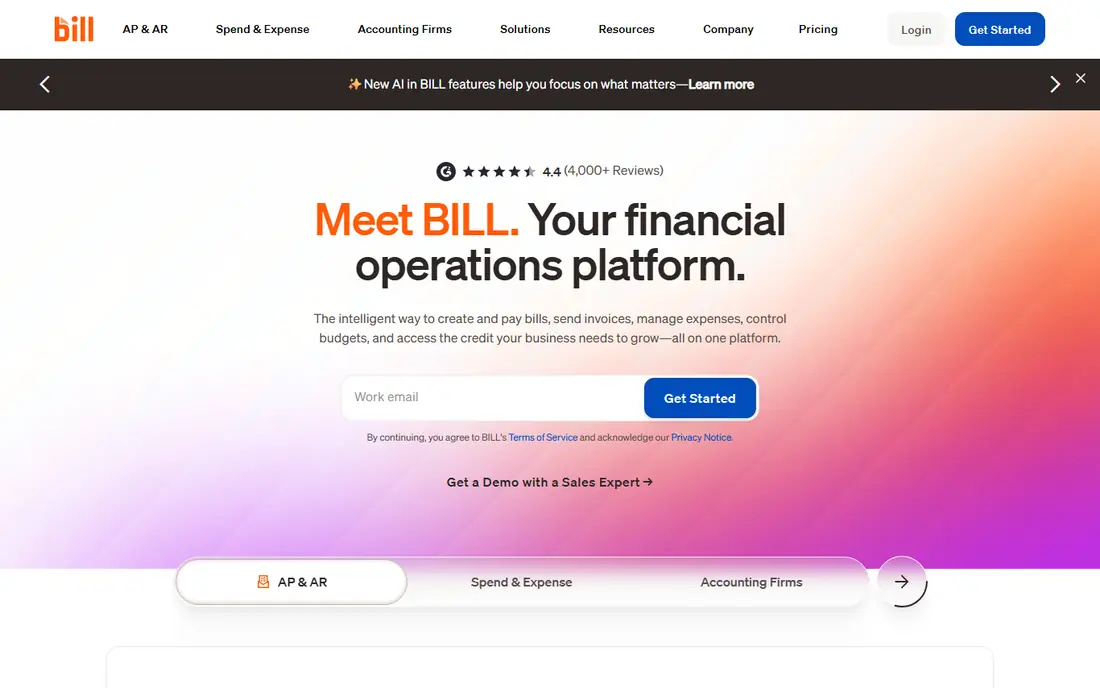
BILL is the standard AP choice for many small businesses, and its AI features focus on the most time-consuming steps: capturing invoice data, suggesting codes, and routing approvals. Invoices arrive by email or upload, the system reads key fields, and approvers can review and approve from a dashboard or mobile app. Payments can then be made by ACH or check, with sync to QuickBooks, Xero, NetSuite, or Sage Intacct depending on tier.
The catch is cost structure. Pricing is per user per month, payment fees apply on top, and the most advanced AI coding features sit on higher tiers. A team with many approvers should therefore count every user who needs access, not only the finance core. For a small business that wants a proven AP system with strong accounting sync, BILL remains a safe, well-supported choice.
- AI invoice capture and coding on higher tiers
- Structured approvals
- Strong QuickBooks and Xero sync
- Per-user pricing adds up
- Payment fees apply
- Advanced AI coding needs higher tiers
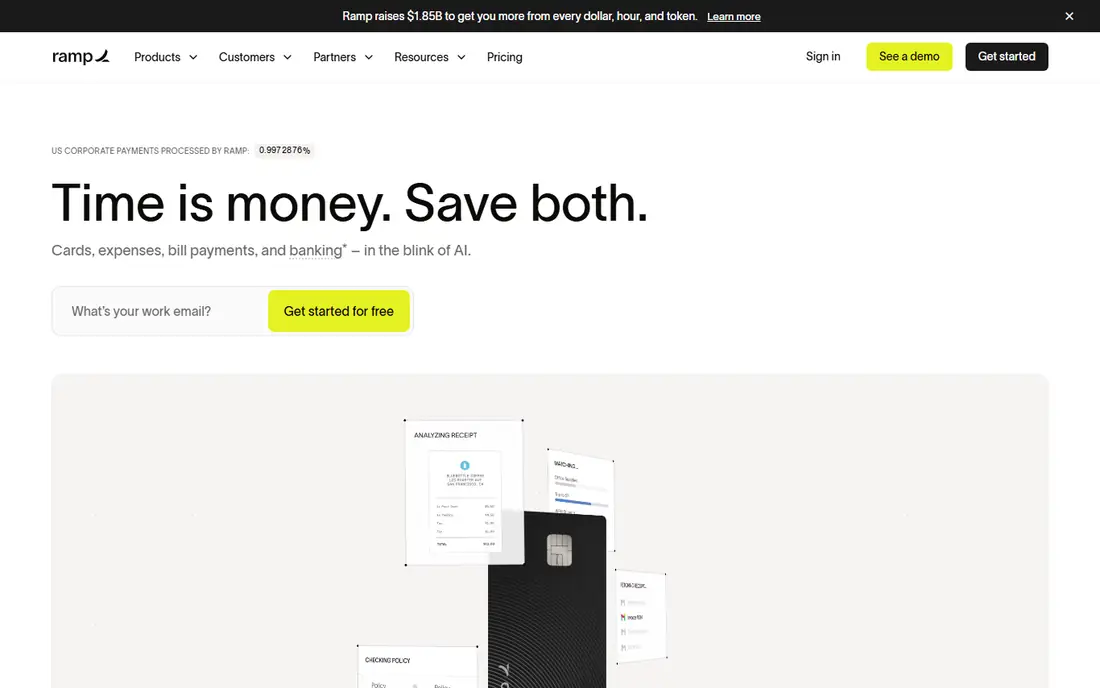
Ramp is the value leader in this list, because its free tier includes bill pay with AI capture, approvals, and accounting sync to QuickBooks and Xero. Invoices are read with line-item detail, approvals can be routed by amount and vendor, and payments can be made by ACH or check. The same platform also covers corporate cards and expenses, which helps finance teams see spend in one place.
The limits appear at larger scale. Advanced purchase order matching and deeper ERP integrations need the Plus tier, which adds a per-user price plus a platform fee. Some payment benefits also depend on using a Ramp account. For a startup or small business that wants AI-powered AP without a software fee, Ramp is our first pick, provided you check which features your tier includes.
- Free tier includes bill pay
- AI capture with line items
- Cards, expenses, and AP in one platform
- Advanced PO matching needs Plus
- Some features tied to Ramp accounts
- Platform fee on paid tiers
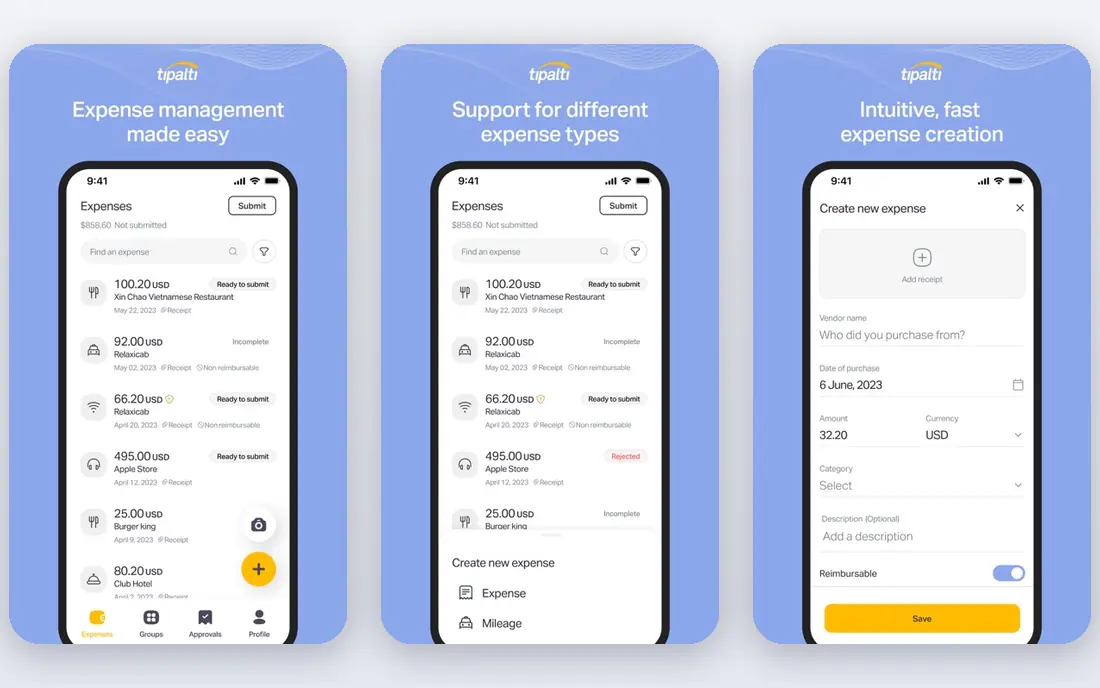
Tipalti suits companies that pay many vendors, suppliers, or contractors, especially across borders. Its AI tools scan invoices, suggest coding, and support purchase order matching, while its payment system handles local and cross-border payments in many currencies. Tax form collection and validation, plus supplier onboarding tools, reduce the compliance work that comes with global payments.
The downside is total cost and complexity. The platform fee is only part of the bill, because transaction and payment fees apply on top, and setup for global tax and payment rules takes time. A domestic-only small business will not need most of Tipalti's depth. For a company with international vendors or a large contractor base, Tipalti's combination of AP automation and global payments is hard to match.
- Global payments in many currencies
- AI invoice scan and coding
- Tax forms and compliance tools
- Transaction fees on top of platform fee
- Setup takes time
- Smaller teams may not need global depth
Stampli is built around collaboration. Invoices sit in a shared workspace where finance staff and approvers can discuss, code, and approve together, with a full audit trail. Its AI assistant, Billy, learns from past coding and approvals to suggest codes and route invoices, and it can handle purchase order matching. Integration covers many ERP and accounting systems, which suits midmarket teams with established finance stacks.
The trade-off is access and cost. Stampli is priced by quote, based largely on invoice volume, and implementation takes more effort than a self-serve tool. A very small business with a handful of invoices a month may find it heavy. For a midmarket AP team with high volume, many approvers, and complex coding rules, Stampli's collaborative approach and AI assistant are strong advantages.
- AI assistant for coding and approvals
- Collaborative invoice workspace
- Wide ERP integration list
- Pricing by quote
- Implementation takes time
- Smaller teams may find it heavy
AppZen is different from the other tools here: it focuses on AI audit and controls rather than basic bill pay. Its AI reviews invoices and expense reports against policy, flags duplicates, incorrect amounts, and suspicious patterns, and helps finance teams approve with more confidence. That audit layer is valuable for companies where compliance and fraud prevention matter as much as speed.
The limit is scope. AppZen is best used alongside an AP or expense system, not as a replacement for one, and pricing is set by quote. Setup also needs finance expertise to define policies and approval rules. For a mid-size or large company that wants AI to check AP work before payment, AppZen is a strong addition. For a small business that only needs capture and payment, a simpler AP tool is enough.
- AI audit of invoices and expenses
- Duplicate and fraud checks
- Strong controls for finance teams
- Pricing by quote
- Best as an audit layer alongside AP software
- Setup needs finance expertise
AvidXchange suits midmarket companies moving from paper invoices to digital AP. It digitises paper and emailed invoices, uses AI capture to read invoice data, routes approvals through defined workflows, and pays suppliers through its payment network. That end-to-end approach helps companies that still receive many paper invoices and want to reduce manual entry and check printing.
The downside is entry cost and effort. AvidXchange is priced by quote, and implementation is a project, not a quick signup. Very small teams with low invoice volume will find simpler tools faster and cheaper. For a midmarket company with paper-heavy AP, many suppliers, and a need for a proven payment network, AvidXchange is a credible, well-established choice.
- Paper invoice digitisation
- AI capture and workflow
- Payment network for suppliers
- Pricing by quote
- Implementation takes time
- Best for midmarket volume, not tiny teams
Coupa is an enterprise spend management platform that covers procurement, invoicing, and payments in one system. Its AI tools help code invoices, route approvals, and match invoices to purchase orders, while its procurement tools give finance teams control over spending before an invoice arrives. That upstream control is Coupa's main advantage over AP-only tools.
The trade-offs are cost and complexity. Coupa is priced for enterprises, implementation takes time, and rollout needs change management across procurement and finance teams. A small business should not choose Coupa for AP alone. For a large company that wants procurement, AP, and spend analytics in one platform with strong controls, Coupa is a leading option.
- Procurement plus AP in one platform
- AI coding and approval routing
- Strong enterprise controls
- Enterprise pricing and implementation
- Overkill for small teams
- Needs change management
Melio is a simple, low-cost way for very small businesses to pay vendors. The free tier covers basic bill pay, and paid tiers add AI capture, approval rules, and accounting sync to QuickBooks, Xero, and NetSuite on higher tiers. Vendors can be paid by bank transfer or card, and clients can schedule payments to manage cash flow. That simplicity suits a business with a handful of vendors and no purchase order process.
The limits are clear. Melio does not offer purchase order matching, and its feature set is smaller than BILL, Ramp, or Tipalti at scale. Accounting sync and approval depth also need paid tiers. For a very small business that wants to stop paying vendors by manual bank transfer, Melio is an easy start. For a growing team with approvals and purchase orders, look higher up this list.
- Free tier for basic bill pay
- AI capture on paid tiers
- Simple vendor payments by ACH or card
- No purchase order matching
- Accounting sync needs paid tiers
- Smaller feature set than enterprise tools
How we picked these
We compared official pricing and product pages, AI capture and coding features, approval workflows, purchase order matching, and accounting integrations for tools live in October 2026. We required each tool to offer AI features beyond basic optical character recognition, such as coding suggestions, duplicate checks, or audit controls. We did not claim hands-on testing, and where pricing was quote-based we wrote See website rather than presenting third-party estimates as vendor prices. Tools that had closed, that offered only invoicing without AP workflows, or that lacked a current AI feature set were left out.
How to test AI AP software on your own invoices
Do not trust a vendor demo on clean sample invoices. Gather twenty of your own supplier invoices, including messy scans, multi-page invoices, credit notes, and invoices with unusual tax or line items, and run them through each shortlisted tool. Check field accuracy, line-item capture, coding suggestions, duplicate detection, and how the tool handles low-confidence fields. A tool that reads clean PDFs well but fails on your real suppliers will not save time.
Also test approvals and exceptions. Send an invoice over its approval limit, a duplicate invoice, and an invoice that does not match its purchase order, and see how each tool routes, flags, and reports the problem. Check the audit trail too: every approval, change, and payment should be logged with who did it and when. Finally, confirm accounting sync with your exact system and version, because sync depth varies by tier and by accounting platform.
Cost traps to watch
Watch for per-user fees that apply to every approver, per-transaction fees on payments, and platform fees on paid tiers. Check whether AI capture is included or charged by volume, and whether purchase order matching, multi-entity support, or advanced reporting need a higher tier. Ask for a total monthly cost at your invoice volume, user count, and payment mix, not only a headline subscription price.
Frequently asked questions
What does AI do in accounts payable software?
AI reads invoice data, suggests general ledger codes, matches invoices to purchase orders, flags duplicates and errors, and routes approvals. More advanced tools also audit invoices against policy and learn from past coding decisions.
Is AI invoice capture accurate?
Accuracy varies by invoice quality and supplier format. Clean, standard invoices are read well, while messy scans and unusual layouts need human review. Always test a tool on your own supplier invoices before committing.
Can AI AP software replace my accountant?
No. It reduces manual entry and speeds approvals, but accountants still need to review coding, handle exceptions, manage month-end close, and advise on tax and controls. AI is a helper, not a replacement for professional judgment.
Does AP software work with QuickBooks, Xero, and NetSuite?
Most tools in this list sync with at least one of those systems, but sync depth varies by tier. Check that your exact accounting system and version are supported, and whether sync is two-way or one-way.
How much does AI AP software cost?
Prices range from free tiers on Ramp and Melio to quote-based enterprise pricing on Stampli, AppZen, AvidXchange, and Coupa. Add per-user, per-transaction, and payment fees to the subscription price for a true total.
Is my financial data safe in cloud AP software?
Reputable vendors use encryption, access controls, and audit logs, but you should still review security documentation, set least-privilege access for approvers, and confirm how long invoice and payment data are retained. Limit who can approve and release payments.
Sources
See where you really rank - block by block
ProMapRanker scans Google Maps across a grid of your service area. Simple monthly plans from $19, white-label on every plan.
Start freeKeep reading
 zoro.to alternatives
Best Zoro.to Alternatives in 2026
We compare the best zoro.to alternatives in 2026, listing only legal licensed anime streaming services, from Crunchyroll to free options for fans today.
Read → zip alternatives
Best Zip Alternatives in 2026
We compare the best zip alternatives for buy now, pay later in 2026, covering pay-in-4 plans, fees, spending limits, and credit reporting options today.
Read → yesware alternatives
Best Yesware Alternatives in 2026
Compare the best yesware alternatives for sales email tracking, templates, and sequences, with current pricing and honest tradeoffs for small sales teams.
Read →