 ProMapRanker
Best Accounts Payable Process Automation Tools in 2026

Key takeaways
- BILL is a strong default for small and mid-size businesses that need AP and AR in one system with QuickBooks and Xero sync.
- Ramp offers free AP automation bundled with spend management, which suits card-first teams that route meaningful spend through Ramp.
- Tipalti is the clearest pick for global supplier payments, with multi-currency payments and tax compliance built into the workflow.
- Stampli suits ERP-centered teams that need collaboration on invoices, while AvidXchange suits mid-market firms with complex vendor needs.
- Model your real invoice volume, user count, and payment methods before comparing prices, because per-user, per-invoice, and card-funded models differ sharply.
Quick comparison
| Pick | Great for | Pricing starts at | Free tier | |
|---|---|---|---|---|
 BILL | SMB AP and AR in one system | $49 per user per month | Free trial | Visit |
 Ramp | Free AP with spend management | Free | Yes | Visit |
 Tipalti | Global supplier payments | $99 per month | No | Visit |
 Stampli | Collaborative AP for ERP teams | See website | No | Visit |
 AvidXchange | Mid-market AP automation | See website | No | Visit |
 Melio | Simple bill pay for small businesses | Free | Yes | Visit |
 Yooz | High-volume invoice processing | See website | No | Visit |
 Airbase | Spend and AP in one platform | See website | Free trial | Visit |
 Nanonets | AI invoice data extraction | See website | Free trial | Visit |
The best accounts payable process automation tools
Accounts payable automation should cut manual invoice handling, not just move paper forms into a new inbox. The tools below differ in invoice capture, approval design, payment scope, and ERP links, so pick by your volume and your accounting system. This is general information, not tax or accounting advice, so confirm tax reporting and payment controls with your finance team.
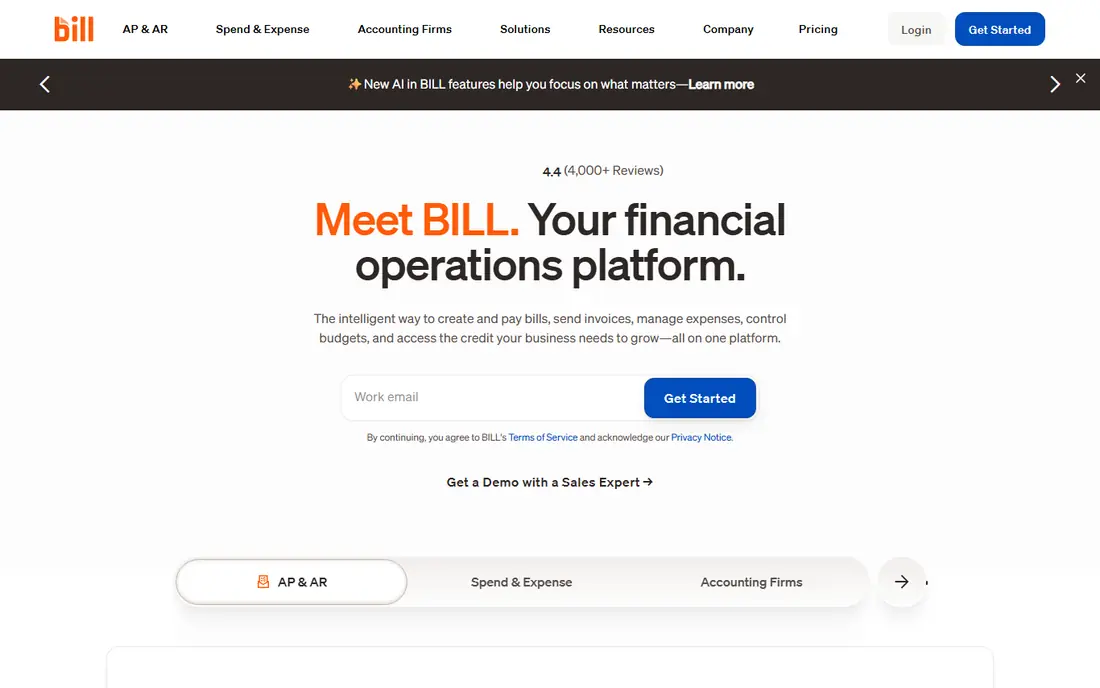
BILL, formerly Bill.com, is the established small and mid-size standard for AP automation in the United States. It captures invoices, routes approvals, schedules payments, and syncs with QuickBooks, Xero, and other accounting systems, while also covering accounts receivable in the same platform. Teams that want one vendor for payables and receivables will find that breadth useful.
The price is $49 per user per month in BILL's own comparison material, with higher tiers for larger needs. That per-user model means you should count approvers, not just finance staff, before budgeting. Also check payment methods and fees for your vendor mix, because domestic ACH, check, card, and international payments do not all cost the same.
- AI invoice capture and coding
- Approval workflows and vendor payments
- Syncs with QuickBooks, Xero, and Sage
- Per-user price adds up for large approver groups
- International payment fees and limits need checking
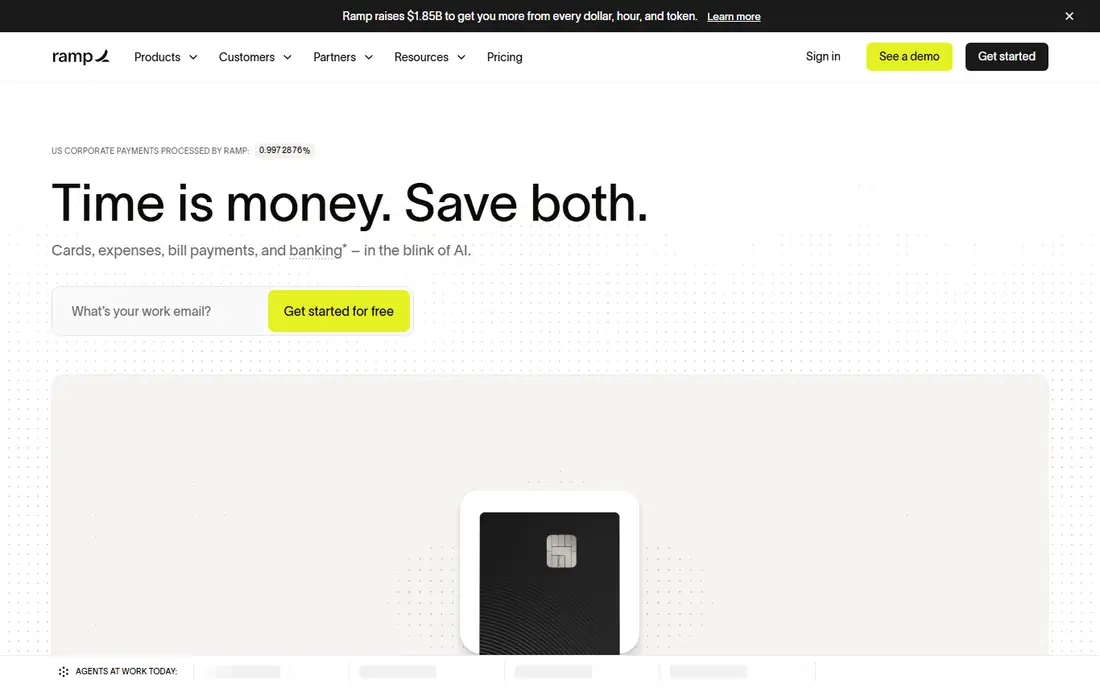
Ramp bundles free AP automation with corporate cards, expense management, and vendor controls, which makes it hard to beat on headline price. It captures bills, routes approvals, and gives real-time spend visibility, while cards and controls help teams enforce policy before money leaves the account. Startups and mid-market teams that already use cards will get the most from it.
The catch is fit. Ramp works best when a meaningful share of spend runs through Ramp cards and controls, because that is how the free tier is funded. Teams that mainly process invoices without card spend should compare BILL or Stampli on invoice workflow alone, and check which Ramp features sit on paid tiers before assuming everything is free.
- Free AP automation and bill pay on the base plan
- Corporate cards and spend controls in one system
- Strong QuickBooks and NetSuite links
- Card-funded model suits card spend best
- Some advanced features and higher tiers cost $15 or more per user per month
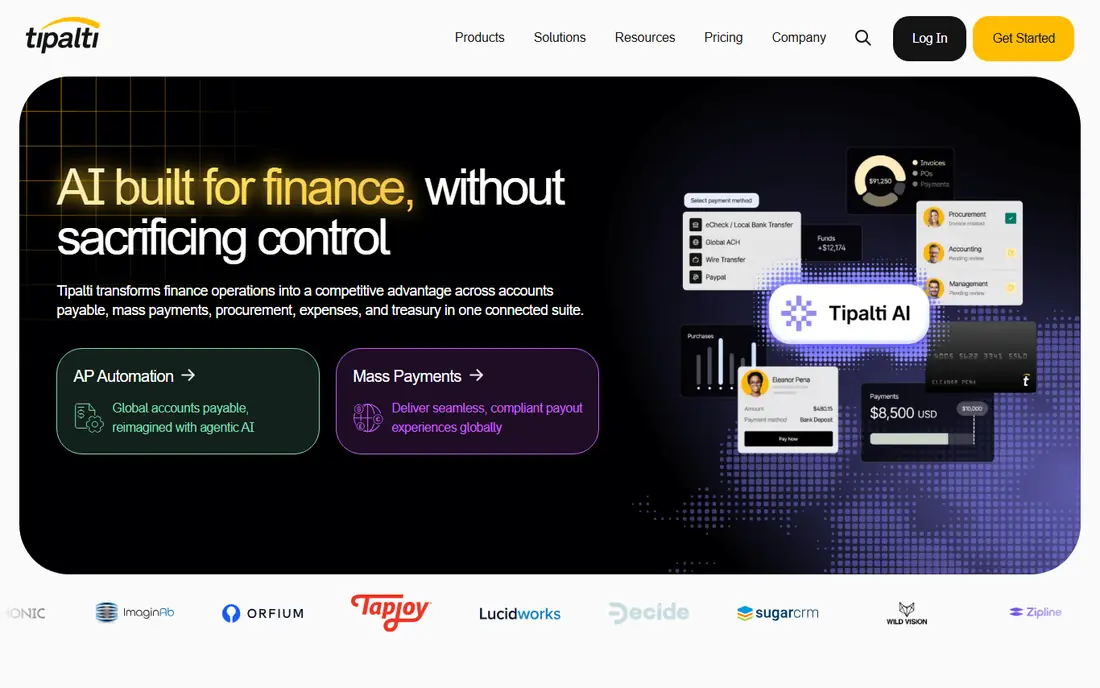
Tipalti is purpose-built for companies that pay many suppliers across countries and currencies. It handles supplier onboarding, tax form collection, payment method choice, and mass payments, with compliance workflows for W-9 collection, tax identification checks, and year-end reporting. That scope matters when international payables and tax work dominate your AP calendar.
The trade-off is complexity and cost. Pricing starts around $99 per month in vendor-linked comparisons, with higher tiers and payment fees on top, and setup needs careful supplier data work. Domestic-only small businesses will find BILL or Melio simpler and cheaper. Global teams, by contrast, often save more in tax and payment errors than Tipalti costs.
- Payments in many currencies and countries
- Supplier onboarding and tax forms
- Mass payment workflows
- Entry price plus payment fees
- Setup effort is higher than a simple domestic bill pay tool
Stampli centers AP work on communication, not just document flow. Approvers, finance staff, and vendors can discuss an invoice in context, while AI-assisted coding and routing reduce manual entry. It links to many ERP systems, including SAP and Oracle, which suits mid-market and enterprise teams that cannot change their core accounting system.
Pricing is quote based, so budget comparisons need a written proposal for your invoice volume and ERP setup. Stampli also works best when approvers actually use it for questions and approvals, rather than replying by email outside the system. If your team will not adopt that habit, a simpler approval tool may deliver the same result for less effort.
- Invoice collaboration and communication in one place
- AI-assisted coding
- Links to many ERP systems
- Quote-based pricing
- Collaboration value depends on team adoption
AvidXchange suits mid-market firms that want AP automation without replacing their accounting system. It captures invoices, routes approvals, and pays vendors through its payment network, while keeping the existing ERP as the system of record. That approach helps firms with established finance systems and complex vendor lists.
The drawback is pricing and setup transparency. Costs are quote based and depend on invoice volume, ERP, and payment mix, so a shortlist comparison needs identical scope assumptions. Also confirm which vendors accept electronic payments through the network, because paper check volume affects both cost and cycle time.
- AP automation built around existing accounting systems
- Large vendor payment network
- Approval and audit controls
- Quote-based pricing
- Implementation scope varies by ERP and vendor count
Melio is the simple option for a small business that needs to pay vendors without a full AP platform. It captures bills, schedules payments, and lets teams approve payments in a straightforward workflow, with a free core plan that covers basic bill pay. Businesses that use QuickBooks or Xero and pay a modest vendor list will find setup quick.
Melio is not built for complex multi-step approvals, large ERP workflows, or global mass payments. Payment method fees also matter: paying by card costs more than bank transfer in many cases, so check fees for your vendor mix. Use Melio when simplicity and low cost matter more than deep automation, and move to BILL or Stampli when approval complexity grows.
- Free core bill pay
- Simple vendor payments by bank transfer or card
- Approval workflows for small teams
- Less depth for complex ERP approvals
- Paid features and payment fees apply to some methods
Yooz focuses on high-volume invoice processing, with smart capture, automatic coding, approval routing, and payment preparation. It links to many accounting and ERP systems, and its fraud checks help catch duplicate invoices and suspect entries before payment. Teams that process hundreds or thousands of invoices a month will value that throughput.
Pricing needs care. Some comparisons cite per-document pricing around $1.99 per document, while vendor proposals may use other models, so model your real monthly document count before comparing Yooz with per-user tools. Also test capture accuracy on your actual invoice formats, because capture quality decides how much manual correction remains.
- Smart invoice capture and workflow automation
- Many integrations
- Fraud checks for duplicate or suspect invoices
- Per-document pricing in some models, so high volume needs careful modeling
- Pricing is not a single public rate
Airbase combines AP automation with corporate cards, expense management, and approval workflows, which suits teams that want one spend platform rather than separate AP and card tools. It captures bills, routes approvals, enforces spend policy, and syncs to NetSuite, Sage, QuickBooks, and other systems. Mid-size companies with growing headcount often choose it for that unified control.
The trade-off is pricing structure. Airbase prices by employee tier and quote, so a small team should confirm the total for its actual headcount and invoice volume. If you only need invoice approvals without cards and expenses, BILL or Stampli may be simpler. If spend control across cards, bills, and reimbursements is the goal, Airbase is a strong shortlist pick.
- AP, corporate cards, expenses, and approvals in one system
- Strong NetSuite, Sage, and QuickBooks links
- Spend controls by team
- Pricing is tiered by employee count and quote based
- Smaller teams may find it more platform than they need
Nanonets suits teams whose main AP problem is extracting accurate data from varied invoice formats at scale. Its trainable models learn from your documents, pull fields such as vendor, date, totals, and line items, and feed that data into approval and accounting workflows. Large AP operations with messy supplier formats benefit most.
Nanonets is not a complete AP suite by itself. You will still need approval, payment, and ERP workflows around it, either in your accounting system or in a dedicated AP tool. Price it by document volume and model use, and test extraction accuracy on your worst invoice formats, not just clean PDFs, before committing.
- Trainable AI extraction for invoices and documents
- Workflow automation for AP data
- Links to accounting and ERP systems
- Extraction is a component, not a full AP suite on its own
- Pricing depends on document volume and model use
How we picked these
We compared official feature and pricing pages, vendor comparison material, and AP automation guides for invoice capture, approval design, payment scope, and ERP links. We favored products that are actively sold in 2026, that automate a clear part of the AP process, and that state their accounting integrations plainly. Where a vendor did not publish a price, we wrote See website rather than repeating a third-party figure as fact.
What to check before you buy AP automation software
Start with your invoice journey, from receipt to payment to reconciliation. Count monthly invoices, vendors, approvers, entities, and payment methods, and list every exception that currently causes delays, such as missing purchase orders, split approvals, or tax form gaps. A tool that handles your clean invoices well but fails on exceptions will not shorten your close.
Test capture and approvals with real invoices
Run a trial with your actual invoice formats, including scanned, emailed, and portal invoices. Check capture accuracy, coding suggestions, three-way matching where relevant, and approval routing for multi-step and threshold cases. Also confirm duplicate detection, audit trails, and payment controls, because AP fraud risk grows when approvals move faster without controls.
Compare total cost by volume, not headline price
Per-user tools cost more as approver counts grow, per-document tools cost more as invoice volume grows, and card-funded tools depend on card spend. Build one model with your invoice count, user count, and payment mix, and ask each vendor for a written total on that model. Include implementation, integration, payment fees, and support in the total.
Frequently asked questions
What is accounts payable automation software?
It replaces manual invoice handling with automated capture, coding, approval routing, and payment. Good AP automation reduces errors, shortens payment cycles, improves cash flow visibility, and creates an audit trail for each invoice. Many tools now bundle spend management, cards, and vendor portals as well.
Which AP tool is best for small businesses?
BILL is a strong default for small and mid-size businesses that want AP and AR with accounting sync, while Melio suits very small teams that need simple bill pay. Ramp suits card-first small teams that want free AP plus spend controls. Choose by invoice volume, approver count, and whether you need international payments.
Which AP tool is best for international payments?
Tipalti is the clearest pick for global supplier payments, with multi-currency payments, supplier onboarding, and tax compliance workflows. BILL also supports international payments for many countries, but Tipalti is built for mass global payables. Confirm supported countries, currencies, and payment fees for your vendor list.
How much does AP automation software cost?
Prices vary widely. Ramp and Melio offer free core tiers, BILL lists $49 per user per month, and Tipalti lists from around $99 per month, while Stampli, AvidXchange, and Airbase use quotes. Model your invoice volume, user count, and payment methods, because those factors change the total more than the headline rate.
Do I need to change my accounting system to automate AP?
No, in most cases. BILL, Stampli, AvidXchange, Yooz, Airbase, and Nanonets link to common accounting and ERP systems, so your ledger can stay in place. Check your exact ERP version and integration depth during a trial, and confirm how approvals, coding, and payment status sync back to the ledger.
Sources
See where you really rank - block by block
ProMapRanker scans Google Maps across a grid of your service area. Simple monthly plans from $19, white-label on every plan.
Start freeKeep reading
 zoro.to alternatives
Best Zoro.to Alternatives in 2026
We compare the best zoro.to alternatives in 2026, listing only legal licensed anime streaming services, from Crunchyroll to free options for fans today.
Read → zip alternatives
Best Zip Alternatives in 2026
We compare the best zip alternatives for buy now, pay later in 2026, covering pay-in-4 plans, fees, spending limits, and credit reporting options today.
Read → yesware alternatives
Best Yesware Alternatives in 2026
Compare the best yesware alternatives for sales email tracking, templates, and sequences, with current pricing and honest tradeoffs for small sales teams.
Read →